
A recipe printer for the ones worth keeping
Recipes live on screens and get cooked in kitchens. RecipePrinter turns them into clean pages and recipe cards you can print, save, and keep.
Print recipes how you want
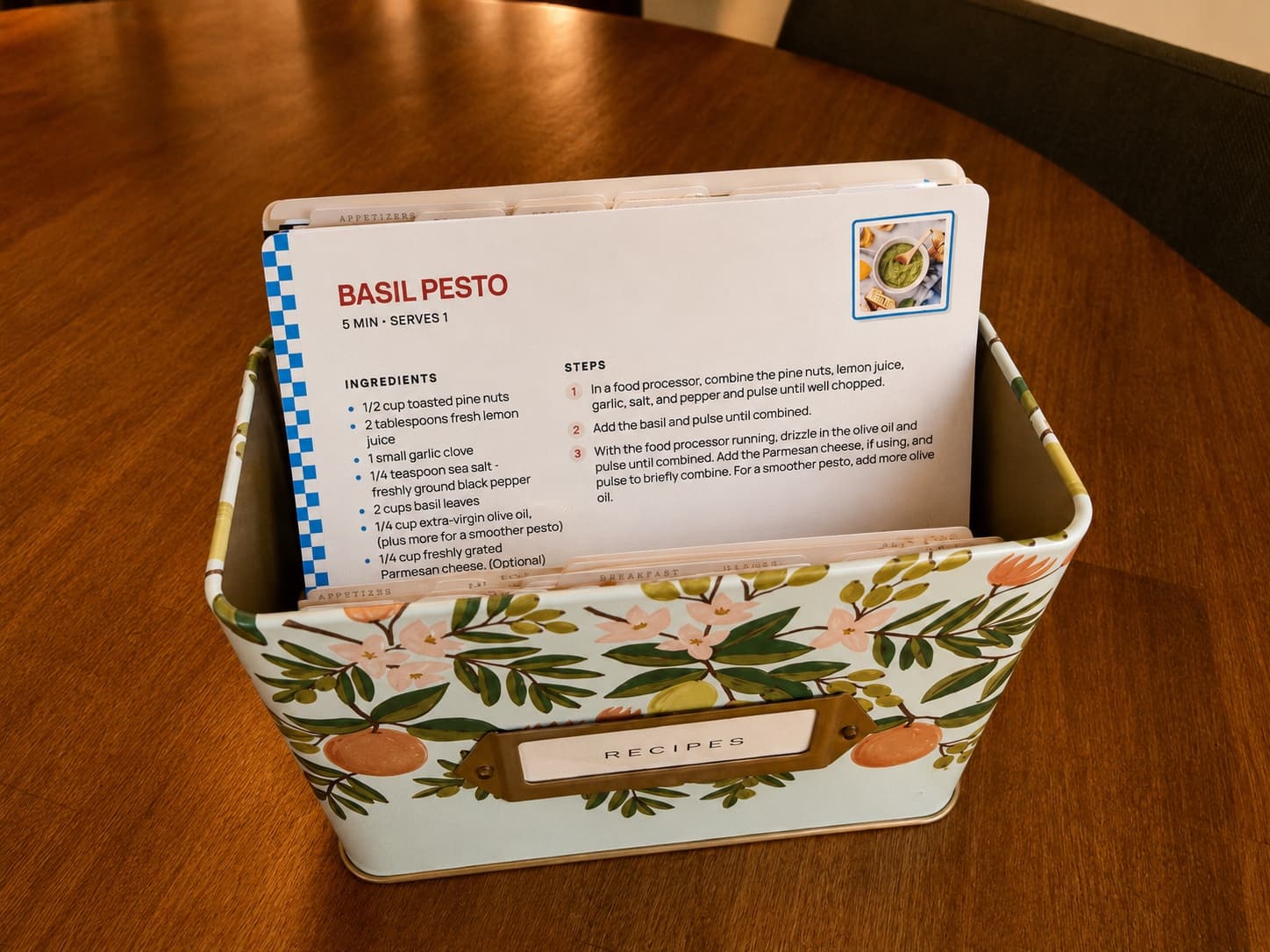
4 by 6 recipe cards or letter pages
A letter page prints for free straight into a binder. A 4 by 6 recipe card that drops into a recipe box is a RecipePrinter Pro feature — cut lines give you a trim guide on card stock, and a recipe too long for one side prints on the back too.
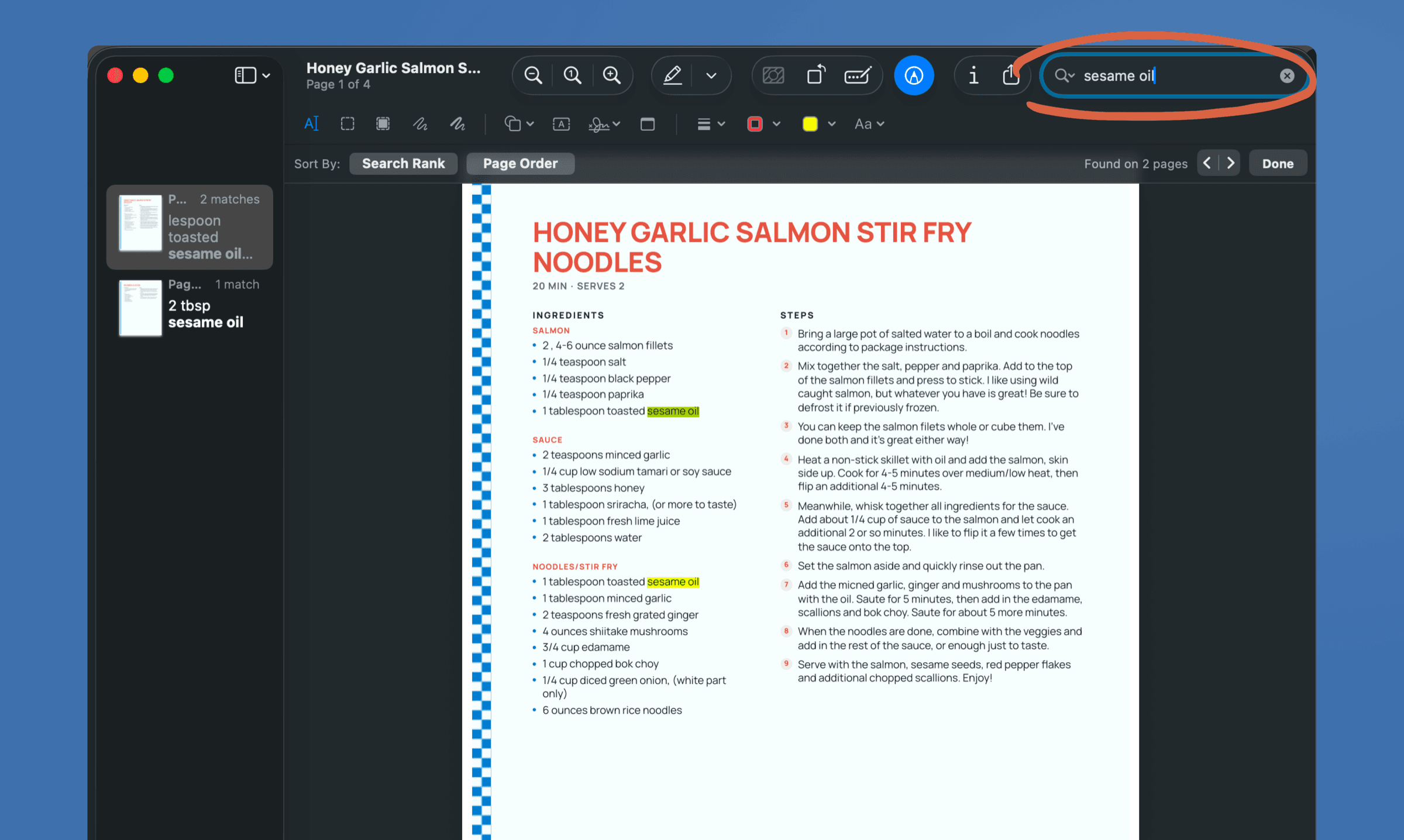
Print multiple recipes at once
Add as many recipes as you like to the print queue and send them all in one job, for a recipe binder, a week of dinners, or a family cookbook — a RecipePrinter Pro feature. One recipe at a time prints or saves as a PDF free, no account needed.
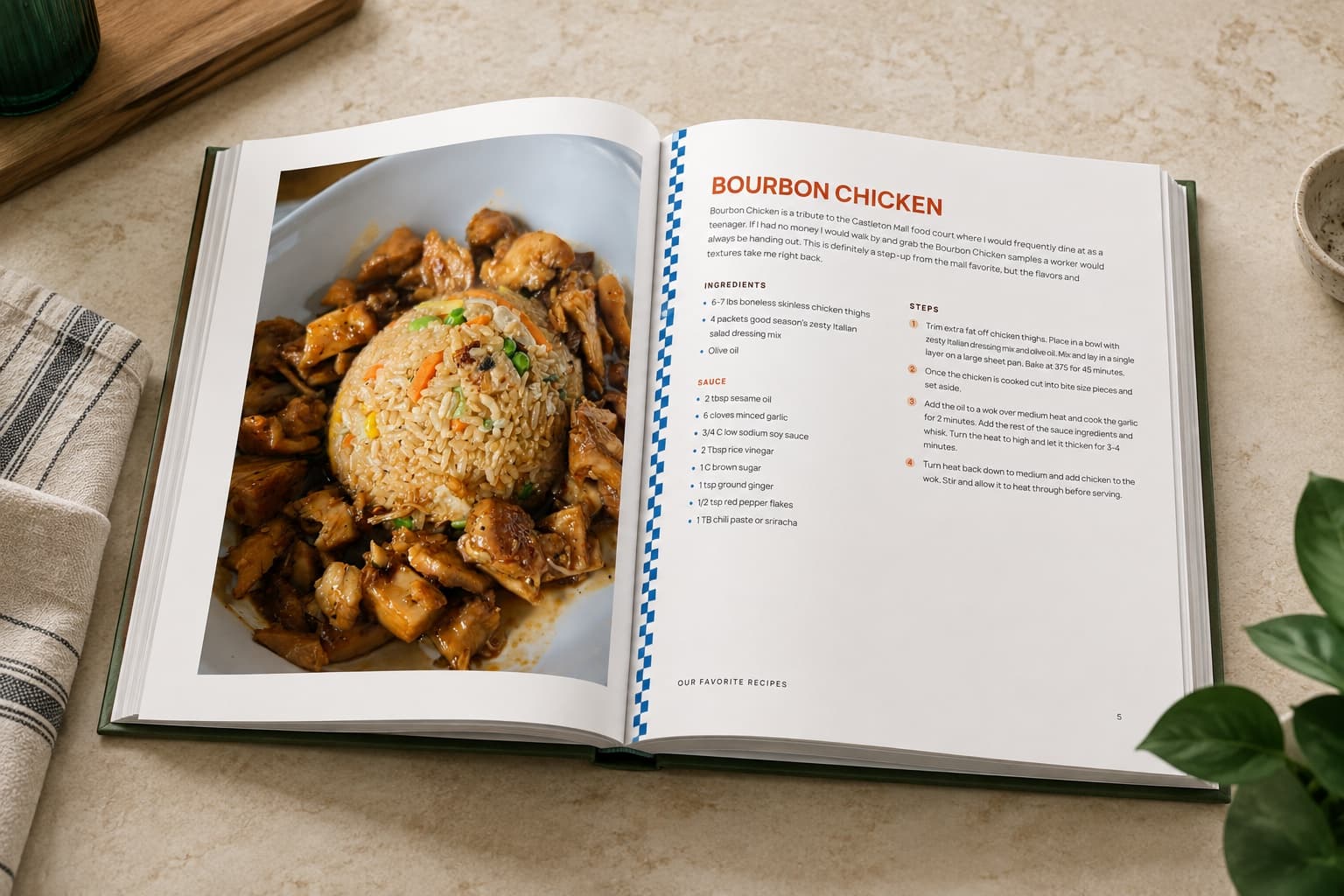
Cookbook builder
RecipePrinter sorts the recipes into chapters, generates the cover, and builds the table of contents. Rearrange anything, then print it at home or send the file to Lulu or Blurb for a hardcover or spiral bound cookbook. $19.99 a cookbook.
Import from anywhere
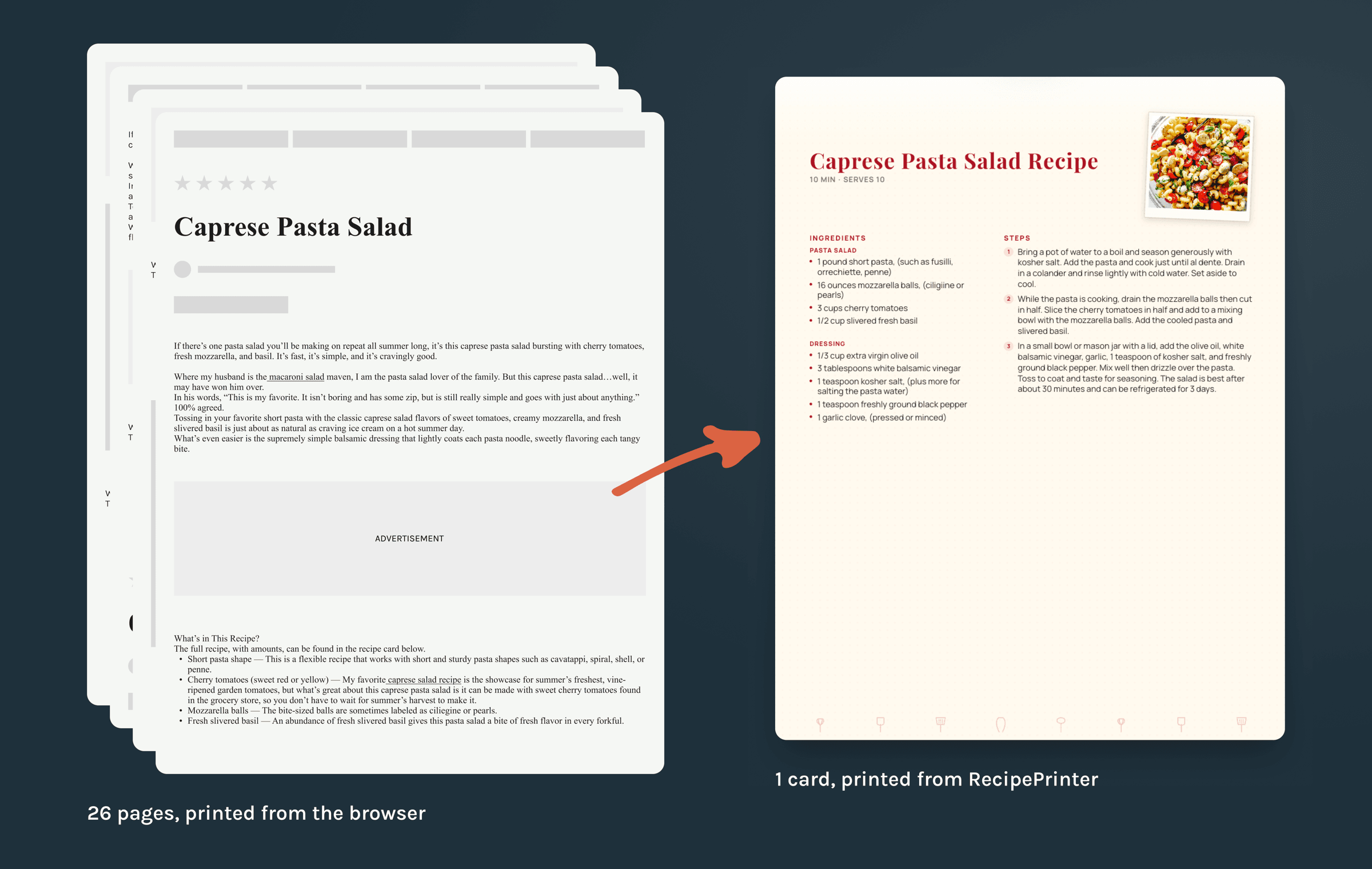
Ad-free imports
The title, ingredients, instructions, prep time, cook time, and servings come across when the page has them. Ads, pop-ups, comments, autoplay video, and the story before the recipe do not.
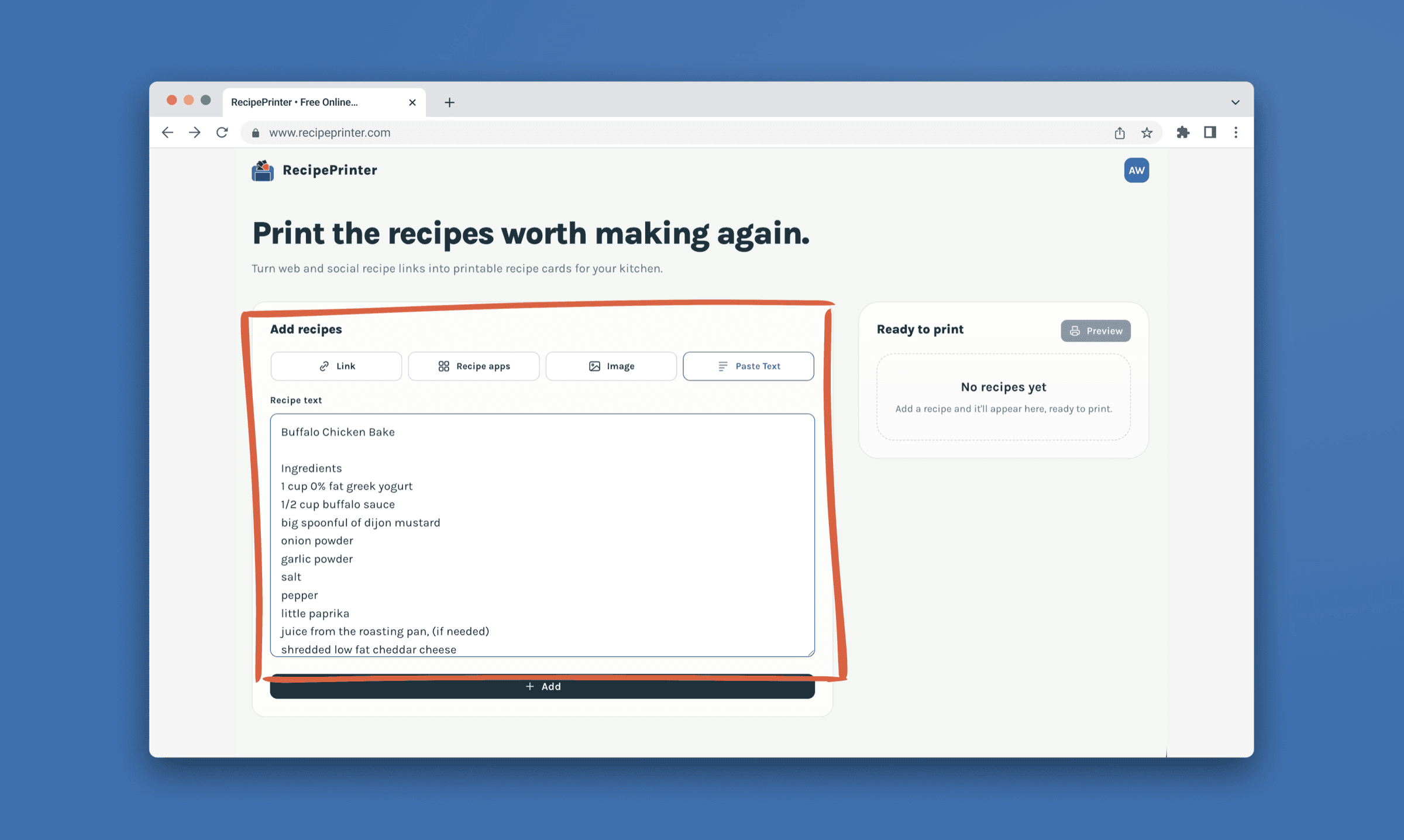
Links, photos, screenshots, and text
Whichever one you have, it comes out the same way: a printable recipe you can hold. A Pinterest pin, an Instagram or TikTok link, a photo of an old recipe card, a paragraph pasted out of a message.
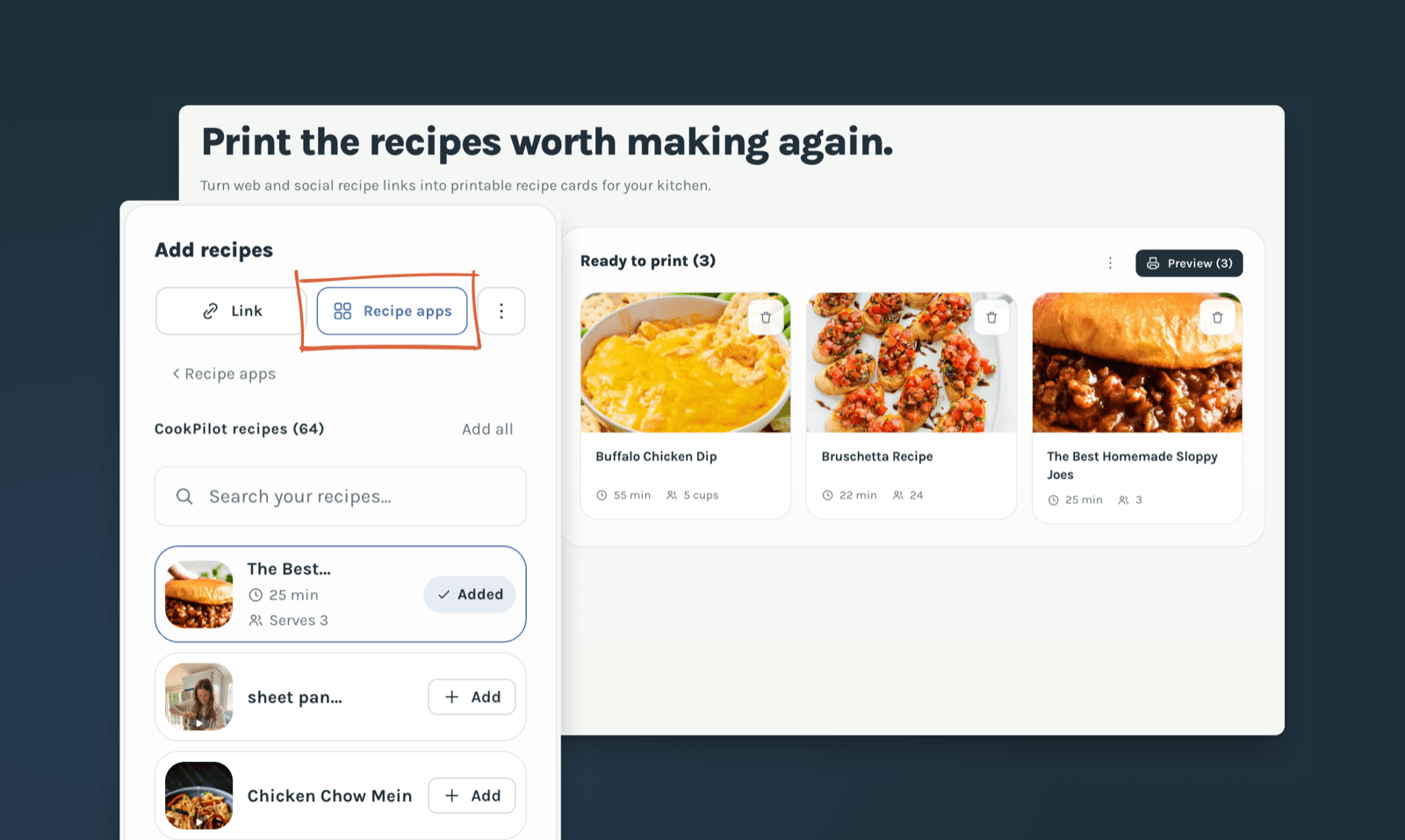
Paprika and CookPilot import
Sign in to CookPilot, or open a Paprika export file, and add what you want to the print queue. A Paprika file is read in your browser, so nothing is uploaded.
Make it yours
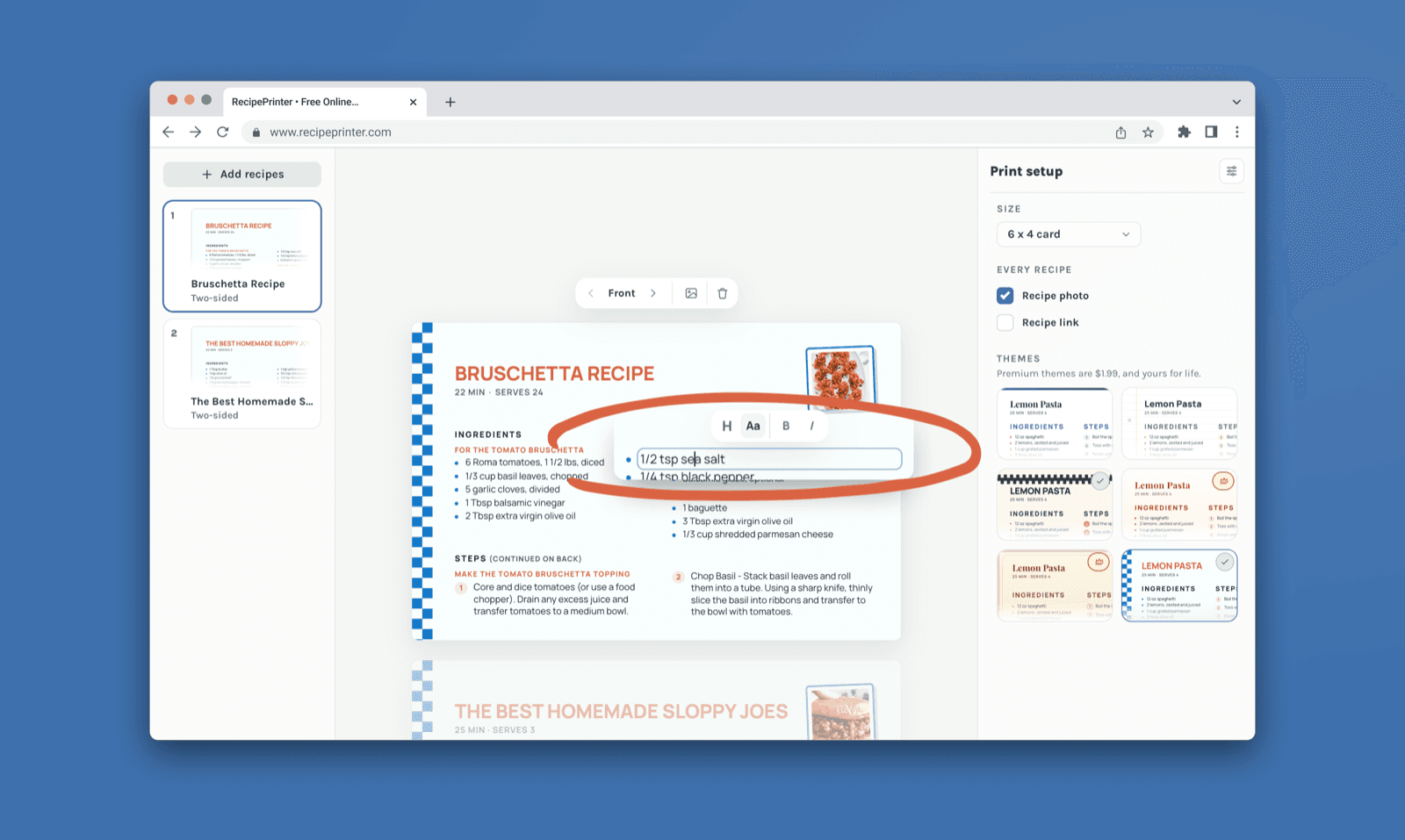
Inline editing
The title, ingredients, and steps are editable right on the card. Correct an amount, drop a step you don't need, or reword a line to say what you actually do.
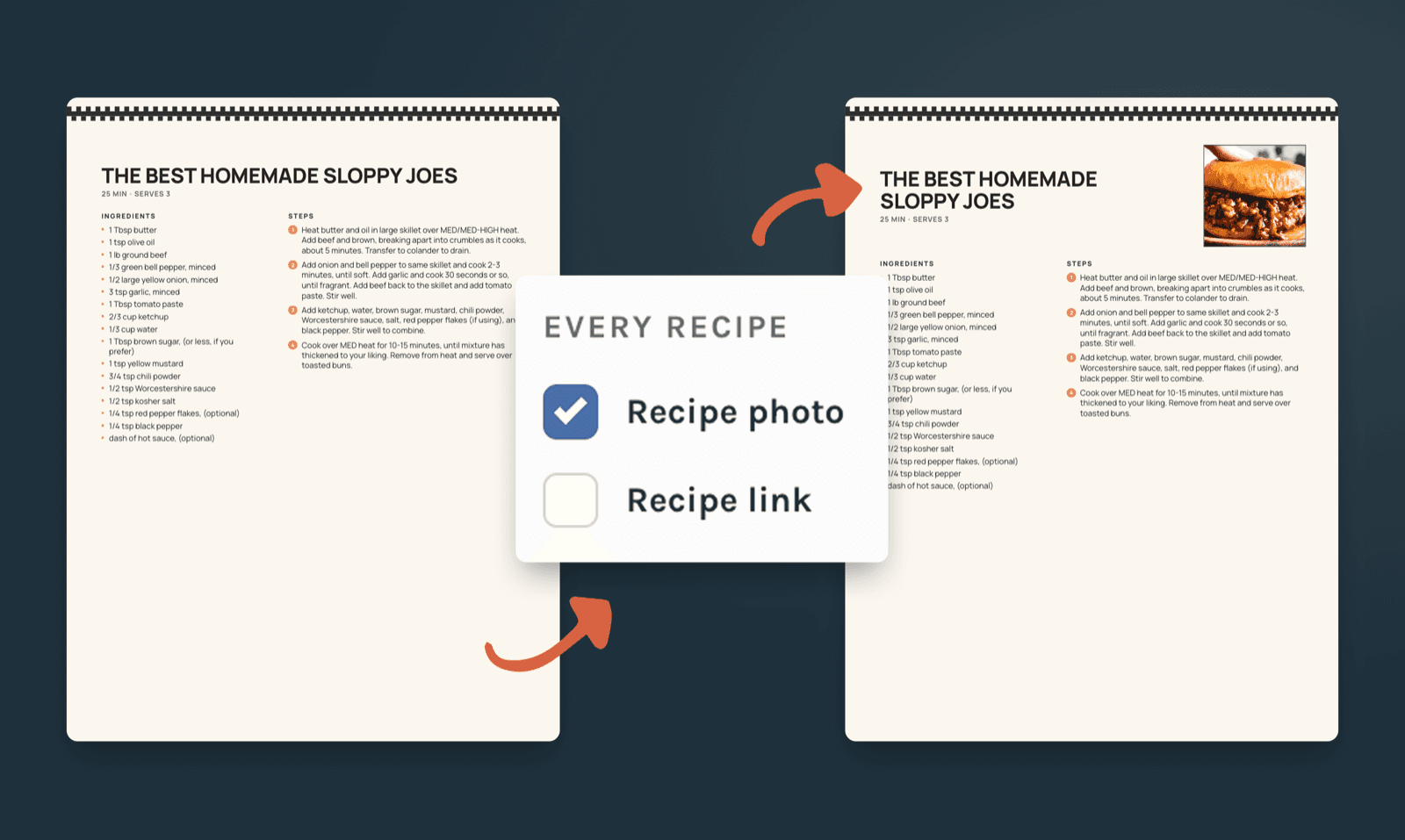
Photos on the card
One switch decides whether the recipe cards print with their photos, so a recipe that's mostly method doesn't give half its card to a picture. The recipe link goes on or off the same way.
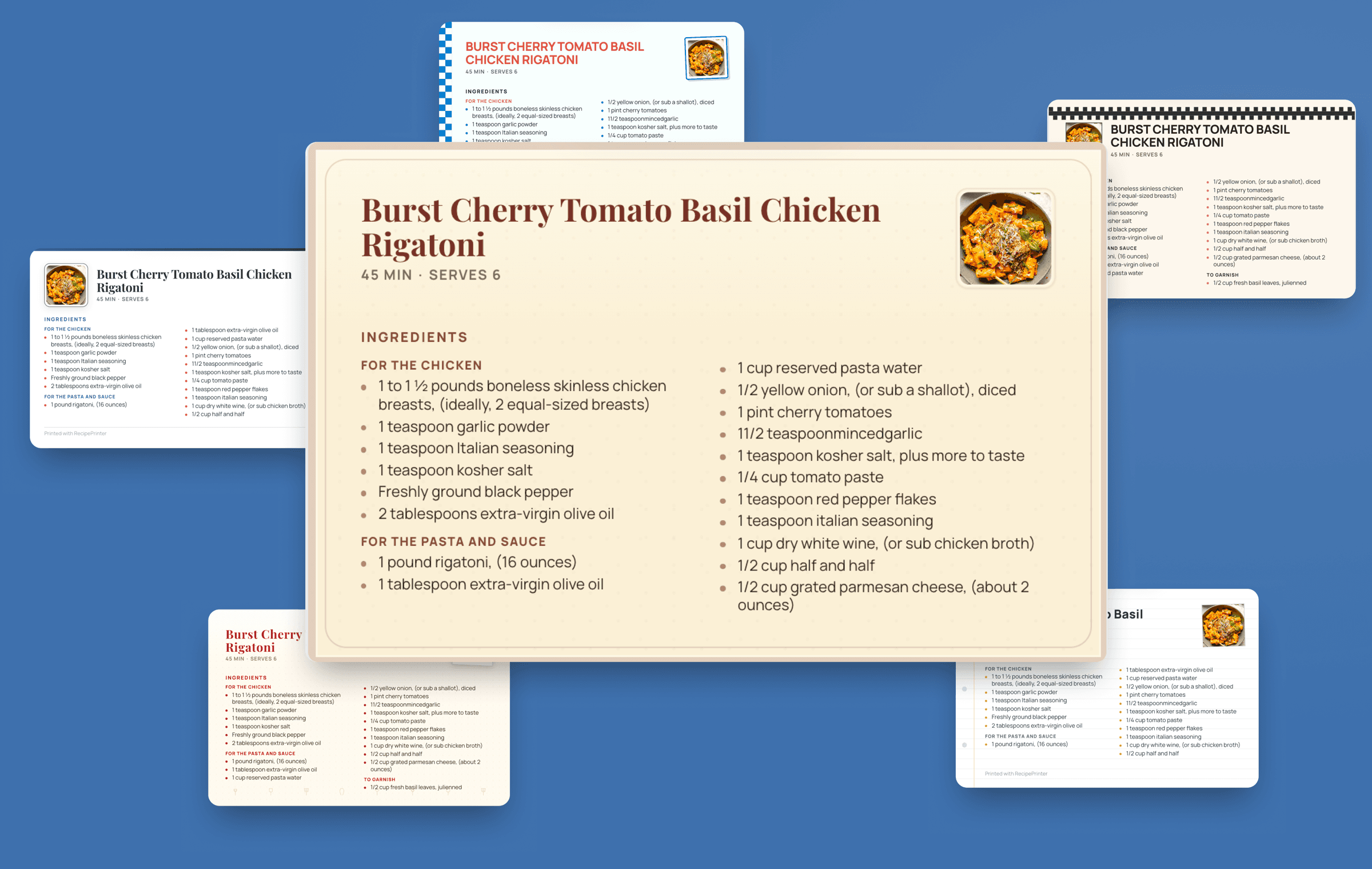
Premium print themes
A theme changes a card's type, its border, and how the photo sits, without touching the recipe. Switch themes and the whole batch follows, so a stack printed in one go looks like a set. Two are free; every other theme comes with RecipePrinter Pro.
Comparing tools? See RecipePrinter next to Just the Recipe or ReciScan.