
Convert a recipe to PDF
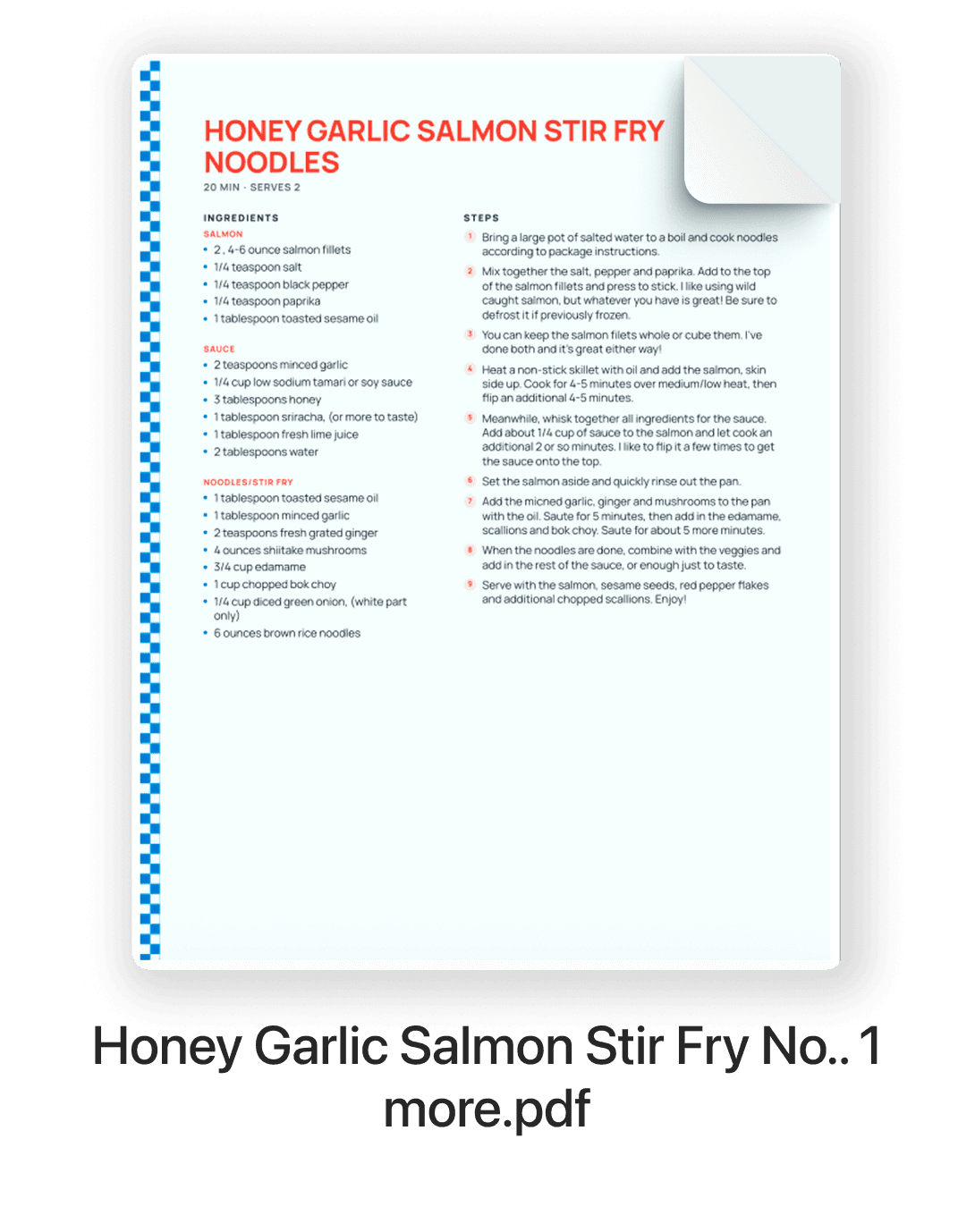
Turn a recipe from a website, photo, screenshot, or pasted text into a clean PDF you can save, share, or print.
How it works
- 1
Add the recipe
Paste a recipe link, upload a photo or screenshot, or paste the text. RecipePrinter pulls out the ingredients and steps.
- 2
Choose the page format
Use a full letter page for a traditional recipe PDF, or preview the 4 by 6 card format with RecipePrinter Pro.
- 3
Save as PDF
Open your browser's print dialog and choose Save as PDF instead of a printer. No plugin or download is needed.
- 4
Keep, share, or print it
Save the PDF on your phone or computer, send it to someone, or print it whenever you need it.
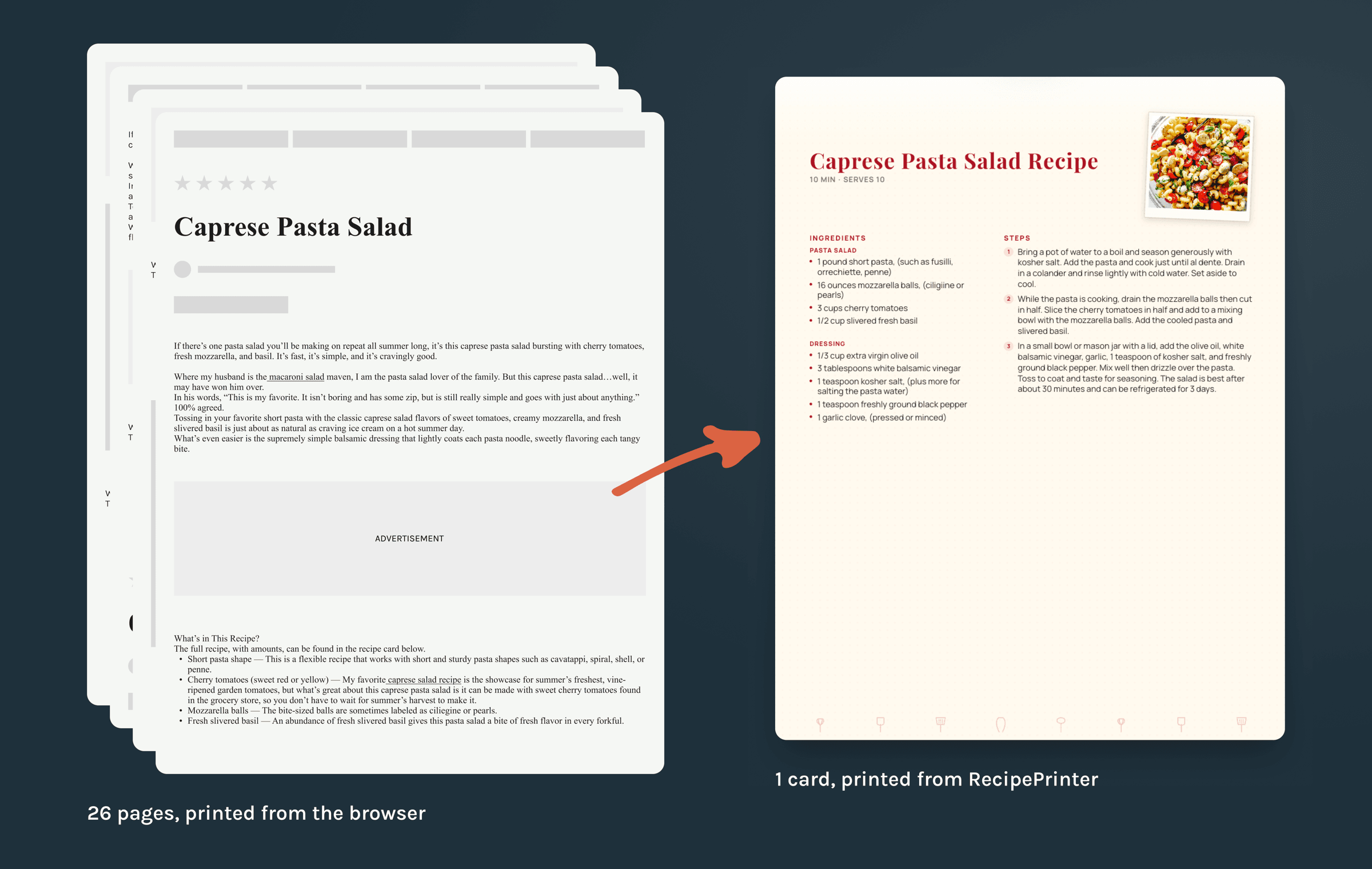
Save the recipe, not the whole webpage
Saving a recipe directly from a website can turn the entire article, ads and all, into a long PDF. RecipePrinter pulls out the recipe first, so the PDF contains the ingredients and instructions you actually wanted to keep.
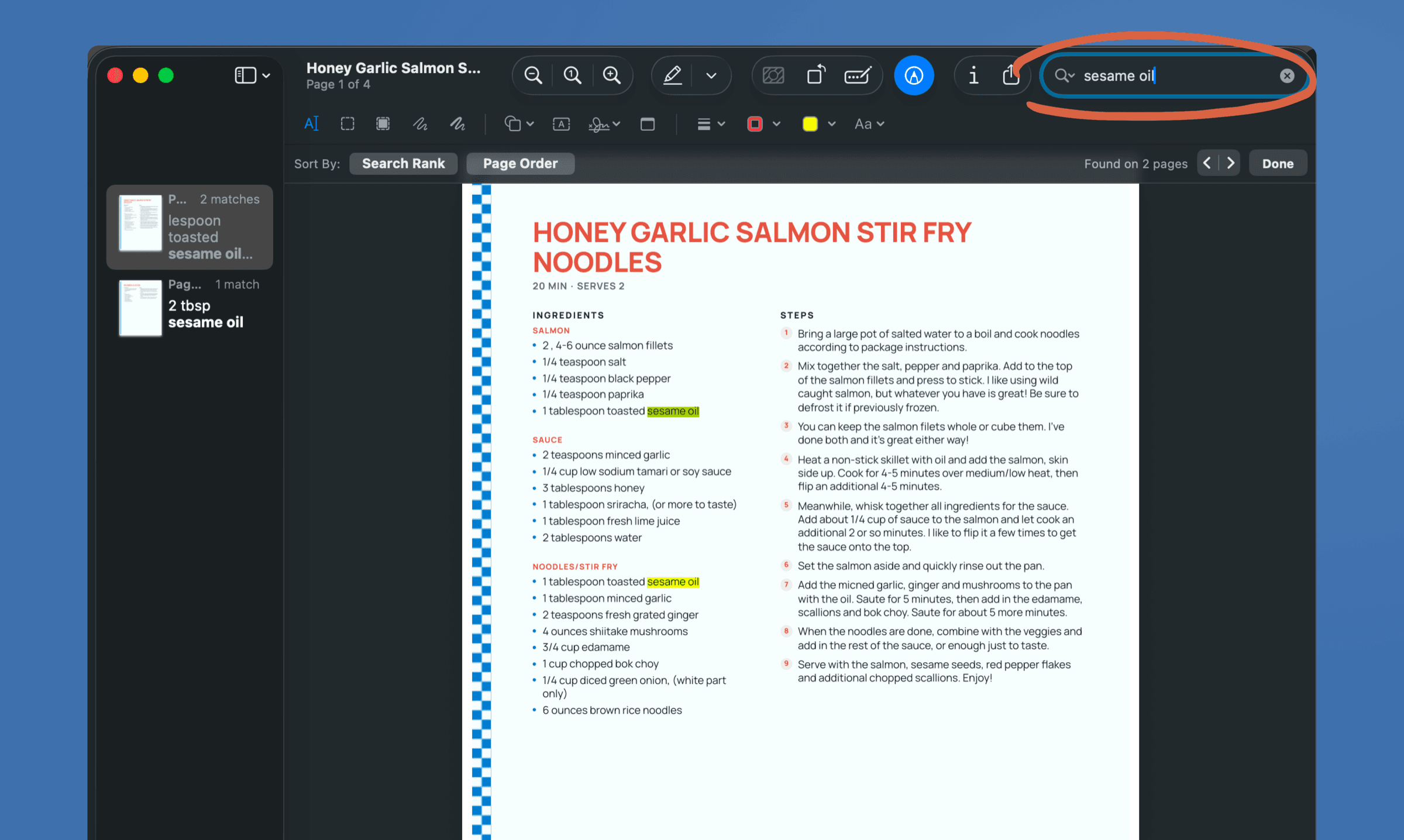
A recipe you can search
A screenshot is just a picture. A RecipePrinter PDF contains real text, so you can search for an ingredient, copy an amount, zoom in without losing clarity, and print it cleanly later.
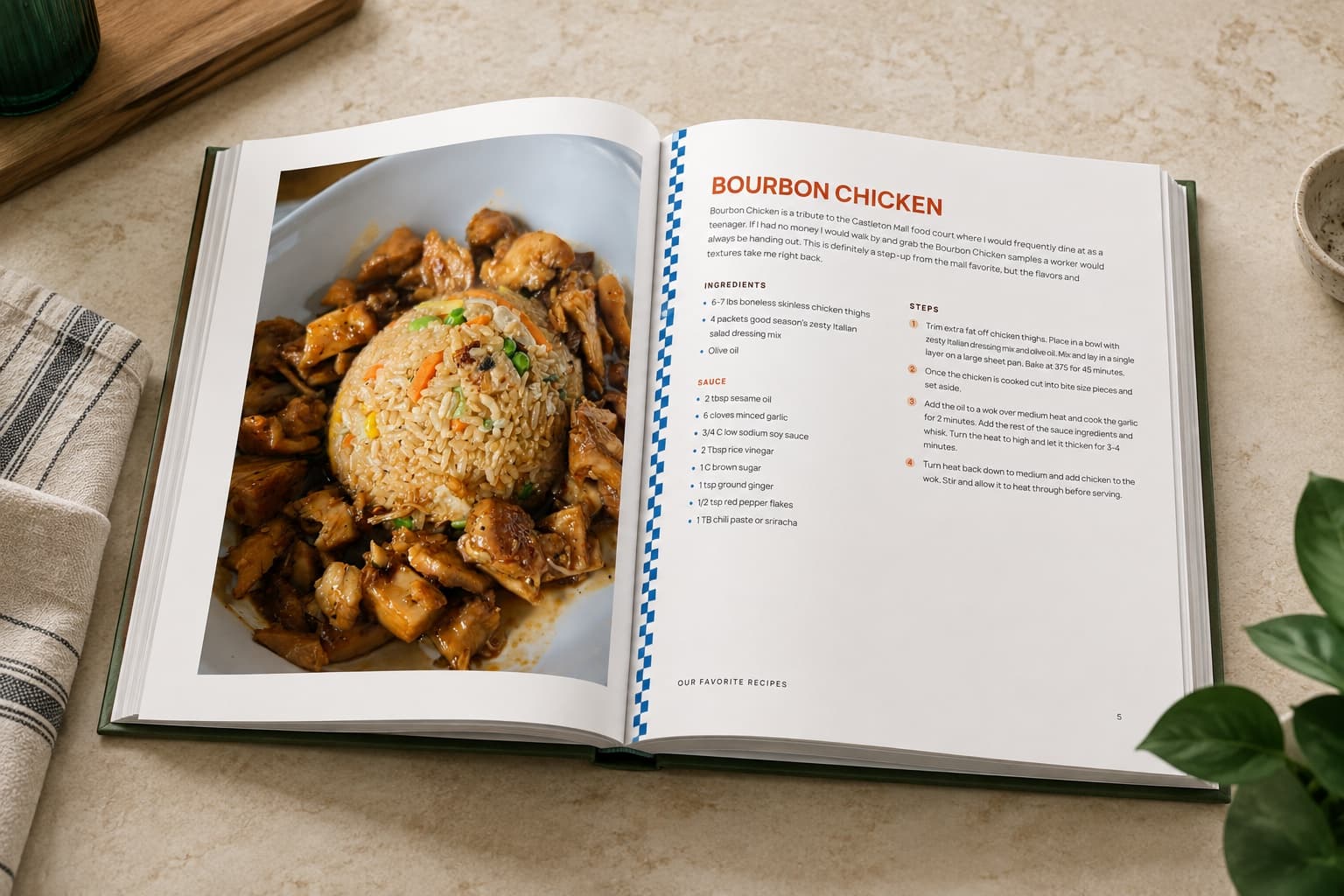
When one recipe becomes a collection
If you want to combine many recipes into something more permanent, RecipePrinter can also build them into a cookbook with chapters, a cover, and a table of contents. Cookbook exports are purchased separately. Family recipe book ideas walks through what goes in one and how people put them together.
Recipe PDF questions
- Where is the PDF download button?
- RecipePrinter uses your browser's built-in print dialog. Choose Save as PDF instead of a printer, then save the file wherever you normally keep downloads.
- Can I save several recipes in one PDF?
- Yes, with RecipePrinter Pro. Add multiple recipes to the print queue and save them together as one PDF. A single full-page recipe can be saved as a PDF for free.
- Can I make a PDF from a photo or screenshot?
- Yes. Upload a screenshot, cookbook page, handwritten recipe, or photo of an old recipe card. RecipePrinter reads the recipe from the image and turns it into editable text before you save it as a PDF.
- Can I use the recipe PDF offline?
- Yes. Once you save the PDF, it lives on your device like any other file and can be opened without an internet connection.