
Print a recipe from a website
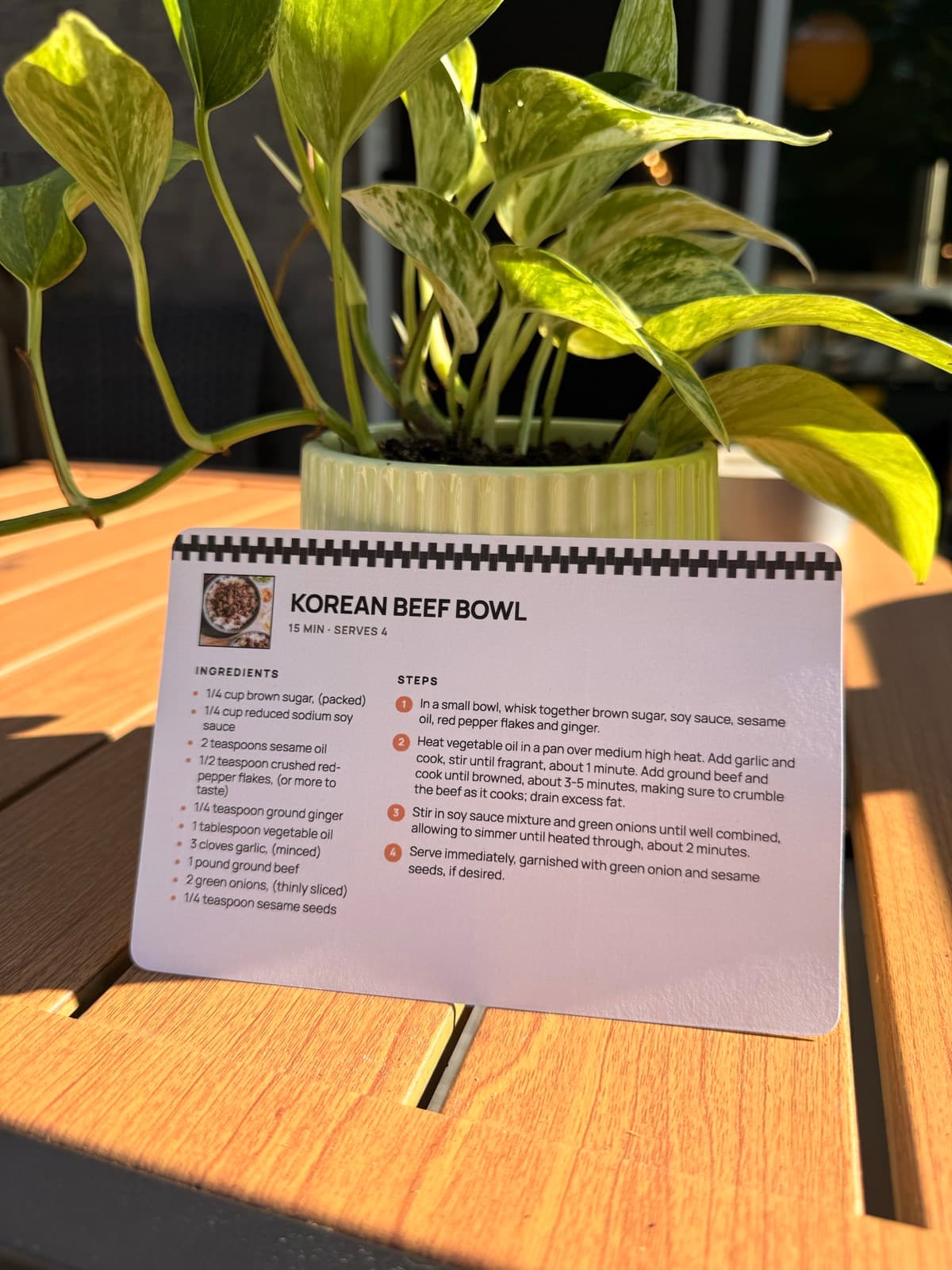
Paste a link from a food blog or recipe site. RecipePrinter pulls out the recipe and sets it as a clean printable card, full page, or PDF.
How it works
- 1
Copy the recipe link
On the food blog or recipe site, copy the page link from your browser's address bar or the app's share button.
- 2
Paste it in
Paste the link into the box above. RecipePrinter reads the page and rebuilds the recipe as a clean, printable layout.
- 3
Set the format
Choose a recipe card or a full page, keep or drop the photo, and make any edits you want before you print.
- 4
Print or save as PDF
Send it to your printer, or choose Save as PDF in the print dialog to keep a copy on your phone or computer.
It keeps the recipe and drops everything else
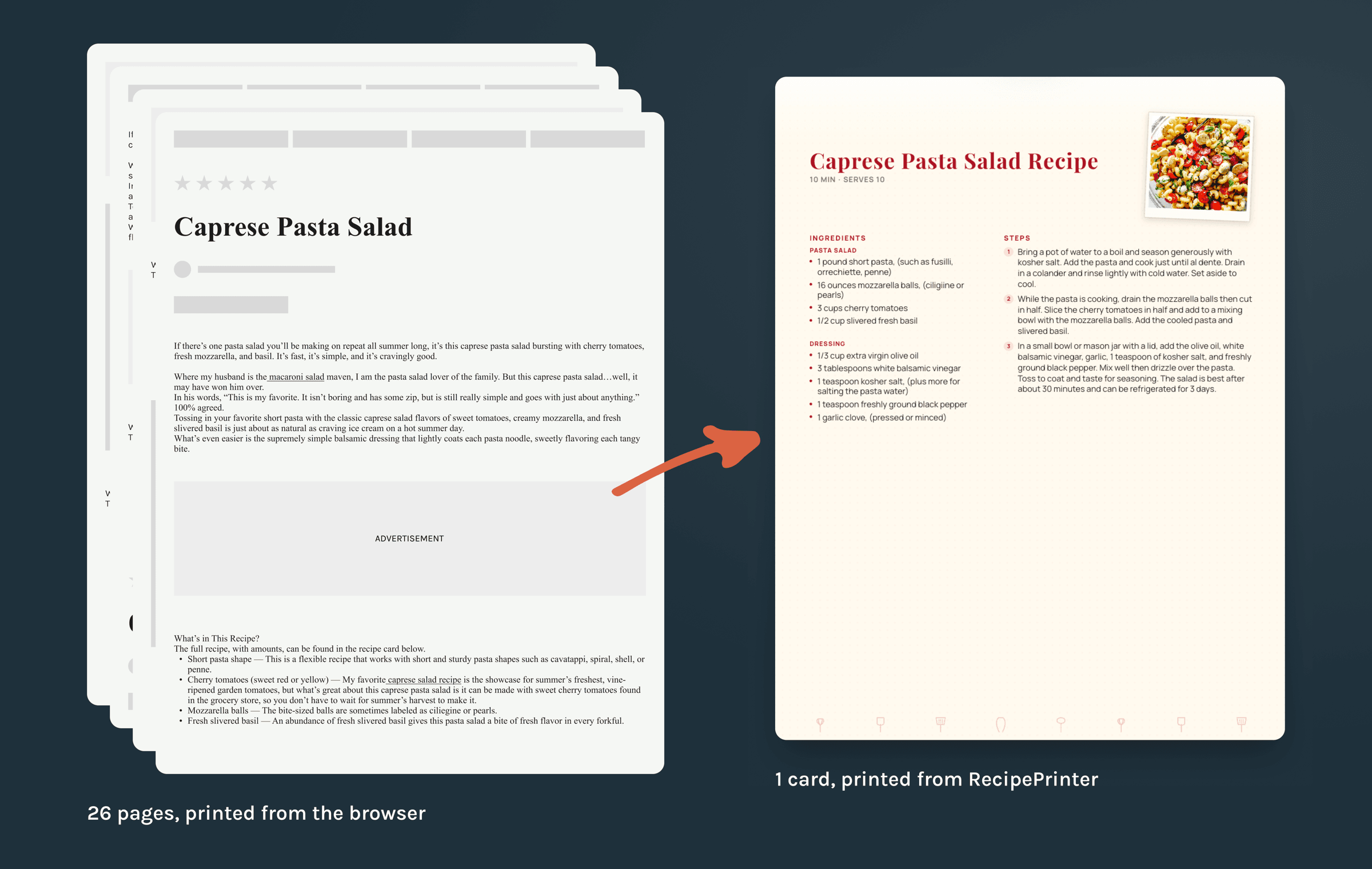
Printed straight from the browser, that caprese pasta salad runs to 26 sheets. RecipePrinter reads the same page and keeps only what you cook from: the ingredient list with amounts, the numbered steps, the prep and cook times, and the servings. The blogger's backstory, the autoplay video, the comments, and the ads stay behind. You can print the original link on the card too, so the page is easy to find again.
Print it the way your kitchen actually works
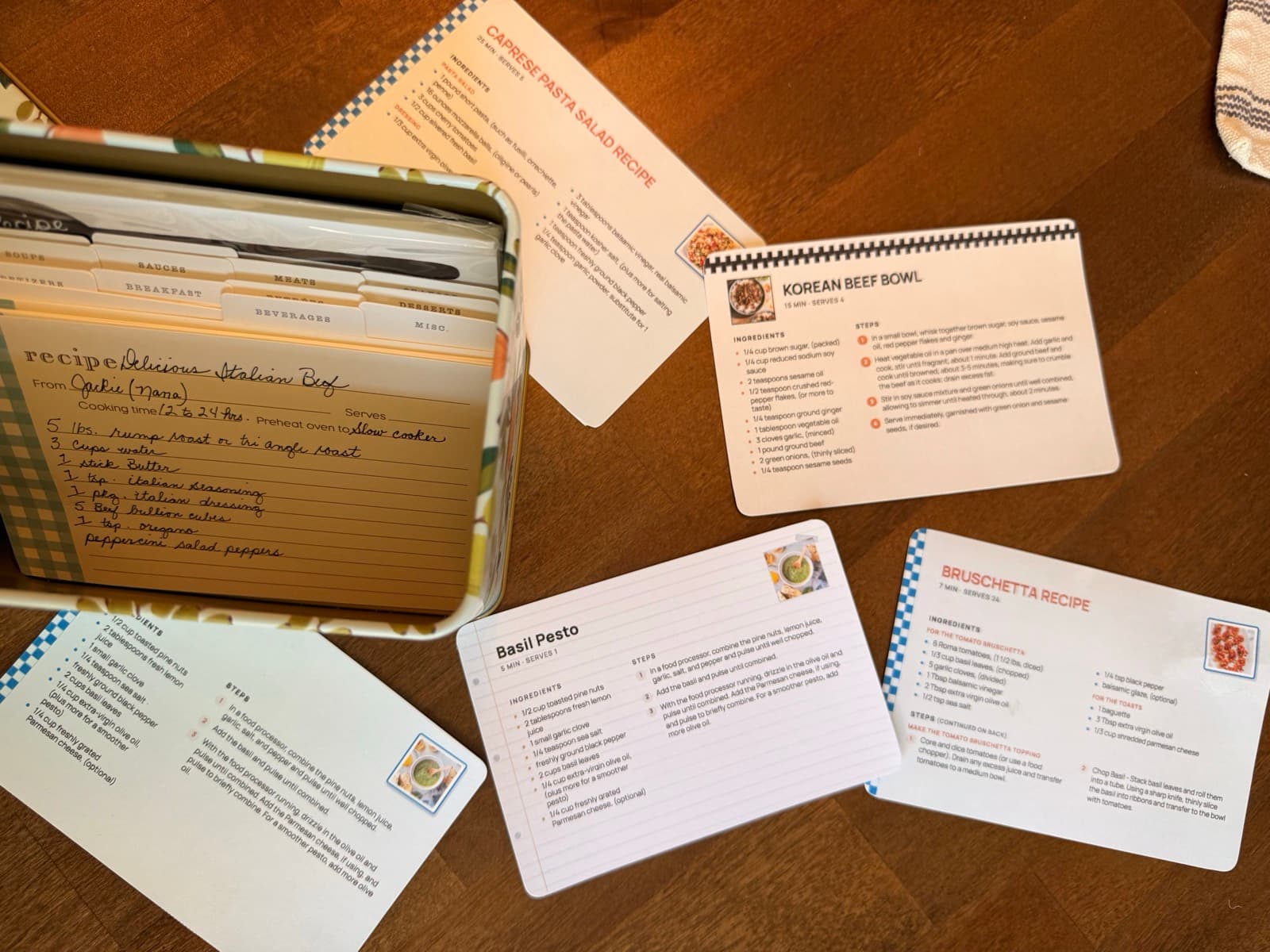
Pick the format that fits how you cook. A 4 by 6 card drops straight into a recipe box or an index-card binder. A full letter page suits long bakes and doubled batches, with room in the margin for your own notes. Keep the finished-dish photo or leave it off to save ink, and the type stays large enough to read from across the counter.
For the pages that fight back
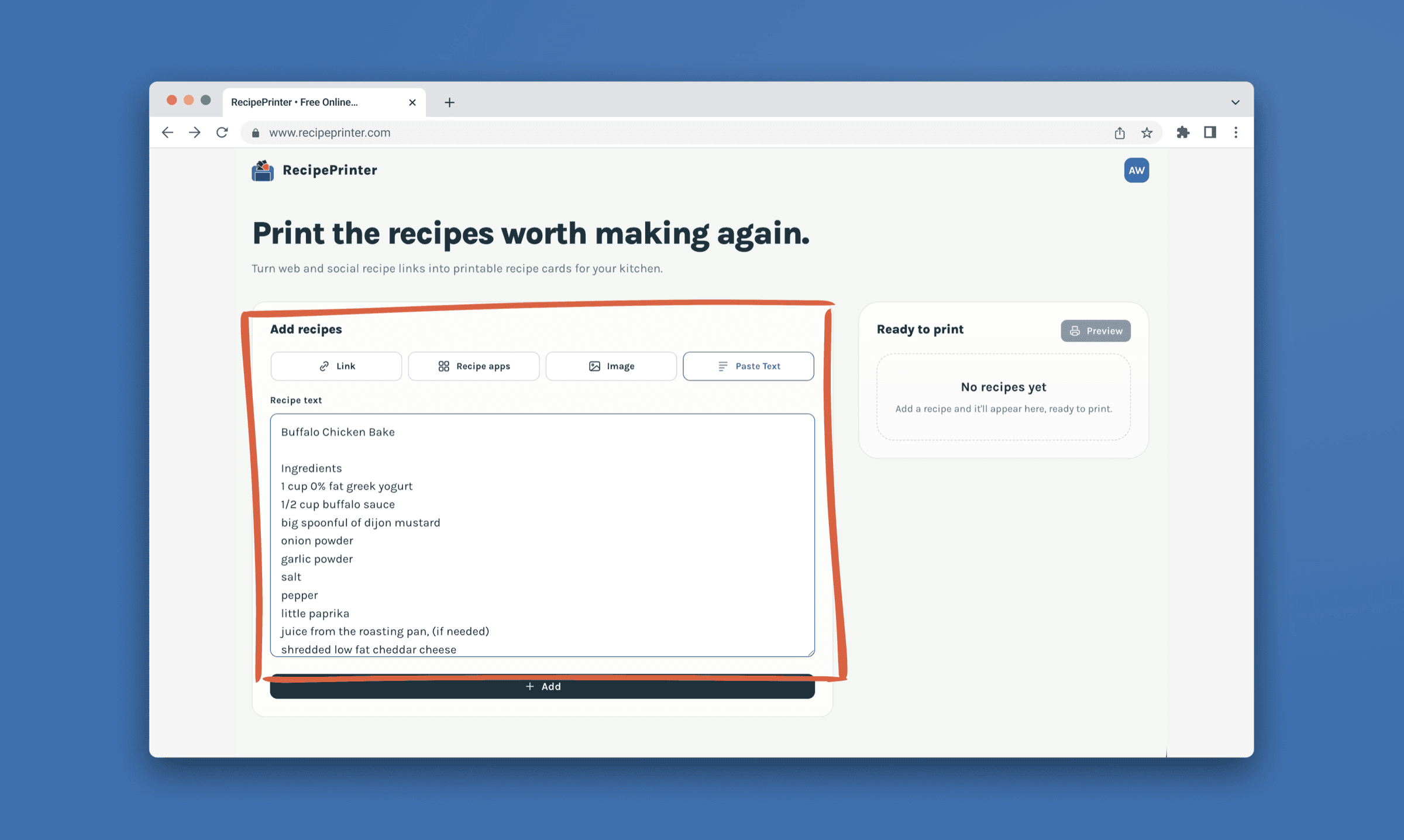
Some recipes hide behind a login, sit on a site that blocks importers, or live only in a video's description. When a link won't import cleanly, paste the recipe text or upload a screenshot, and RecipePrinter structures it into the same clean printout. It works from a phone too, so you can grab a recipe on the couch and print it from the kitchen later.
When the stack becomes a book
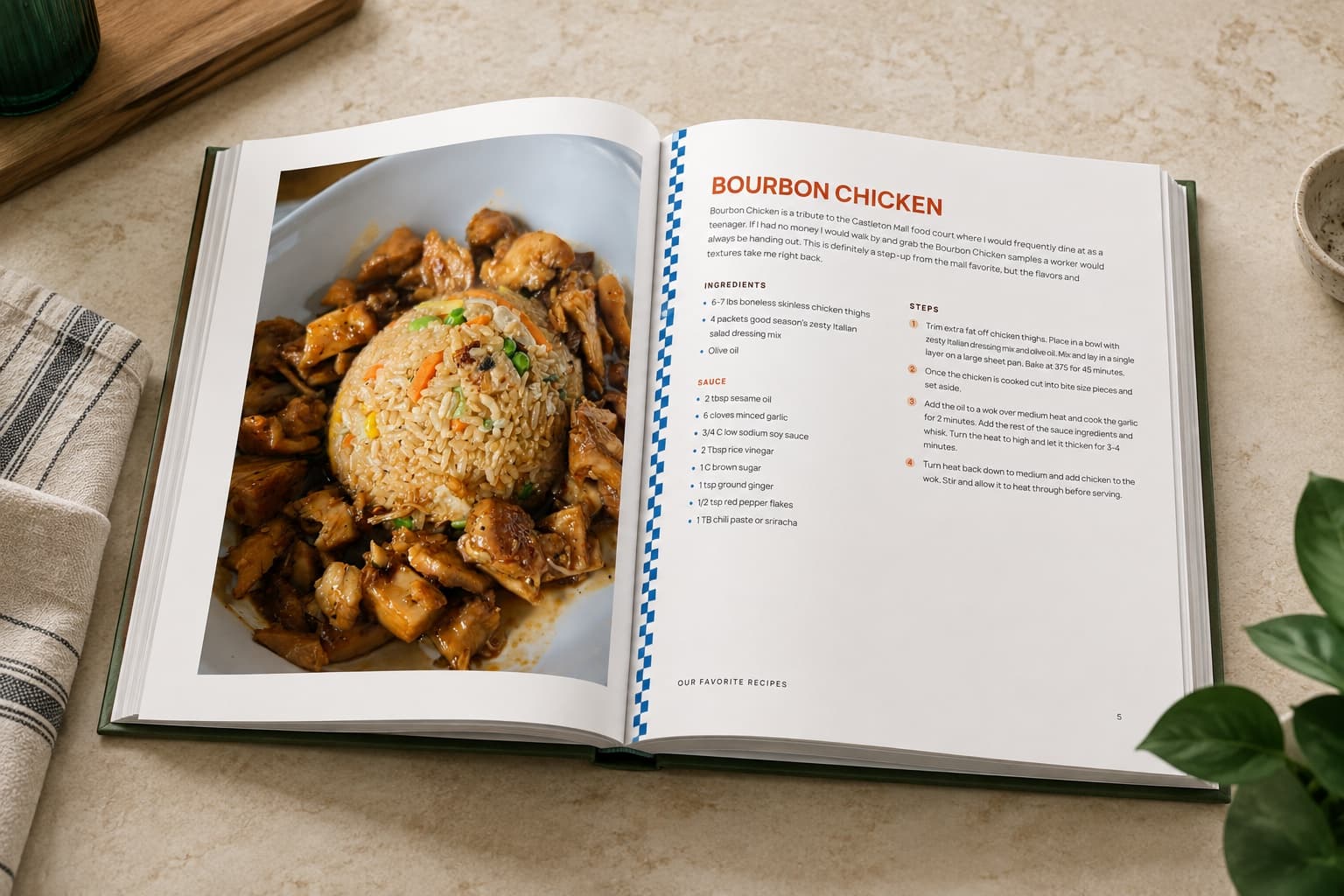
Once enough recipes have earned a place, RecipePrinter sorts them into chapters, generates the cover, and builds the table of contents. Rearrange anything you want moved, then print it at home on US Letter or send the file to Lulu or Blurb for a hardcover or spiral bound cookbook. Each cookbook is its own one-off purchase. Family recipe book ideas walks through what goes in one and how people put them together.
Questions people ask
- How does it know which part of the page is the recipe?
- Most recipe sites keep a tidy copy of the recipe for search engines to read. RecipePrinter takes that copy, so the amounts and the steps arrive the way the site wrote them rather than being picked out of the words on the page.
- Can I save the recipe as a PDF instead of printing?
- Yes. RecipePrinter builds a print-ready page, so in the print dialog you can choose Save as PDF and keep a clean copy on your phone or computer to print whenever you want.
- Can I do this from my phone?
- Yes. Paste the link in a phone browser and set the recipe up there, then use the phone's own print dialog to reach a wireless printer, or choose Save as PDF and print it from a computer later.
- Can I print several recipes in one go?
- Yes, with RecipePrinter Pro. Add as many recipes as you want and print them as one job instead of one trip to the printer per recipe, which is most of the point when you're printing a week of dinners at once. A single recipe prints free, no account needed.
- What happens if the original page disappears?
- Nothing, which is the reason to print one in the first place. A recipe page can go behind a paywall, get rewritten around a new story, or go offline entirely, and none of that reaches the card already sitting in your kitchen.