
Recipe Card Printer
Turn recipes from websites, photos, screenshots, or text into clean 4×6 recipe cards ready to print and keep.
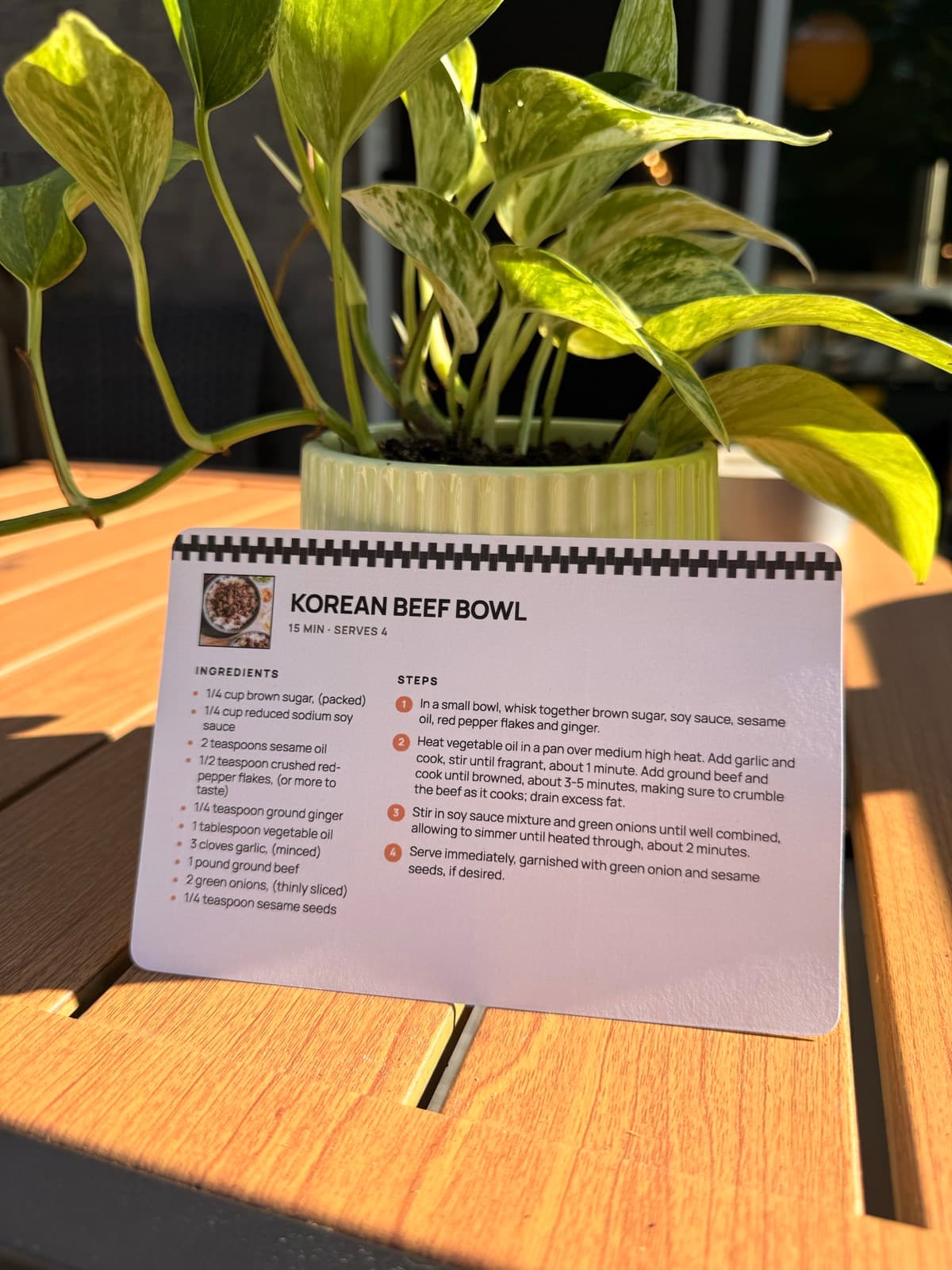
How to print recipe cards
RecipePrinter works as a printable recipe card generator for recipes you already have.
- 1
Add your recipe
Paste a recipe link, upload a photo, or paste the text. RecipePrinter pulls the ingredients and steps into a clean format.
- 2
Choose 4×6 recipe cards
Switch from a full page to the 4×6 card size. You can preview the finished card free — printing it takes RecipePrinter Pro, $4.99/mo.
- 3
Pick a design
Choose a theme for the type, borders, and photo layout. Pro includes every premium theme.
- 4
Print and keep it
Print directly on 4×6 card stock or use cut lines to trim a letter-size sheet, then add the finished card to your recipe box.
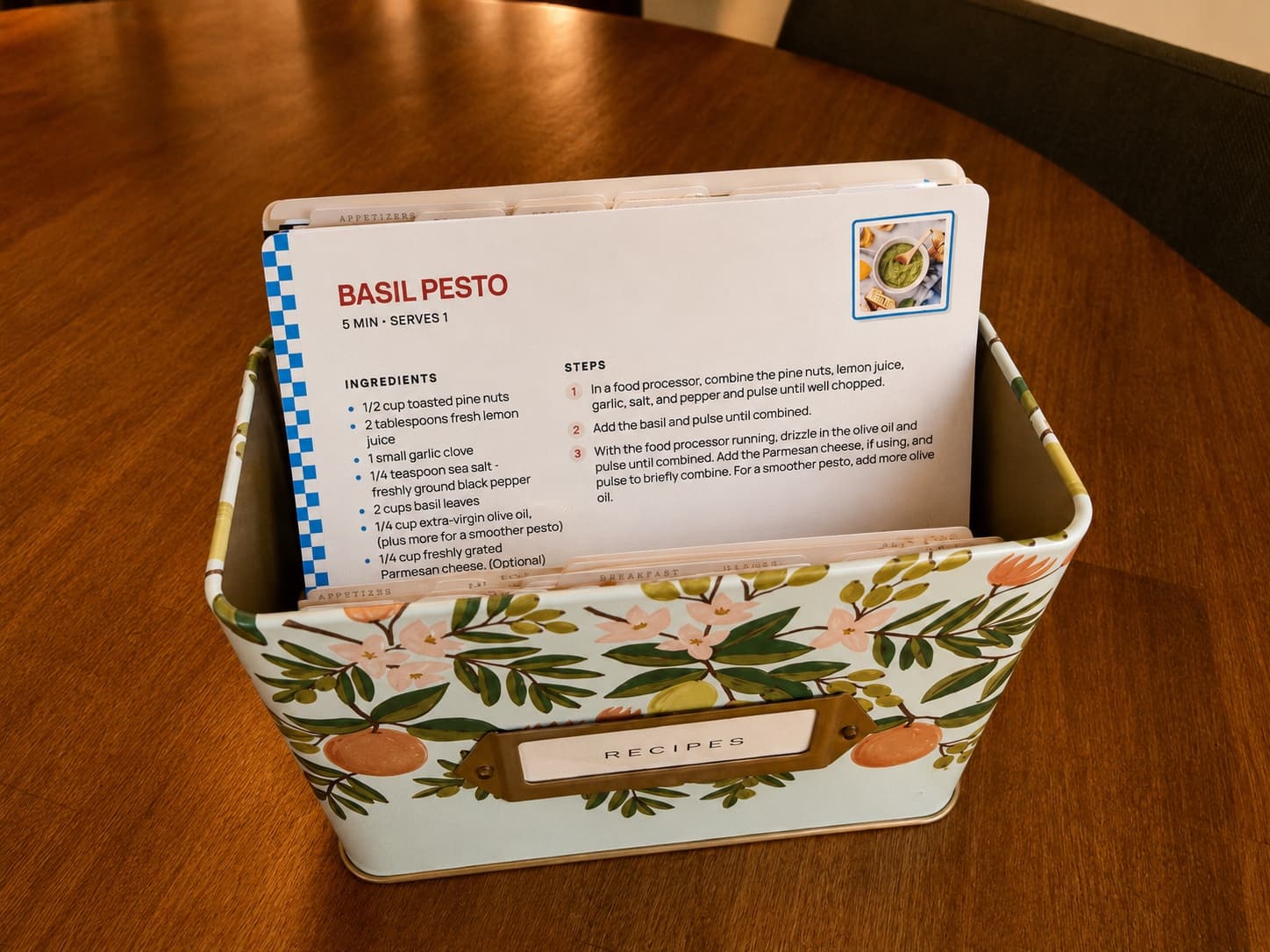
Sized for the box it's going in
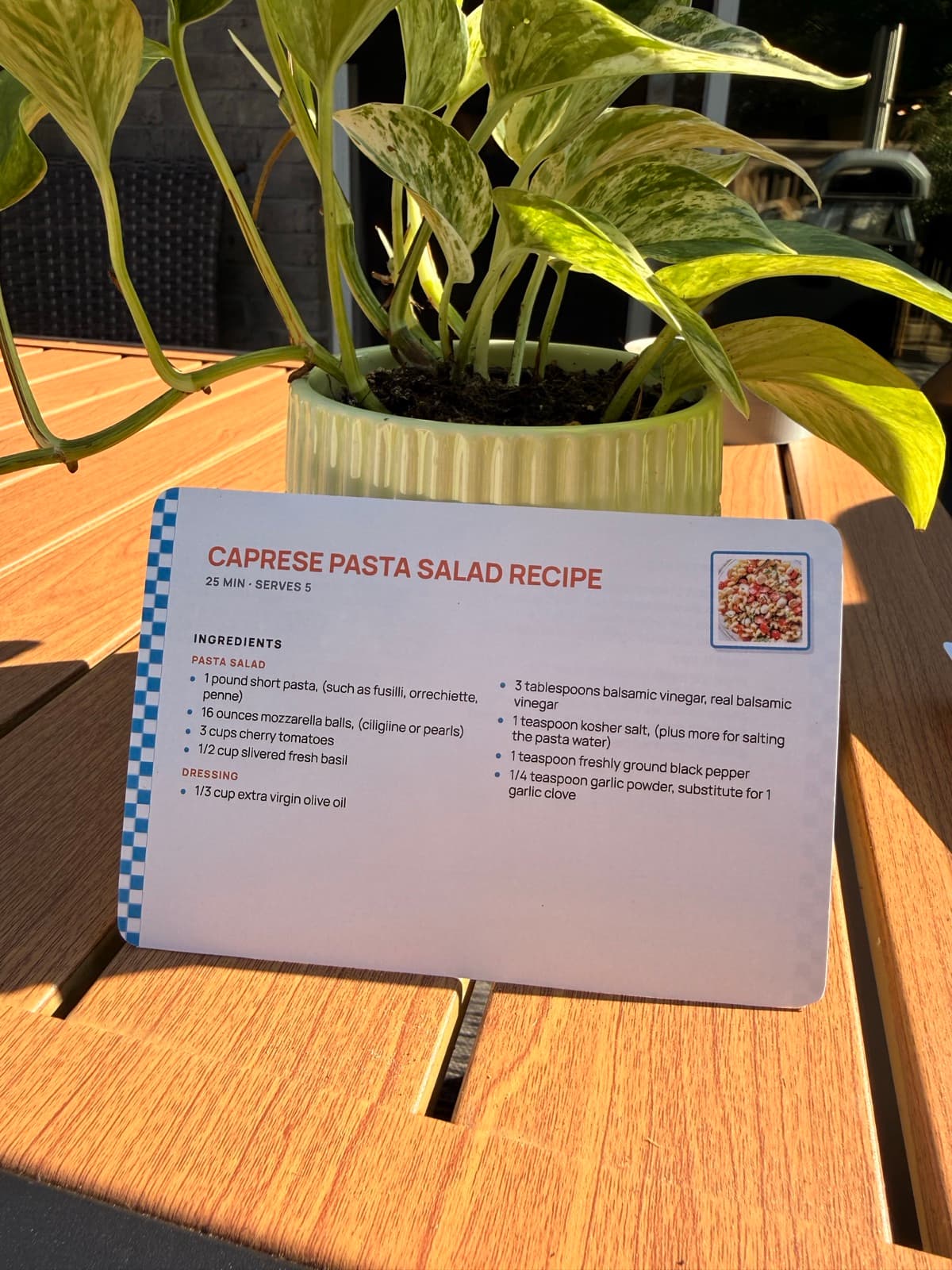
A 4 by 6 card is the size a standard recipe box takes, so what comes off your printer drops straight into the box or an index-card binder. Cut lines give you a trim guide when you print on card stock, and the type stays large enough to read from across the counter. Card printing comes with RecipePrinter Pro ($4.99 a month or $39.99 a year); importing and full-page printing stay free.
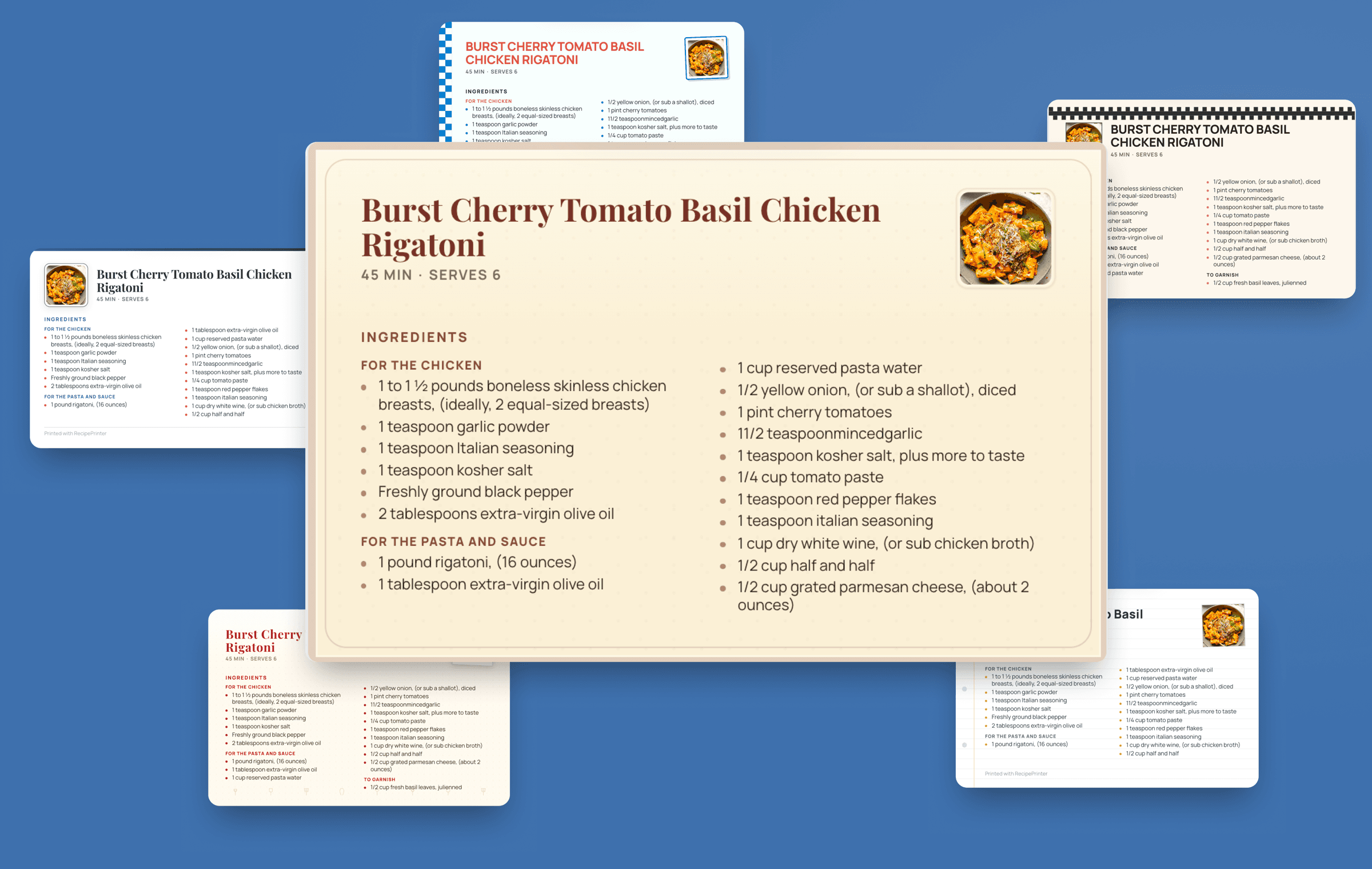
Change the look, keep the recipe
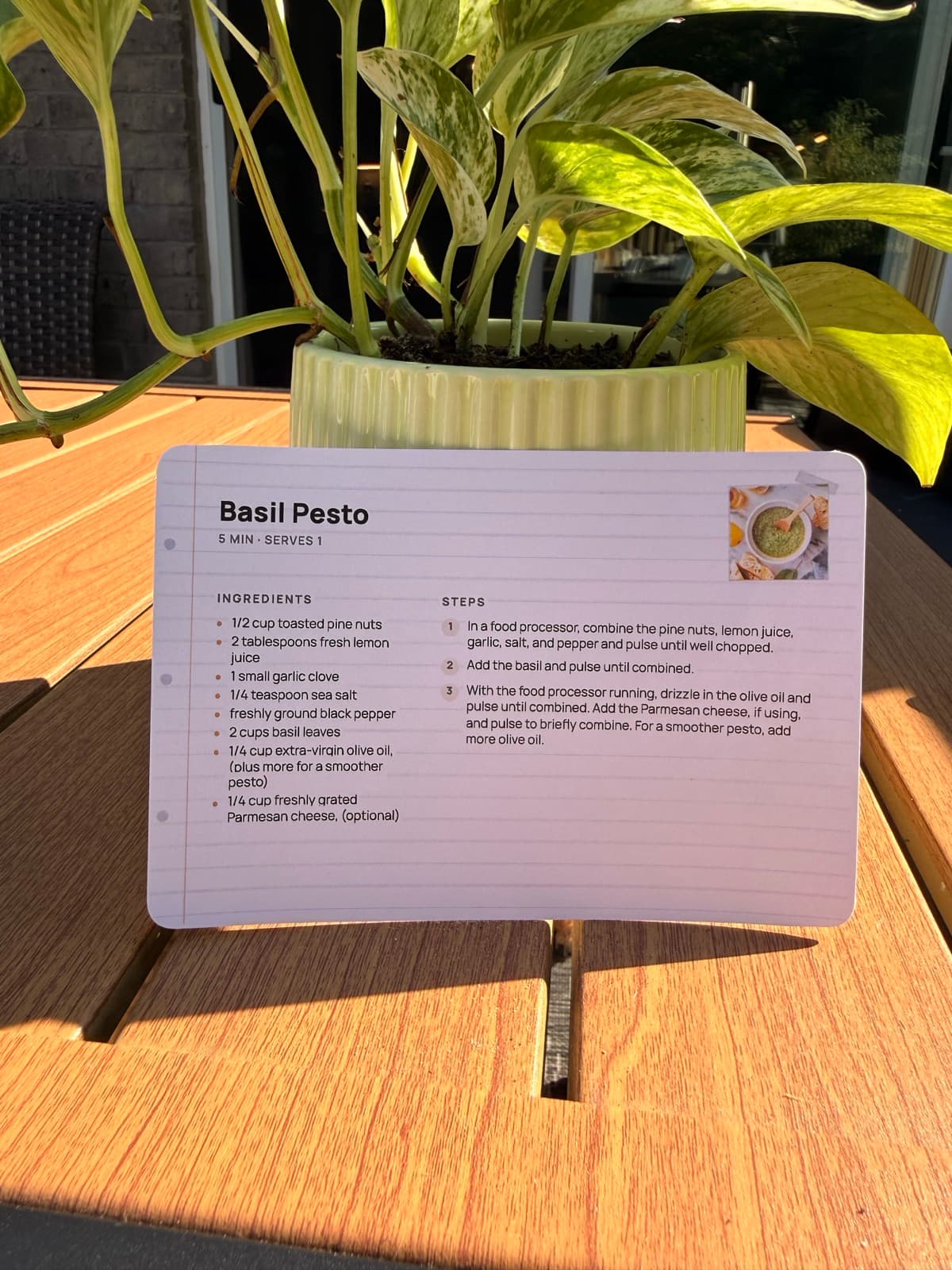
A theme changes a card's type, its border, and how the photo sits, without touching the recipe underneath. Switch themes and every card in the batch follows, so a stack printed in one go still looks like a set rather than a pile of odds and ends. Two themes are free; the rest come with Pro.
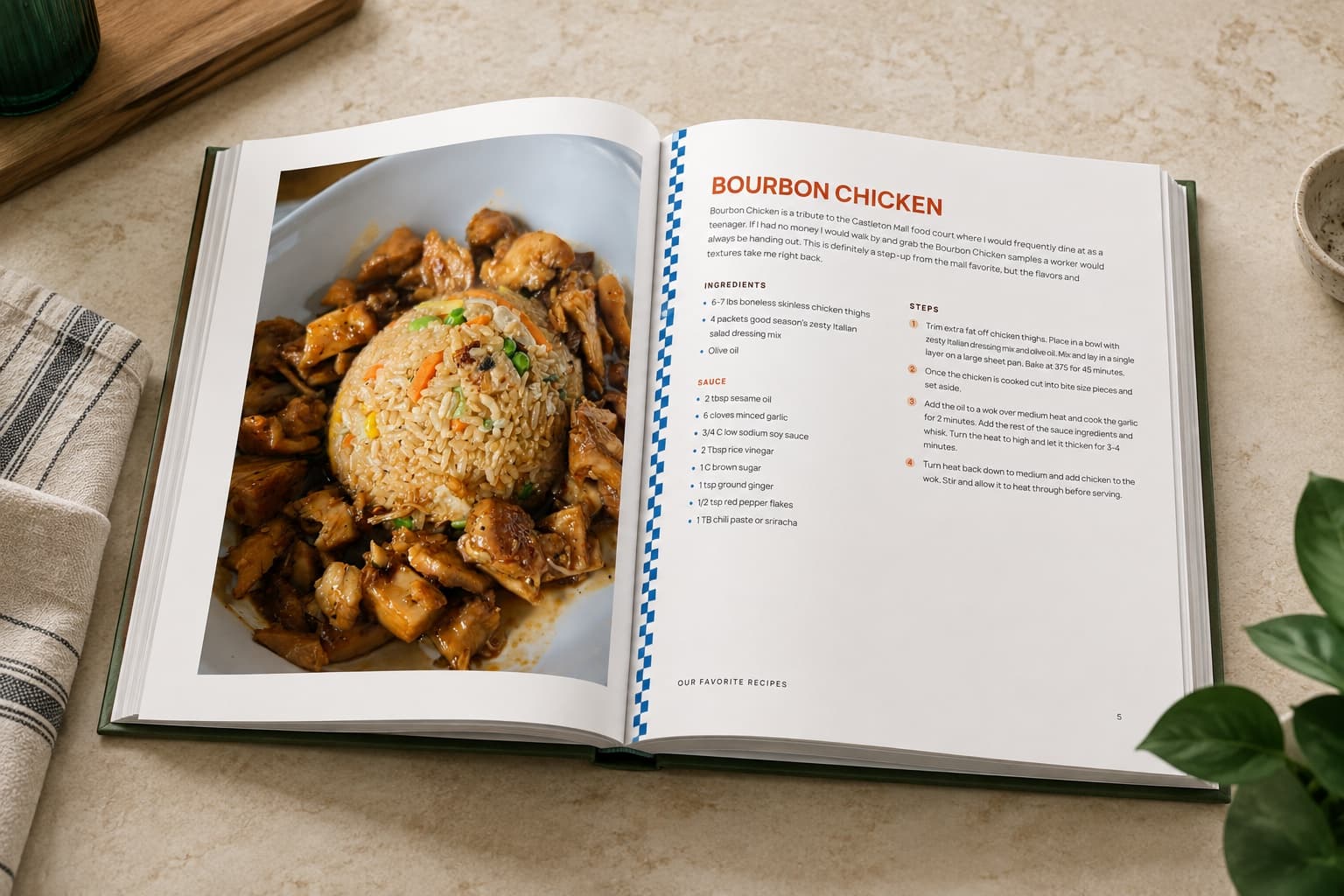
When the stack becomes a book
When your recipe card collection grows into something bigger, RecipePrinter can turn it into a cookbook. Organize recipes into chapters, create a cover and table of contents, rearrange pages, then print at home or export the file for professional printing. Family recipe book ideas walks through what goes in one and how people put them together.
Real cards, really printed
Real 4×6 recipe cards printed with RecipePrinter. No mockups.
Recipe card printing questions
- Can I turn an online recipe into a recipe card?
- Yes. Paste the recipe link and RecipePrinter pulls out the ingredients and instructions, removes the surrounding page clutter, and formats it as a printable recipe card.
- What should I print recipe cards on?
- Card stock, if you want them to survive a kitchen. Feed 4x6 cards straight through a printer that takes them, or print on a letter sheet and cut the card out. Turn on cut lines and you get a dashed guide to trim along.
- What happens when a recipe is too long for one card?
- The rest prints on the back of the same card instead of being cut short. Two-sided is on by default, so set your printer to print both sides flipped on the long edge and the front and back will line up.
- Can I fix a recipe before it prints?
- Yes. The title, the ingredients, and the steps are editable right on the card, so you can correct an amount, drop a step you don't need, or reword a line before anything reaches the printer.
- Can I print a whole stack at once?
- Yes, with RecipePrinter Pro. Add as many recipes as you like and print them in one job. The card size and the theme apply to every recipe waiting to print, so what comes out of the printer matches.