
Print a recipe without ads
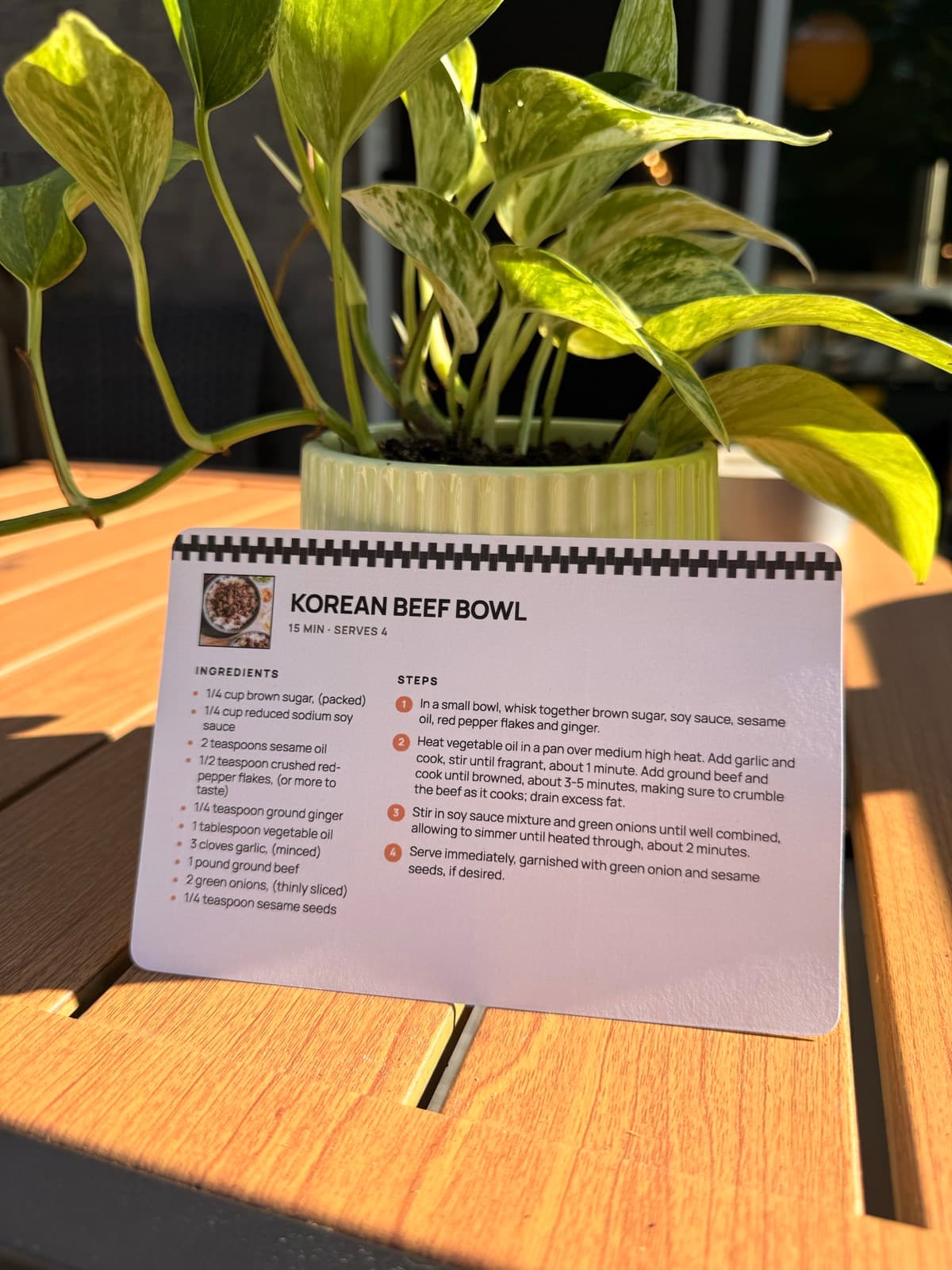
Send a recipe page to the printer and the ads and the comments come with it. RecipePrinter prints the recipe on its own, on one page you can cook from.
How it works
- 1
Paste the recipe link
Copy the link from the recipe site and paste it in. RecipePrinter rebuilds the recipe on a page of its own.
- 2
Check the preview
Look at the finished card before anything prints. What you see on screen is what comes out, down to the page count.
- 3
Take out what you don't need
Turn off Recipe photo to save the color ink, or Recipe link to drop the source line. What is left is the recipe.
- 4
Print it, or keep the file
Send it to the printer, or choose Save as PDF and keep the clean copy without printing anything at all.
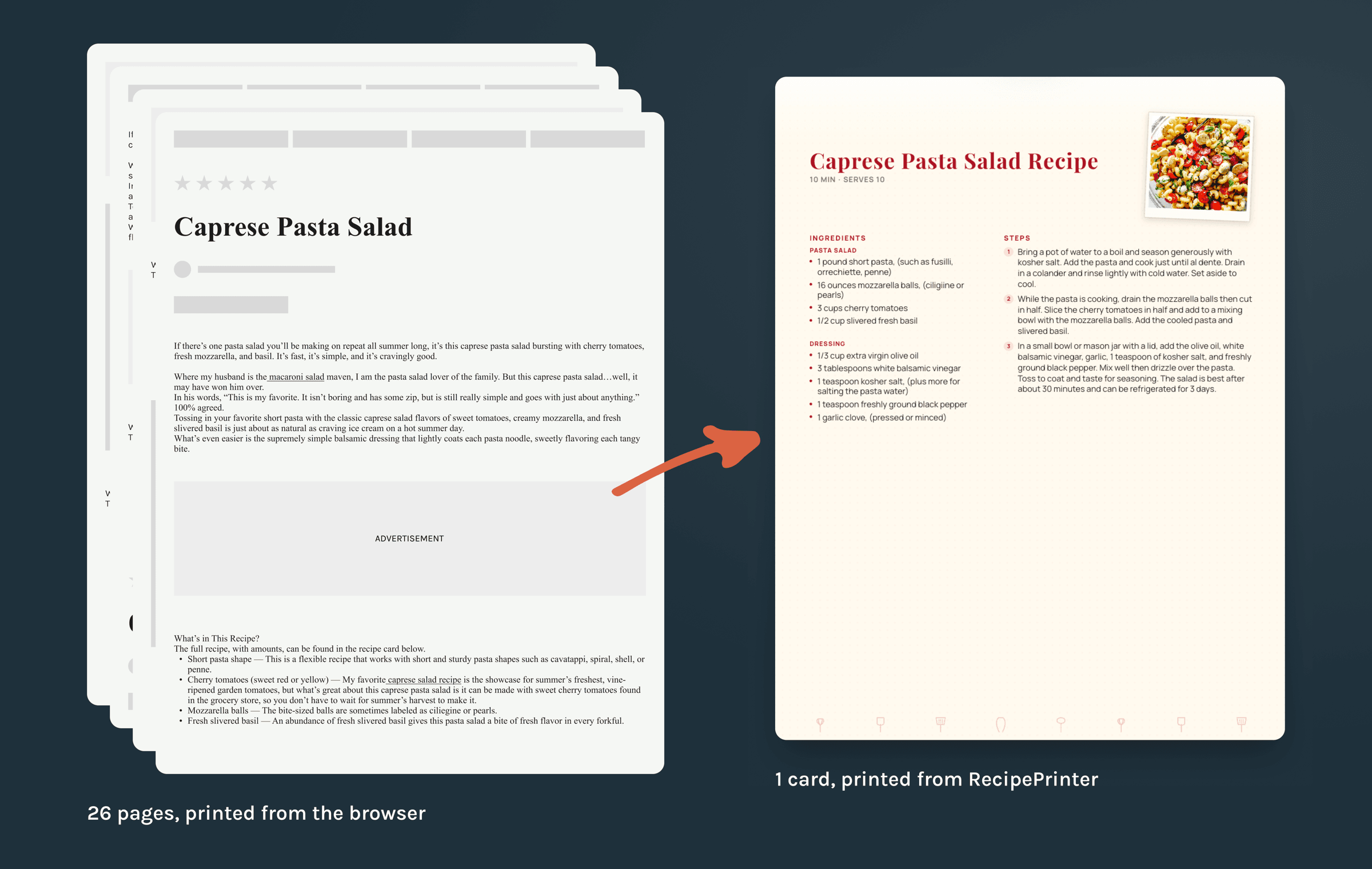
One sheet instead of twenty-six
RecipePrinter never prints the article. It reads the recipe out of the page and lays out a new one holding the ingredients, the steps, and the times, and nothing else. The browser's own print button has no way to do that. It prints the document it was handed, headnote, ad slots, comments and all.
Recipe cards don't go dark while you cook
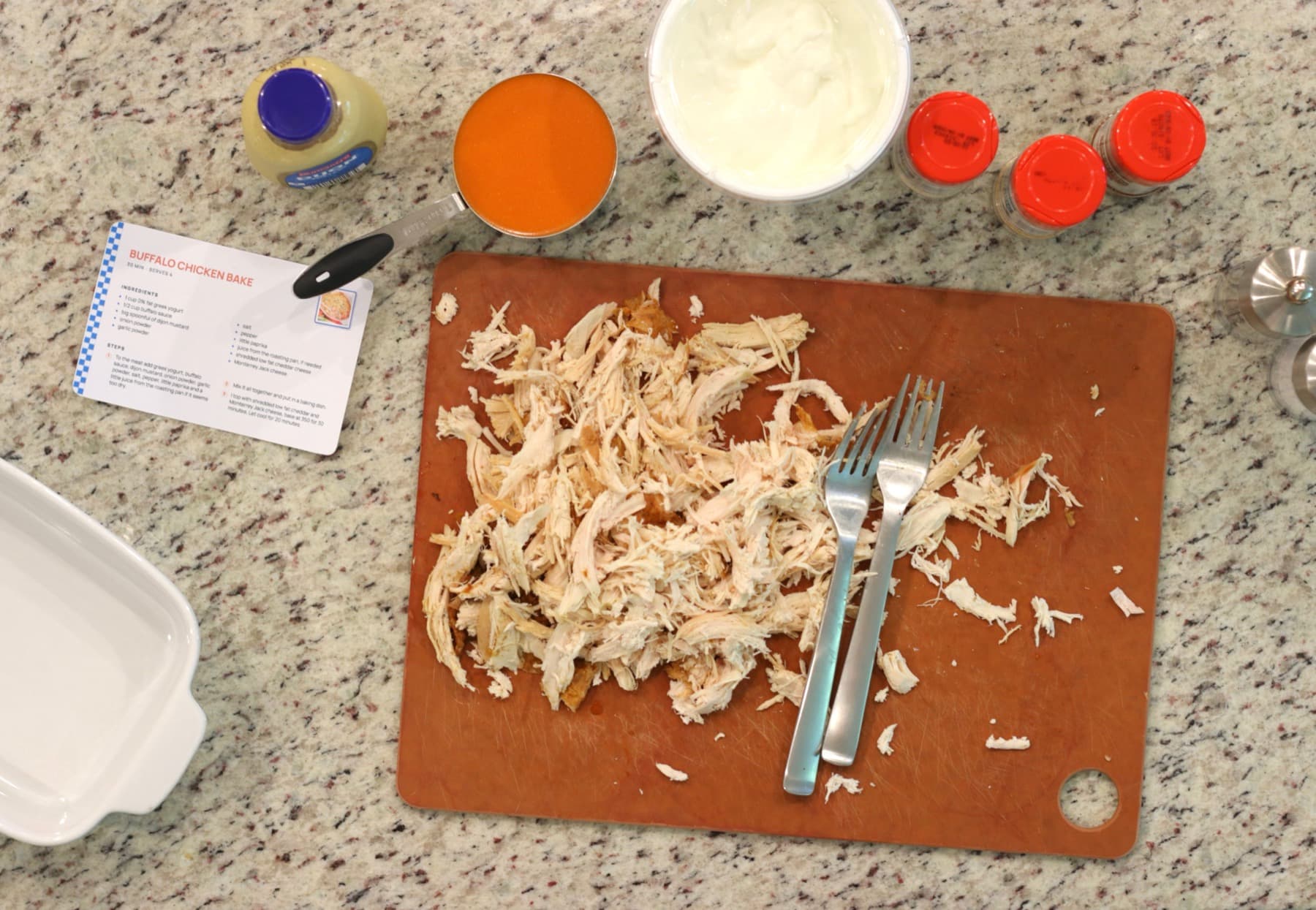
A card asks nothing of you: no unlocking, no charging, no signal. It props against the backsplash and stays on the step you're on. Nobody scrolls back up to check whether it was two teaspoons or two tablespoons.
Questions people ask
- Is this an ad blocker?
- No. An ad blocker hides things on the page in front of you. RecipePrinter never prints that page at all: it reads the recipe out and builds a new one that only ever had the recipe on it.
- Can I see it before I print?
- Yes. The preview is the finished sheet rather than an approximation of it, so the page count you see is the count that comes out of the tray.
- What about pop-ups and cookie banners?
- They never reach the printer. Those overlays are drawn by your browser as the page loads, and RecipePrinter reads the recipe straight from the page's own data instead, so the box you would have had to close is never in the way.
- How much paper does one recipe take?
- Usually one sheet. A recipe prints as a single 4 by 6 card or a single letter page, however long the article it came from happened to be.