
Cook without your phone
Your phone is where recipes are found. It doesn't have to be where they're cooked. Turn recipes from websites, social media, screenshots, or photos into something you can print and keep in the kitchen.
Screenshots, photos, and pasted recipe text work too.
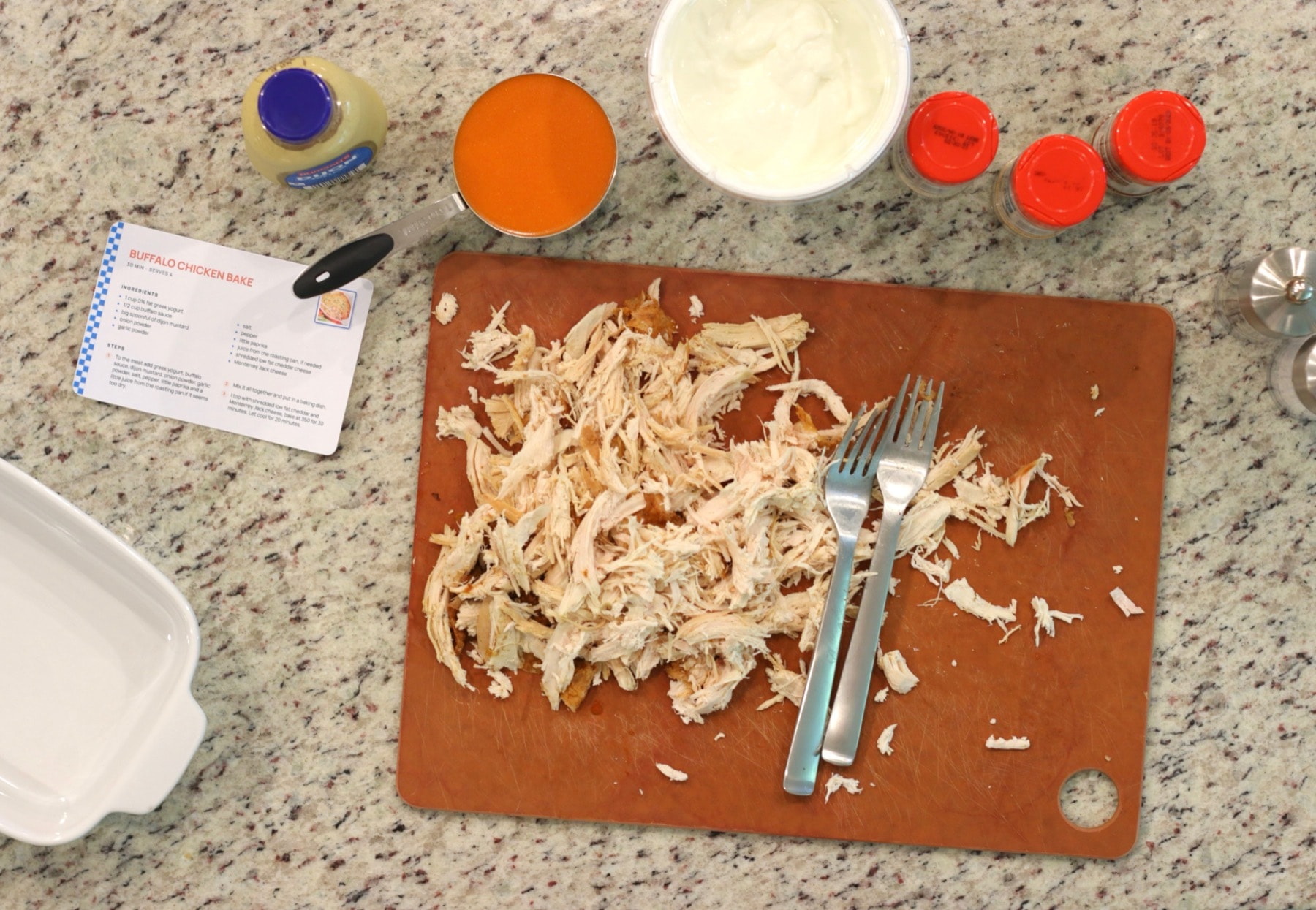
How to take your recipes off the screen
- 1
Choose the recipes you cook
Start with the recipes you come back to. Instead of keeping hundreds of saved posts and screenshots, put the ones you use on paper.
- 2
Bring them in from wherever they are
Paste a recipe link, upload a screenshot or photo, or paste the recipe text. RecipePrinter turns it into ingredients and instructions you can review.
- 3
Print them
Print it on a full page for a binder, or as a 4×6 recipe card with RecipePrinter Pro. You can also save it as a PDF.
- 4
Leave the phone in the other room
Put the printed recipe where you cook. No notifications, no dimmed screen, and no unlocking your phone with messy hands.
Open the recipe and nothing else
Looking up a recipe on your phone also means opening notifications, messages, ads, and everything else fighting for your attention.
A printed recipe does one job. The ingredients and instructions stay open on the counter until you're done.
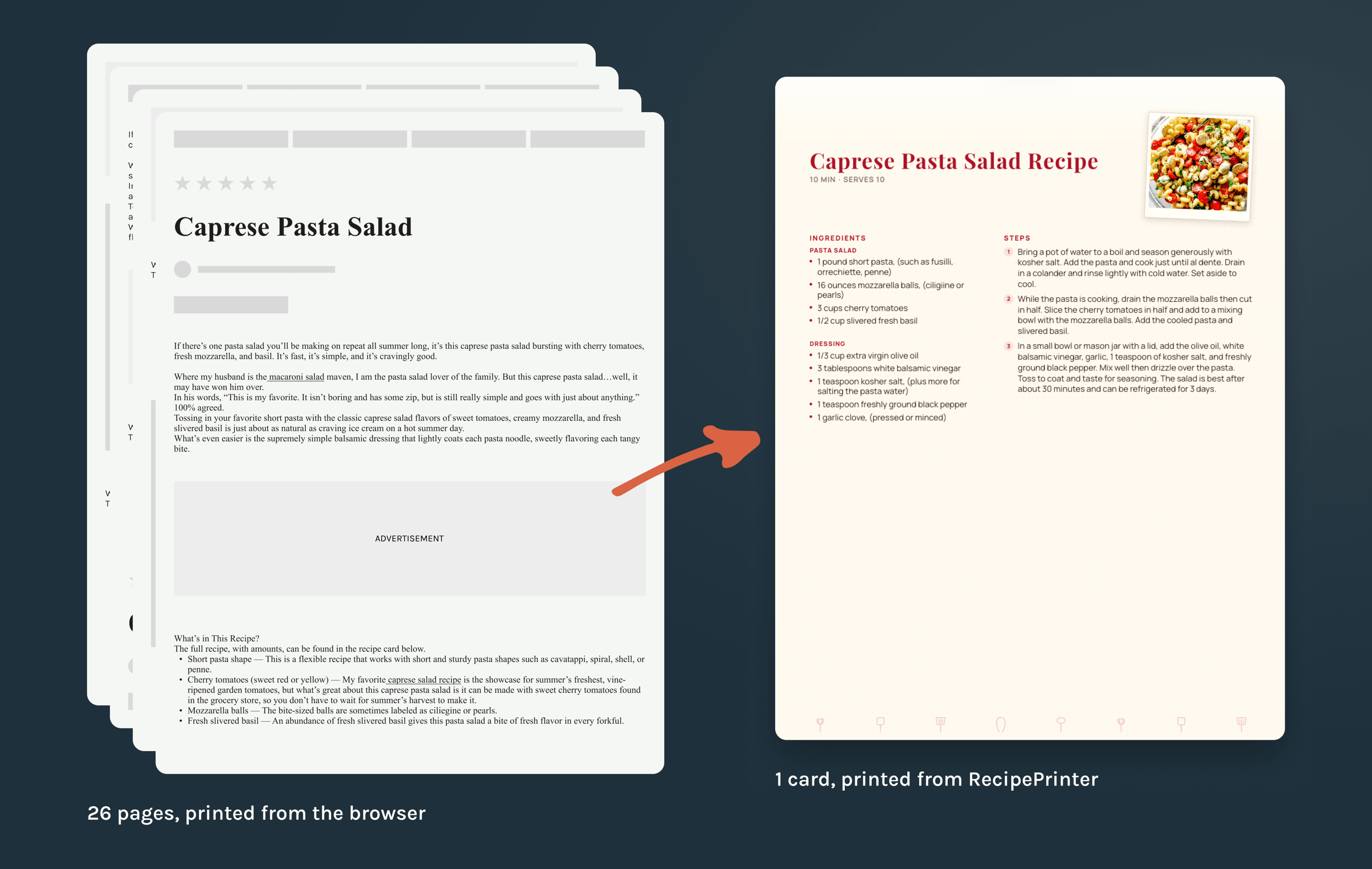
Paper doesn't sleep, ring, or need charging
A screen dims halfway through a recipe. A phone rings. A clean finger turns into a messy one.
Paper stays open on the counter, takes a splash, and is still on the right step when you come back.
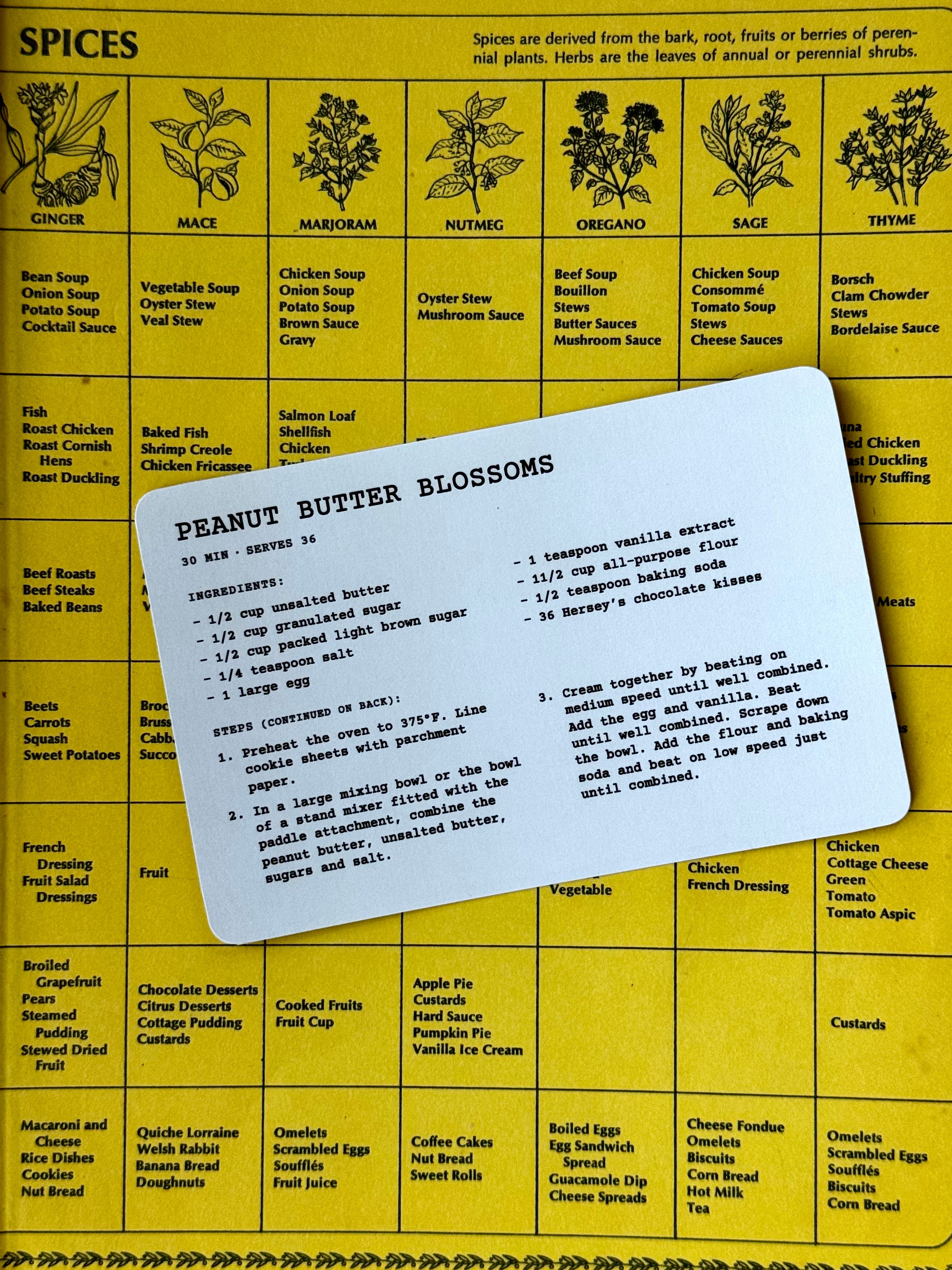
A recipe box instead of a camera roll
Saved recipes pile up out of sight. Screenshots disappear into your camera roll, and saved posts get buried under hundreds of others.
Printed recipes give the ones you cook a place to live. Keep them in a recipe box or a recipe binder, and add to the collection over time.
When the collection gets bigger, you can turn it into a cookbook.
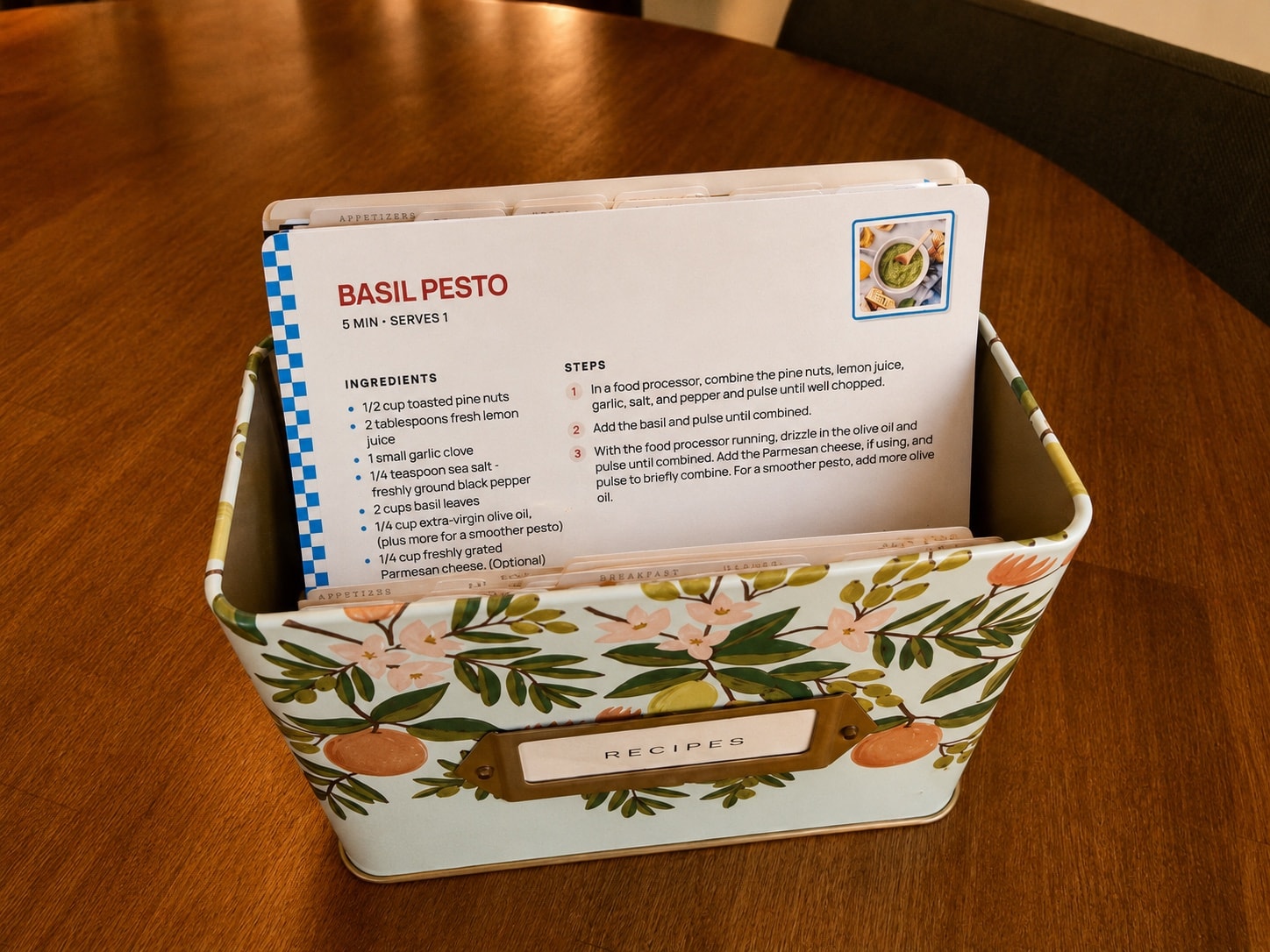
Questions about cooking without a screen
- Don't I need a phone to get the recipes onto paper?
- Screen-free cooking doesn't mean never using a screen. You may use your phone or computer to bring the recipe into RecipePrinter, but once it's printed, the recipe lives on paper. Print a few at a time and build up a collection.
- What's the best way to keep printed recipes?
- For full-page recipes, a binder with sheet protectors works well, and the sleeves keep the pages clean. For 4×6 recipe cards, use a recipe box or a card file.Build a recipe binderMake 4×6 recipe cards
- Can I print recipes I've saved on Instagram or TikTok?
- Yes. Paste the post's link into RecipePrinter. On Instagram, it reads the recipe from the caption. On TikTok, it checks the caption and, when the video has them, its spoken captions and on-screen text. Some posts don't include the full recipe, so check it before you print.Print Instagram recipesPrint TikTok recipes
- Can I print a recipe from a screenshot?
- Yes. Upload a screenshot and RecipePrinter turns the recipe in the image into an editable recipe before you print it. Photos of handwritten recipe cards work the same way.Print a recipe from a screenshot
- Does it cost anything?
- The basics are free with no account: importing recipes, editing them, and printing or saving full-page recipes, with up to 5 screenshot or photo imports an hour. RecipePrinter Pro ($4.99/mo or $39.99/yr) adds 4×6 recipe cards, premium themes, printing several recipes at once, and 30 image imports an hour.