Print TikTok recipes
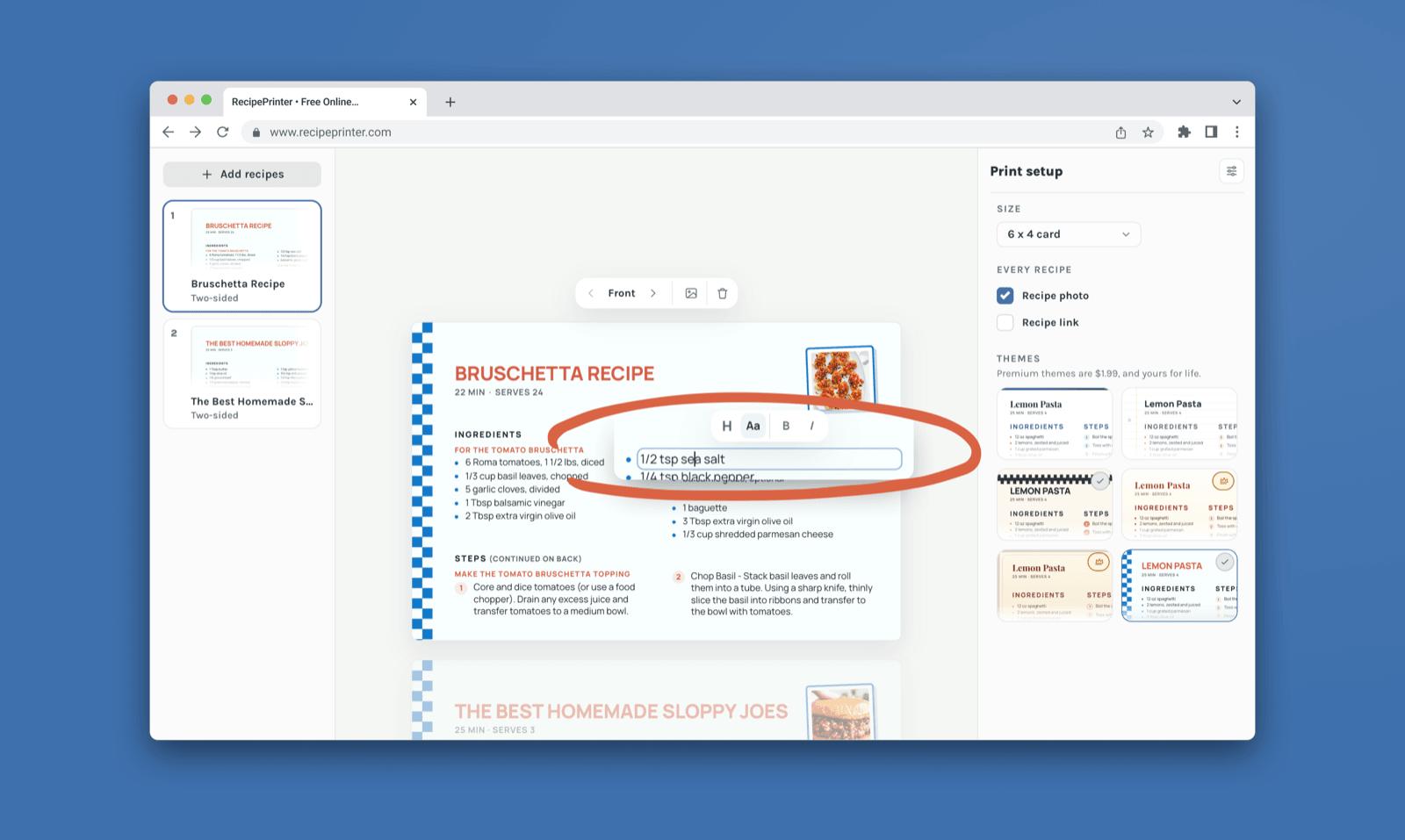
Paste a TikTok recipe link and RecipePrinter looks for the recipe in the caption, available spoken captions, and text shown in the video. Review the ingredients and instructions, then print it as a full page, or as a 4×6 recipe card with Pro, or save it as a PDF.
How to print a recipe from TikTok
- 1
Copy the TikTok link
Open the TikTok recipe, tap Share, then choose Copy link. That link is all you need to get started.
- 2
Paste it into RecipePrinter
Paste the TikTok link into RecipePrinter. It first checks the caption, then may use available spoken captions and recipe text shown on screen when needed.
- 3
Review the recipe
RecipePrinter lays out the ingredients and instructions it finds. Check them over and change or add anything you want. Every word is editable.
- 4
Print it your way
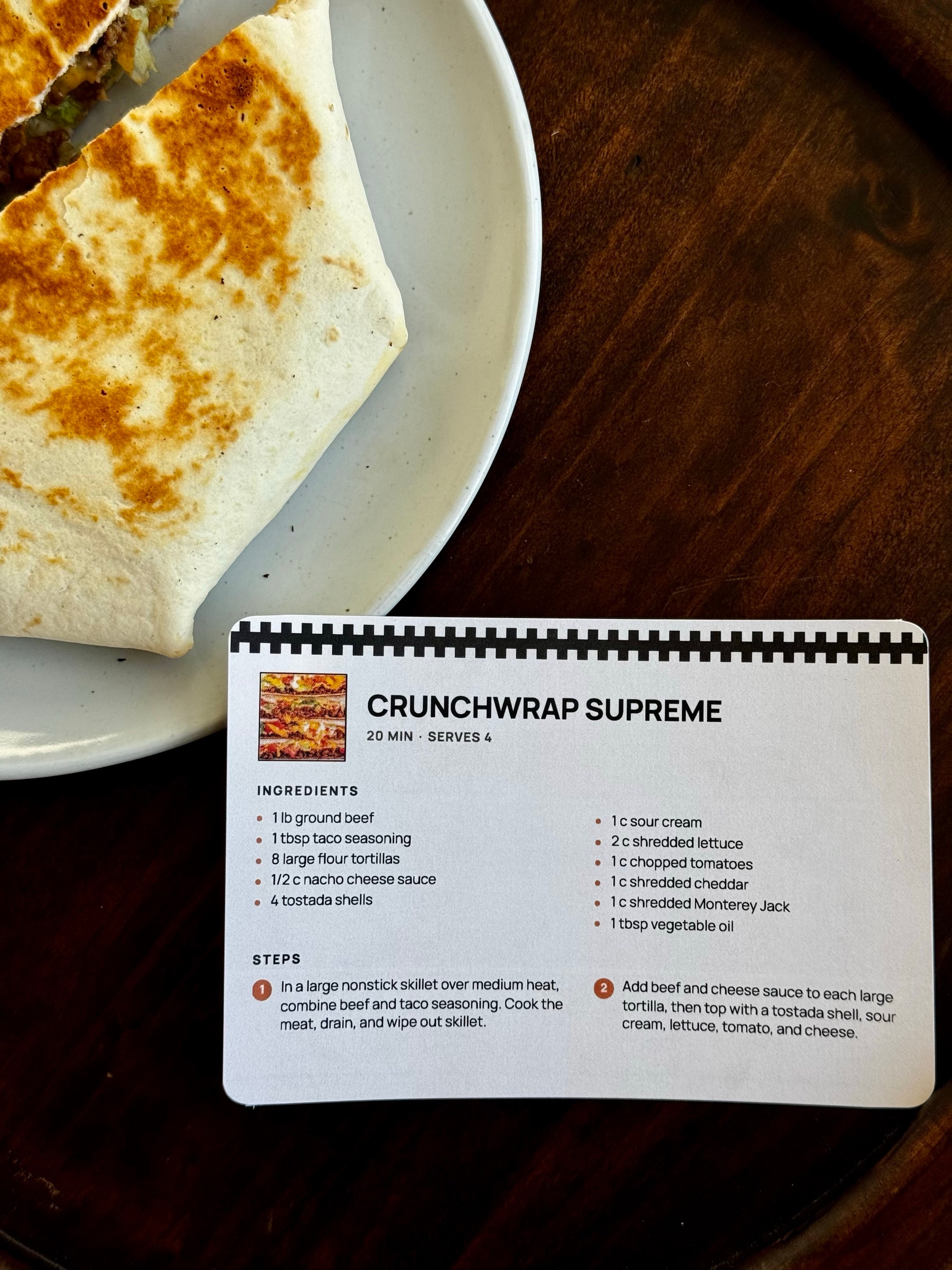
Print it on a full page, or as a 4×6 recipe card with RecipePrinter Pro. You can also save it as a PDF.
Turn a TikTok recipe into something easier to cook from
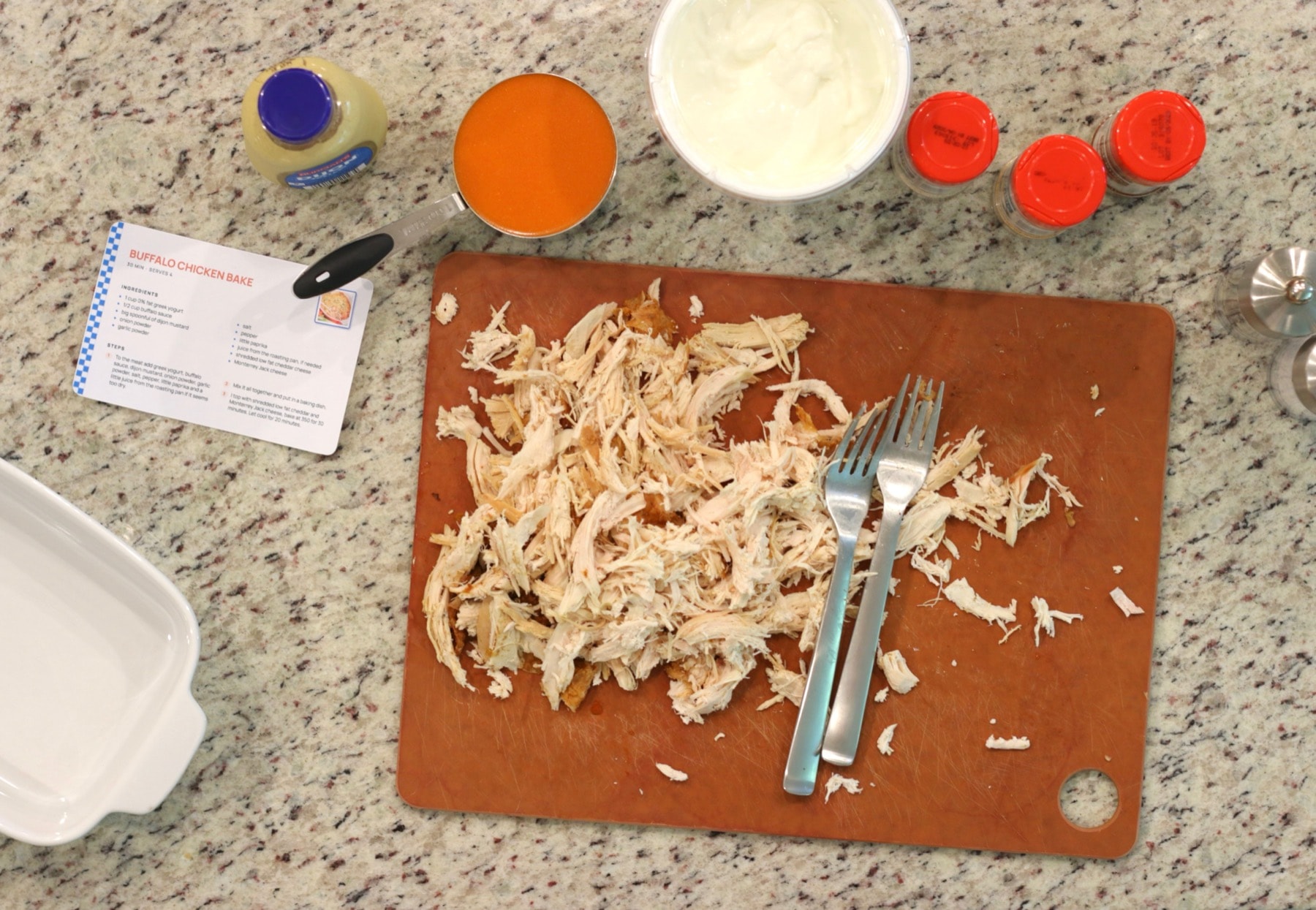
TikTok is great for seeing how a recipe comes together, but replaying a video every time you need an ingredient amount or step gets old quickly. RecipePrinter turns the recipe it can read from the video into an editable version you can keep in front of you while you cook.
Find the recipe beyond the TikTok caption
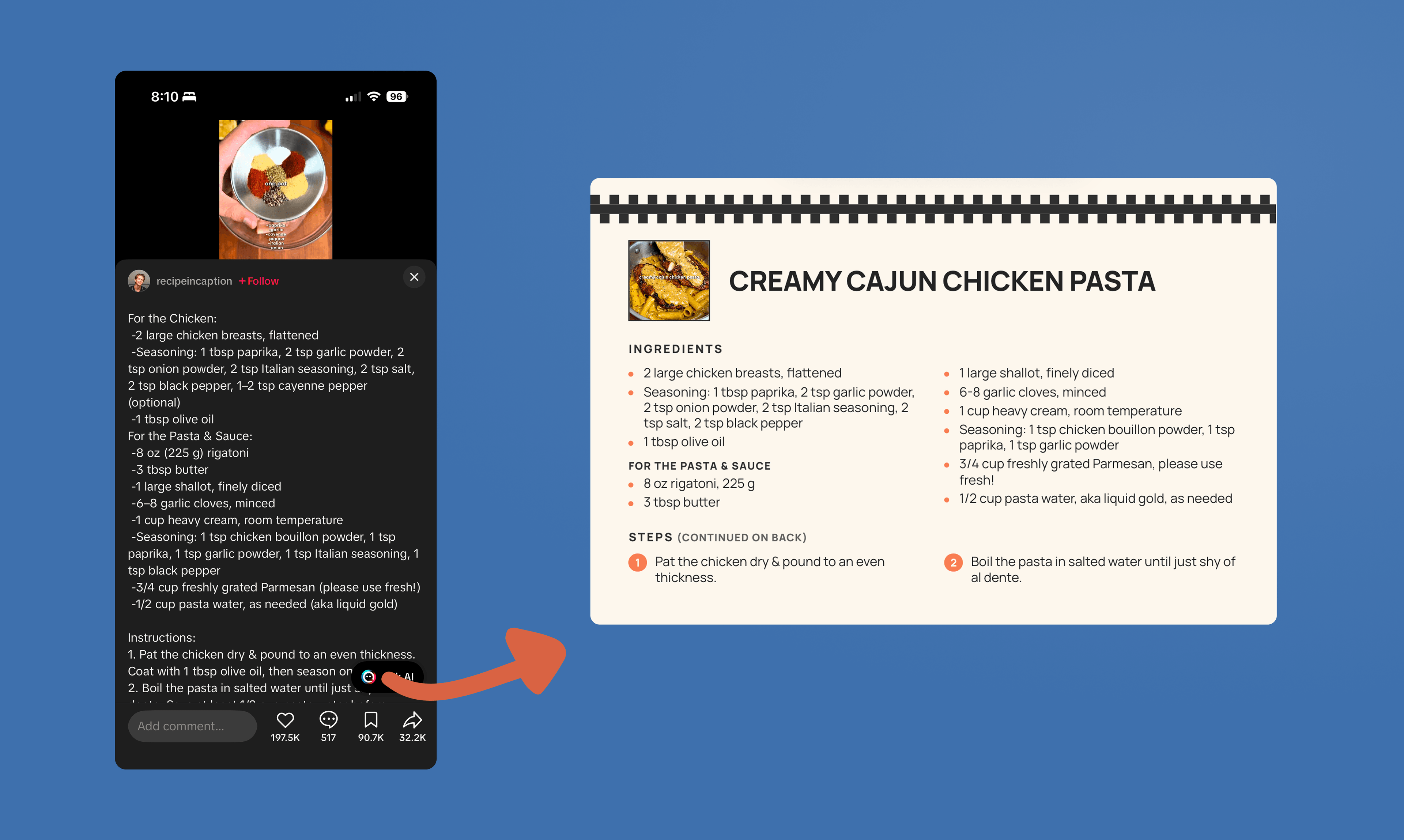
Some creators put the full recipe in the caption, while others explain it aloud or show ingredients and amounts on screen. RecipePrinter can use the caption first, then available spoken captions and on-screen recipe text to help build the recipe.
Keep TikTok recipes from getting lost in your saved videos
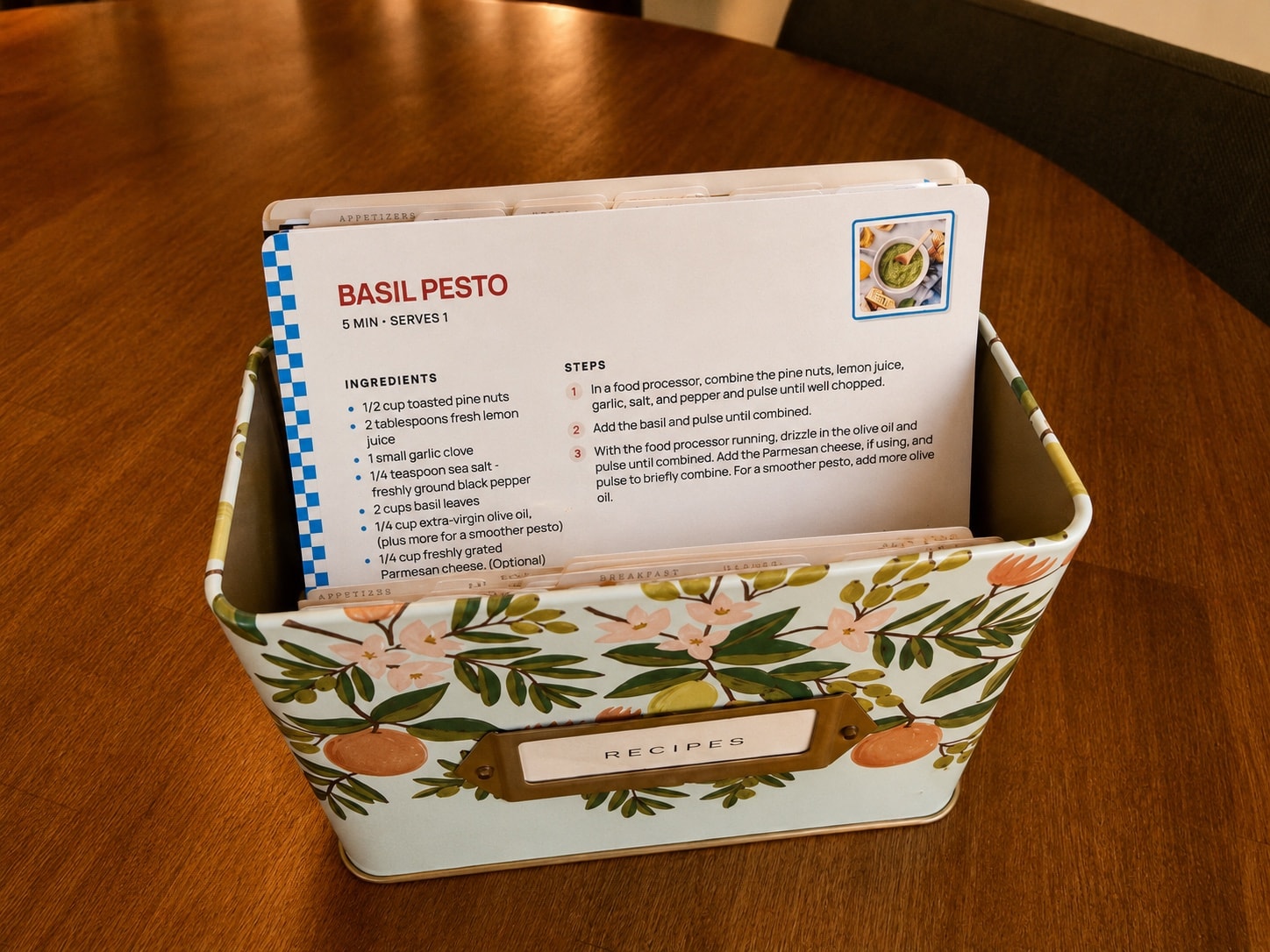
Saving a TikTok recipe takes one tap. Finding the exact video again months later can be much harder. Print the recipes you want to keep so they have a permanent place in your recipe box, binder, or cookbook.
What RecipePrinter can find varies by video
RecipePrinter can use available caption text, spoken captions, and recipe text shown in the video, but not every TikTok exposes the same information. Review the recipe before printing to make sure the ingredients and instructions are complete.