
Print a recipe from YouTube
Paste a YouTube video link and RecipePrinter turns the written recipe into a clean page or 4×6 card you can print and keep.
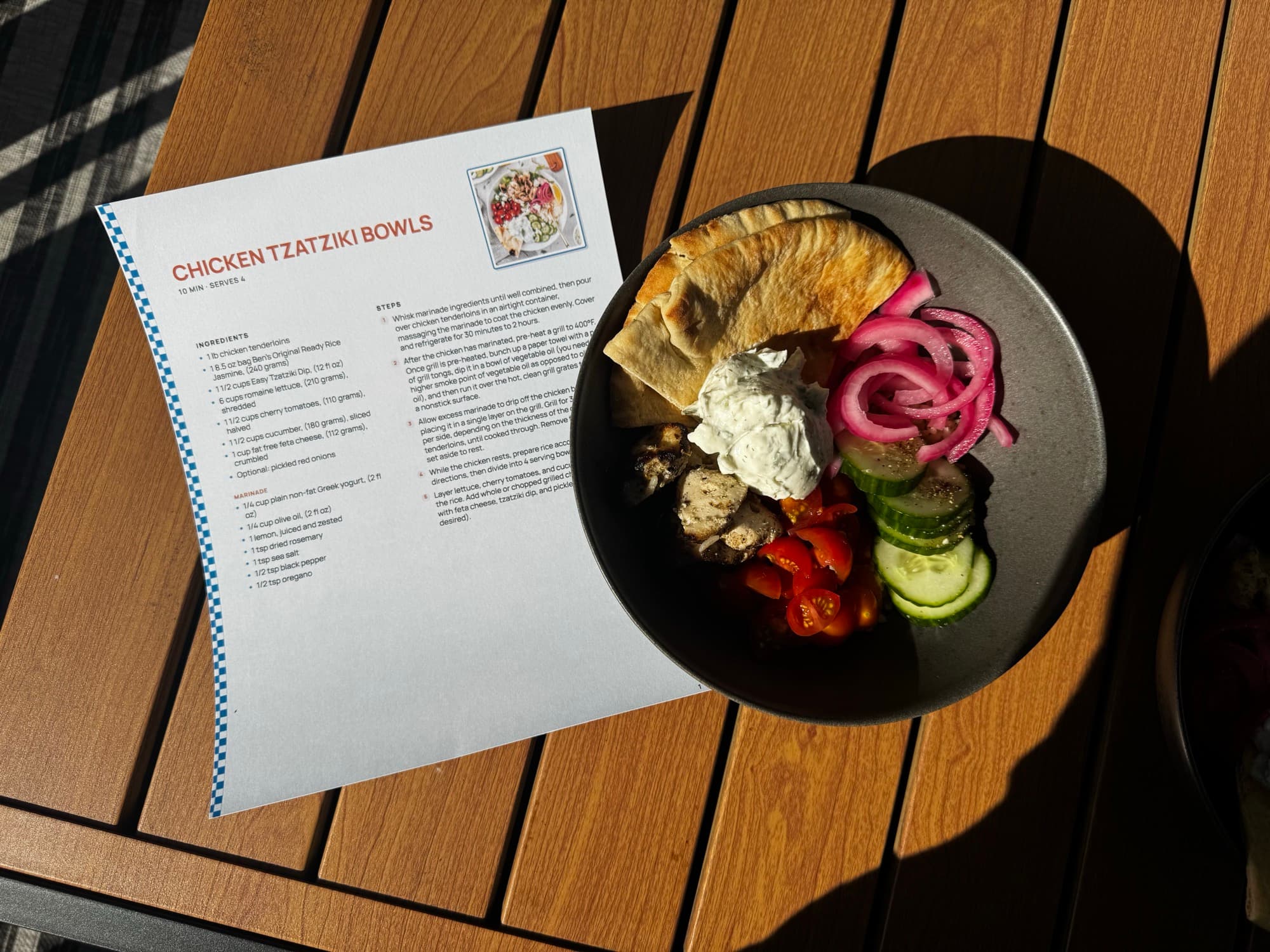
How to print a recipe from YouTube
- 1
Copy the YouTube video link
Tap Share and copy the link, or copy the address from your browser. Either one works.
- 2
Paste it into RecipePrinter
Paste the video link into RecipePrinter. It looks for the written recipe in the video description.
- 3
RecipePrinter pulls out the recipe
The ingredients and steps are separated into a clean format you can edit before anything prints.
- 4
Print it your way
Print a full letter page for free or save it as a PDF. Pro adds 4×6 recipe cards and batch printing.
Keep the recipe, skip everything around it
YouTube descriptions often mix the recipe with equipment links, discount codes, timestamps, and channel information. RecipePrinter pulls out the ingredients and steps so you are left with the part you actually need in the kitchen.
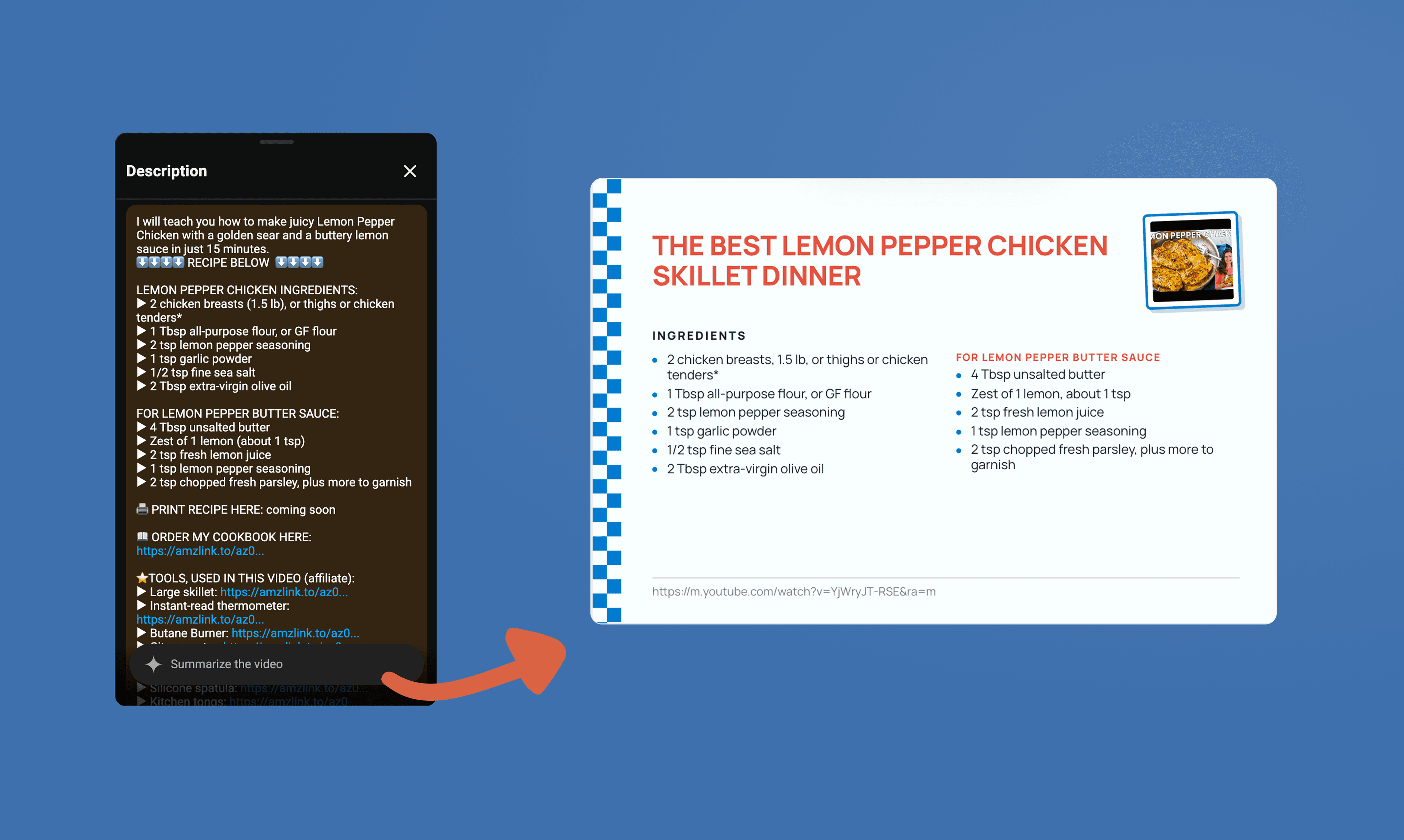
Twenty minutes of video, one sheet of paper
Cooking videos are great for watching a recipe come together, but not always for checking an ingredient with messy hands. A printed recipe puts the ingredients, amounts, and steps in front of you at once without scrubbing back through the video.
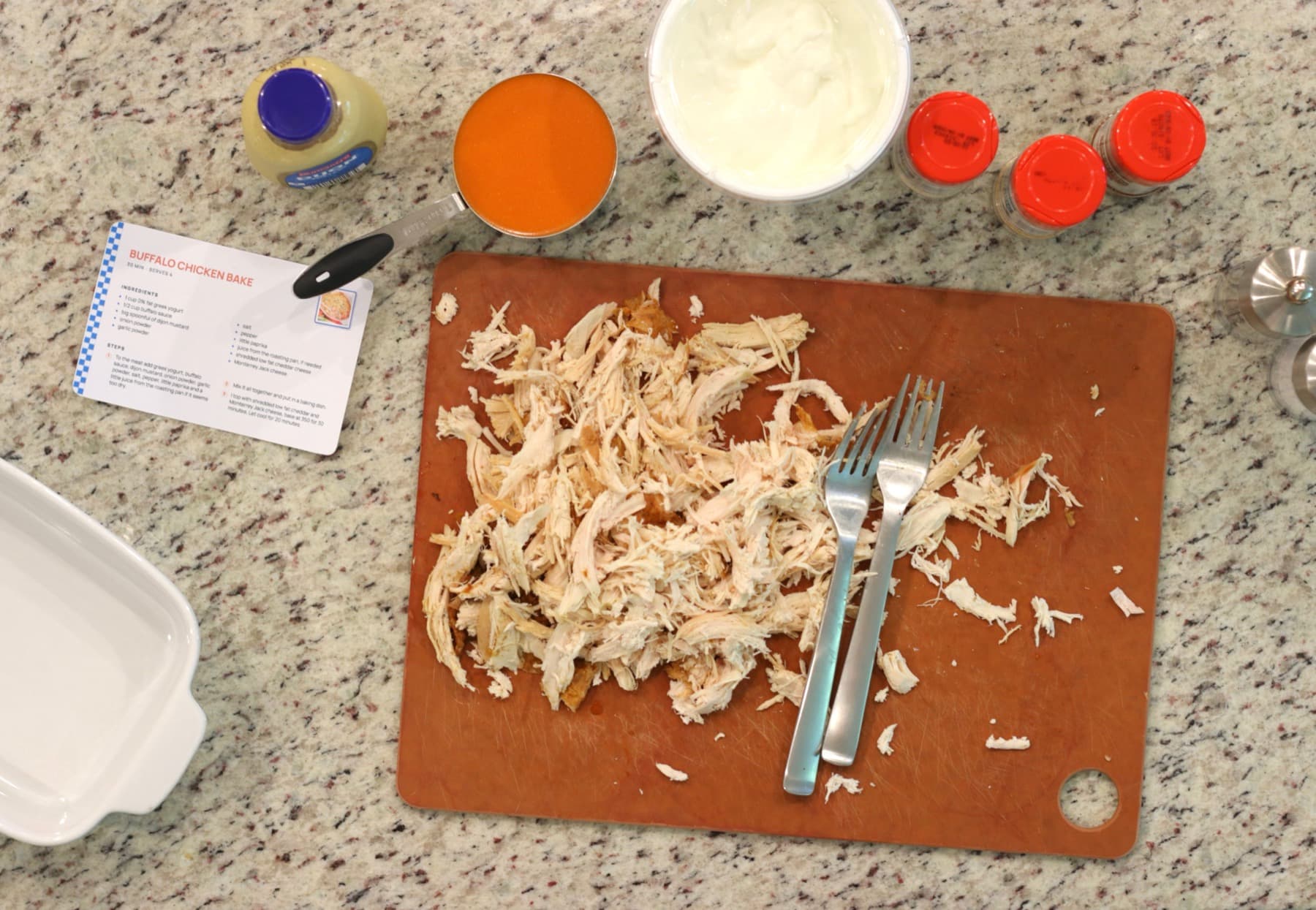
Keep the recipe and the video
Print the ingredients and steps for everyday cooking, and keep the YouTube link with the recipe so you can jump back to the original video when you need to see a technique again.
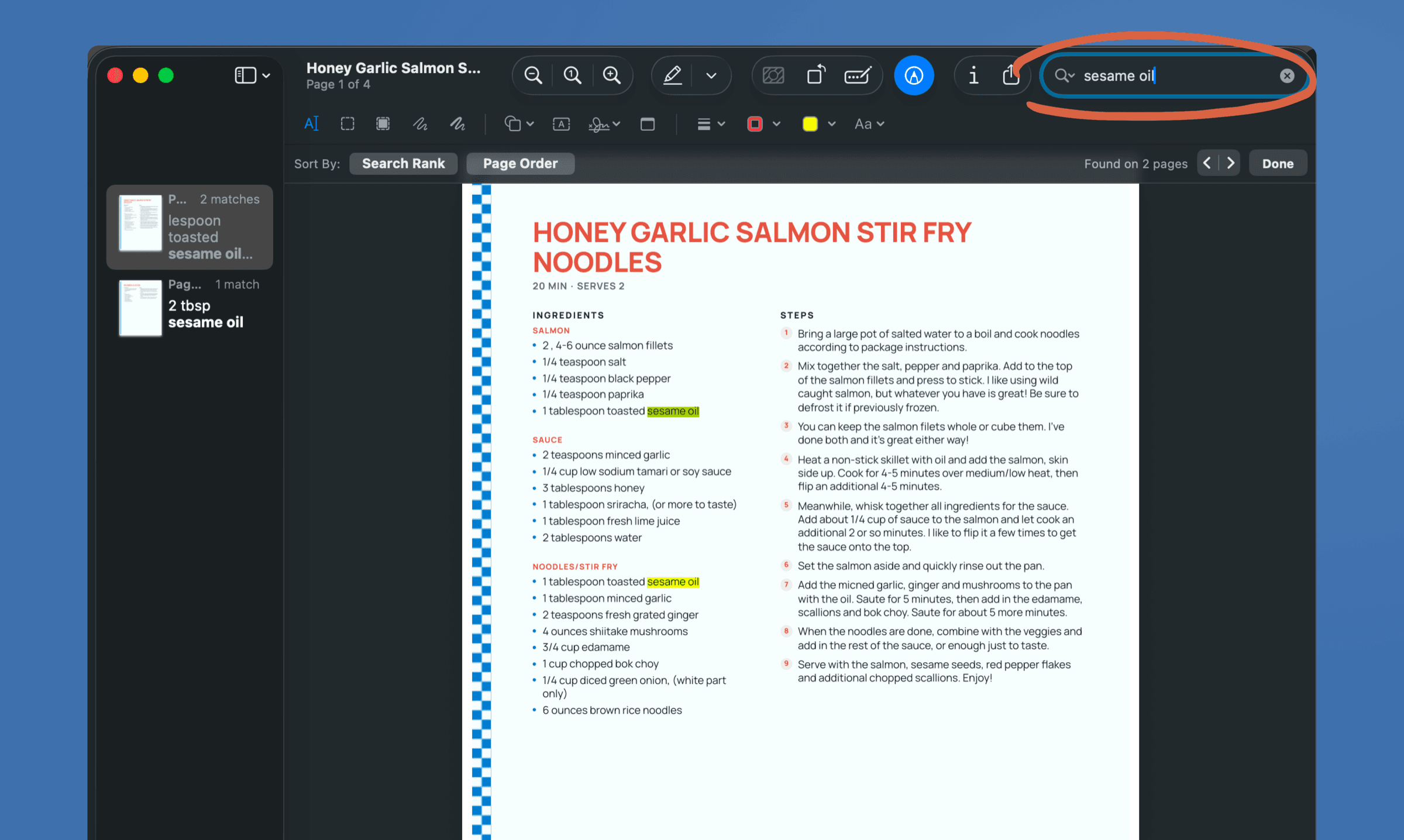
YouTube recipe printing questions
- Can RecipePrinter get the recipe from any YouTube cooking video?
- RecipePrinter needs a written recipe to work from, usually in the video description. If the creator did not include one, you can paste your own notes or recipe text instead.
- Can I print a recipe from a YouTube Short?
- Yes, as long as the Short includes enough written recipe information to work from. Paste the Short link the same way you would any other YouTube video.
- Can I save a YouTube recipe as a PDF?
- Yes. Once the recipe is formatted, open your browser’s print dialog and choose Save as PDF instead of a printer.
- What if the YouTube description links to the creator’s recipe website?
- You can use either link. The YouTube description may have a shorter version, while the creator’s website may include extra notes, substitutions, or details.
- Will the printed recipe link back to the YouTube video?
- You can include the source link so it is easy to return to the video when you want to watch a technique again.