Print recipes from social media

Found a recipe on Instagram, TikTok, Pinterest, Facebook, or YouTube? Paste the post or video link and RecipePrinter turns it into a clean recipe with ingredients and instructions, ready to print or save.

If the link doesn't work, you can also paste the recipe text or upload a screenshot.
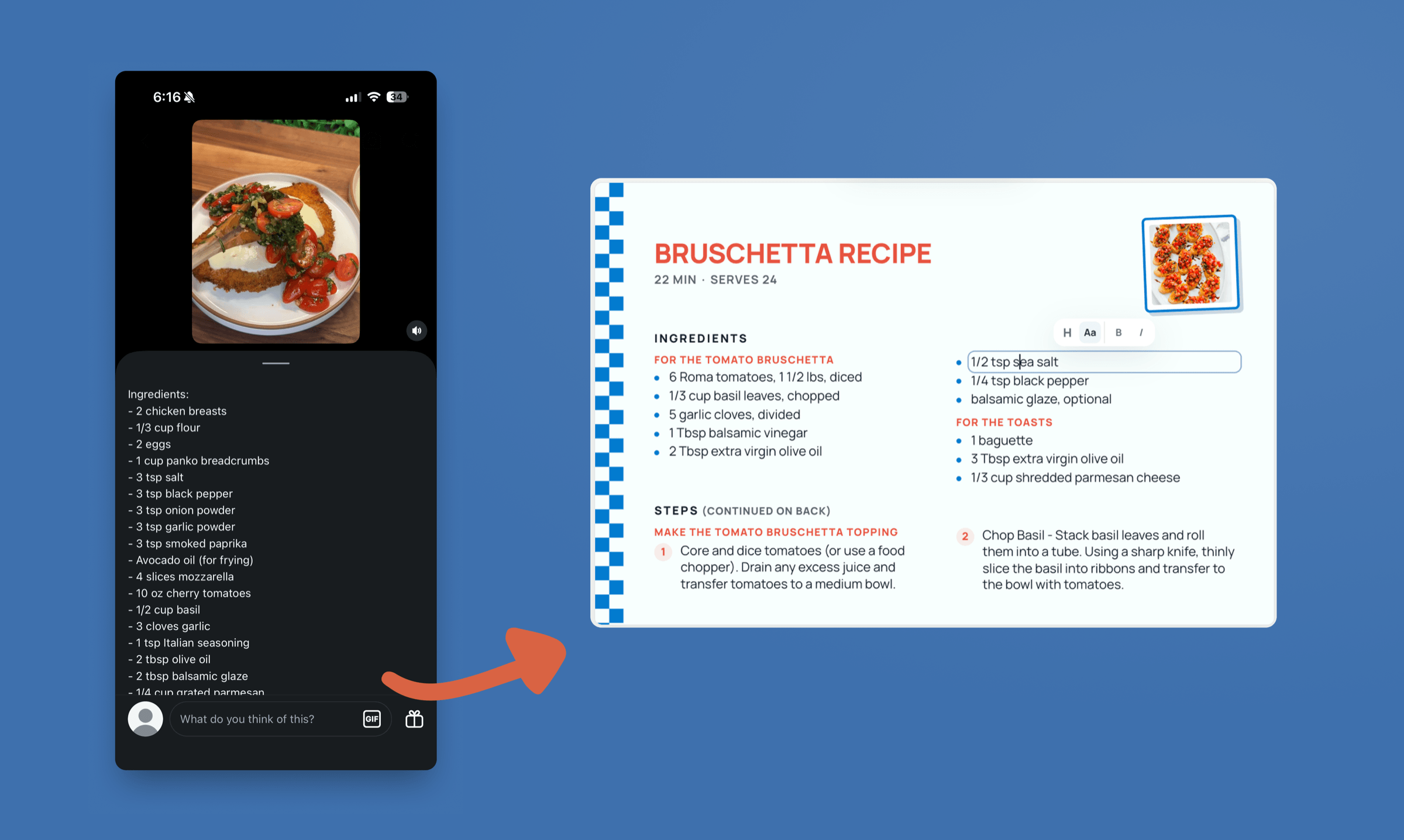
An Instagram post with the recipe written out in its caption, beside the printed recipe card it becomes.
Printed from an Instagram post

How to print a recipe from social media

  1. 1

    Copy the post's link

    On Instagram, TikTok, Pinterest, Facebook, or YouTube, tap Share and copy the link to the post, Pin, Reel, or video.

  2. 2

    Paste it into RecipePrinter

    RecipePrinter looks for the recipe in the caption, description, linked page, and when available, the video's narration or on-screen text.

  3. 3

    Check the recipe

    Review the ingredients and instructions, then make any edits you want before printing.

  4. 4

    Print or save it

    Print it on a full page, or as a 4×6 recipe card with RecipePrinter Pro. You can also save it as a PDF.

One box for every app

Recipes are posted differently on every app. Instagram may put the recipe in a caption, TikTok might explain it in the video, and Pinterest may link to a blog.

You don't need to figure out where the recipe is first. Paste the link and RecipePrinter checks the places it could be.
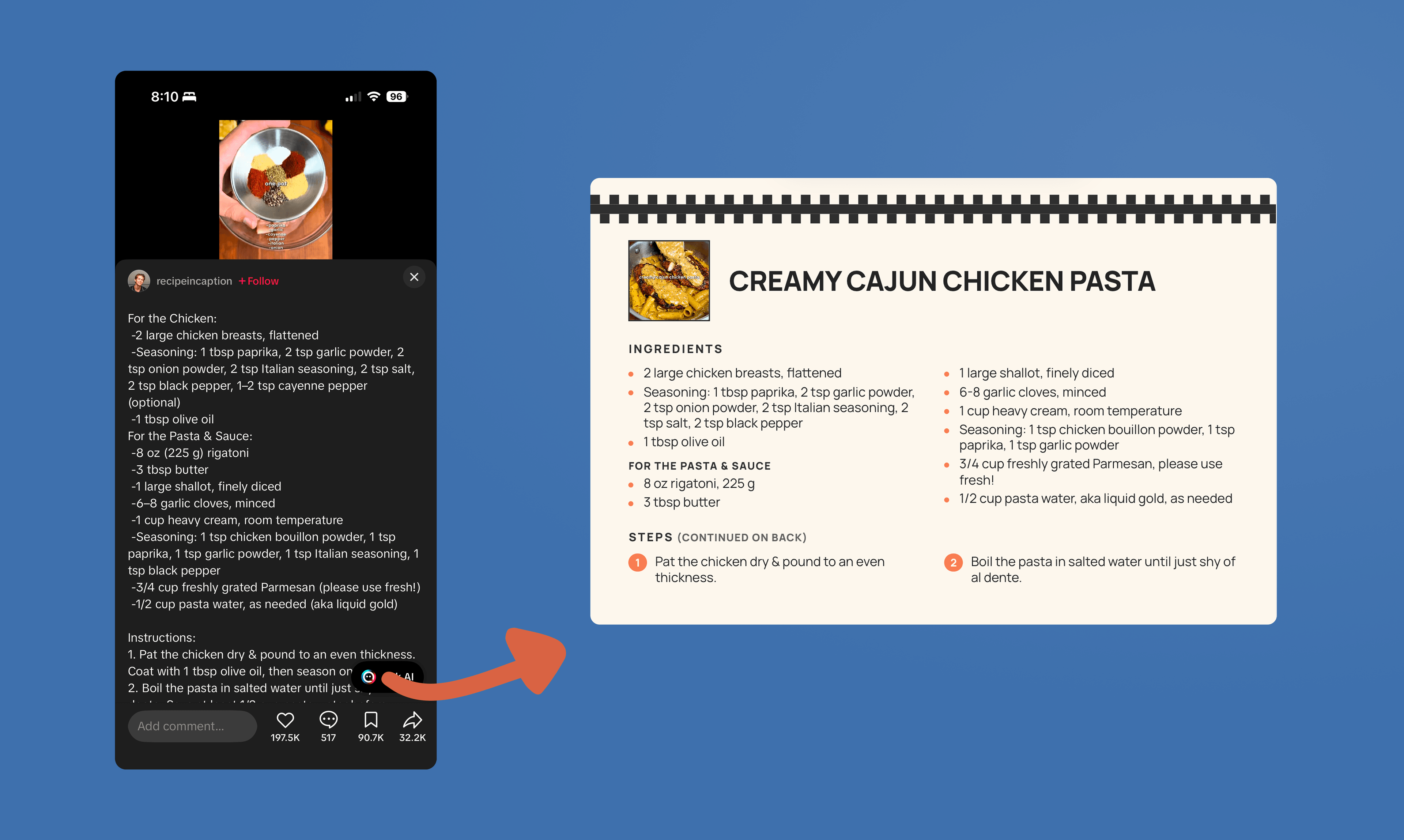
A TikTok recipe brought into RecipePrinter for editing and printing.

Saved isn't the same as kept

Saved posts are easy to lose in a folder full of hundreds of other recipes. A printed recipe is easier to find, cook from, and come back to.

Put it in a recipe box or binder and it's there when you need it.
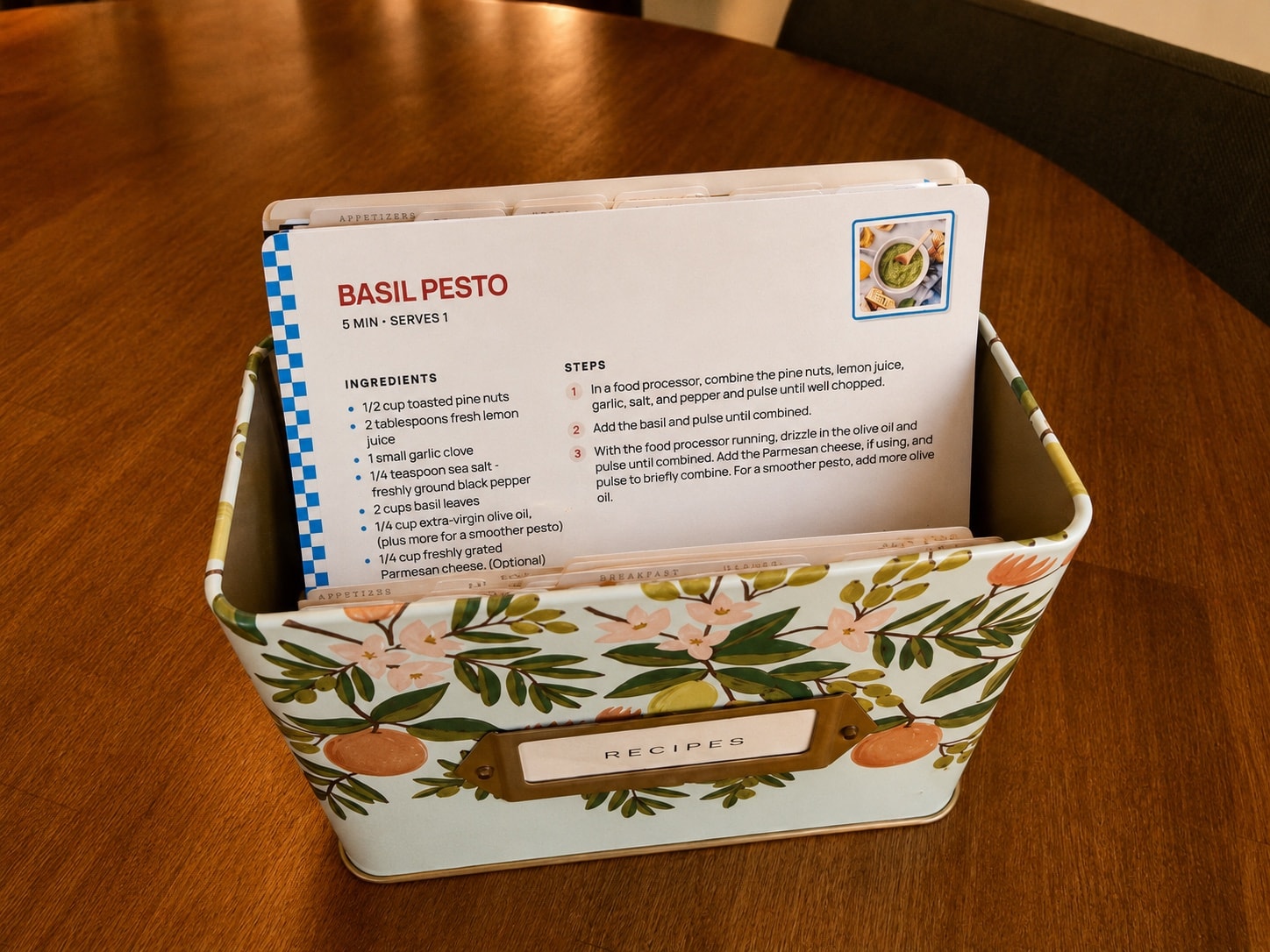
A printed Basil Pesto card standing in an open recipe box behind tabbed dividers.

Cook from paper, not from a paused video

Videos are great for discovering recipes, but awkward to cook from. You end up pausing, rewinding, and touching your phone with messy hands.

RecipePrinter turns the recipe into ingredients and instructions you can keep on the counter while you cook. The original link stays with the recipe if you want to go back and watch the video.
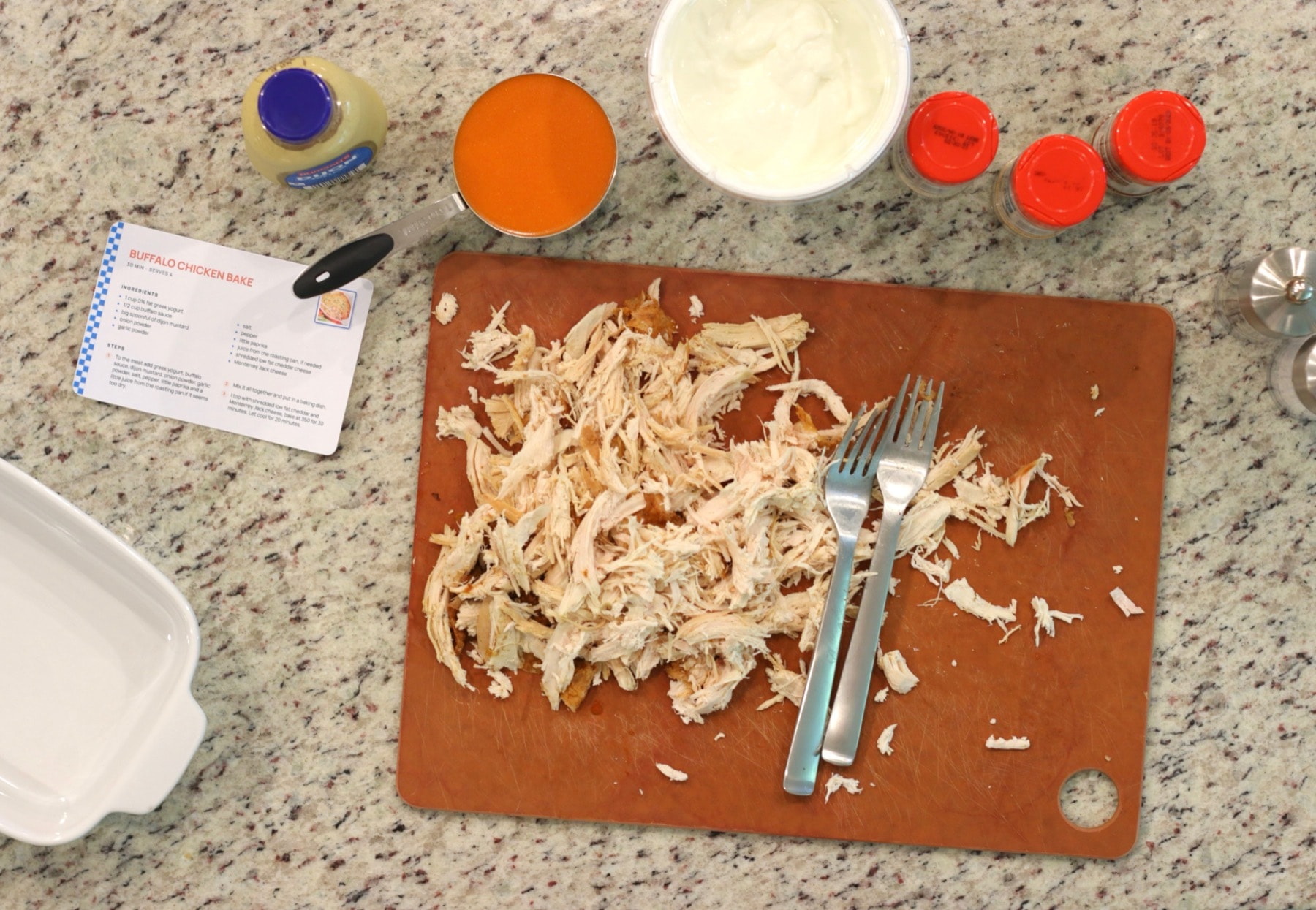
A printed Buffalo Chicken Bake card on a kitchen counter beside the ingredients it calls for.

When the stack becomes a book

Once you've saved enough recipes, you can turn them into a cookbook. Organize recipes into chapters, rearrange them, add section pages, and build the whole book in RecipePrinter. Then print it at home or export the finished PDF to have it printed anywhere.
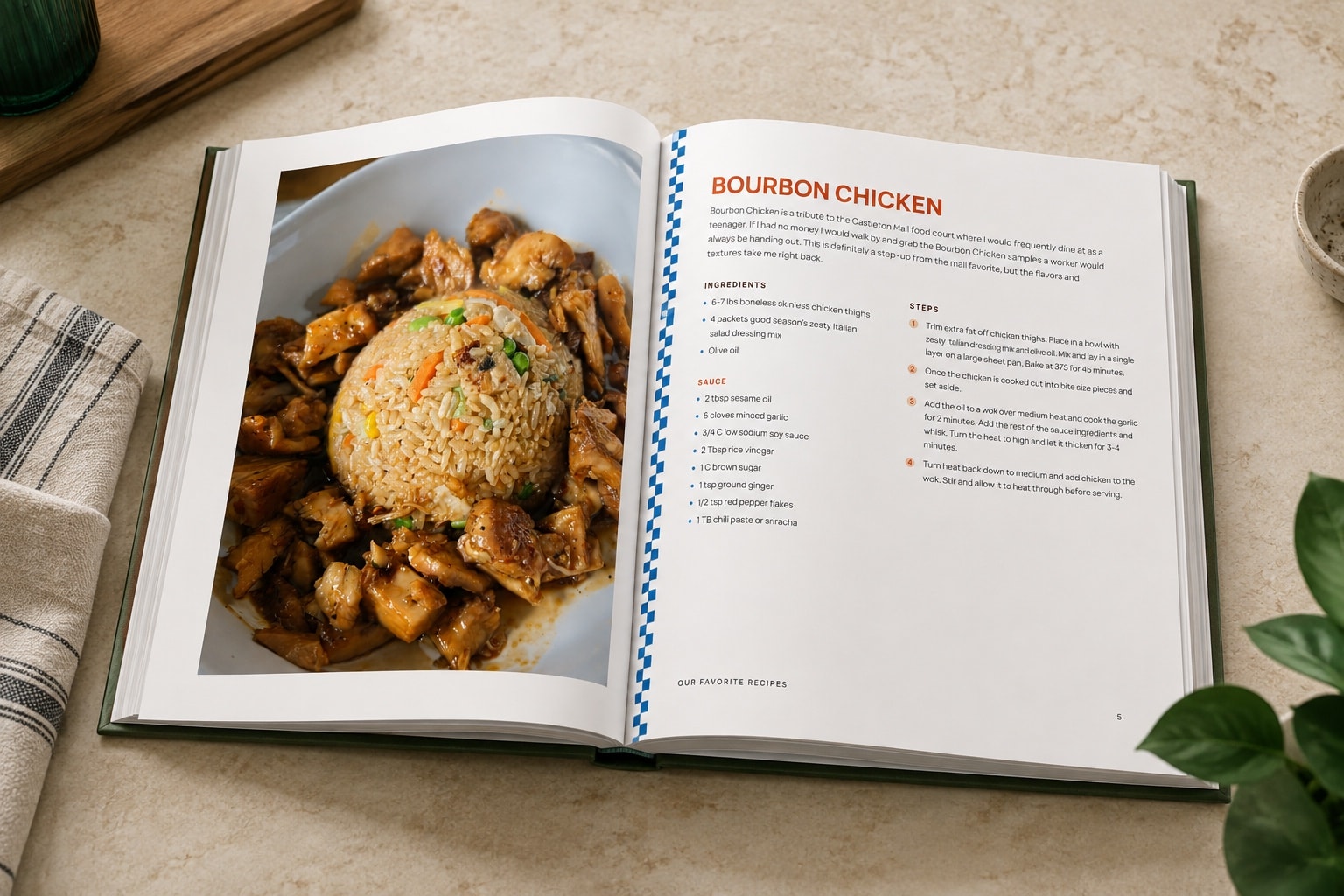
A finished hardcover family cookbook lying open on a counter, a full-page photo facing the typed recipe.

Social media recipe questions

Which apps does it work with?

Instagram, TikTok, Pinterest, Facebook, and YouTube. Copy the link to the post, Pin, Reel, or video and paste it into the same box. Links to recipe websites work too.Print Instagram recipesPrint TikTok recipesPrint Pinterest recipesPrint Facebook recipesPrint YouTube recipes

What if the recipe is only in the video?

RecipePrinter checks the caption or description first. For TikTok and YouTube, it can also use the video's captions when they're available, and on TikTok, recipe text shown on screen. Not every video has these, so check the amounts before you print and add anything that's missing.

Do I need to connect my accounts?

No. You never sign in to Instagram, TikTok, or any other app through RecipePrinter, and it never sees your saved posts or boards. It only works from the link, screenshot, or text you give it.

What if a link won't open?

Posts from private accounts and members-only Facebook groups usually can't be read from a link. Copy the recipe text and paste it in, or upload a screenshot and RecipePrinter reads the recipe from the image.Print a recipe from a screenshot

Can I print several saved recipes at once?

Yes, with RecipePrinter Pro. Add recipes one at a time from any app, then print them together in one job, with the same card size and theme on all of them. On the free plan, you print one recipe at a time.Print multiple recipes at once

Is it free?

Yes, for full-page recipes. Importing from a link, editing, and printing or saving a full-page recipe are free, with no account. RecipePrinter Pro ($4.99/mo or $39.99/yr) adds 4×6 recipe cards, premium themes, and printing several recipes at once.