
Print multiple recipes at once
Add the recipes you want to keep, choose a print layout, and send them to the printer together. Batch printing is included with RecipePrinter Pro.
Printing multiple recipes in one job is a RecipePrinter Pro feature.
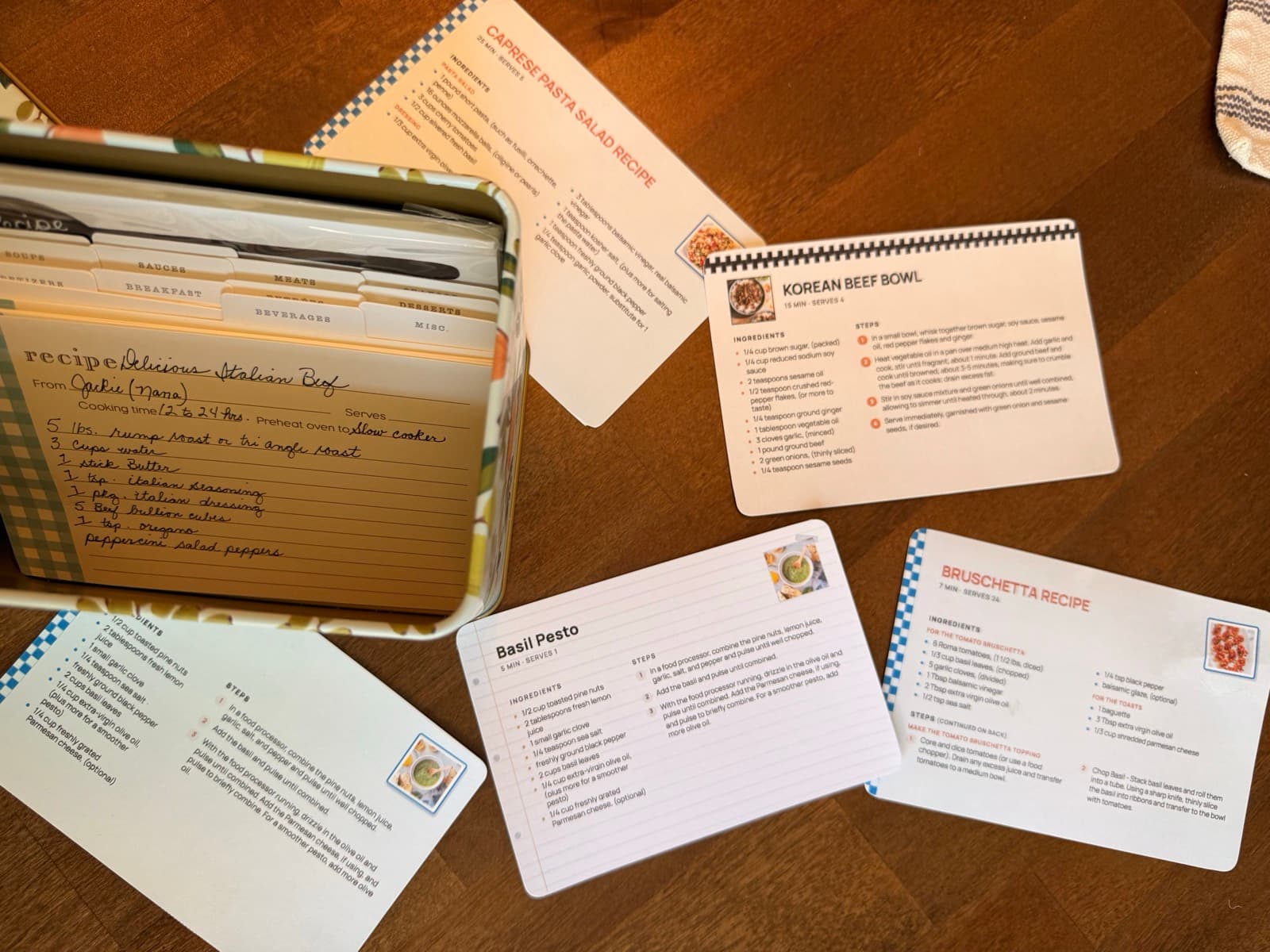
How to print multiple recipes
- 1
Add your first recipe
Paste a recipe link, upload a photo, open a recipe app export, or paste the text. Check the ingredients and steps before printing.
- 2
Add the rest of your recipes
With RecipePrinter Pro, add more recipes to the same print job. You can mix sources in one collection.
- 3
Choose how they print
Use full letter pages or 4×6 recipe cards, then choose a theme. The print settings apply across the job.
- 4
Print them in one job
Send the set to your printer, or choose Save as PDF in the print dialog to keep a digital copy.
One trip to the printer for the whole set
A week of dinners or a stack for a recipe box is easier to handle as one print job. Add each recipe, check it, and print the set together instead of starting a new print dialog for every page.
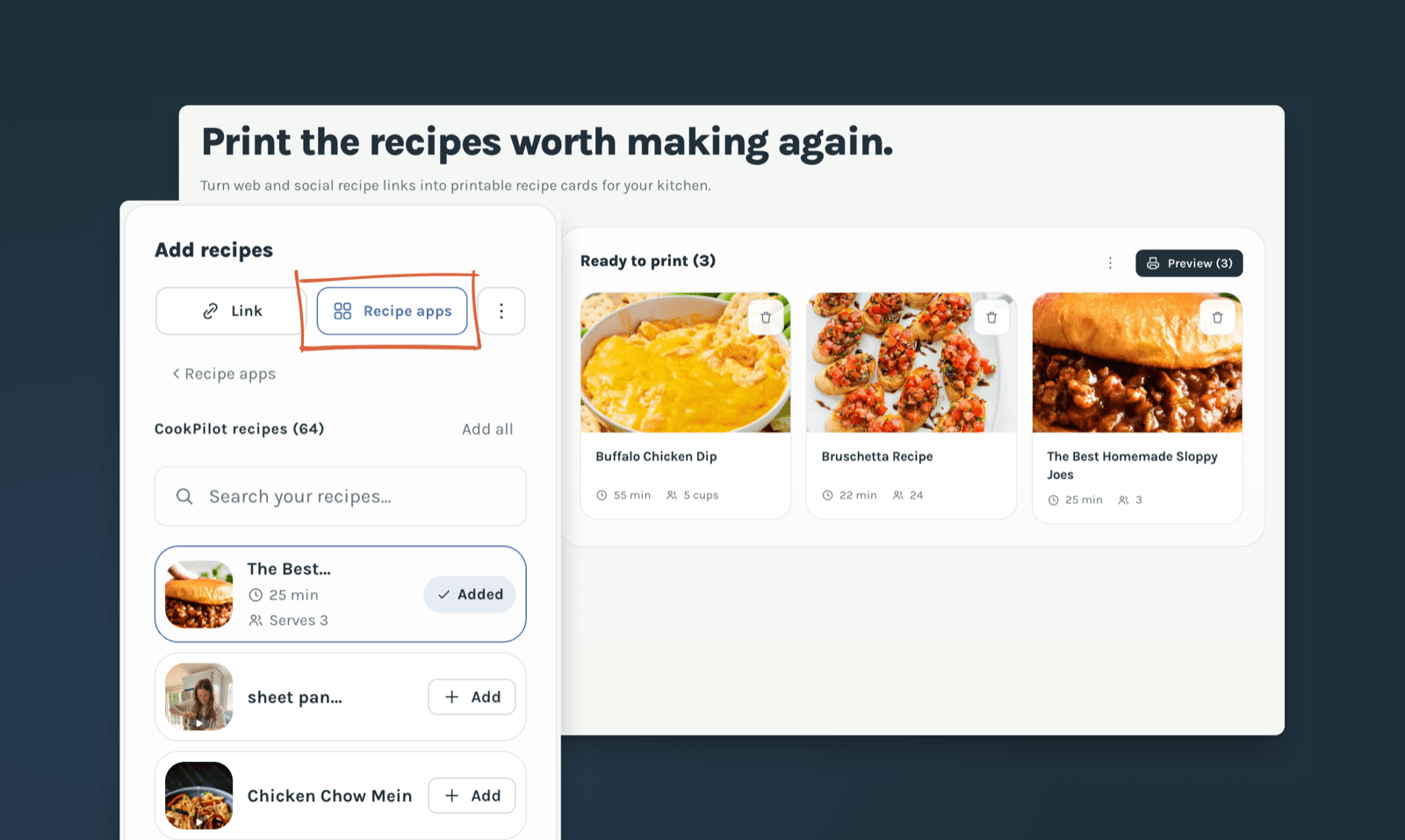
Bring recipes from different places
The recipes do not have to come from the same site. Add a link, a screenshot, a photo of a card, pasted text, or a supported recipe app export, and print them in a consistent layout.
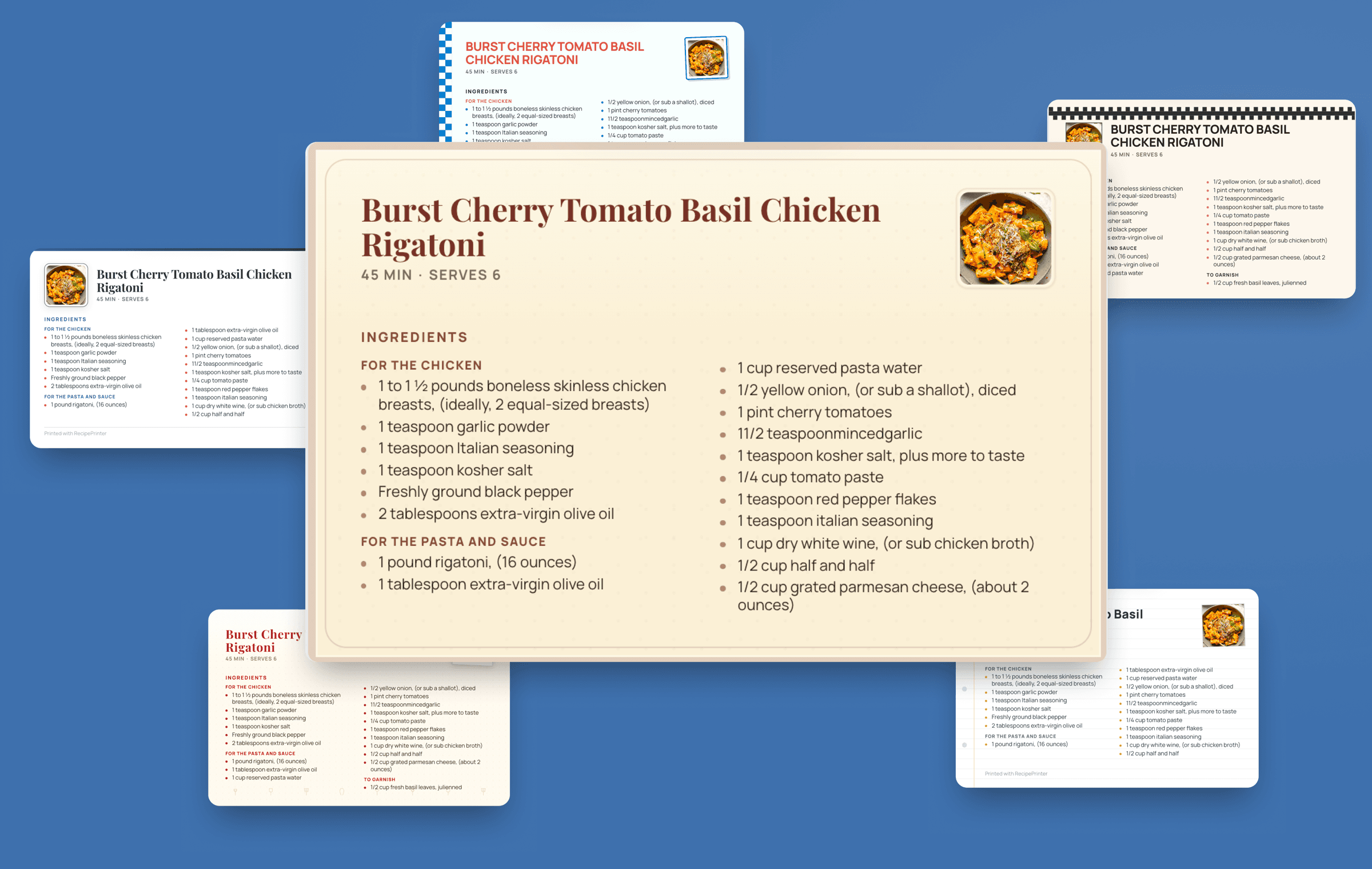
Batch printing is part of Pro
Printing one full letter page at a time is free. RecipePrinter Pro lets you add multiple recipes to one print job and includes 4×6 recipe cards and print themes for a matching set.
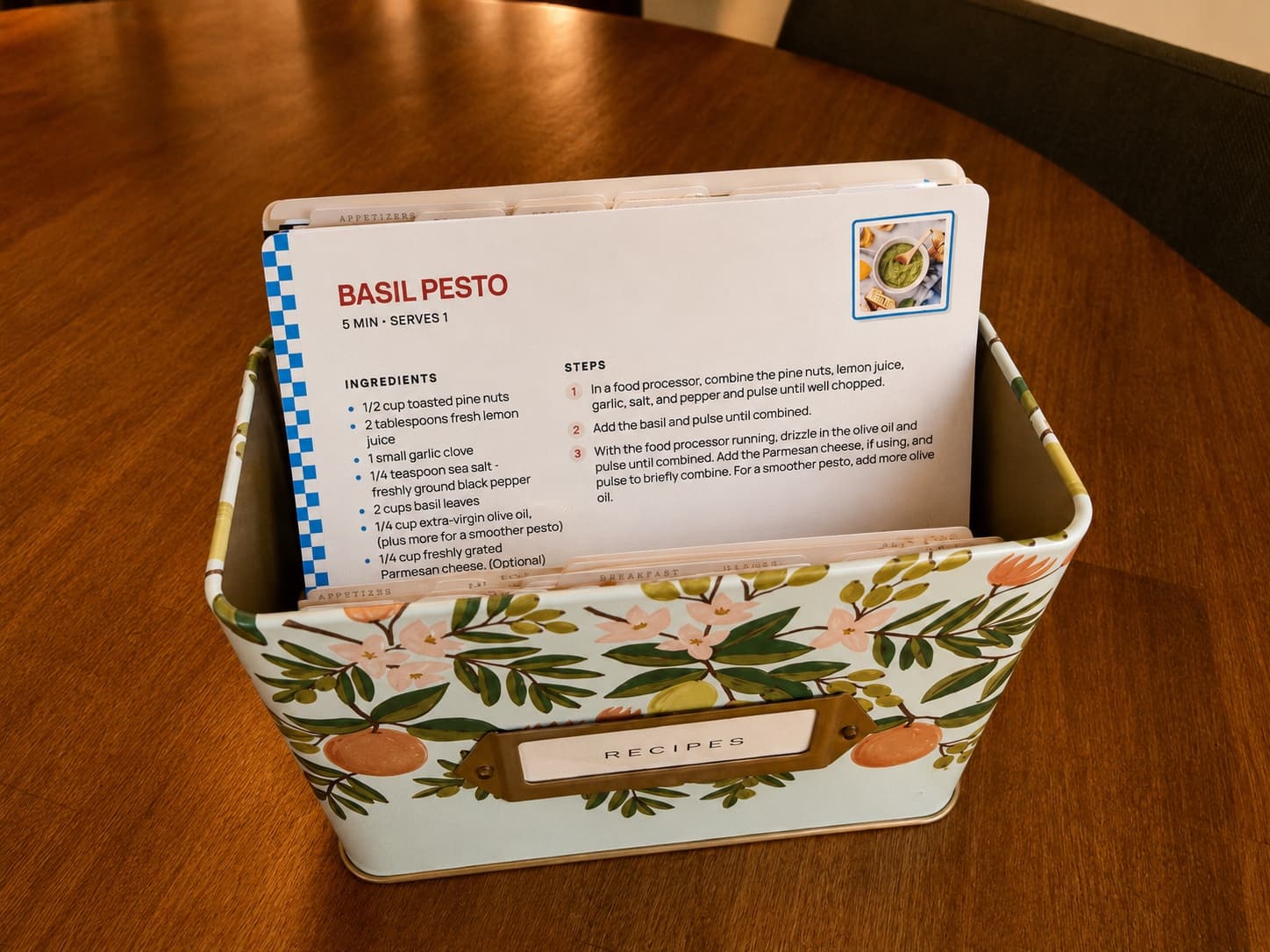
Multiple recipe printing questions
- Can I print multiple recipes at once for free?
- You can print full letter pages one recipe at a time for free. Printing several recipes in one job requires RecipePrinter Pro.
- Can I mix links, screenshots, and recipe app exports?
- Yes. Add recipes from different supported sources to the same print job. Check each one before printing so the ingredients and steps are right.
- Will all the recipes use the same card size and theme?
- Yes. The selected size and theme apply to every recipe in the print job, so the finished pages or cards match.
- Can I save the batch as a PDF?
- Yes. Once the recipes are ready, open the print dialog and choose Save as PDF to keep the set as a file.
- Do I need to add all the recipes at once?
- No. Start with one recipe and add more before you print. If you want to come back to a saved project later, sign in and save it to your account.