
Print a week of dinners in one go
Plan the week however you like. Then add each recipe to RecipePrinter and print the whole week's dinners together, so the recipes are already on the counter when you need them.
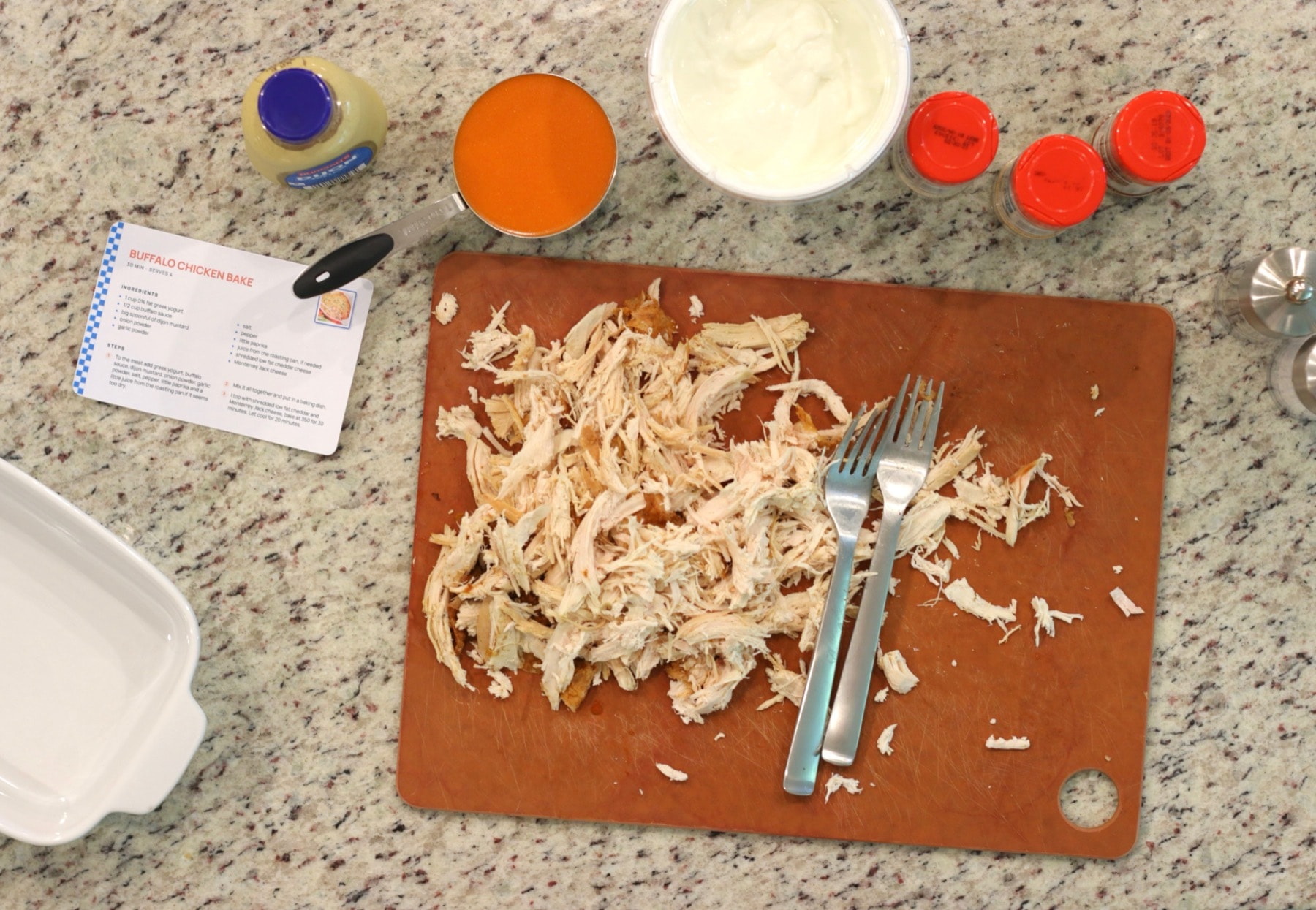
How to print your meal plan recipes
- 1
Pick the week's recipes
Choose the dinners wherever you normally plan them: a meal-planning app, a notebook, saved posts, recipe sites, or your own recipes.
- 2
Add each one
Paste a recipe link, upload a screenshot or photo, or paste the recipe text. Review the ingredients and instructions, then add the next recipe.
- 3
Print them together
With RecipePrinter Pro, print the week's recipes in one batch instead of opening and printing each recipe separately.
- 4
Keep them where you cook
Clip them to the fridge, leave them on the counter, or file them in a binder. When it's time to cook, the recipe is already there.
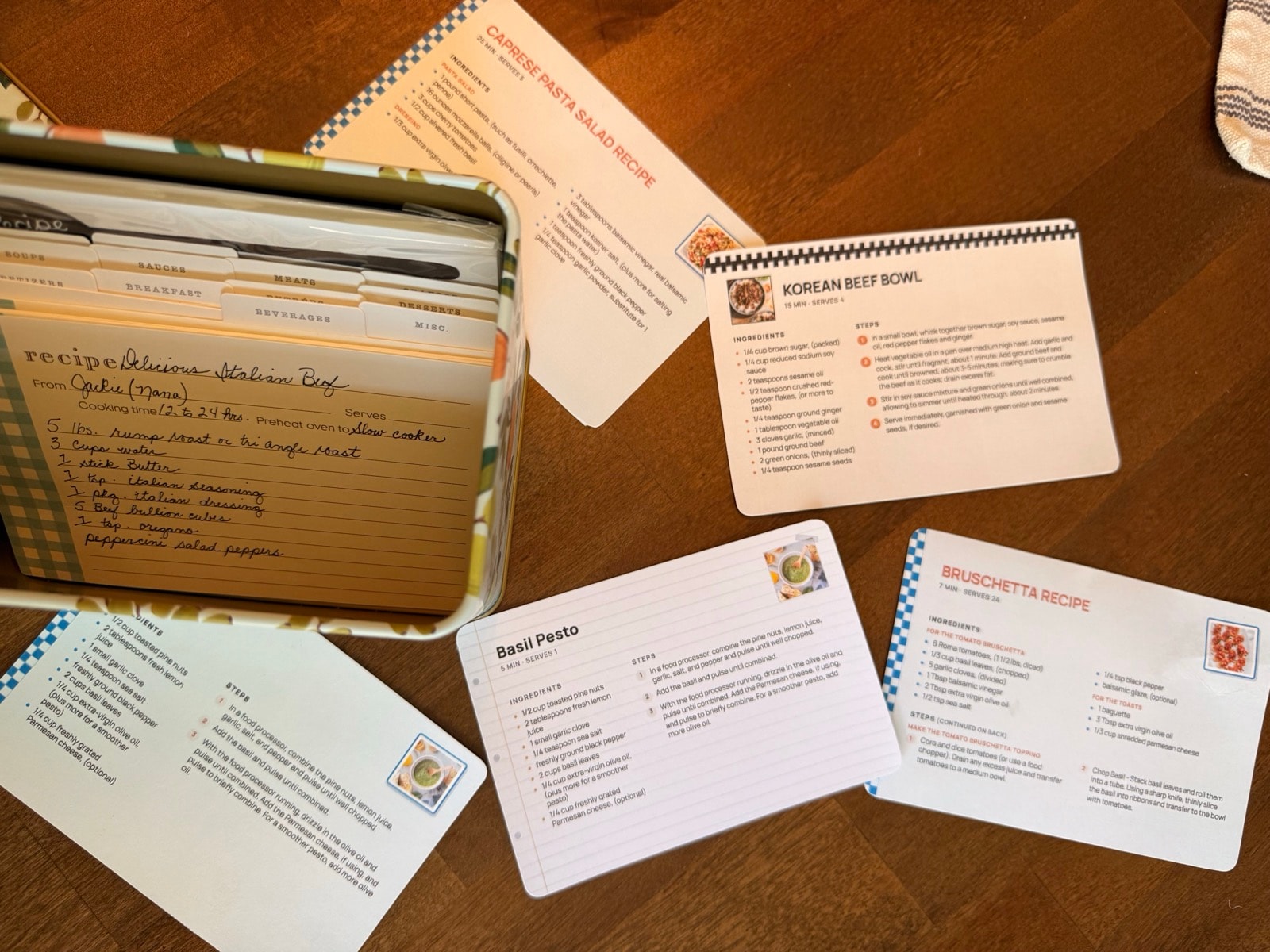
One print job, not five
Opening, cleaning up, and printing five recipes one at a time is the part that's easy to put off.
With RecipePrinter Pro, you add the recipes for the week and print them together in one batch.
Full-page recipes can still be printed one at a time for free.
The week's dinners, on the counter
When dinner is already printed, nobody has to find the right tab, unlock a phone, or scroll past the story to reach the ingredients.
The week's recipes can stay somewhere everyone in the house can see them.
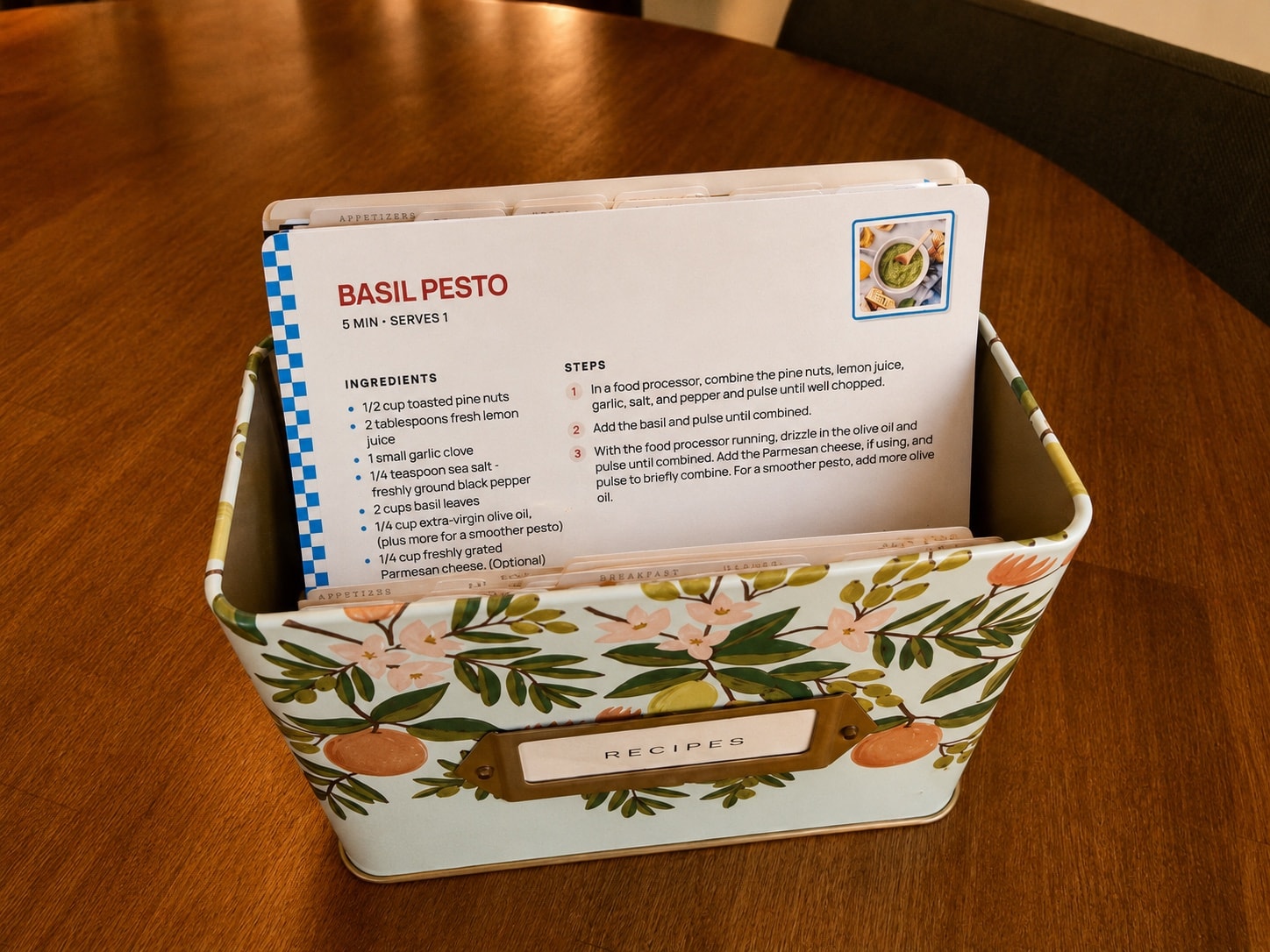
Favorites come back around
Most weeks repeat at least a few favorite dinners. Keep the recipes you use most in a binder or recipe box, and next time they're on the meal plan you won't have to find them again.
Meal plan printing questions
- Does RecipePrinter plan my meals or make a grocery list?
- No. RecipePrinter doesn't choose your meals or build a grocery list. Plan the week in whatever app, notebook, or calendar you already use, then bring the recipes into RecipePrinter to print.
- Can I print the whole week at once?
- Yes. RecipePrinter Pro lets you print multiple recipes at once: add each of the week's recipes, then print them together in one batch, with the same size and theme on all of them.Print multiple recipes at once
- Can I mix recipes from websites, social media, and screenshots?
- Yes. The recipes in one batch can come from different places. Paste links from recipe sites or social posts, upload screenshots or photos, or add recipe text, and they all print in the same layout.Print recipes from social media
- Should I print full pages or recipe cards?
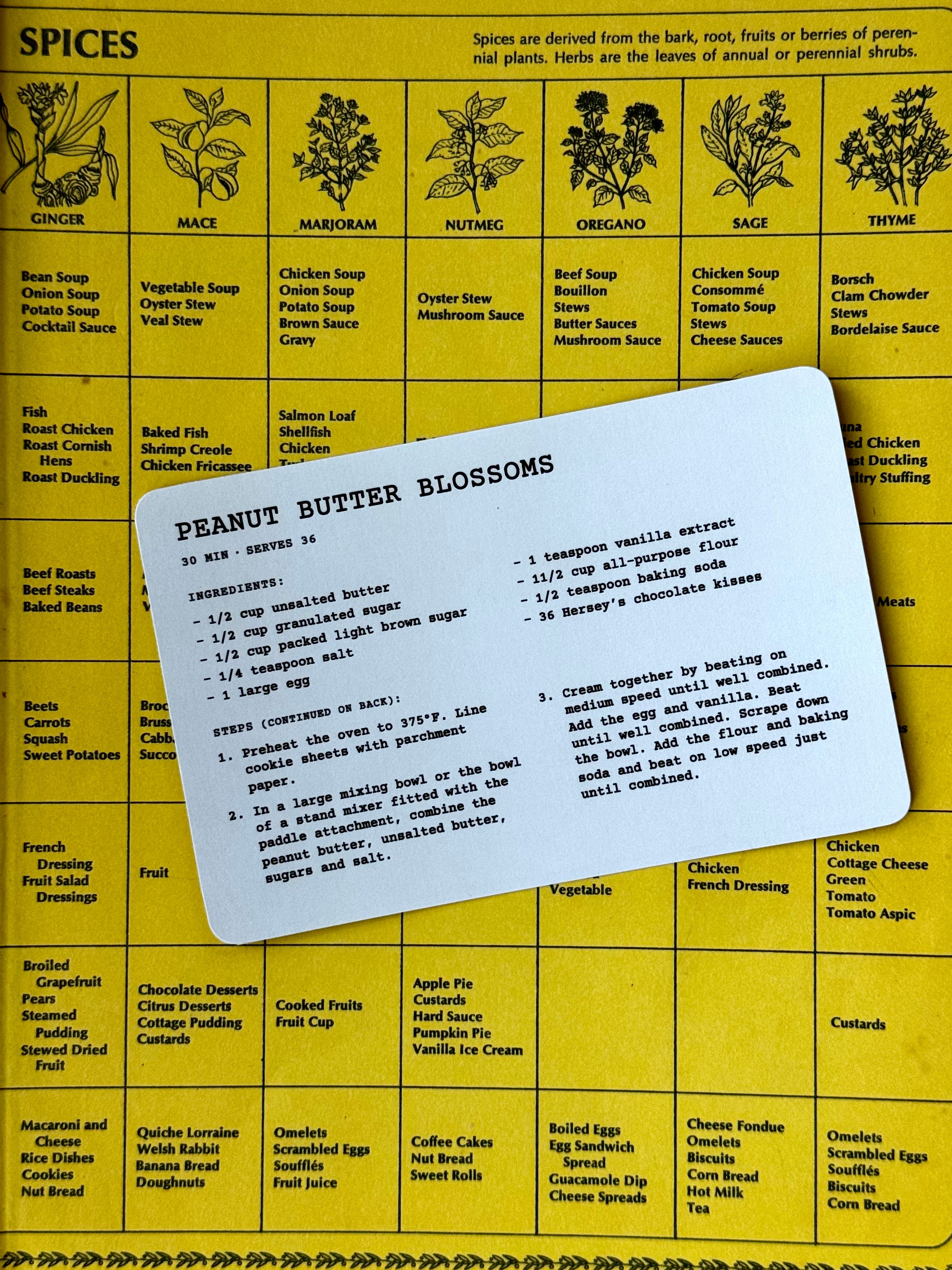
- Full-page recipes are easier to read from across the kitchen and work well in a binder. 4×6 cards suit recipes you make often and want to keep in a recipe box; they need RecipePrinter Pro.Make printable recipe cardsBuild a recipe binder
- Is it free?
- Importing recipes and printing a full-page recipe are free, one recipe at a time, with no account. Printing several recipes in one batch, 4×6 cards, and premium themes are RecipePrinter Pro, $4.99/mo or $39.99/yr.