
Build a recipe binder your way
Turn recipes from anywhere into clean full pages or 4×6 cards you can print, organize, and add to over time.
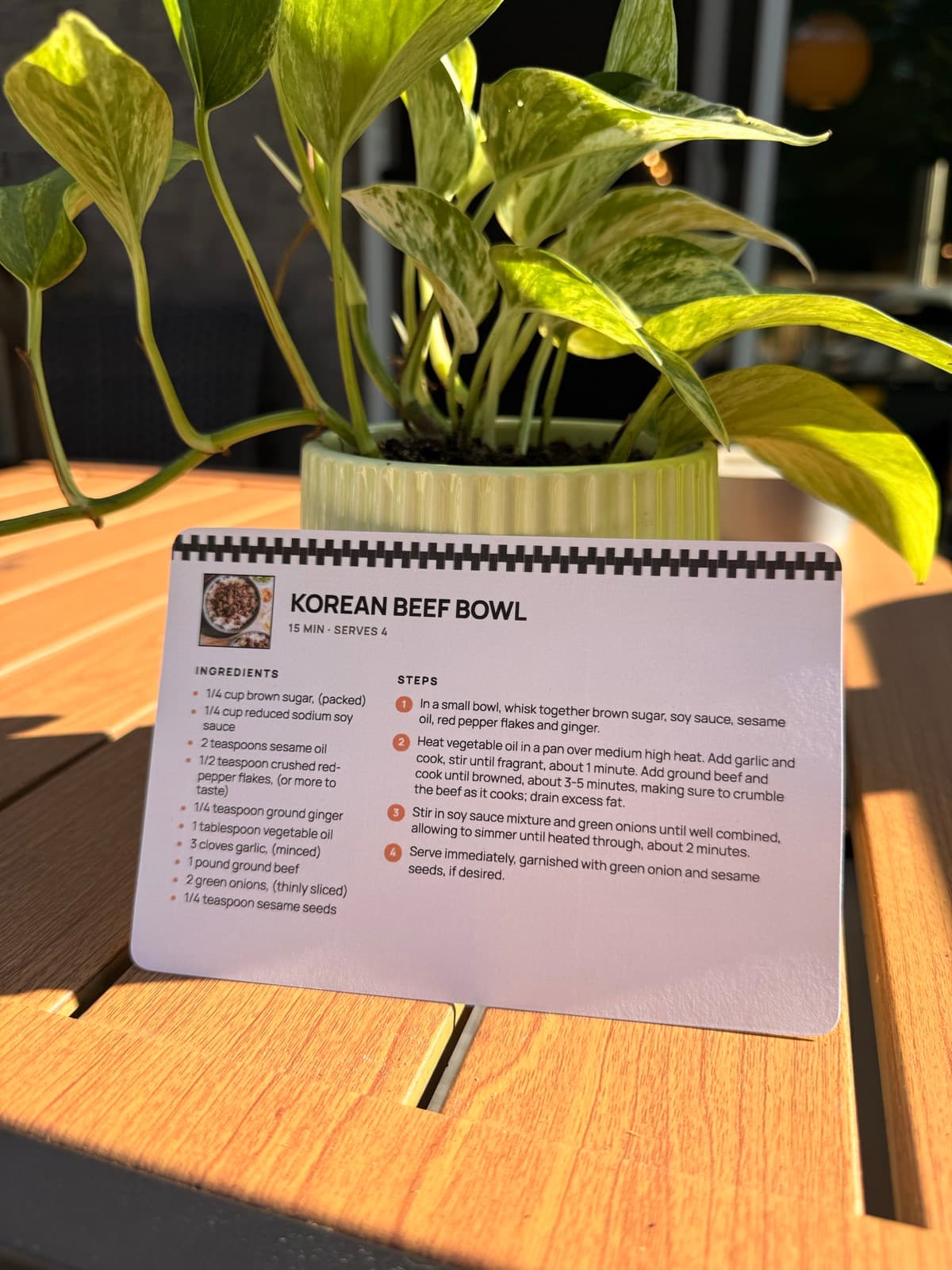
A recipe collection that can keep growing
Print one recipe now, add another later, and keep changing your binder over time.
Start with one
Print a recipe now. Your binder does not need to be finished first.
Add more later
Print new favorites as you find them, and replace recipes you have updated.
Rearrange anytime
Move recipes between sections whenever the way you cook changes.
Organize it however you like
Use physical tab dividers and simple categories, then move recipes around as your collection grows.
BreakfastMain dishesSidesSoups & saladsBakingDesserts
Questions people ask
- Should a recipe binder use cards or full pages?
- Both can work. Use US Letter pages for longer recipes and 4×6 cards for shorter favorites. Binder sleeves sized for each format let you keep both together.
- Can I make a binder from recipes I found online?
- Yes. RecipePrinter formats recipes from websites, social media, screenshots, photos, and handwritten cards into consistent printable pages or cards for your binder.
- What size binder is best for recipes?
- A standard US Letter binder is the simplest choice for recipes printed at home. It gives longer recipes enough room and works with inexpensive sheet protectors and dividers.
- How should I organize recipes in a binder?
- Start with broad categories you already use when deciding what to cook, such as breakfast, mains, sides, baking, and desserts. You can always split a section later as your collection grows.