
Family recipe book ideas
RecipePrinter turns online recipes, old cards, photos, and typed-in notes into clean, matching pages. Put them together in a cookbook with your own cover and chapters, and RecipePrinter builds the table of contents.
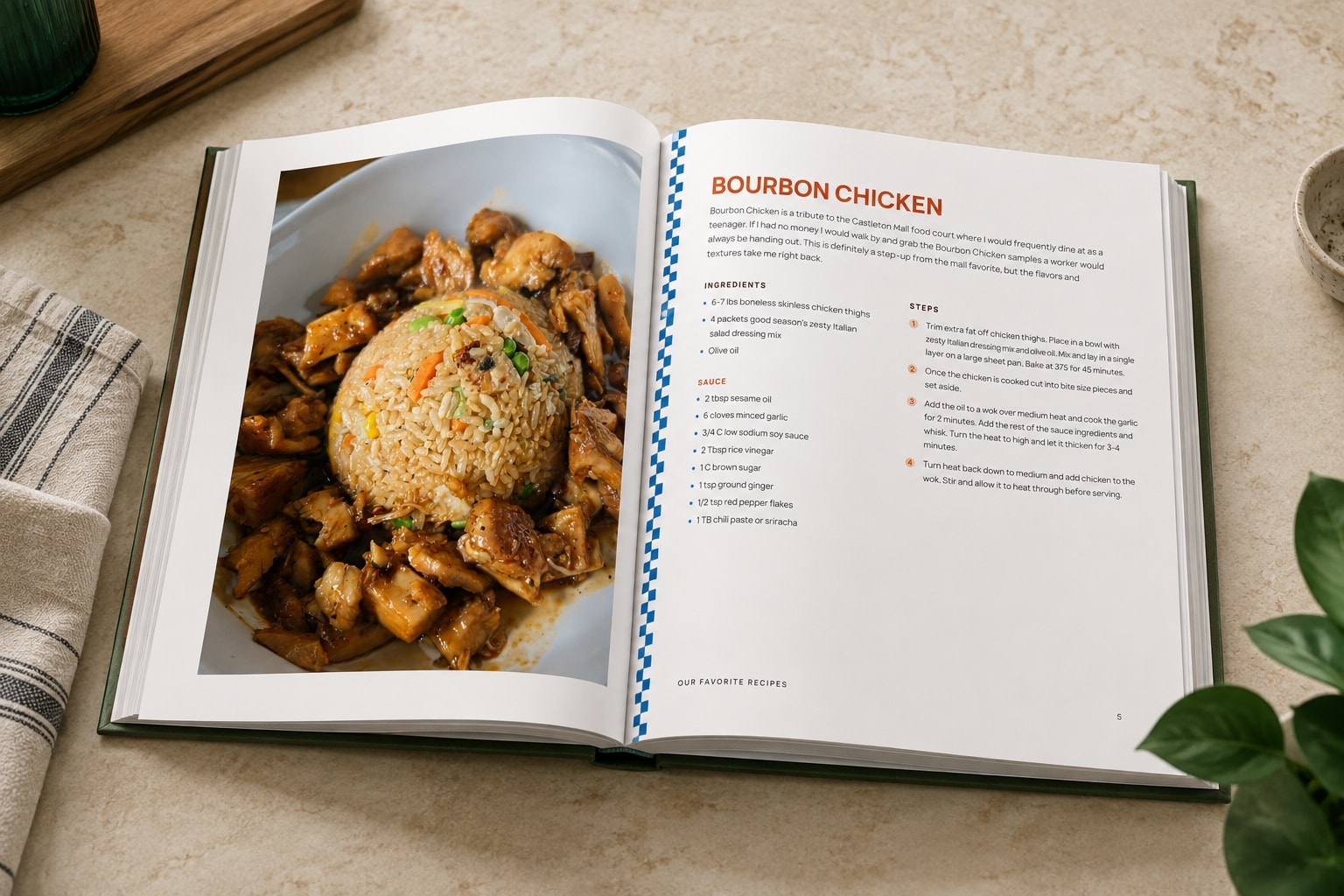
How it works
- 1
Gather the recipes
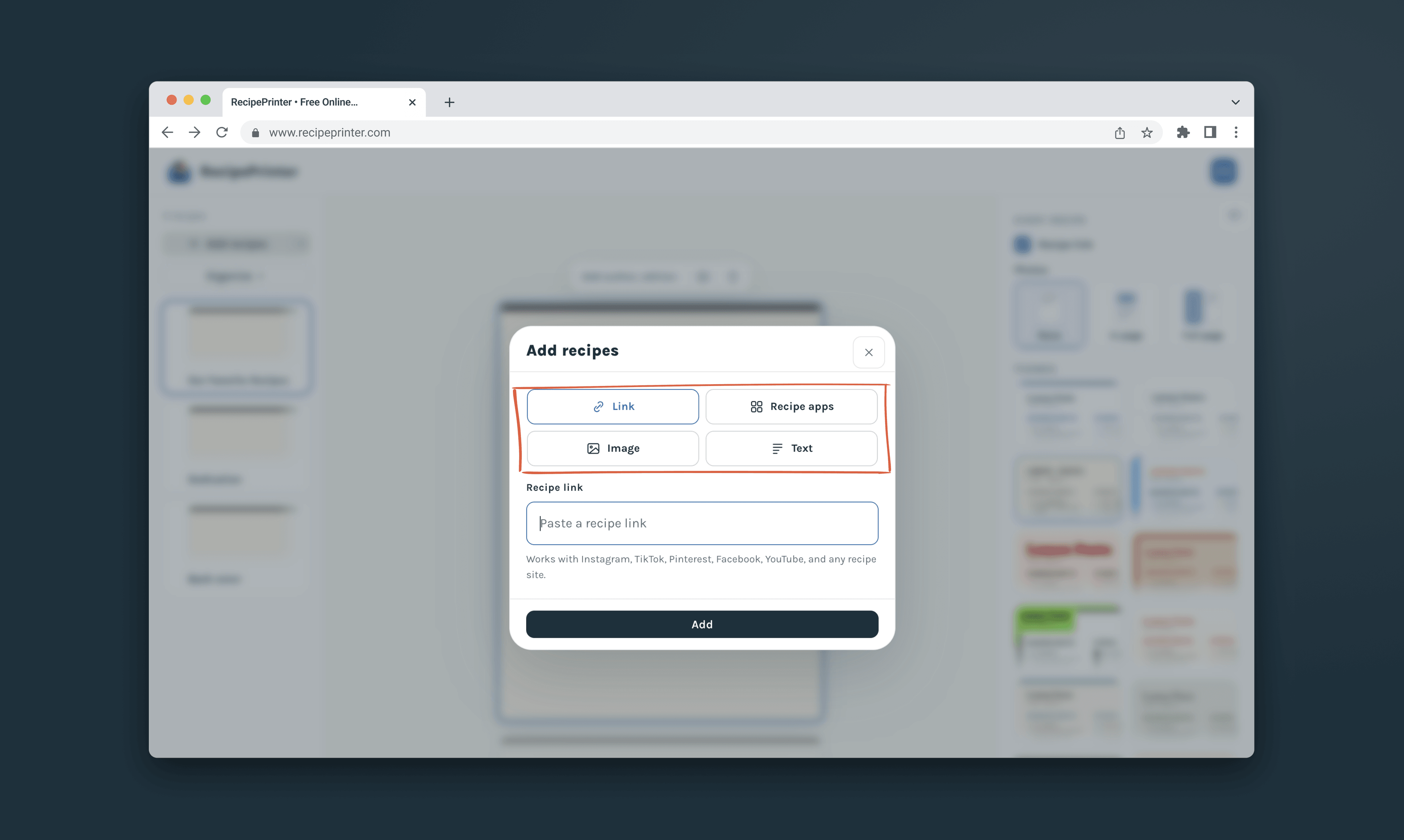
Bring together the recipes you want to keep: paste links, photograph old handwritten cards, upload screenshots, or type in the ones that only live in someone's head.
- 2
Clean up each page
RecipePrinter sets every recipe on a clear, consistent page, so a faded card and a link from a group chat end up looking like they belong in the same cookbook.
- 3
Add chapters and a cover
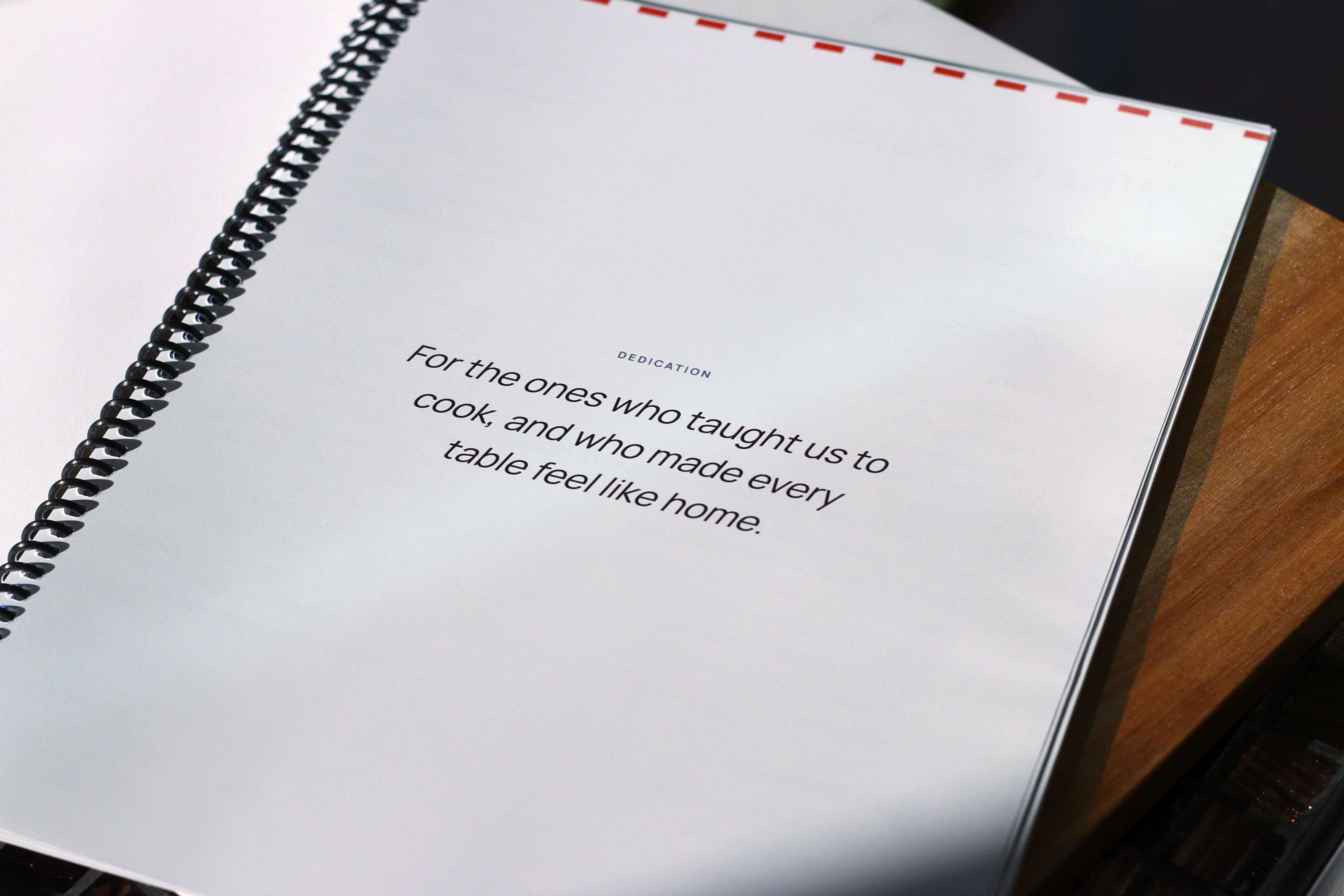
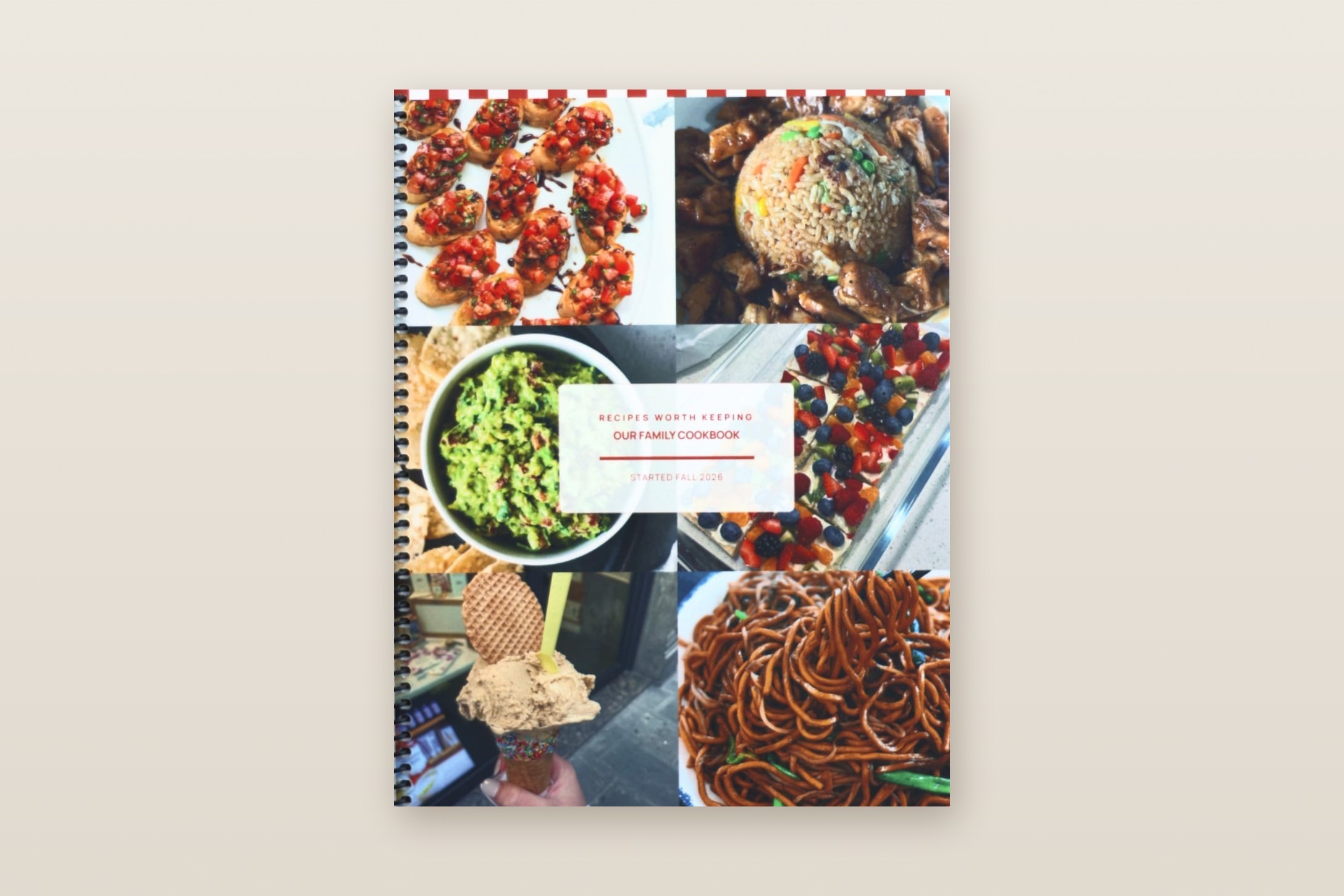
Chapters if you want them, breakfasts and mains or grouped by who they came from. A cover and a dedication go on the front.
- 4
Print at home or send to a printer
Print the finished cookbook at home, or export it and have a print shop bind a copy. Either one makes a gift.
Different sources, one consistent cookbook
Family recipes arrive in every format: a stained index card, a screenshot from a group chat, a link a cousin sent, a method that only lives in someone's head. RecipePrinter reads each one and sets it on a clean, consistent page, so a card from 1975 and a text from last week look like they belong in the same book.
Keep the details that make it yours
A good family cookbook is as much about the people as the food. Keep a note about who a recipe came from, the substitution that makes it work, and the holiday it belongs to. Place a photo of the dish, the cook, or the original handwritten card next to the clean typed version, so the story and the exact wording survive alongside the measurements.
Print one at home, or a bound copy for everyone
Print copies on your own printer, or send the file to a print shop for bound books, one for everyone in the family. A finished family cookbook makes a keepsake gift for a wedding, a milestone birthday, or the holidays.
“I’ve been working on making a cookbook in Canva for 10 months, and was able to do it on RecipePrinter in less than a week!”
Family recipe book questions
- How do I get copies for everyone in the family?
- Download the PDF once and print as many copies as you need, at home or through a print shop. You pay once per cookbook, not per copy.
- Can other people in the family add theirs?
- Yes, through you. Everyone sends their recipes however they have them, a photo of a card, a screenshot, or a text message, and you add each one to the book. Nobody else needs an account or a new app, so even the relatives who never download anything can be in it.
- How do I get it printed and bound?
- You can print it yourself on regular letter paper and keep it in a binder, or send the file to a print shop to have it bound. For a hardcover, pick one of the hardcover formats when you download, and the shop will have everything it needs.Lulu(opens in a new tab)Blurb(opens in a new tab)Staples(opens in a new tab)
- What does a cookbook cost?
- You can preview a cookbook with up to 10 recipes free. $19.99 per cookbook, paid once, lets you download or print it, add more than 10 recipes, and keep editing that cookbook. Paper, ink, professional printing, and binding cost extra.