
How to make your own cookbook
A little planning makes a cookbook much easier to finish. This guide walks through choosing your recipes, organizing them into chapters, adding the personal touches, and getting the book printed. RecipePrinter takes care of the layout along the way.
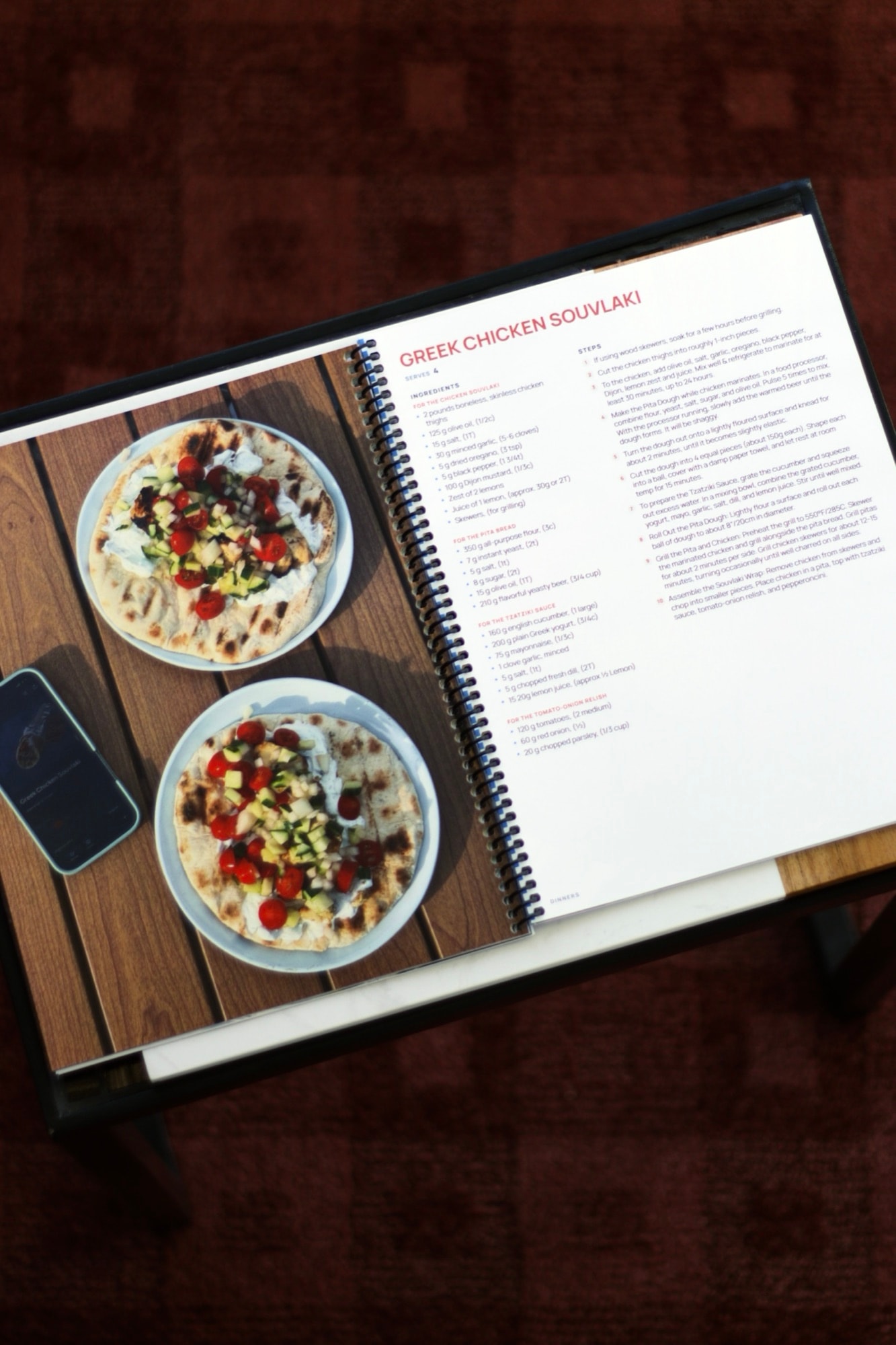
Make your cookbook in four steps
- 1
Choose your recipes
Pick the recipes you make and want to keep, and gather them from wherever they live: websites, screenshots, handwritten cards, or recipe apps.
- 2
Plan your chapters
Group the recipes in a way that suits the book, by course, season, holiday, or the person each recipe came from.
- 3
Add the personal touches
Write a dedication, add a note to the recipes that have a story, and choose a cover photo that sets the tone.
- 4
Get it printed
Download the PDF when it's ready, then make copies at home or have a print shop bind it into a book.
How many recipes should a cookbook have?
There's no right number. A small gift book can feel complete with 20 or 30 recipes, and a full family collection can run past 100. Start with the recipes you'd be sorry to lose, then add the ones people always ask you for.
You can keep adding recipes after you start, so the first version doesn't have to be the final one.
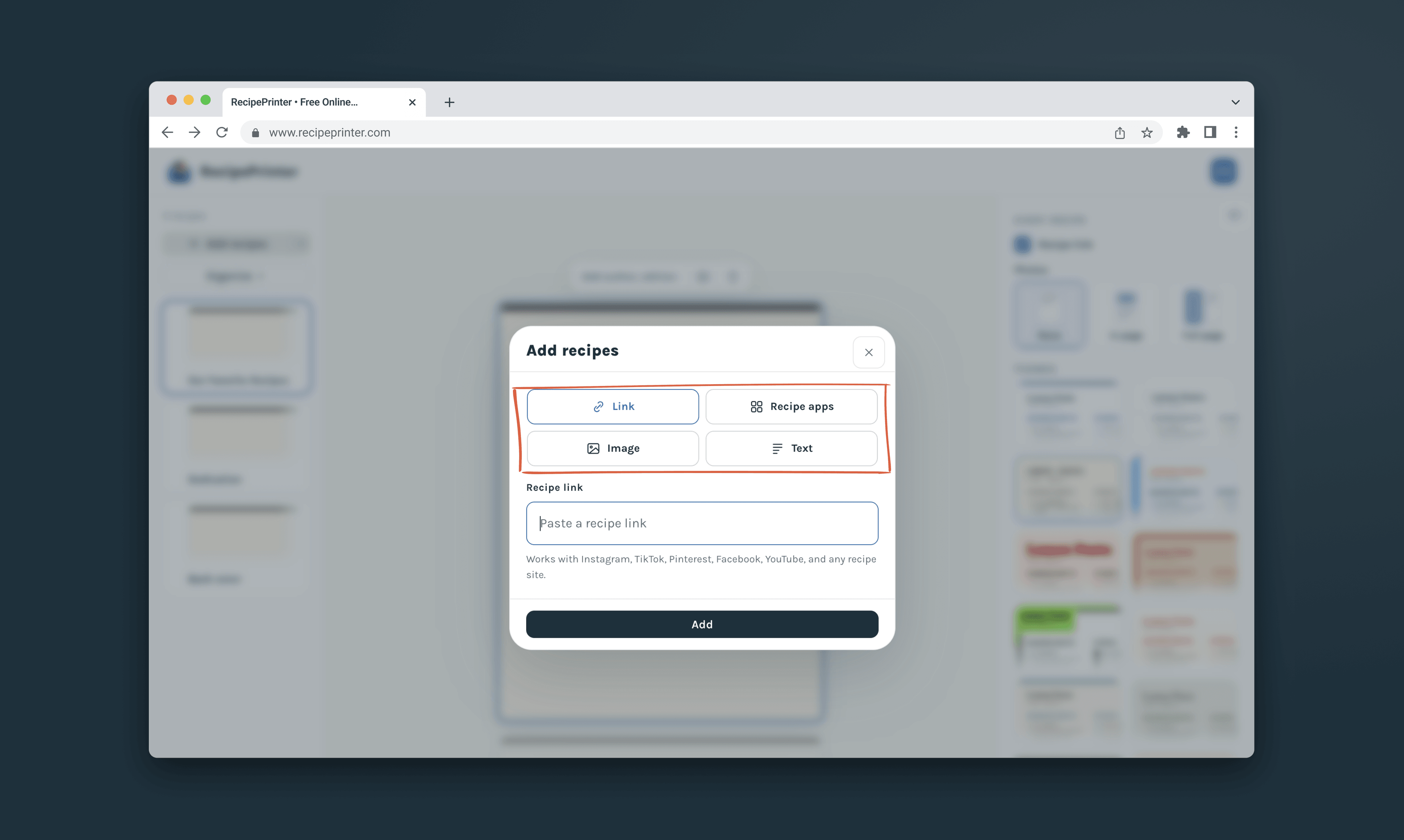
Ways to organize your cookbook
Most cookbooks follow the meal: breakfast, mains, sides, desserts. A family cookbook often works better by person, and a holiday book by occasion. Choose the order you'd reach for in the kitchen.
Chapters can be renamed and recipes moved at any time, and the table of contents and page numbers follow along.
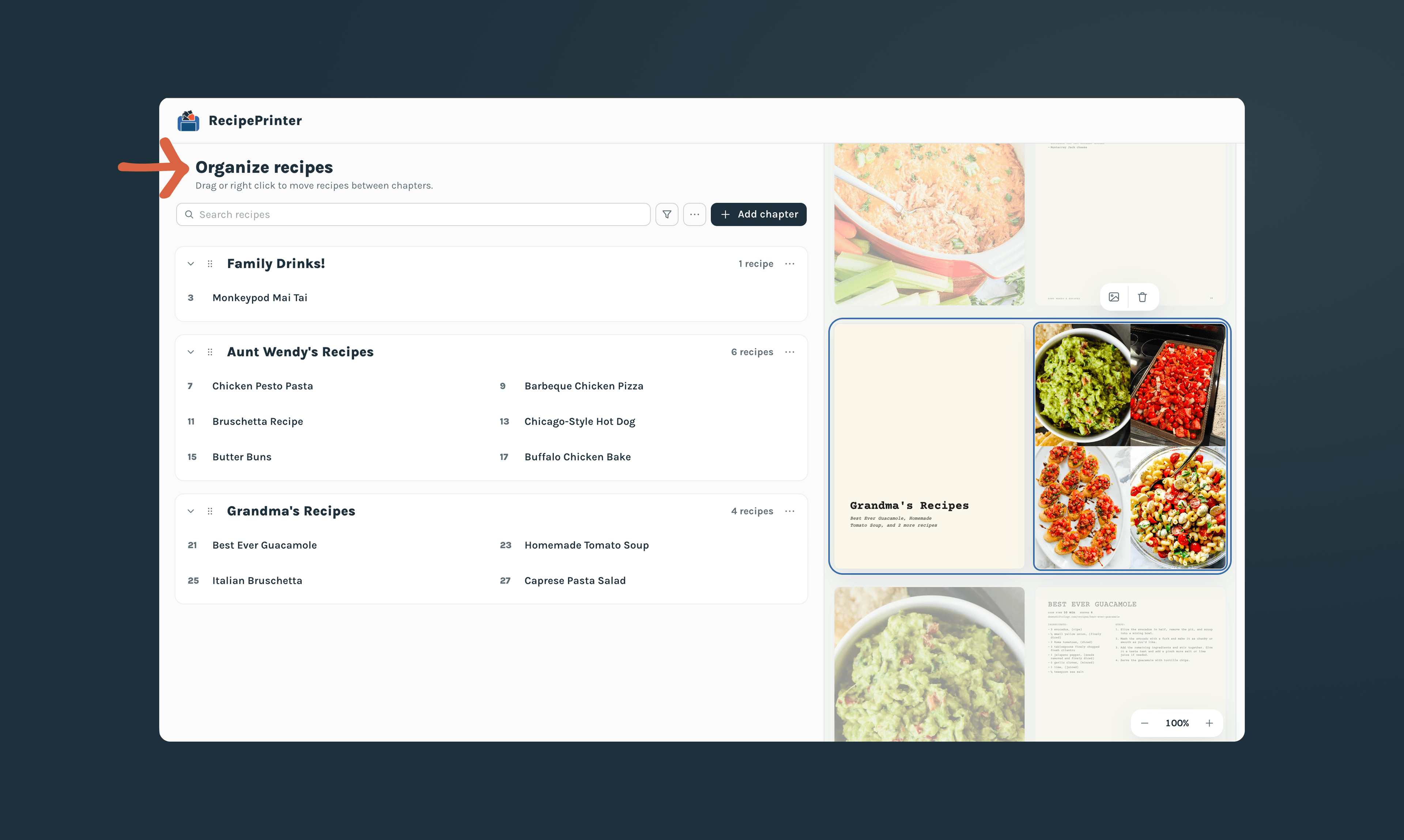
Make it more than a list of recipes
The details are what make a cookbook worth keeping: a dedication at the front, a line about who made each dish, a photo of the food the way your family serves it.
Each chapter can open with its own photo and a few words about what's inside.
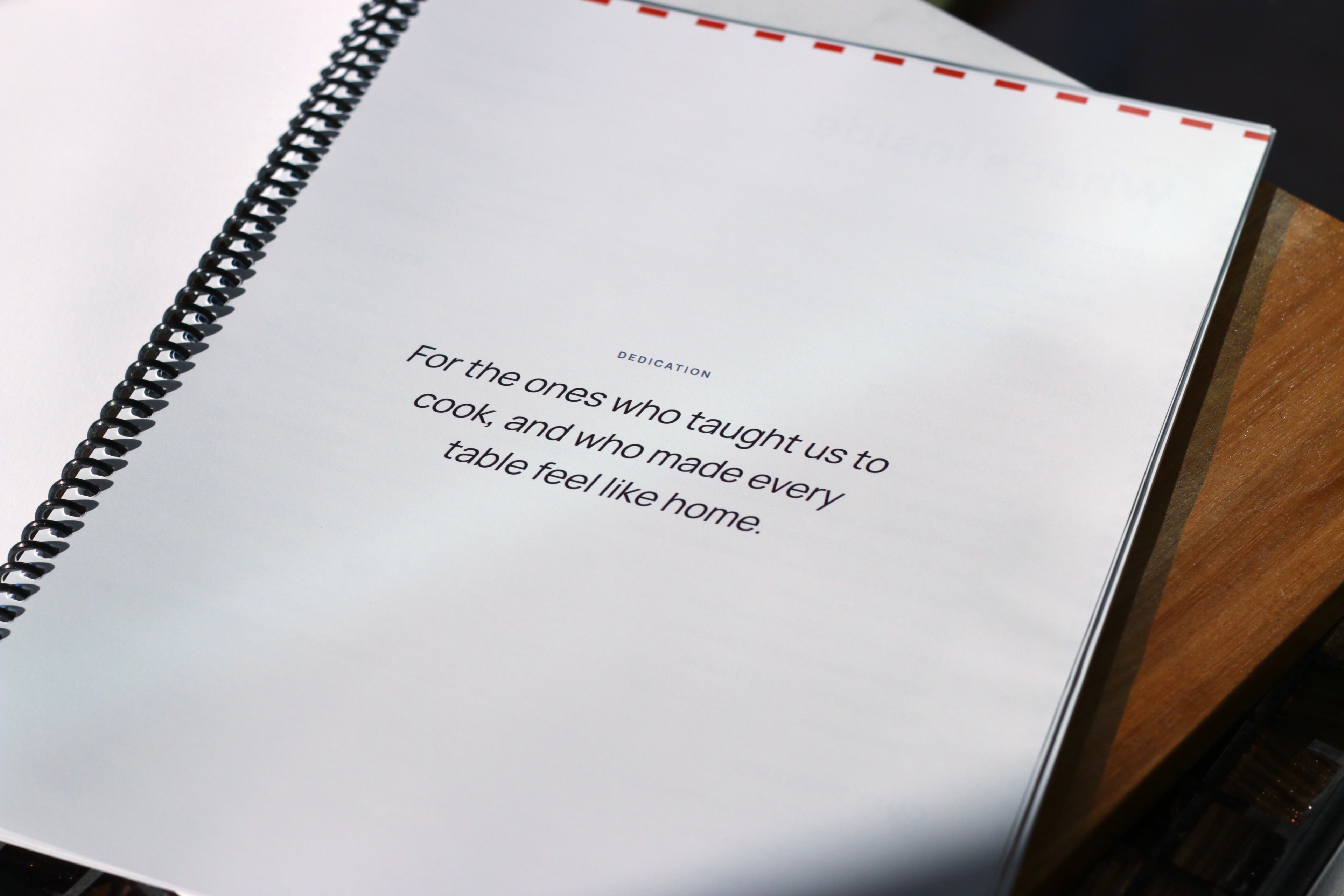
Getting your cookbook printed
Print at home on US Letter paper, or send the PDF to a print shop for spiral binding or a hardcover. Building and editing your cookbook is always free. When it's ready, pay $19.99 once to download the PDF, and download updated copies anytime at no extra cost.
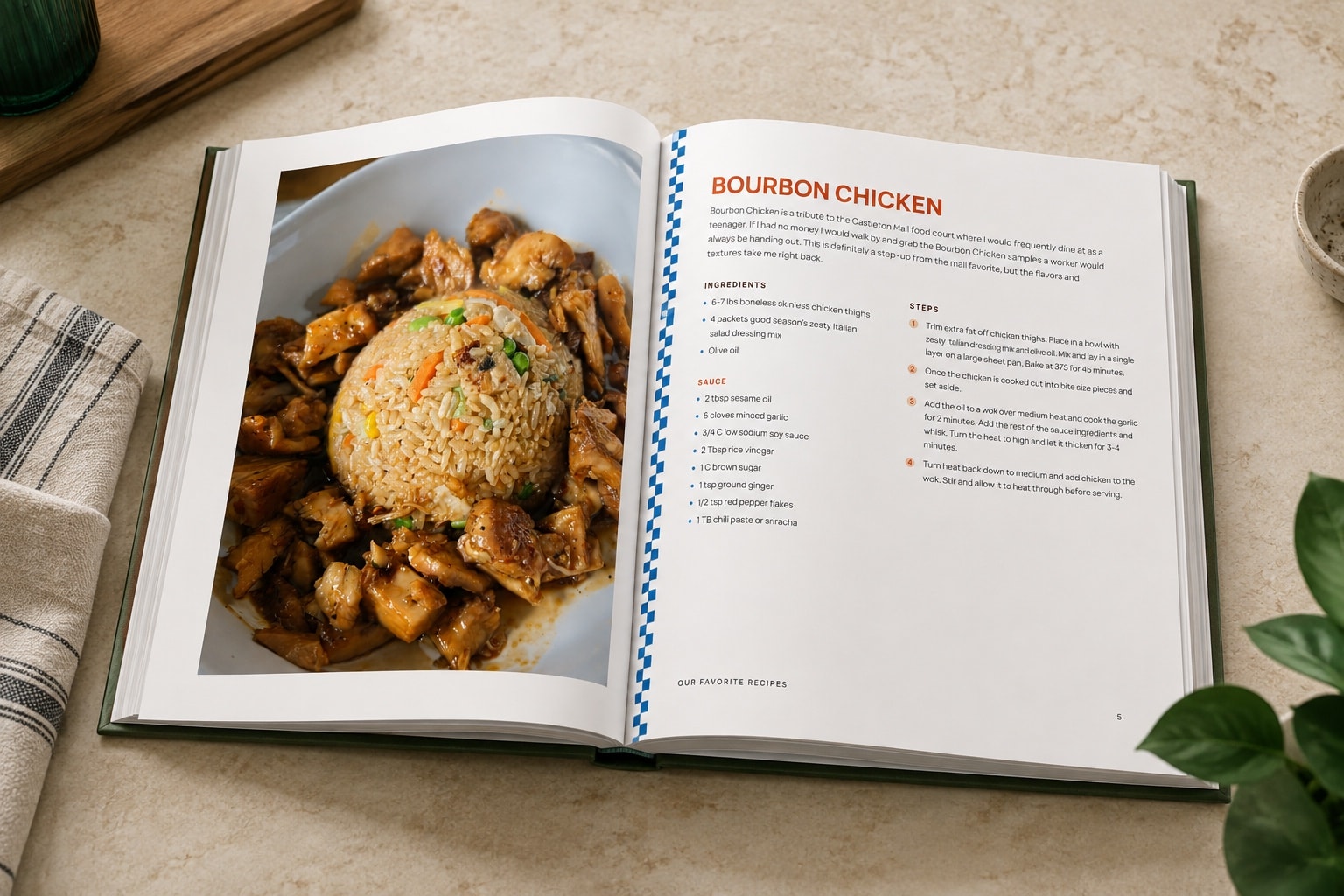
“I’ve been working on making a cookbook in Canva for 10 months, and was able to do it on RecipePrinter in less than a week!”
Questions about making your own cookbook
- How do I make my own cookbook?
- Choose your recipes, plan the chapters, add a dedication and any notes, then print the finished PDF at home or through a print shop. RecipePrinter handles the layout, contents page, and page numbers.
- What should go at the front of a cookbook?
- A dedication, a short introduction about where the recipes came from, or both. RecipePrinter has an opening page for either.
- Can I make a cookbook from recipes I already have?
- Yes. Recipes can come from any website, photos and screenshots, handwritten recipe cards, pasted text, or Paprika and CookPilot, and you can edit each one once it's in your cookbook.
- Can I print the cookbook at home?
- Yes. Download the US Letter version and print it on your own printer, or send the PDF to a print shop for binding.
- How much does it cost?
- Building and editing are free. You pay $19.99 once per cookbook when you download the PDF. Printing and binding at a print shop are separate.