
Turn handwritten recipes into a cookbook
Photograph or scan handwritten recipe cards, review the editable recipe text, and bring recipes from different generations together in one family cookbook.
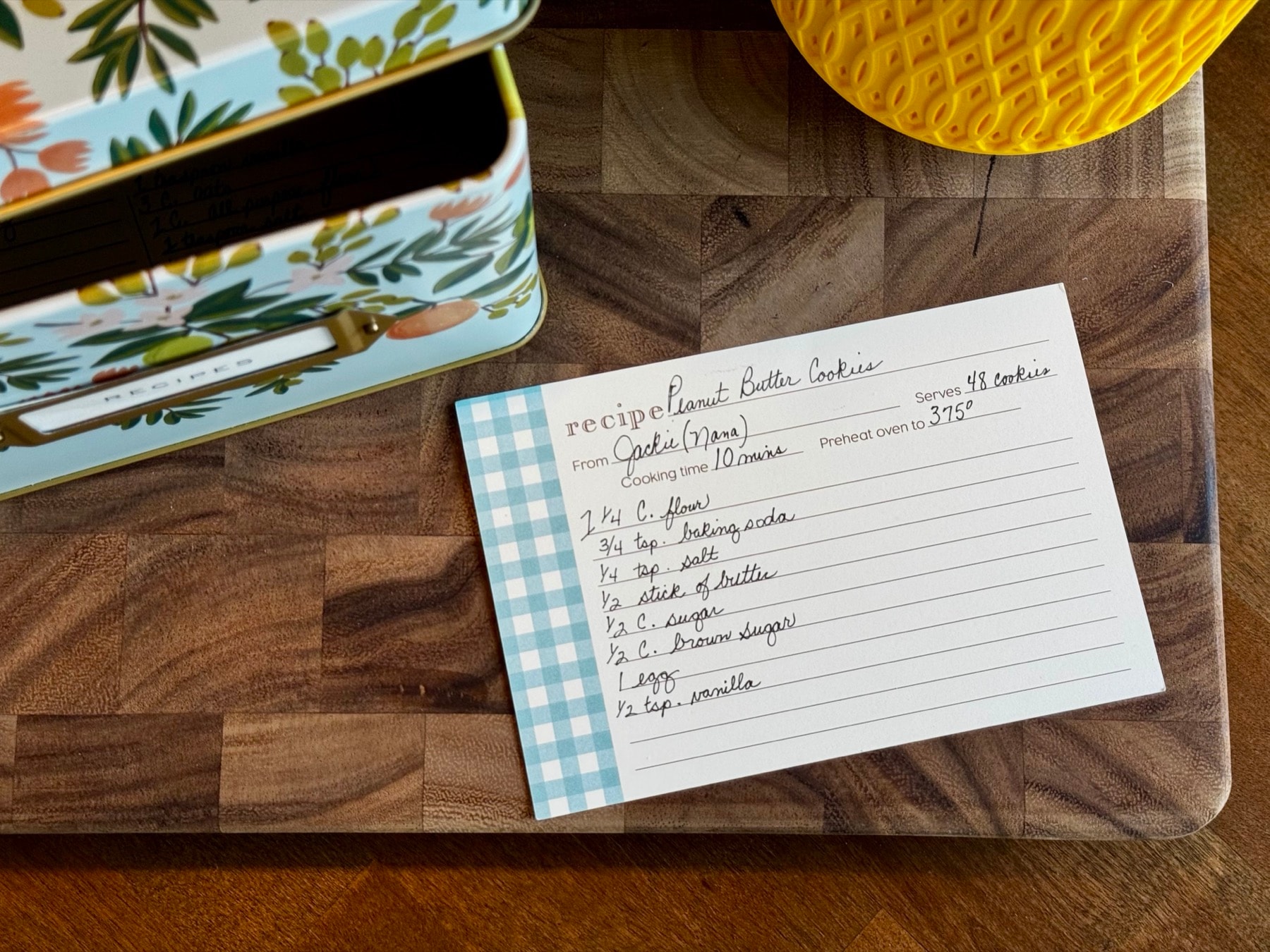
How to turn handwritten recipes into a cookbook
- 1
Photograph or scan the recipe cards
Take a clear photo or scan of each handwritten recipe. Keep the card flat, use good lighting, and include both sides when the recipe continues onto the back.
- 2
Review the recipe
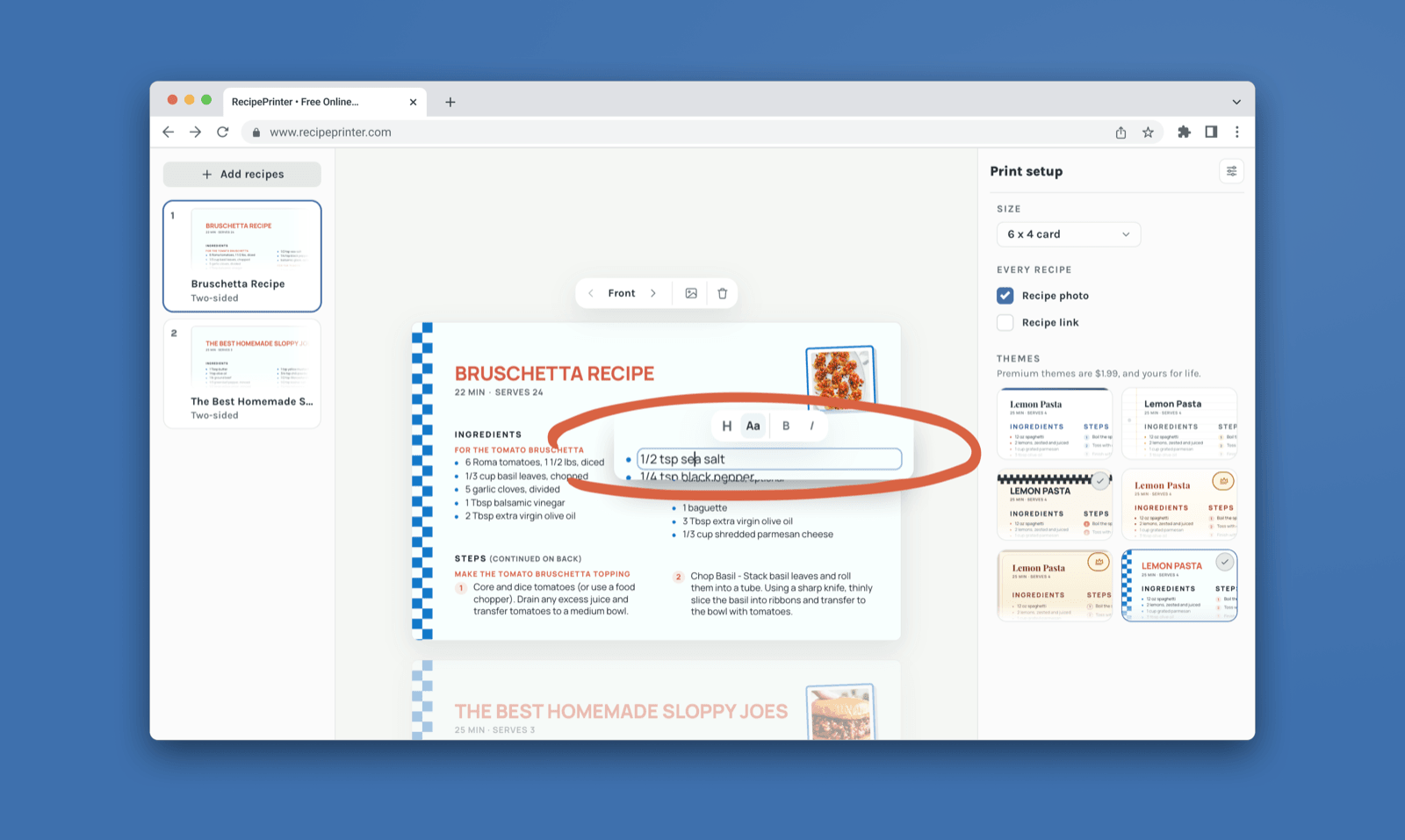
RecipePrinter types the handwriting up as ingredients and instructions. Read them against the card and change any words, amounts, or notes you want different.
- 3
Bring the family recipes together
Add recipes from different relatives, recipe boxes, websites, screenshots, or other sources. Give each recipe a consistent format while keeping names, notes, and family context where appropriate.
- 4
Organize and export the cookbook
Arrange recipes into chapters, customize the cover and pages, then export the finished cookbook as a PDF. Print it at home or send the file to a professional printer.
Preserve the original recipe card and make a clean copy
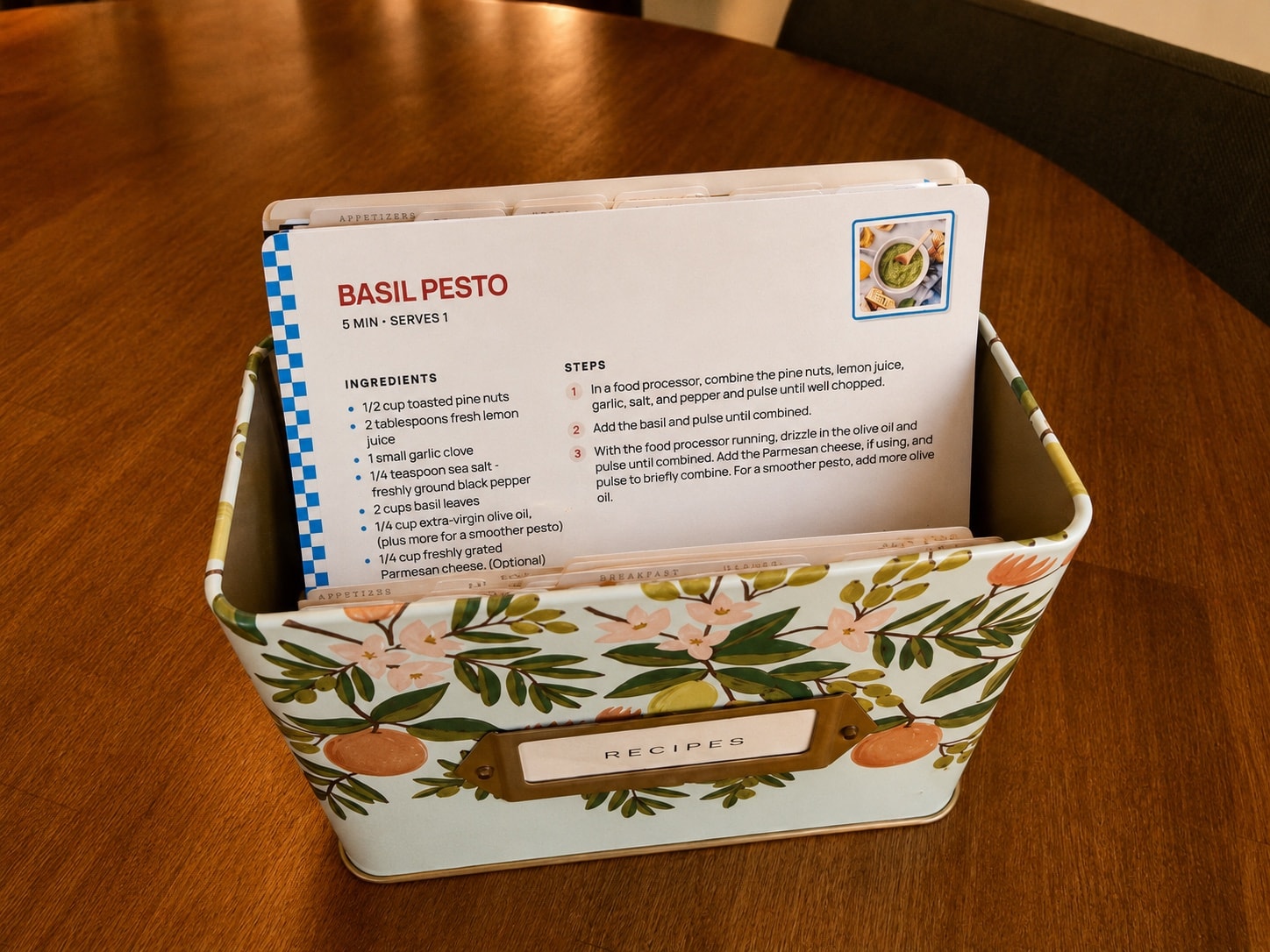
The original handwritten card is part of the family history, so you don't have to replace it. Keep the original safely stored while RecipePrinter creates an editable version you can correct, print, and cook from.
This is especially useful for faded measurements, hard-to-read handwriting, or cards that are becoming too fragile for everyday use.
Combine recipes from different generations
A family cookbook can include recipes from grandparents, parents, siblings, cousins, or anyone else whose recipes belong in the collection. Organize them by person, meal, holiday, family branch, or recipe type.
Recipes don't have to come from handwritten cards only. You can mix handwritten family recipes with recipes from websites, screenshots, photos, or pasted text.
Keep the handwriting without cooking from the fragile original
For recipes with meaningful handwriting, notes, stains, or corrections, keep a photo of the original card with the recipe when appropriate. That way the cookbook can preserve the look and history of the recipe while still giving you readable ingredients and instructions.
Keep updating the family cookbook over time
Cookbook export costs $19.99 per cookbook as a one-time purchase. After purchasing that cookbook, you can keep editing it, add newly found recipes, correct transcriptions, rearrange chapters, and export updated PDFs later.
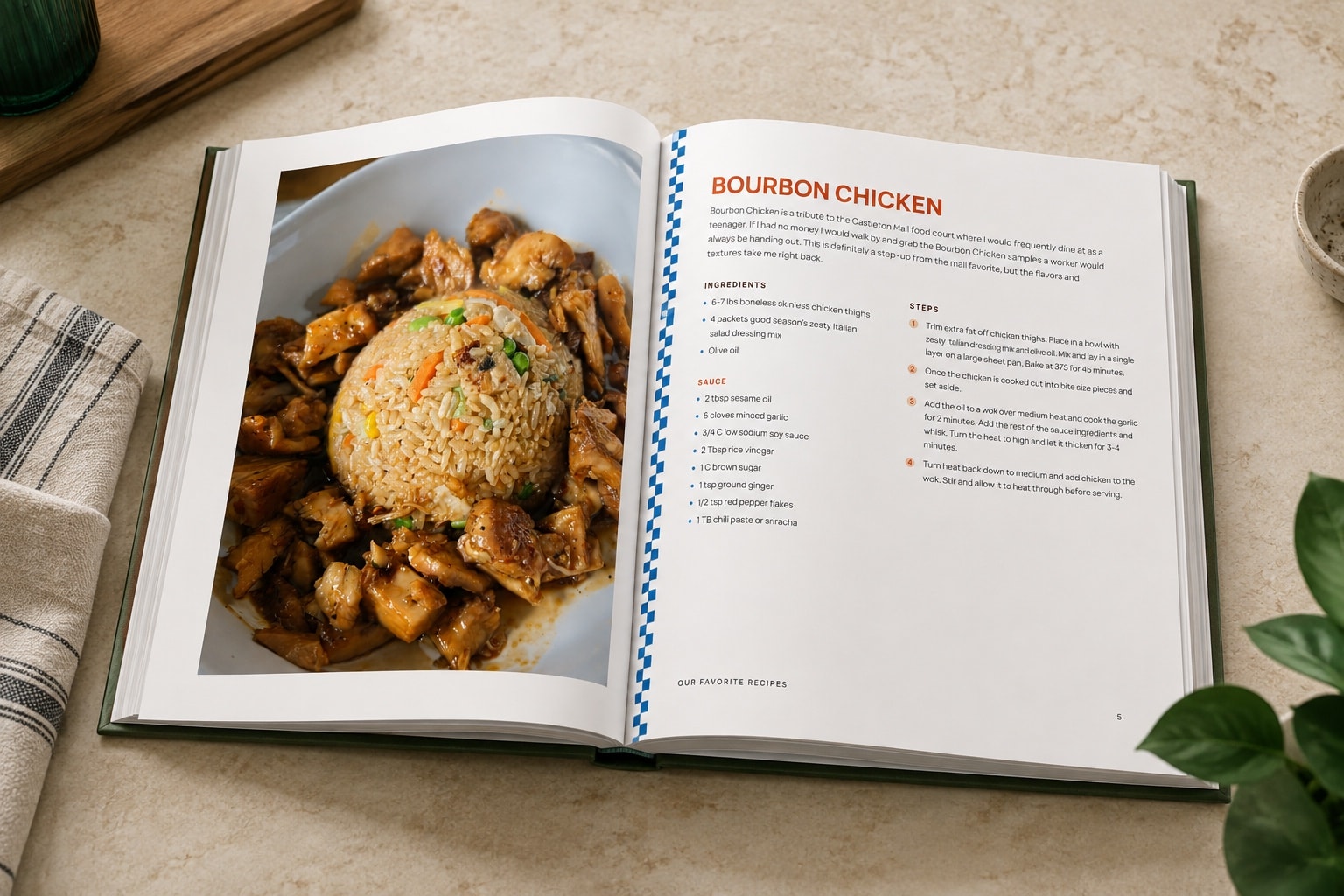
“I’ve been working on making a cookbook in Canva for 10 months, and was able to do it on RecipePrinter in less than a week!”