
Digitize recipe cards
Turn handwritten recipe cards into clean, editable recipes you can print, save, or keep in a family collection. No retyping required.
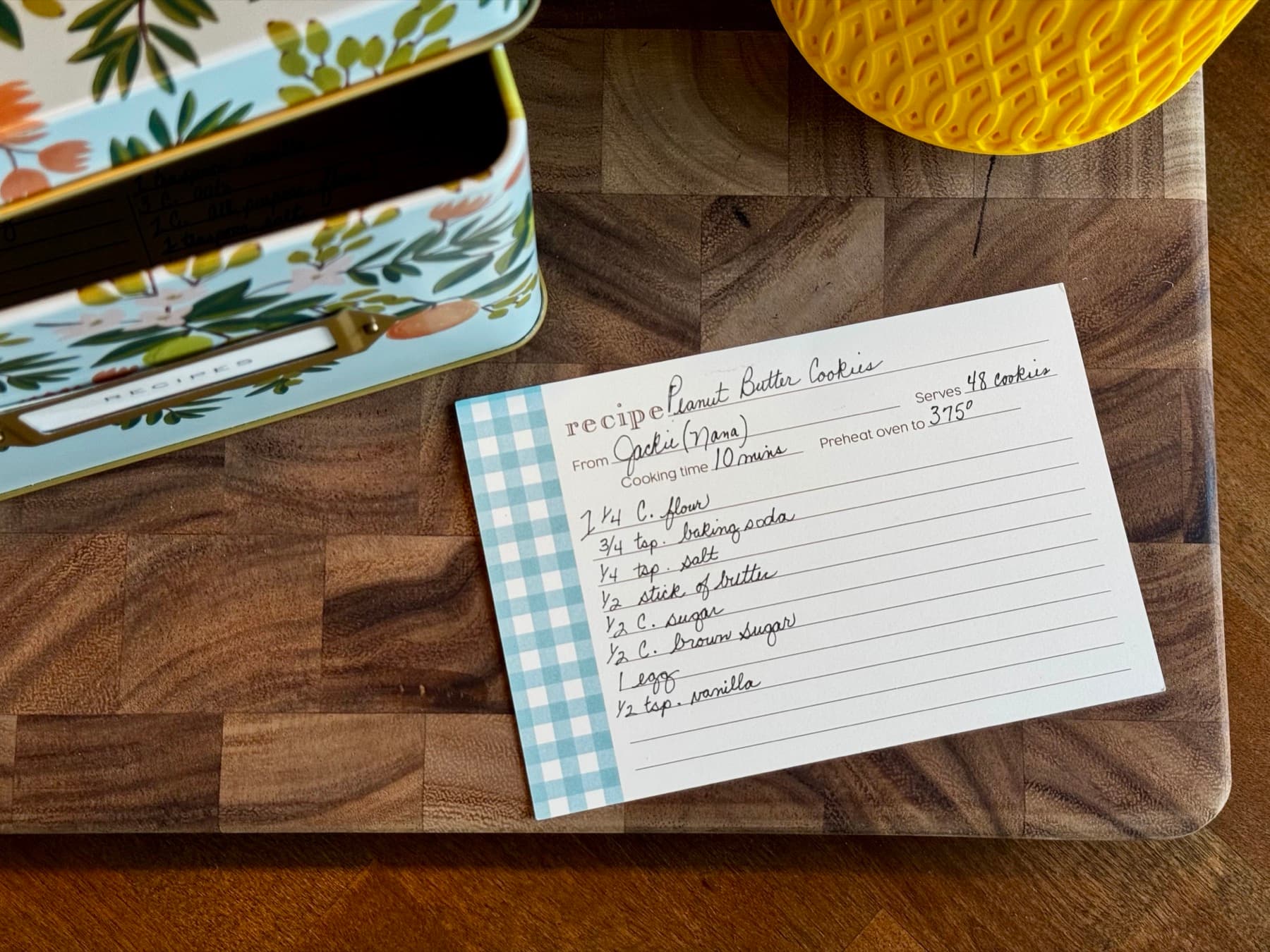
How to digitize a recipe card
- 1
Photograph or scan the card
Take a clear photo with the entire card in focus. If the recipe continues on the back, photograph both sides.
- 2
Upload the images
Add the photos or scans together so RecipePrinter can read them as one recipe.
- 3
Review the recipe
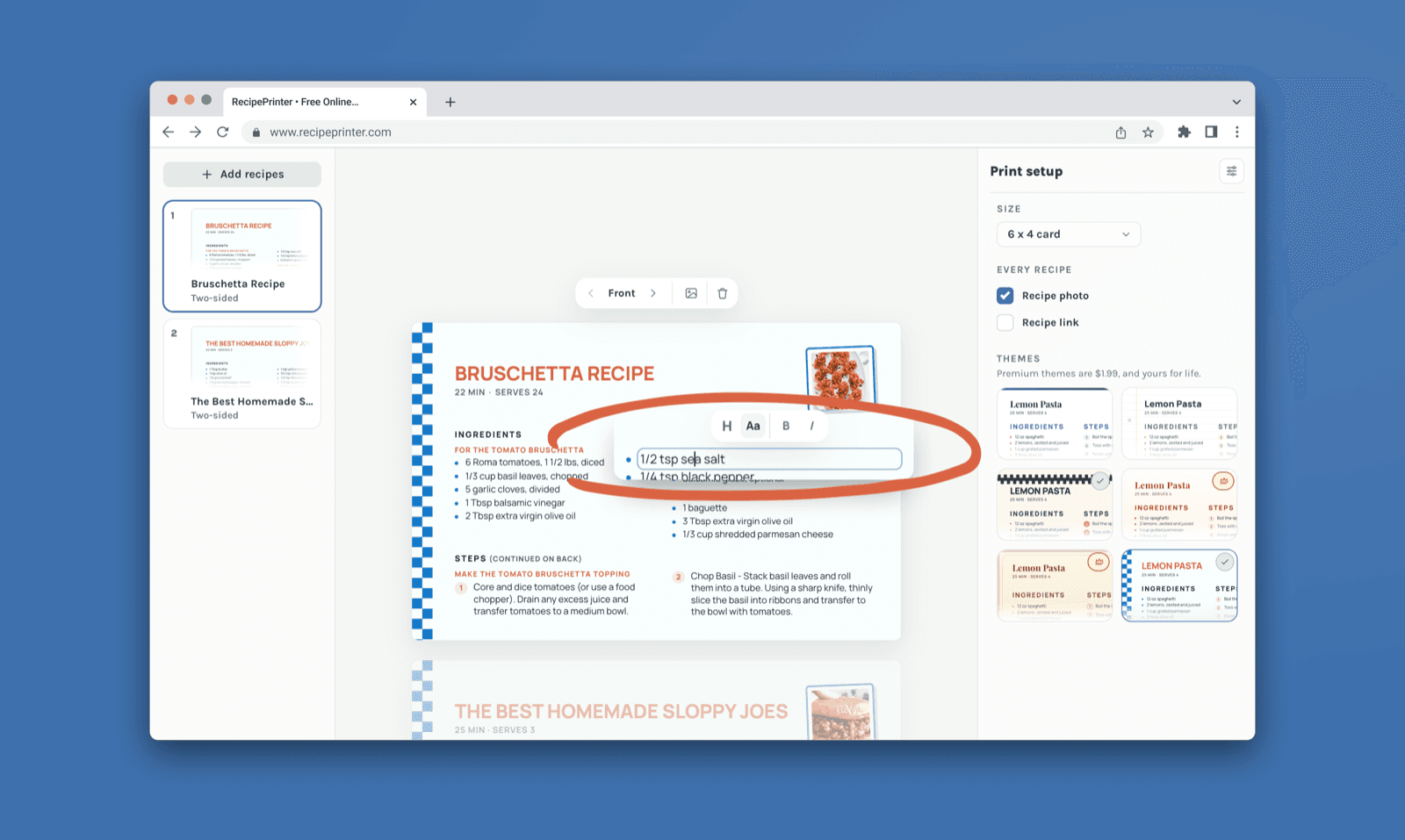
RecipePrinter separates the ingredients and instructions into editable fields. Fix anything the handwriting made unclear.
- 4
Print or save it
Print a clean full-page copy, save a PDF, or use a 4×6 recipe card with Pro.
Turn handwriting into an editable recipe
A photo keeps the original handwriting, but it isn’t very easy to cook from or update. RecipePrinter reads the card into separate ingredient and instruction fields, so you can correct a faded word, fix an amount, or clean up an old recipe before printing.
Instead of giving you a block of extracted text, RecipePrinter rebuilds it as a recipe.
Scan both sides as one recipe
Older recipe cards often continue on the back. Upload photos or scans of both sides together and RecipePrinter will treat them as one recipe.
Preserve the original. Use the clean copy.
Keep the handwritten card safe, then use the clean RecipePrinter version for everyday cooking, a recipe box, binder, or family cookbook.
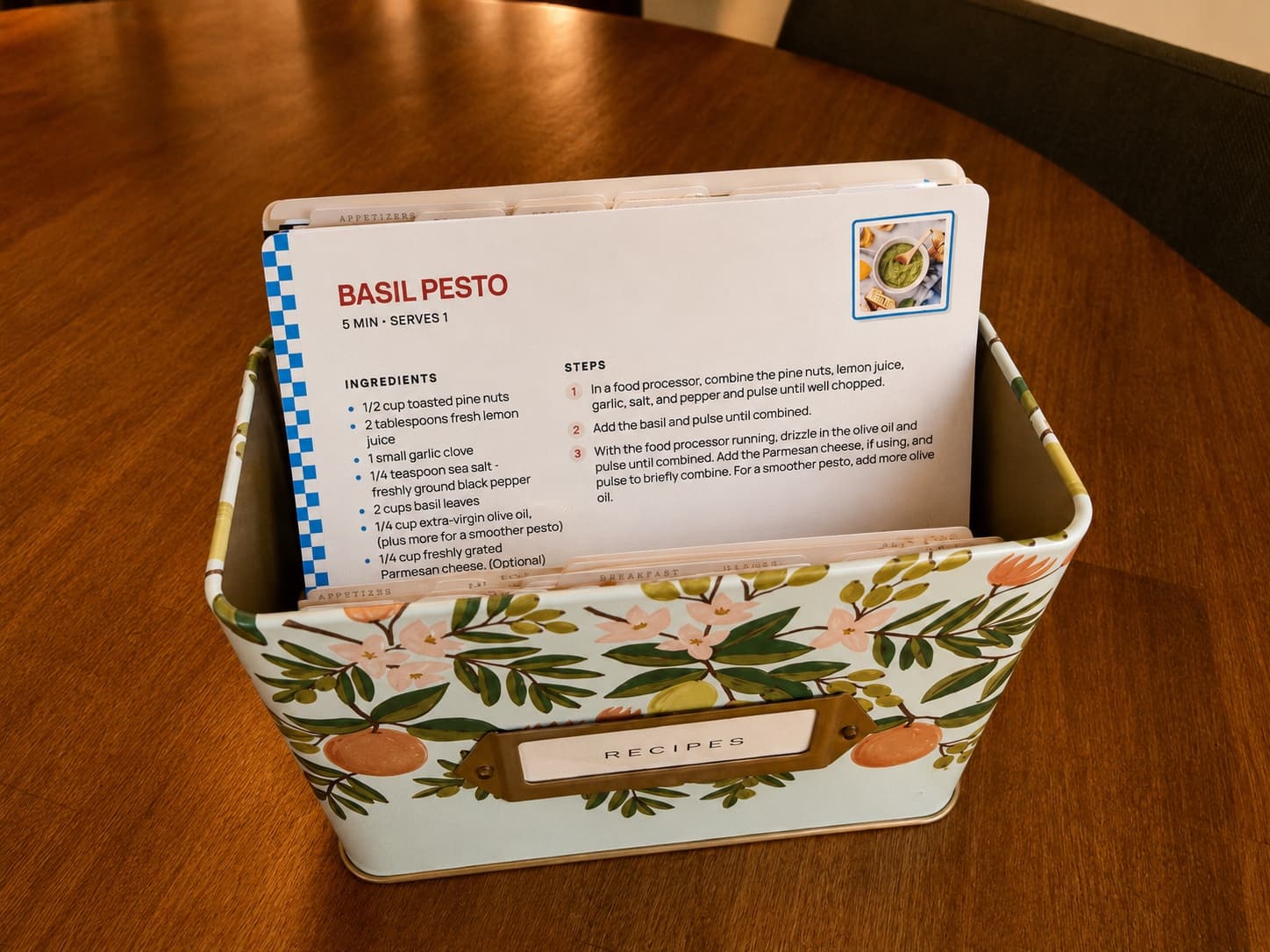
One card or a whole recipe box
Start with a single favorite or work through an inherited recipe box a few cards at a time. Once they’re digitized, the recipes can use the same clean format even if the originals are different sizes, handwriting styles, or ages.
Recipe card digitizing questions
- Do I need a scanner to digitize recipe cards?
- No. A clear phone photo works. Lay the card flat, avoid shadows, and make sure every line is in focus.
- Can RecipePrinter read handwritten recipes?
- Yes, though handwriting can be hard to read perfectly. Check the result and edit any words or amounts that came through wrong before printing.
- What if the recipe is written on both sides?
- Upload photos or scans of the front and back together. RecipePrinter can use up to four images for one recipe.
- Can I save a digitized recipe card as a PDF?
- Yes. Once the recipe is formatted, choose Save as PDF in your browser’s print dialog.
- Can I digitize old or faded recipe cards?
- Yes. A clear photo is often enough, although faded ink or difficult handwriting may need a little cleanup after the recipe is read. Everything is editable before you print.
- Can I convert a handwritten recipe to text?
- Yes. RecipePrinter reads the handwriting and separates the recipe into editable ingredients and instructions, so you can correct the result before printing or saving it.