
Print a recipe from a photo
A recipe box full of handwriting, a cookbook page you cannot take to the counter, a screenshot of a Reel. Photograph it and it comes back as a card you can print.
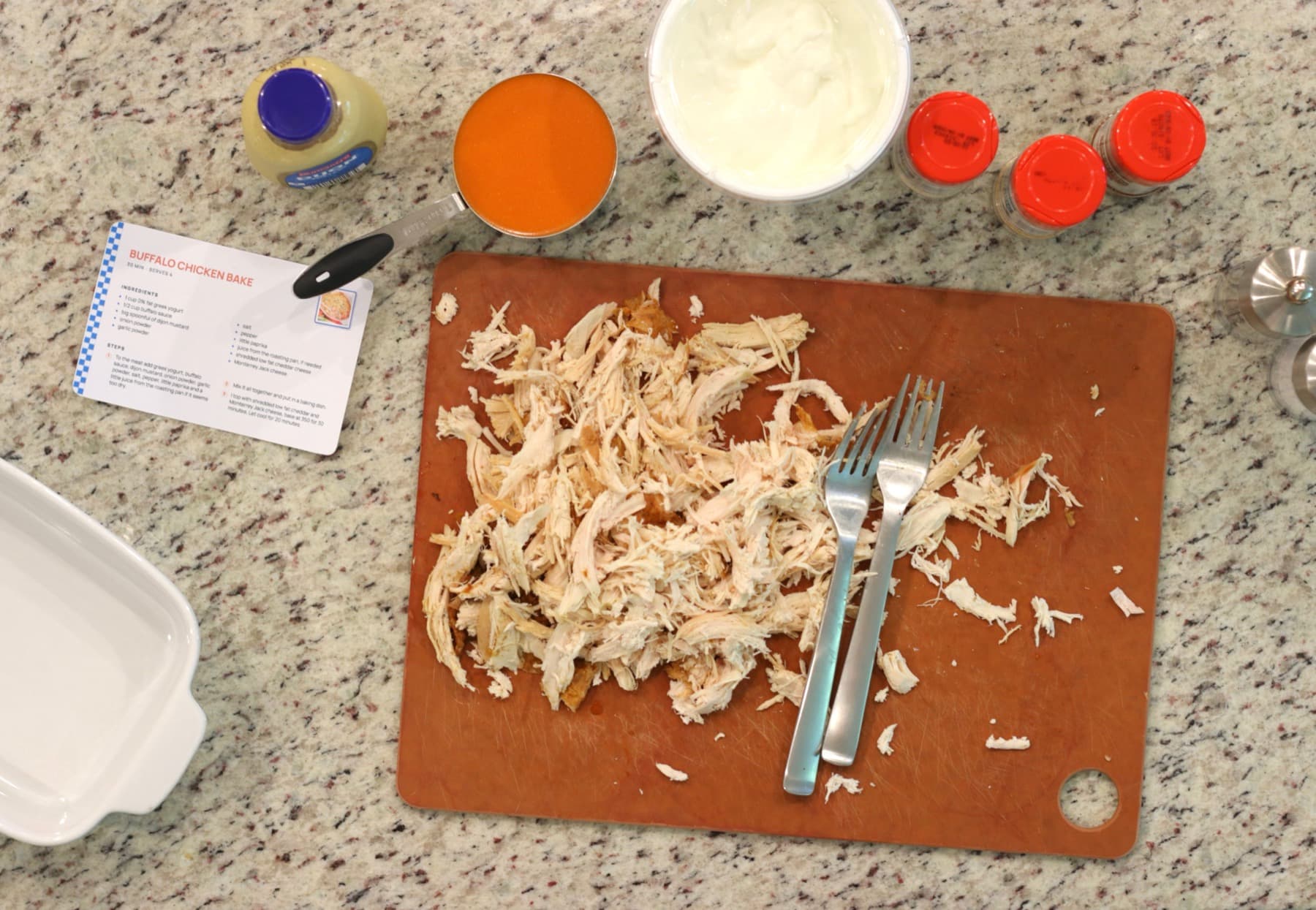
How it works
- 1
Photograph the recipe
Flat, in good light, close enough that the writing is legible. A phone camera is plenty; you are not scanning it, just letting the words be read.
- 2
Upload it
Drop the picture into the box above. Up to four images at a time, so a card with writing on the back goes in as one recipe. Photos straight off an iPhone are converted on the way in.
- 3
Read it over
The ingredients and the method come back as text you can edit. Handwriting is the hard case, so this is the moment to fix a word rather than after it prints.
- 4
Print it or keep the PDF
A 4 by 6 card for the recipe box, or a letter page for a binder. Save as PDF instead if you want the typed copy on your phone.
The handwriting stays, the fading does not
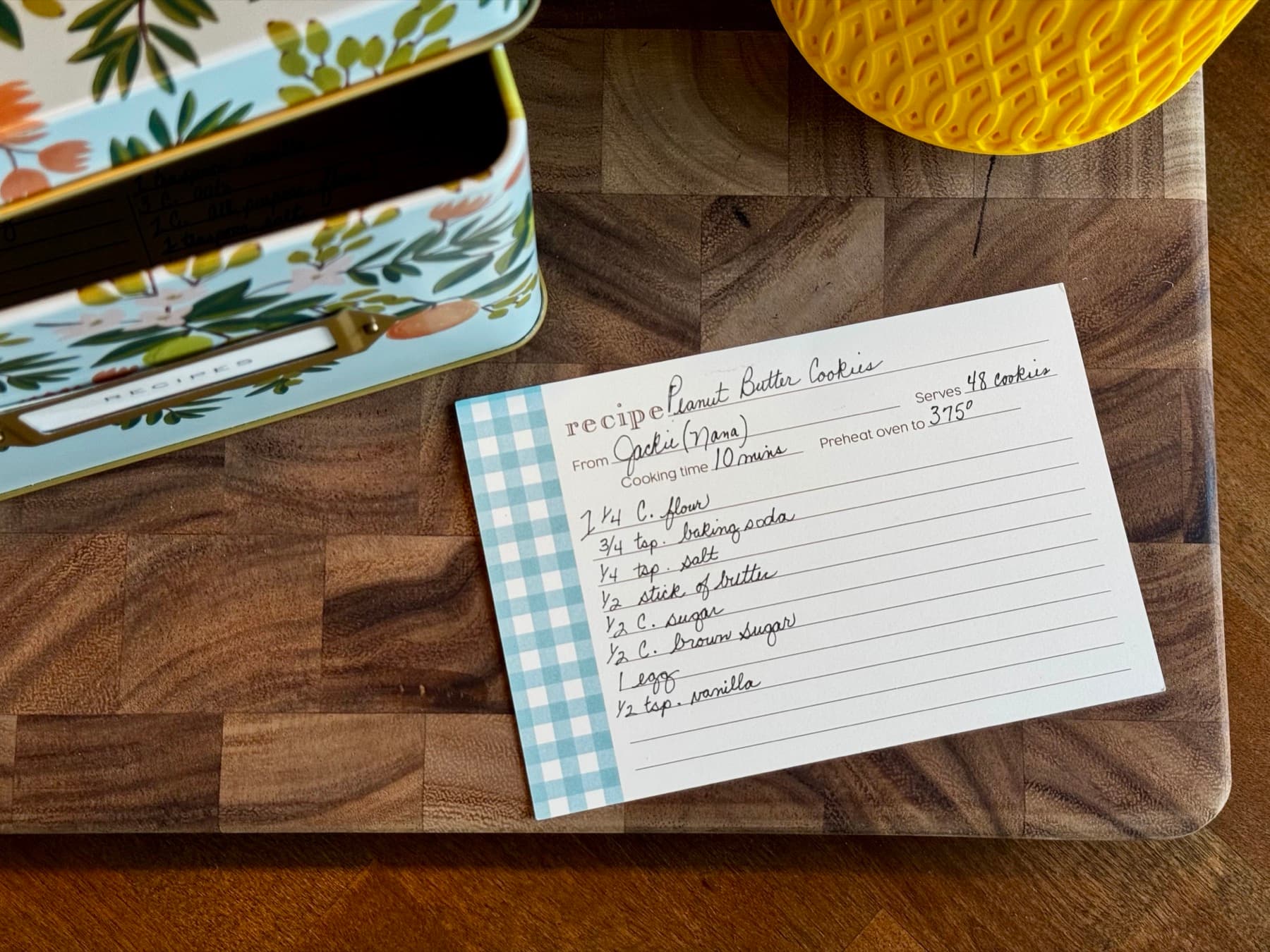
An index card in someone's hand is the recipe and the person at once, and it is also thirty years of kitchen wear. Photographing it gives you a copy that does not fade, does not tear, and does not live in one box in one house. The original goes back where it was.
A typed copy is a copy you can use
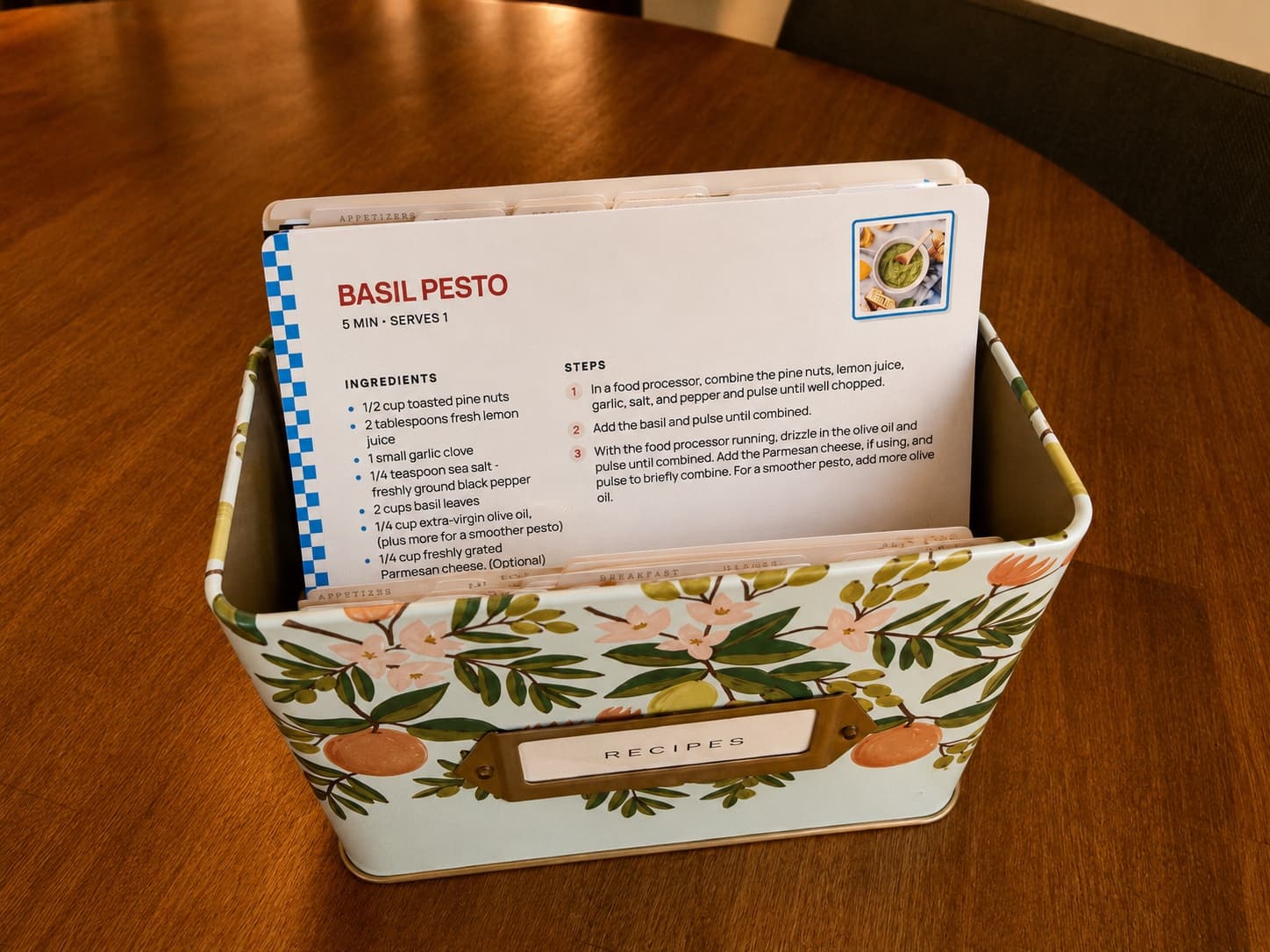
A photograph of a recipe is a picture. You cannot search it, copy an amount out of it, or scale it. Read into text it becomes a recipe again: editable, printable at the size you want, and ready to go into a binder or a cookbook with the rest.
When the stack becomes a book
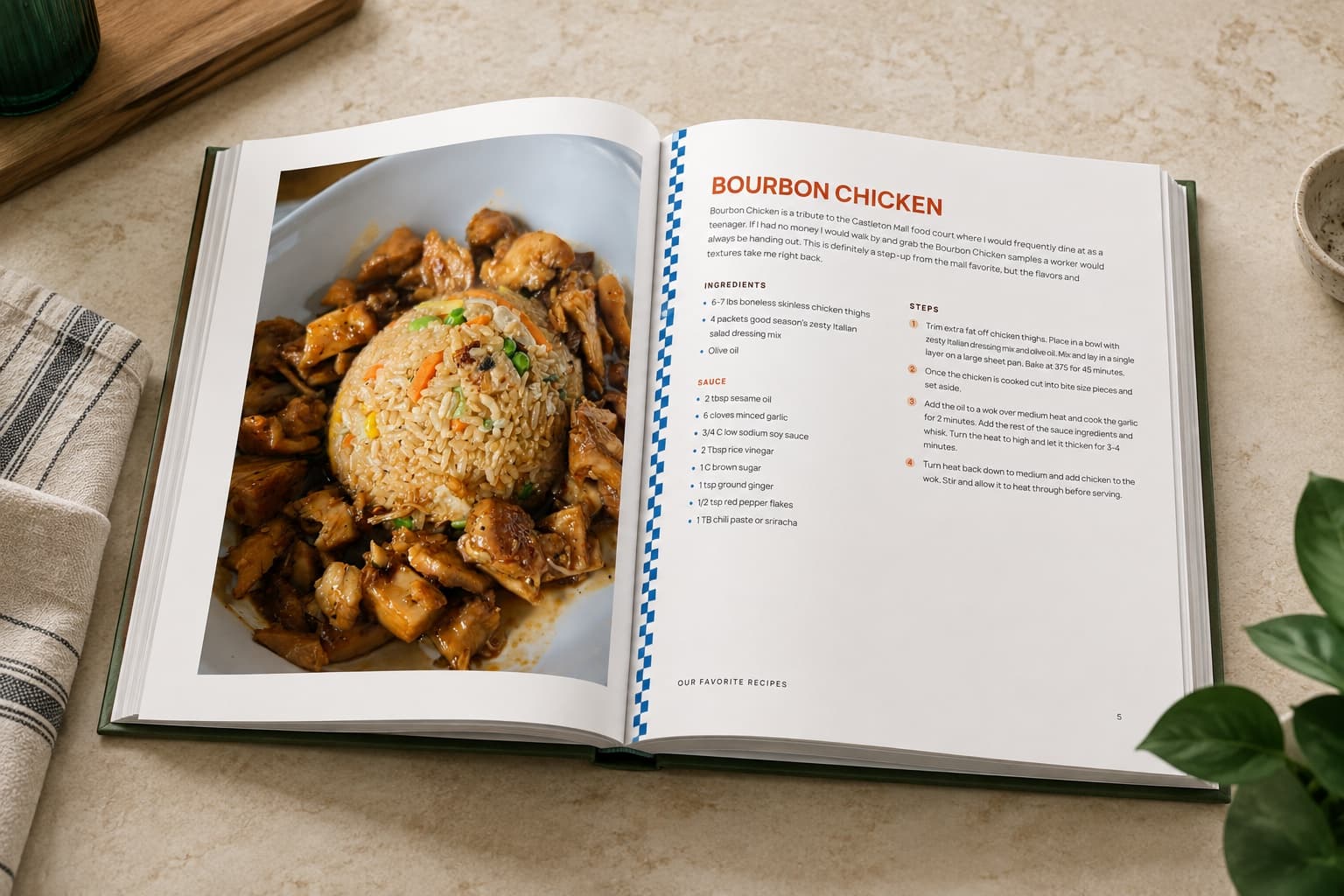
Once enough recipes have earned a place, RecipePrinter sorts them into chapters, generates the cover, and builds the table of contents. Rearrange anything you want moved, then print it at home on US Letter or send the file to Lulu or Blurb for a hardcover or spiral bound cookbook. Each cookbook is its own one-off purchase. Family recipe book ideas walks through what goes in one and how people put them together.
Questions people ask
- Does it read handwriting?
- It does, and neat writing goes better than a scrawl. Faded pencil and looping cursive are the hard cases, so read the card over before you print and fix any line that came through wrong.
- What if the recipe runs onto the back of the card?
- Photograph both sides and upload them together. Up to four images go in as one recipe, which also covers a cookbook page that spreads across two.
- Do I need to scan it properly?
- No. A phone photo taken flat in decent light is enough. A scanner is not going to help much beyond that, and it is a lot more work per card.
- What happens to the photo afterwards?
- Nothing you did not ask for. The recipe is what gets kept; the picture was only the way in.