
Print a recipe from a screenshot
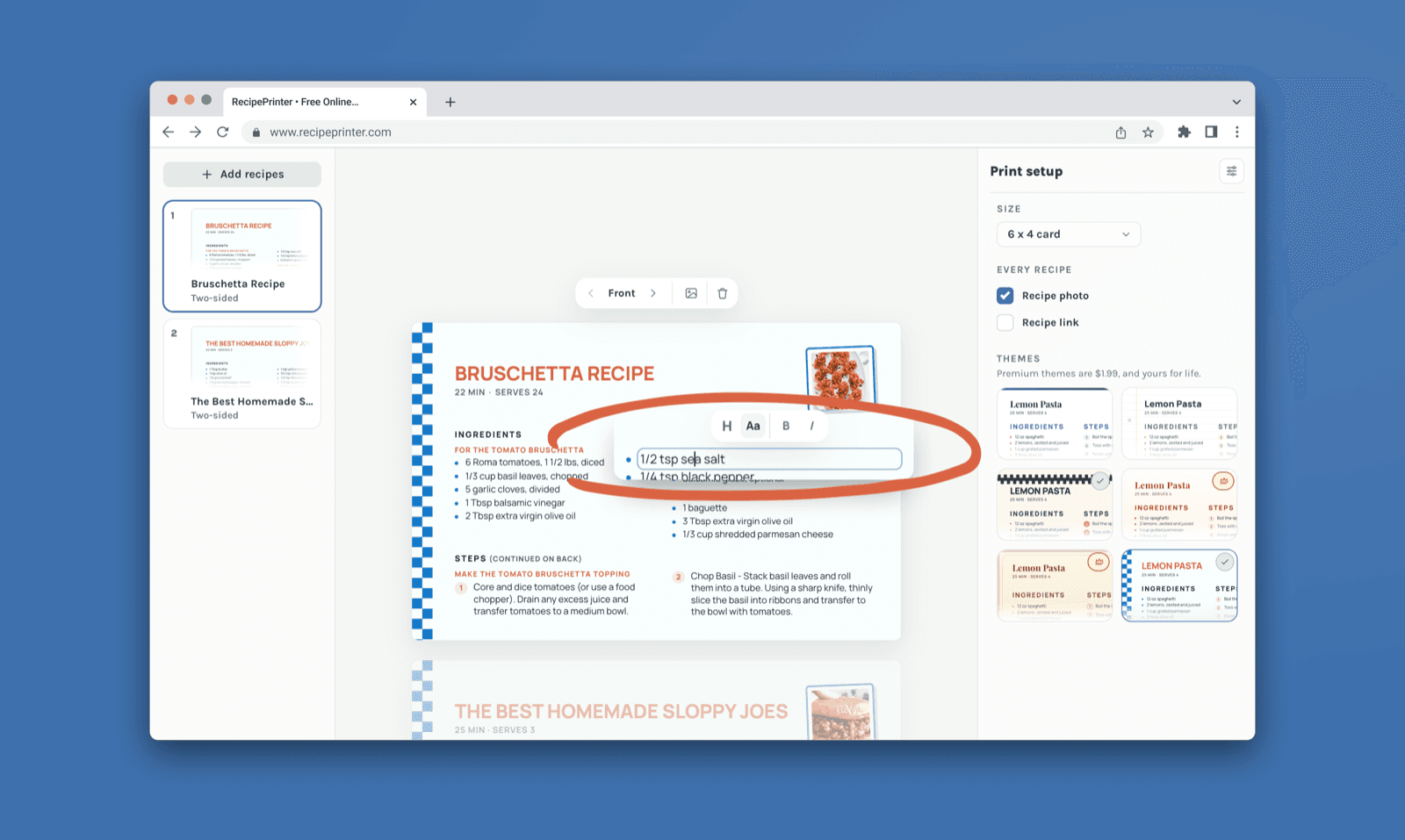
Upload a screenshot of a recipe from a post, message, or website. RecipePrinter pulls the ingredients and steps into an editable layout you can print or save.
How to print a recipe from a screenshot
- 1
Save the recipe screenshot
Capture the ingredients and directions. If they are spread across several screens, save each part.
- 2
Upload it to RecipePrinter
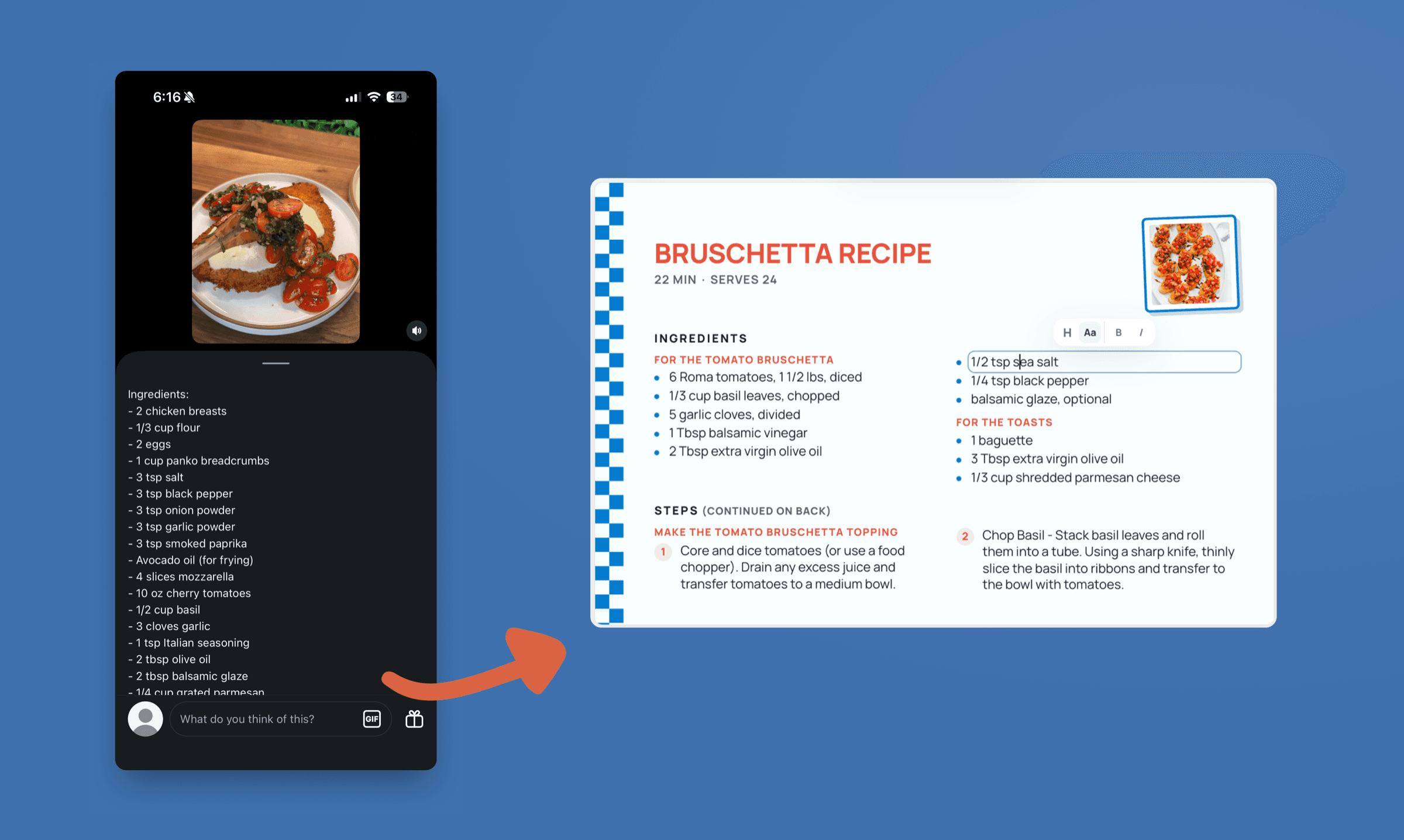
Add the screenshot images. RecipePrinter reads the recipe text from the images without needing the original post or page link.
- 3
Review the recipe text
The ingredients and steps become editable. Check amounts, line breaks, and anything the screenshot cut off.
- 4
Print or save it
Print a full letter page for free or save it as a PDF. Pro adds 4×6 recipe cards.
Turn a recipe screenshot into text you can edit
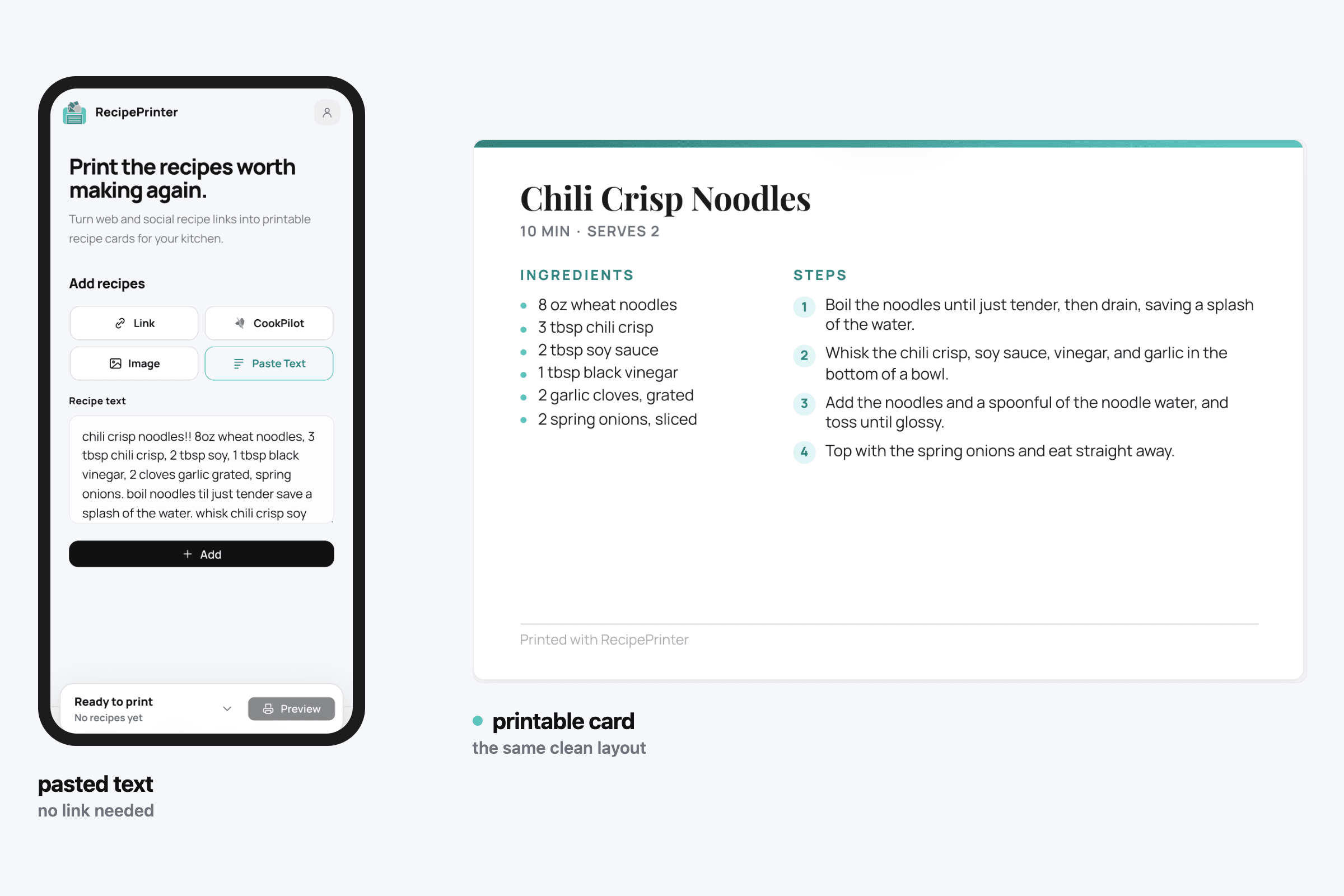
A screenshot is useful for saving a recipe quickly, but it is still an image. RecipePrinter reads the text and separates ingredients from directions, so you can correct the result before you print.
Use the screenshot when the link will not help
The recipe may be in a social post, a private group, or a message you cannot open from a public link. Upload the screenshot you have and work from the visible recipe instead.
Make a clean copy for the kitchen
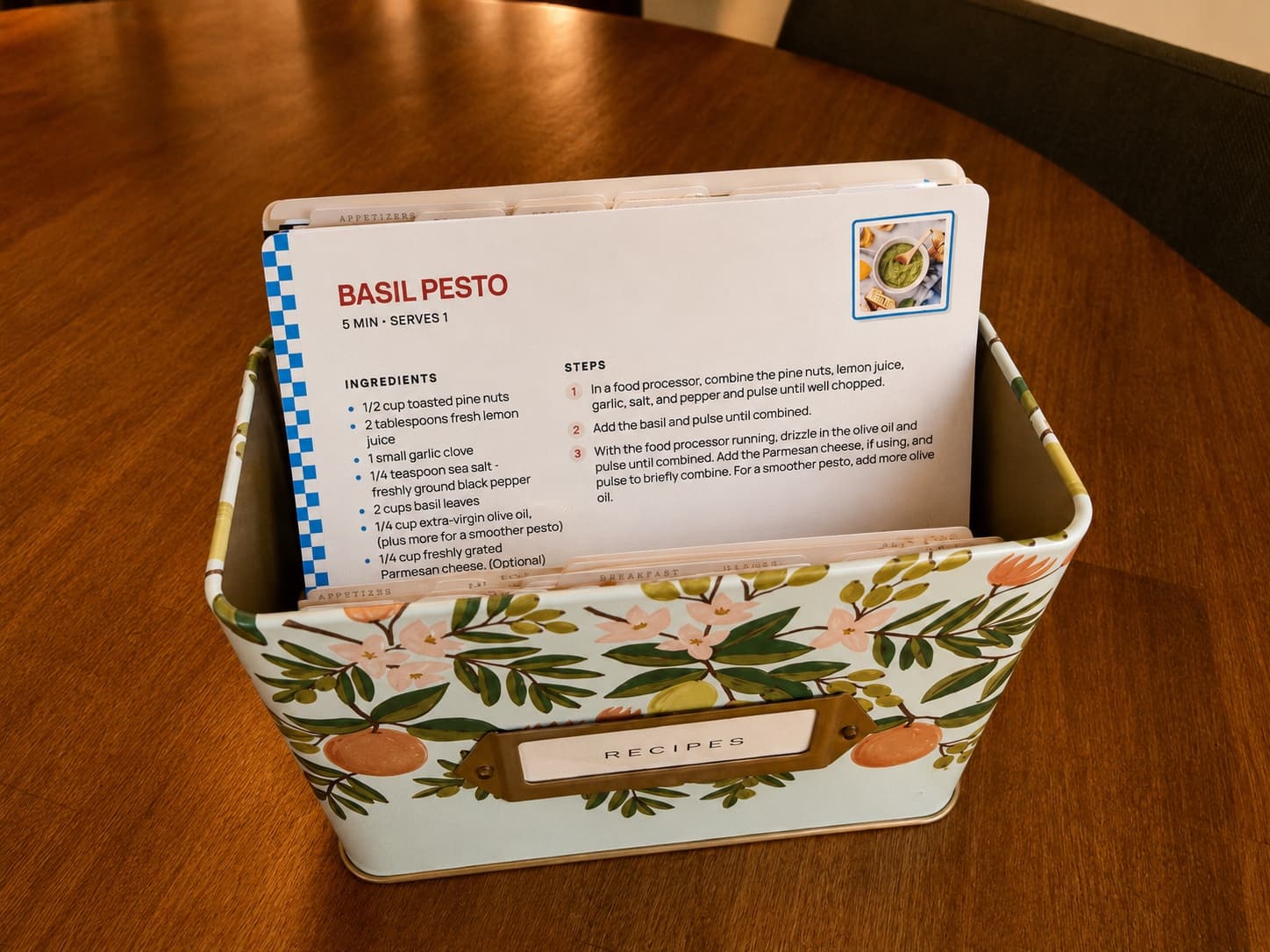
Print the recipe without the rest of the phone screen around it. A letter page is free; RecipePrinter Pro adds 4×6 cards that fit a recipe box.
Recipe screenshot printing questions
- Can RecipePrinter convert a recipe screenshot to text?
- Yes. Upload the screenshot and RecipePrinter reads the visible recipe into editable ingredients and steps. Check the result before printing.
- What if the recipe takes more than one screenshot?
- Upload the screenshots together. RecipePrinter can use up to four images for one recipe, so the ingredients and directions can come from separate captures.
- Does the original post or website have to be public?
- No. You can upload a screenshot of recipe text you can see, even when RecipePrinter cannot open the original link.
- Can I fix mistakes after the screenshot is read?
- Yes. Edit the title, ingredients, amounts, and steps before you print or save the recipe.
- Can I print a recipe screenshot from my phone?
- Yes. Open RecipePrinter in your phone browser, upload the screenshot, check the recipe, and print it or save it as a PDF.