
Print Instagram recipes
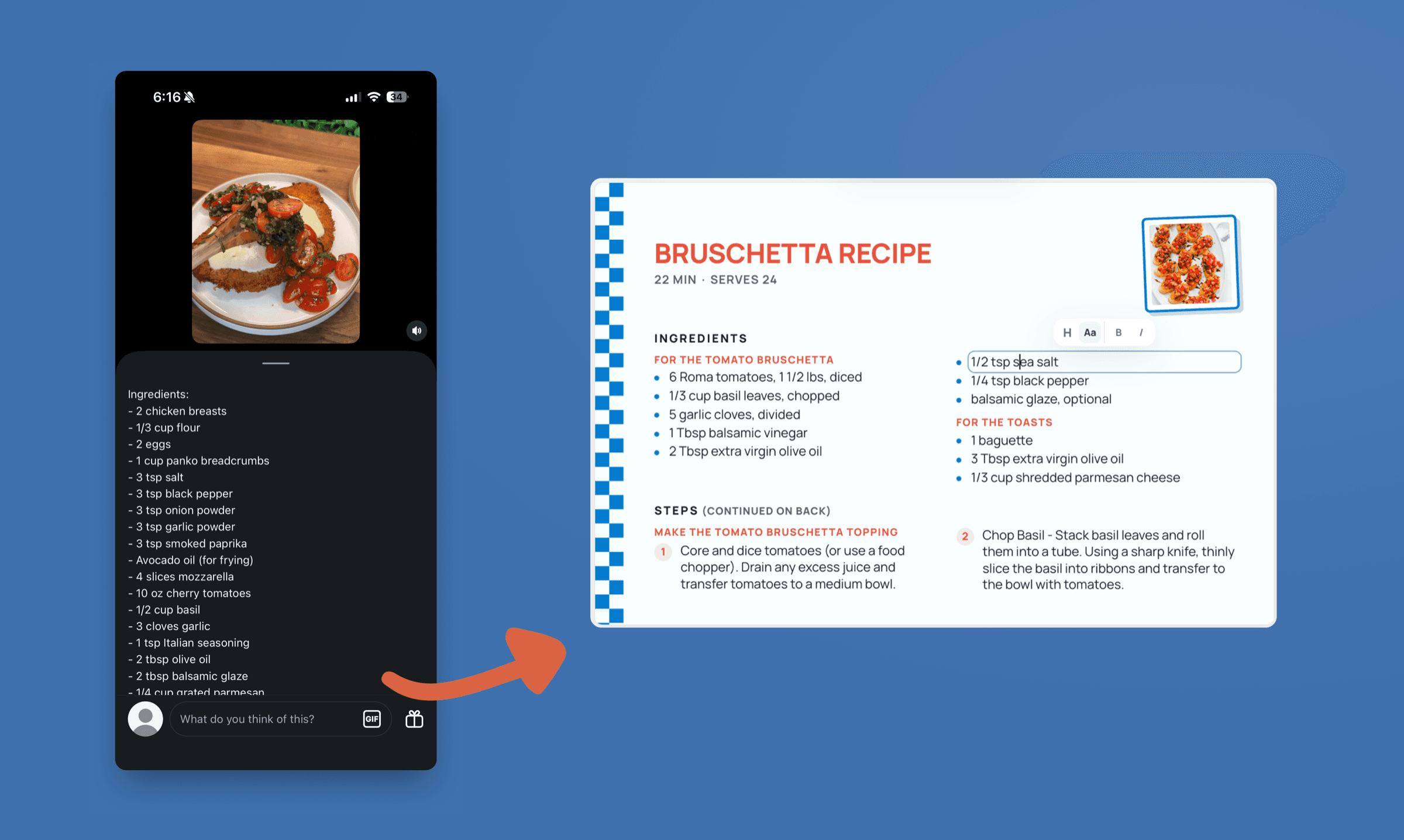
Instagram recipes are quick to save and hard to cook from. Paste the post's link and RecipePrinter turns it into a card you can put on the counter.
How it works
- 1
Copy the post's link
Open the post or the Reel, tap Share, and choose Copy link. It works the same for a single photo, a carousel, or a Reel.
- 2
Paste it in
Paste the link into the box above. RecipePrinter opens the post and reads the recipe out of the caption.
- 3
Choose a card or a page
A 4 by 6 card for the recipe box, or a letter page if the caption runs long. Edit any line before it prints.
- 4
Print it or save it as a PDF
Send it to a printer, or choose Save as PDF in the print dialog so it's on your phone the next time you make it.
Reels are for finding dinner, cards are for making it
Thirty seconds of a Reel tells you whether you want to eat it, which is what it's there for. Cooking is a different job: the caption folds behind a more link, and you lose your place every time you put the phone down. RecipePrinter reads that caption and sets it out as ingredients with their amounts and numbered steps, on one sheet that stays where you left it.
Saved posts were never meant to be a recipe box
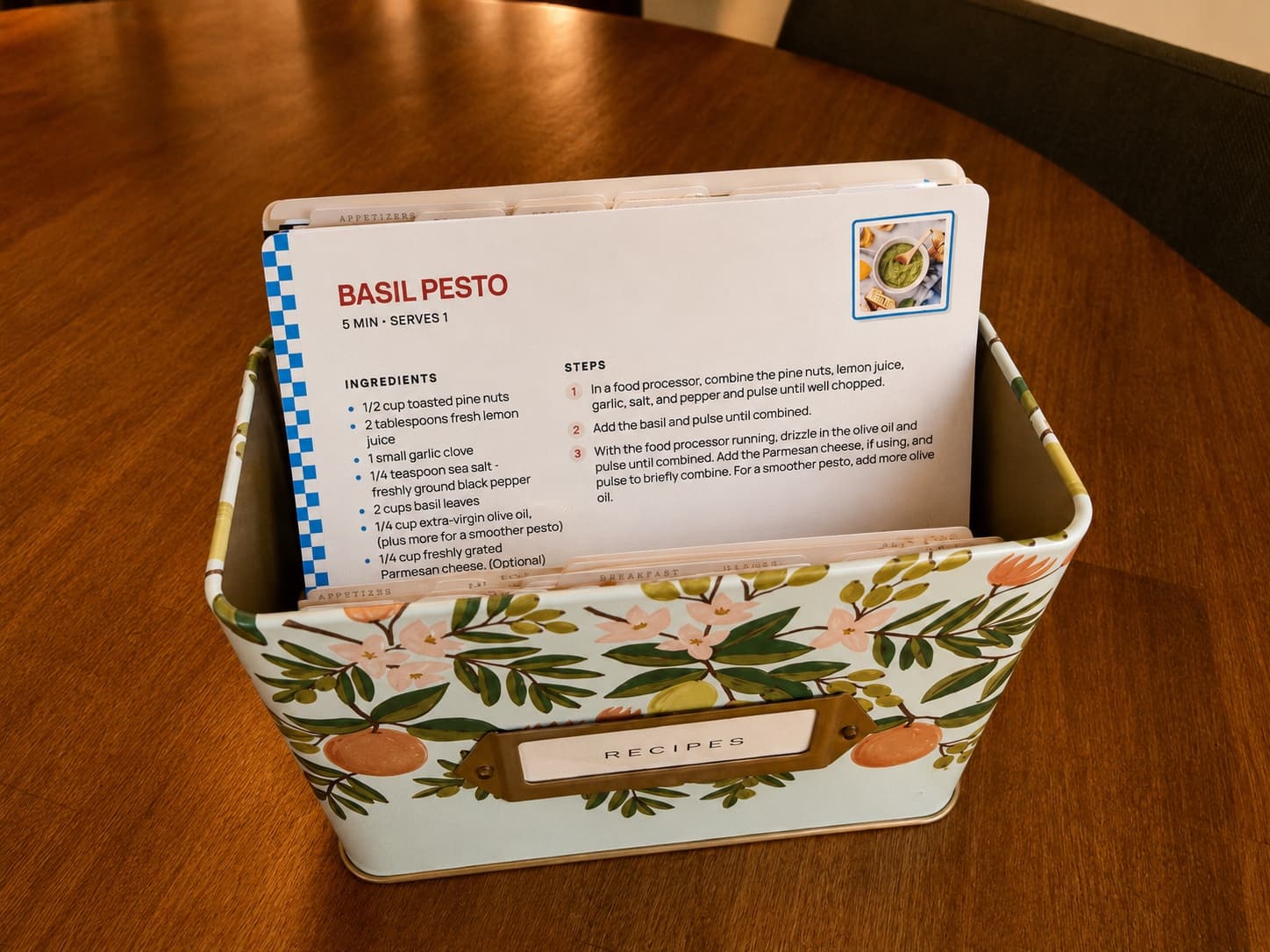
Forty saved posts look much the same at a glance: a grid of good-looking dinners with nothing to say which one you actually loved. Printing makes you choose, and that is the useful part. What comes off the printer is the short list, and it goes where you cook, in a recipe box, a binder, or a folder by the stove.
The card outlasts the post
Accounts go private, posts come down, and creators clear out old work, and none of that comes with any warning. A card that's already off the printer doesn't depend on the post it came from, or on you being able to find it again.
Questions people ask
- Can I print a recipe from an Instagram Reel?
- Yes. Copy the Reel's link and paste it in, and RecipePrinter reads the recipe out of the caption.
- Do I have to connect my Instagram account?
- No. RecipePrinter never asks for access to your account, your saved posts, or who you follow. It works from a link you paste, so nothing is connected and nothing is synced.
- Will the card credit the creator?
- It can, and that's your call. The post's link can print on the card, so the person whose recipe it is stays attached to it and the Reel is easy to find again.
- Can I print several Instagram recipes at once?
- Yes, with RecipePrinter Pro. Add them one at a time, then print them together as a single job. The card size and the theme apply to every recipe waiting to print, so a week of dinners comes out matching.
- Can I still get the recipe if the post is gone?
- Not from the link. Once a post is down there's nothing left for RecipePrinter to read, which is the case for printing it while it's there. If you'd rather not print straight away, save the PDF and the recipe is yours either way.