
Print Pinterest recipes
RecipePrinter moves the recipes you actually want to make off the board and onto a printable card you can cook from.
If a pin won't import, paste the recipe text or upload a screenshot instead.
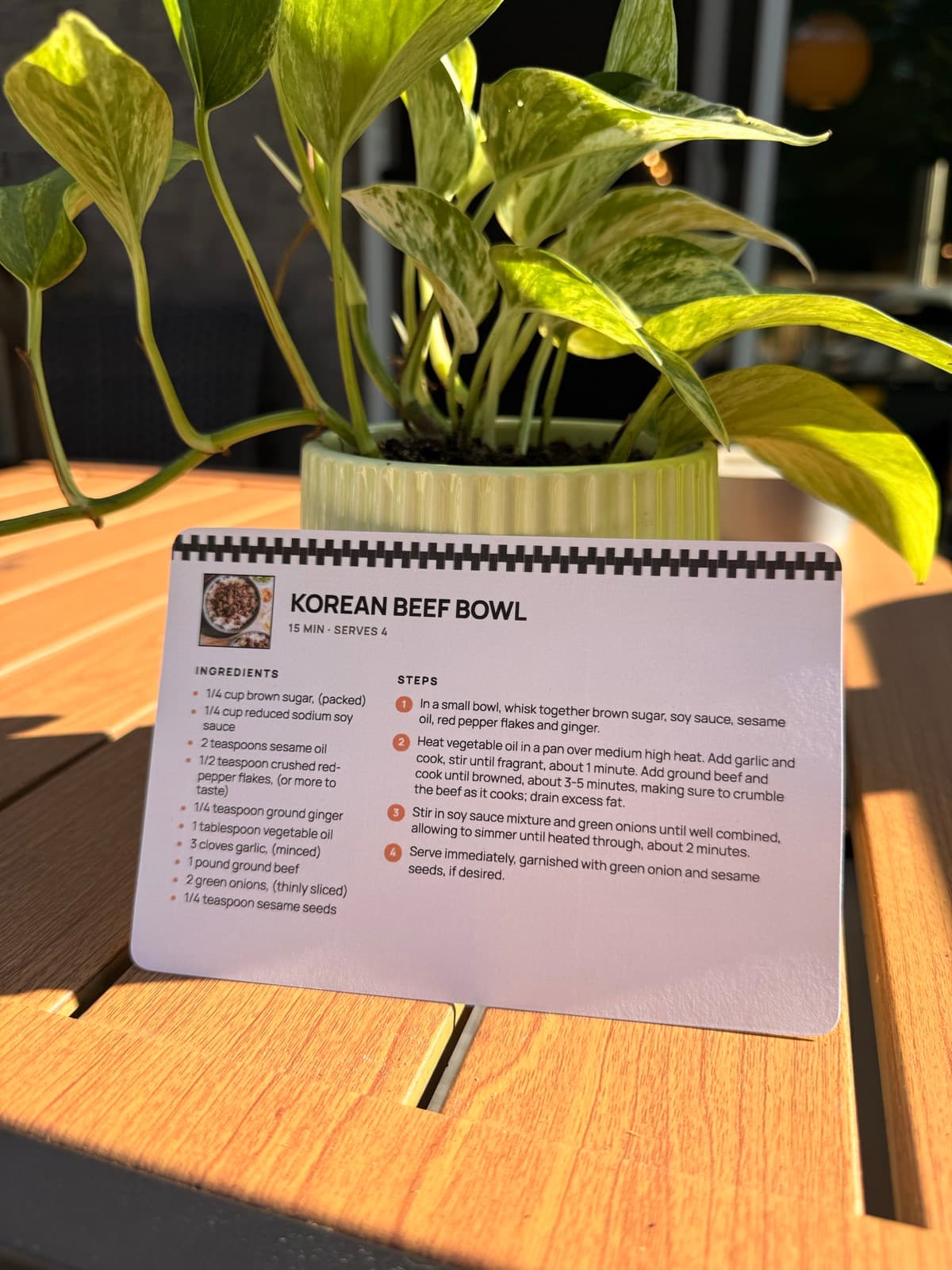
How it works
- 1
Copy the pin's link
Open the pin, tap Share, and choose Copy link. That's the pin's own link, and it's the only one you need.
- 2
Paste it in
Paste the link into the box above. When the pin links out to a recipe, RecipePrinter follows it and reads the recipe from there.
- 3
Pick a card or a page
A 4 by 6 card for the recipe box, or a letter page for long bakes. Edit any line, and keep or drop the photo.
- 4
Print it or save it as a PDF
Send it to your printer, or choose Save as PDF in the print dialog to keep a copy on your phone.
A pin points at a recipe blog, and blogs are built for screens
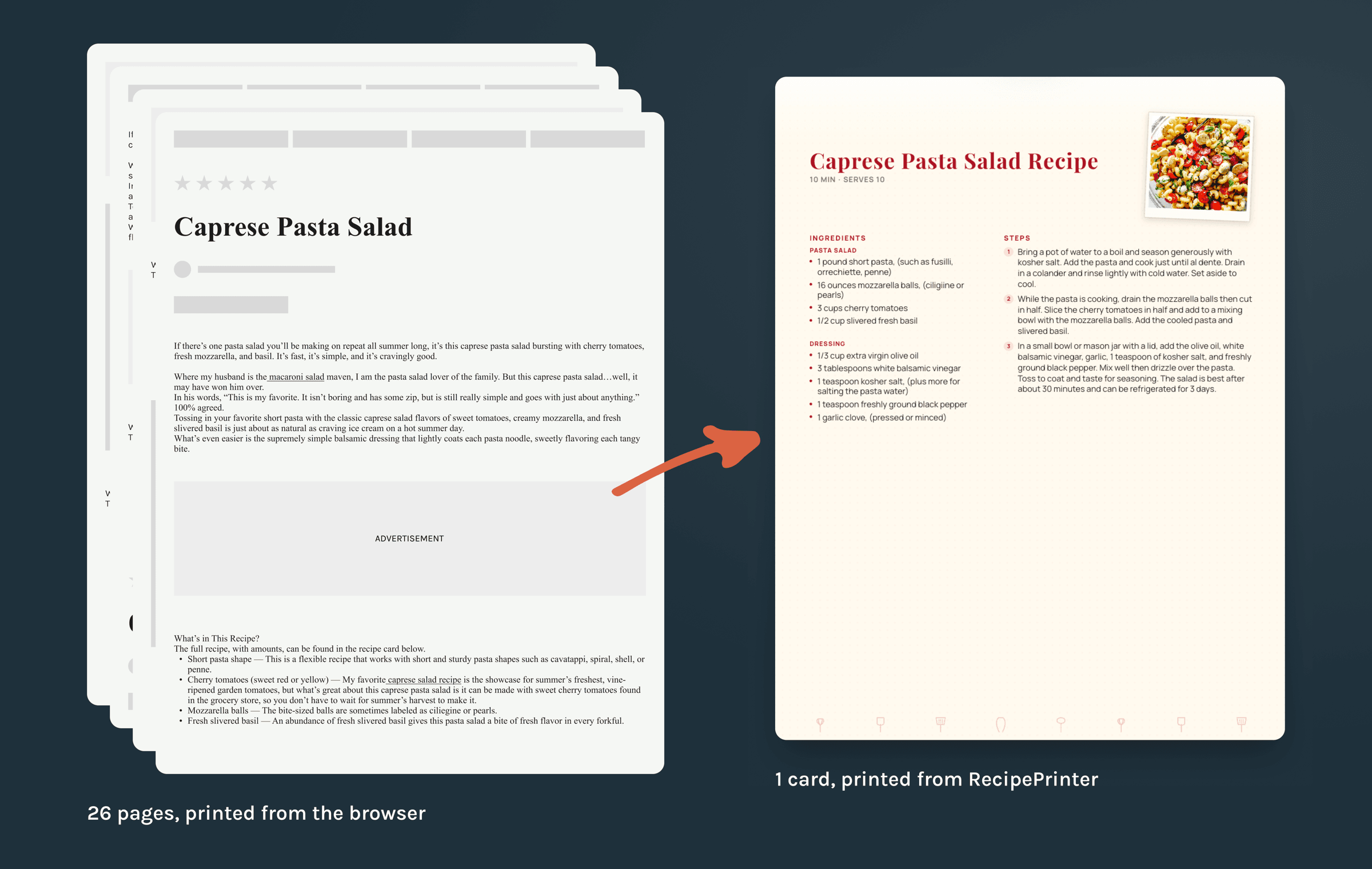
A recipe post is made to be scrolled: the photo, the story behind the dish, the notes, the comments, and the recipe itself somewhere down the page. None of that is a problem until you hit print. One of those pages, sent straight to the printer, ran to 26 sheets. RecipePrinter reads the page and keeps the part you cook from: the ingredients with their amounts, the numbered steps, the times, and the servings.
The pin itself is enough
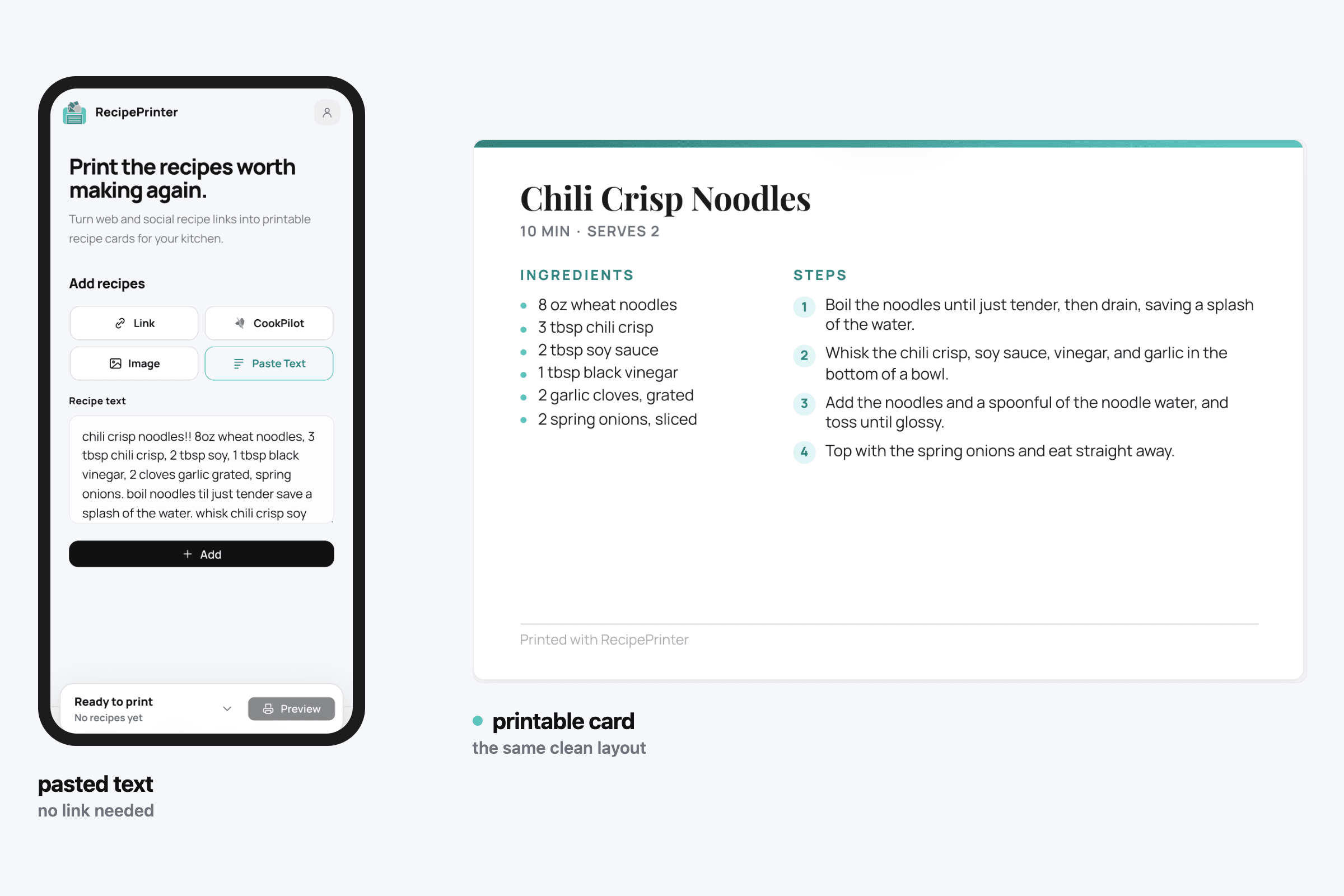
Plenty of pins never link out to a recipe at all. Some have it typed into the description, and some have it only in the image. Paste the pin's link either way. RecipePrinter follows the link when there's one, reads the description when there'sn't, and reads the pin's own image when that's all there is.
A board is for saving, a card is for cooking
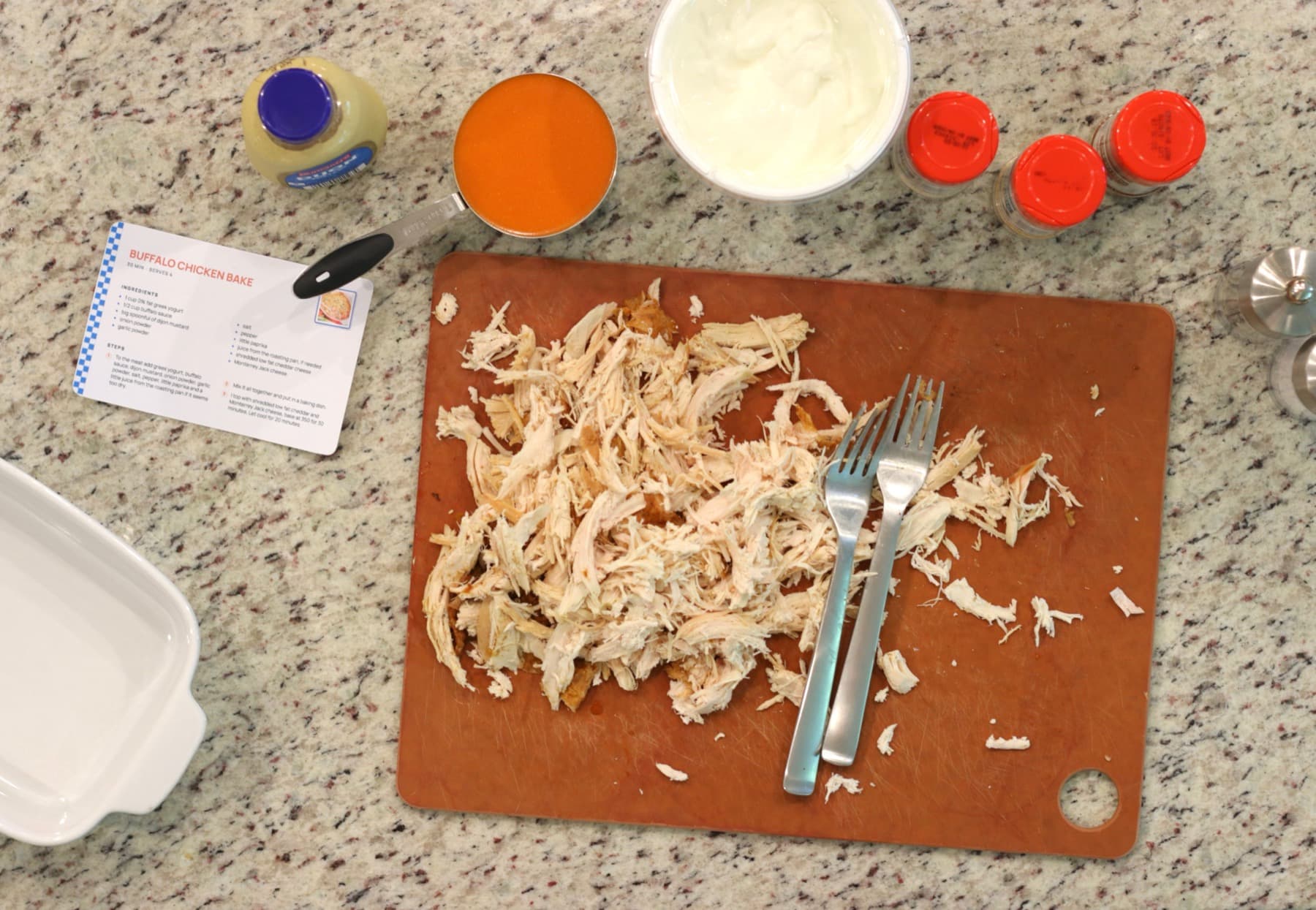
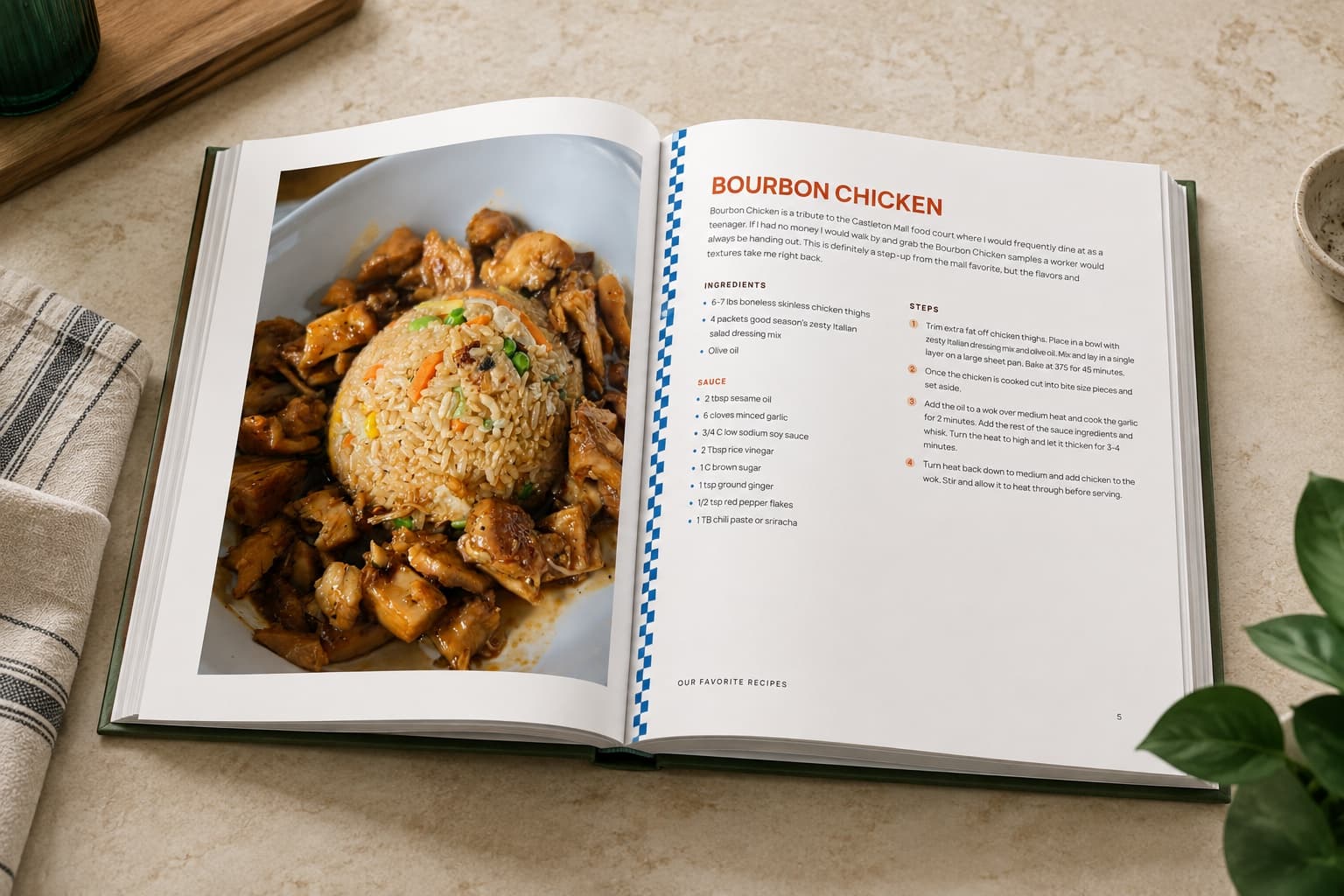
A board is a good place to collect recipes and an awkward place to cook from. The screen sleeps, your hands are wet, and you lose your place scrolling back up to the ingredients. A printed card sits on the counter and stays where you left it. Afterwards it goes in a recipe box, a binder, a folder by the stove, or later a bound cookbook.
When the stack becomes a book
Once enough recipes have earned a place, RecipePrinter sorts them into chapters, generates the cover, and builds the table of contents. Rearrange anything you want moved, then print it at home on US Letter or send the file to Lulu or Blurb for a hardcover or spiral bound cookbook. Each cookbook is its own one-off purchase. Family recipe book ideas walks through what goes in one and how people put them together.
Questions people ask
- How do I print Pinterest recipes from an iPhone?
- Open the pin in the Pinterest app, tap Share, and choose Copy link. Paste that into RecipePrinter in your phone browser and set the card up there, then use the phone's print dialog to reach a wireless printer, or choose Save as PDF and print it from a computer later.
- Do I have to connect my Pinterest account?
- No. RecipePrinter never asks for access to your account or your boards. It works from a link you paste, a screenshot you upload, or text you copy across, so nothing is connected and nothing is synced.
- Why are so many of my older pins dead links?
- Blogs move, close, or get reorganised, and the pin keeps its photograph long after the recipe behind it is gone. A printed card doesn't depend on any of that. Once it's in the box, it stays whatever happens to the site it came from.
- Can I print a whole board at once?
- You add the pins one at a time, and then print them together as a single job with RecipePrinter Pro. So it's not one paste, but it is one trip to the printer instead of fifteen, and the card size and theme apply to every recipe waiting to print.
- Will the printed card still show where the recipe came from?
- It can, and that's your call: print the original link on the card or leave it off. The link kept with the recipe is the recipe page's when the pin leads to one, and the pin's own when it doesn't.