
Print recipes from Facebook
Paste a Facebook post or Reel link and RecipePrinter turns the recipe into a clean page or 4×6 card. It can read from the post, a linked recipe, or the image itself.
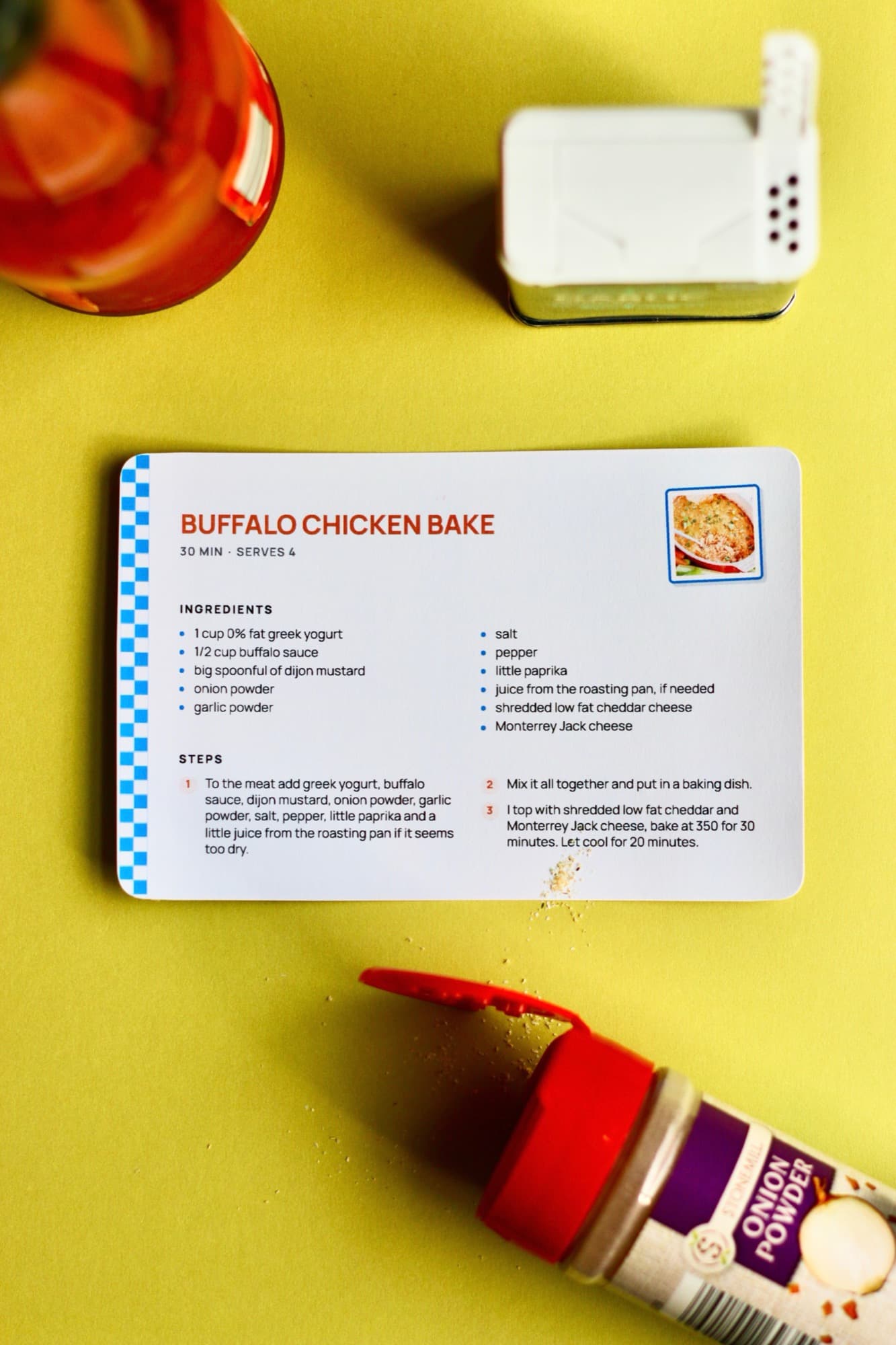
How to print a recipe from Facebook
- 1
Copy the Facebook post or Reel link
Open the post, tap Share or the three dots, and copy the link. That’s all you need to get started.
- 2
Paste it into RecipePrinter
Paste the Facebook link into RecipePrinter. It looks for the recipe in the post or any recipe link attached to it.
- 3
RecipePrinter finds the recipe
It pulls out the ingredients and steps. If the recipe is only shown in an image, RecipePrinter can read that too.
- 4
Print it your way
Print a full letter page for free or save it as a PDF. Pro adds 4×6 recipe cards and batch printing.
The recipe isn’t always in the same place
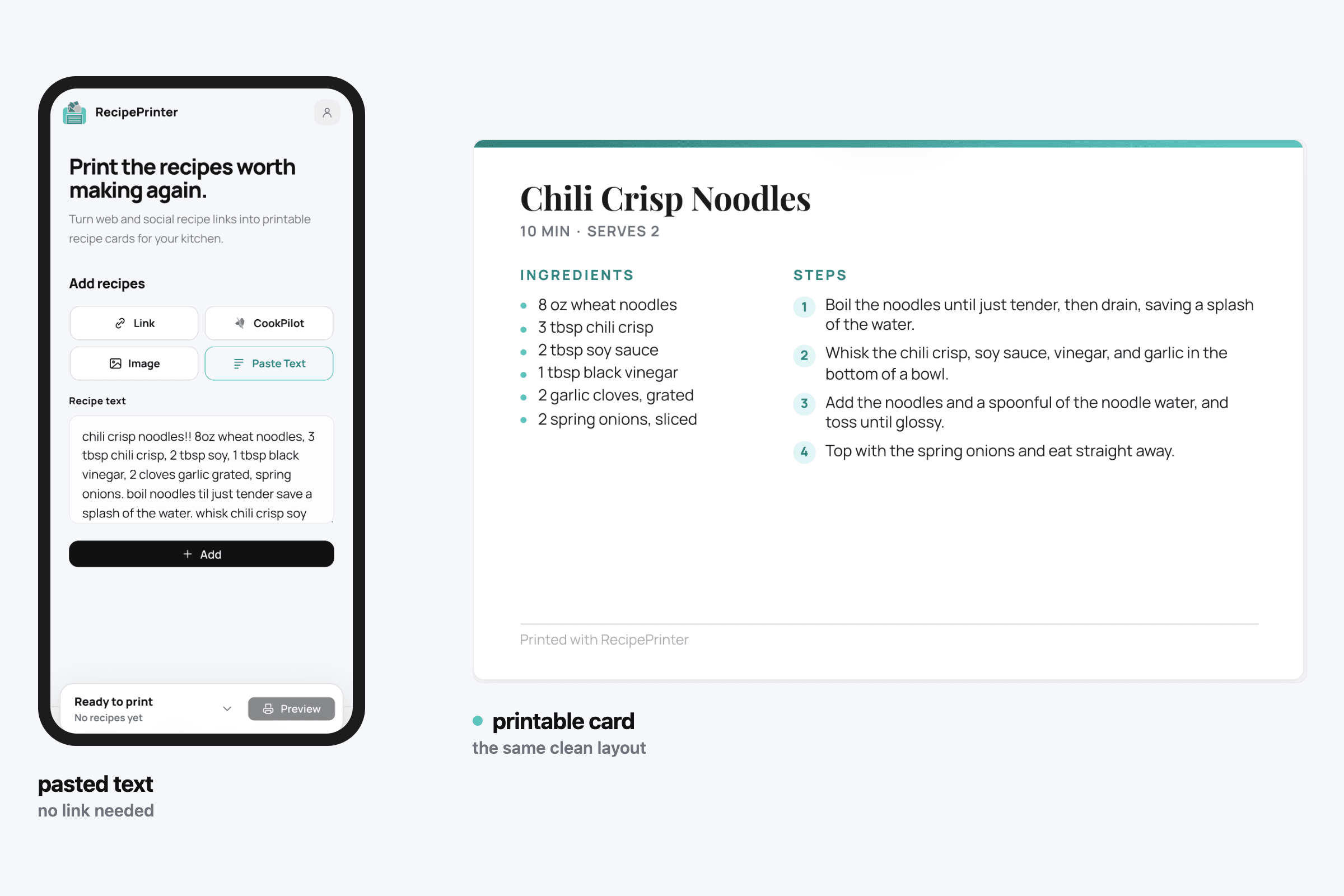
Some Facebook recipes are typed into the caption. Others link to a recipe site, and some put the ingredients and directions right in the photo. Whether the recipe is in the caption, behind a link, or written into the image, RecipePrinter pulls it into the same clean format.
Keep the good ones from getting lost in the feed
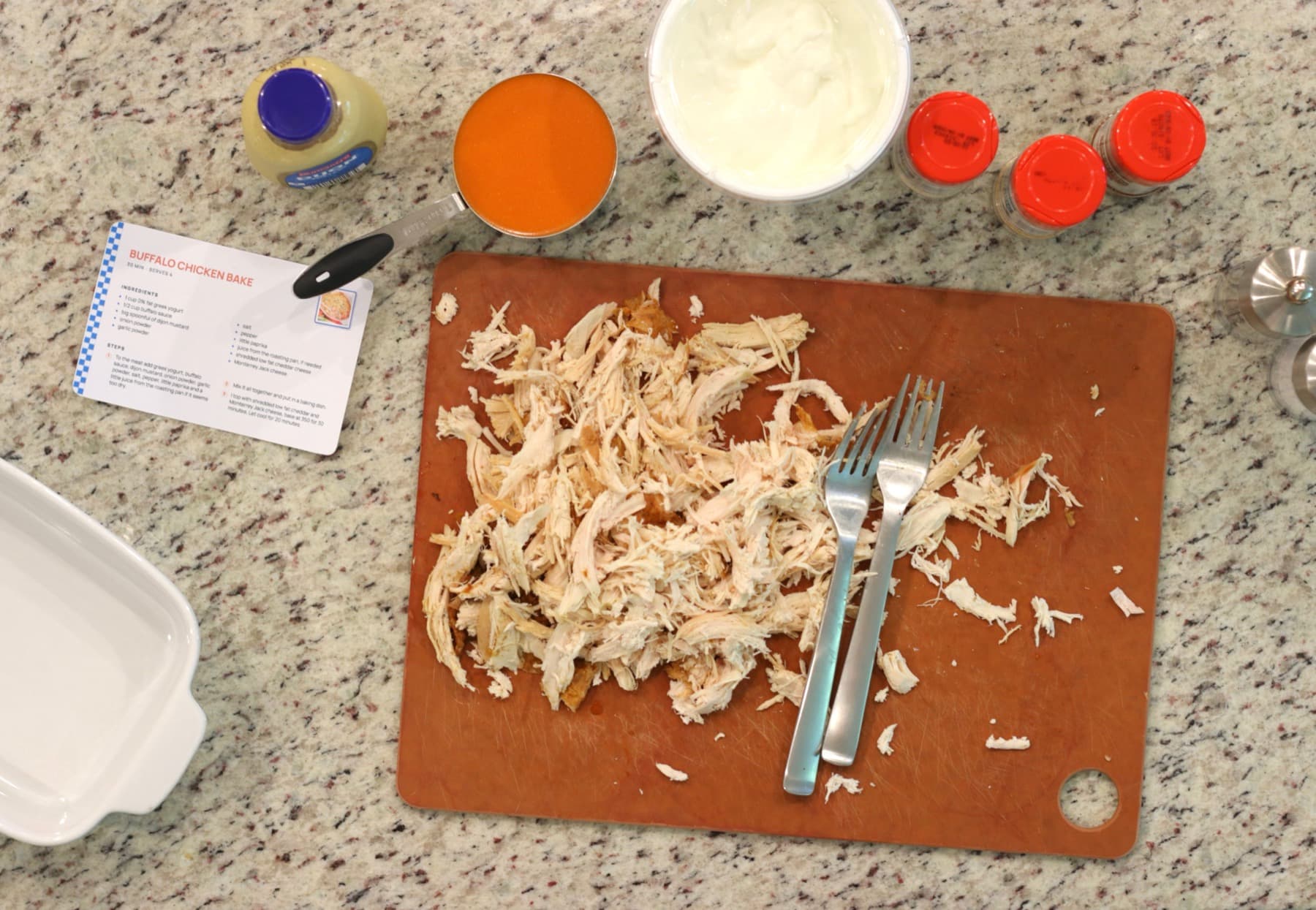
A good recipe shared in a group can be hard to find again a few weeks later. Once you print it or save it as a PDF, you no longer have to remember who posted it, what the post was called, or how far back in the group it lives.
Private post? You still have options
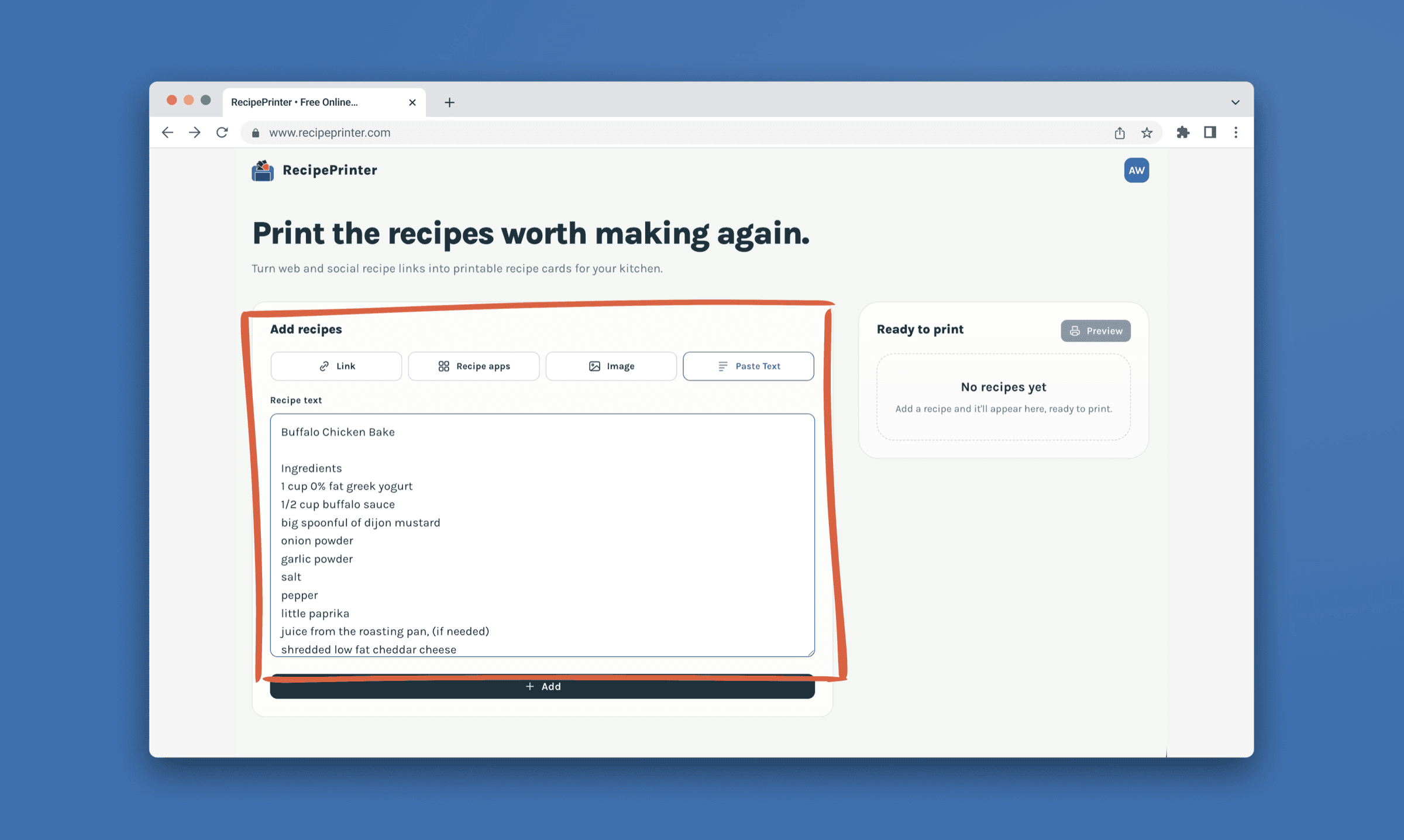
RecipePrinter may not be able to open a Facebook post that only group members can see. In that case, copy and paste the recipe text instead, or upload a screenshot of the recipe. You still end up with the same clean printable format.
Keep the recipes worth coming back to
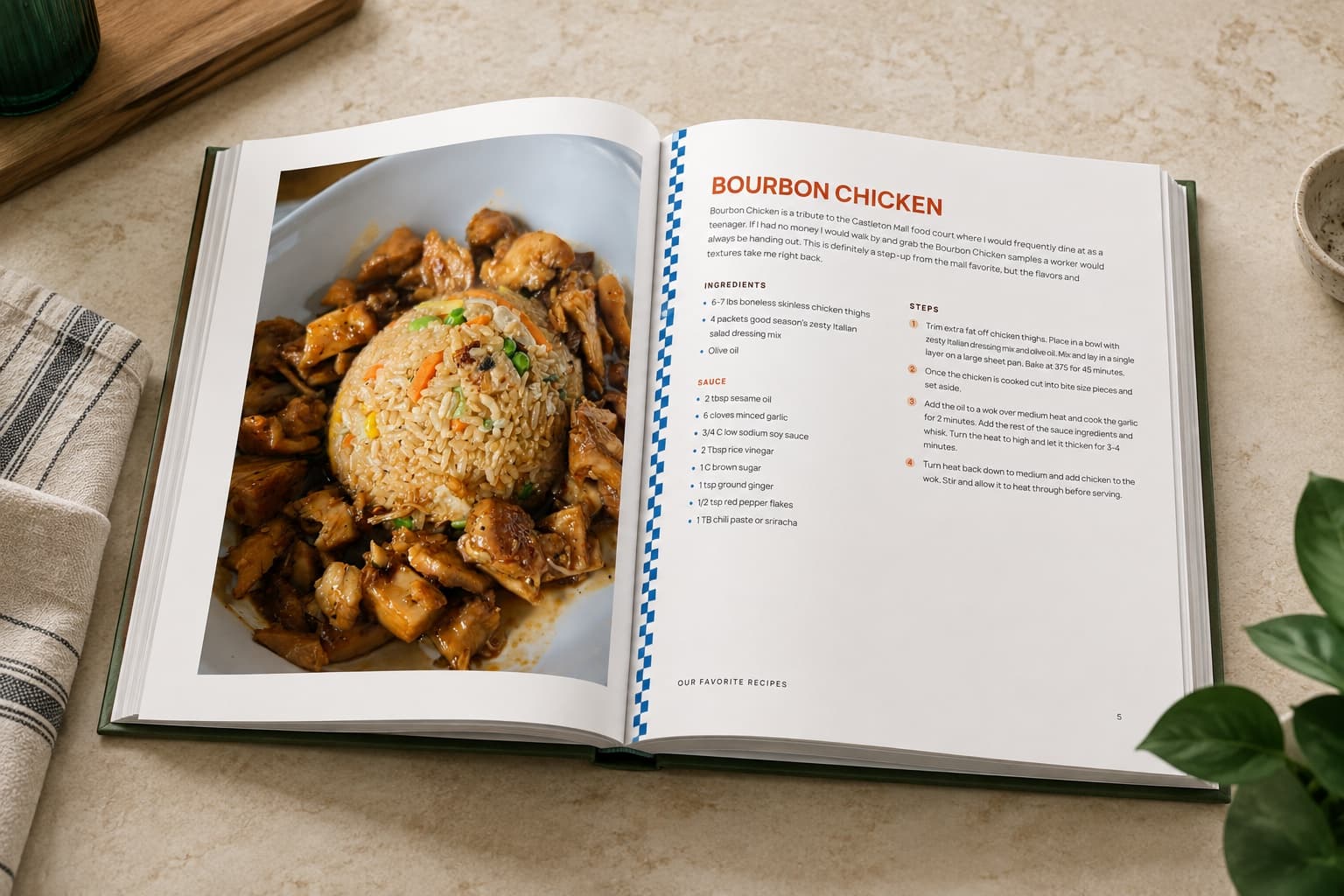
Facebook groups are full of recipes you might only see once. Printing the good ones gives them somewhere more permanent to live, whether that is a recipe box, a binder, or eventually a family cookbook.
Facebook recipe printing questions
- Can I print recipes from Facebook Reels?
- Yes. Paste the Reel link into RecipePrinter. It can read the recipe from the Reel caption, a linked recipe, or the image when needed.
- What if the recipe is only shown in a photo?
- RecipePrinter can fall back to reading the recipe from the image when the ingredients or directions are not available as normal post text.
- What about recipes posted in private Facebook groups?
- Private posts may not be accessible from the link alone. Copy and paste the recipe text or upload a screenshot instead.
- Do I need to connect my Facebook account?
- No. RecipePrinter does not need access to your Facebook account, groups, or saved posts. You provide the post link, text, or image you want to use.
- Can I print a Facebook recipe from my phone?
- Yes. Copy the Facebook post link, open RecipePrinter in your browser, paste it in, and then print or save the finished recipe as a PDF.