
Organize your recipes
Bring recipe links, app exports, photos, and text into one place. Print matching pages or cards to keep.
How it works
- 1
Gather them from wherever they are
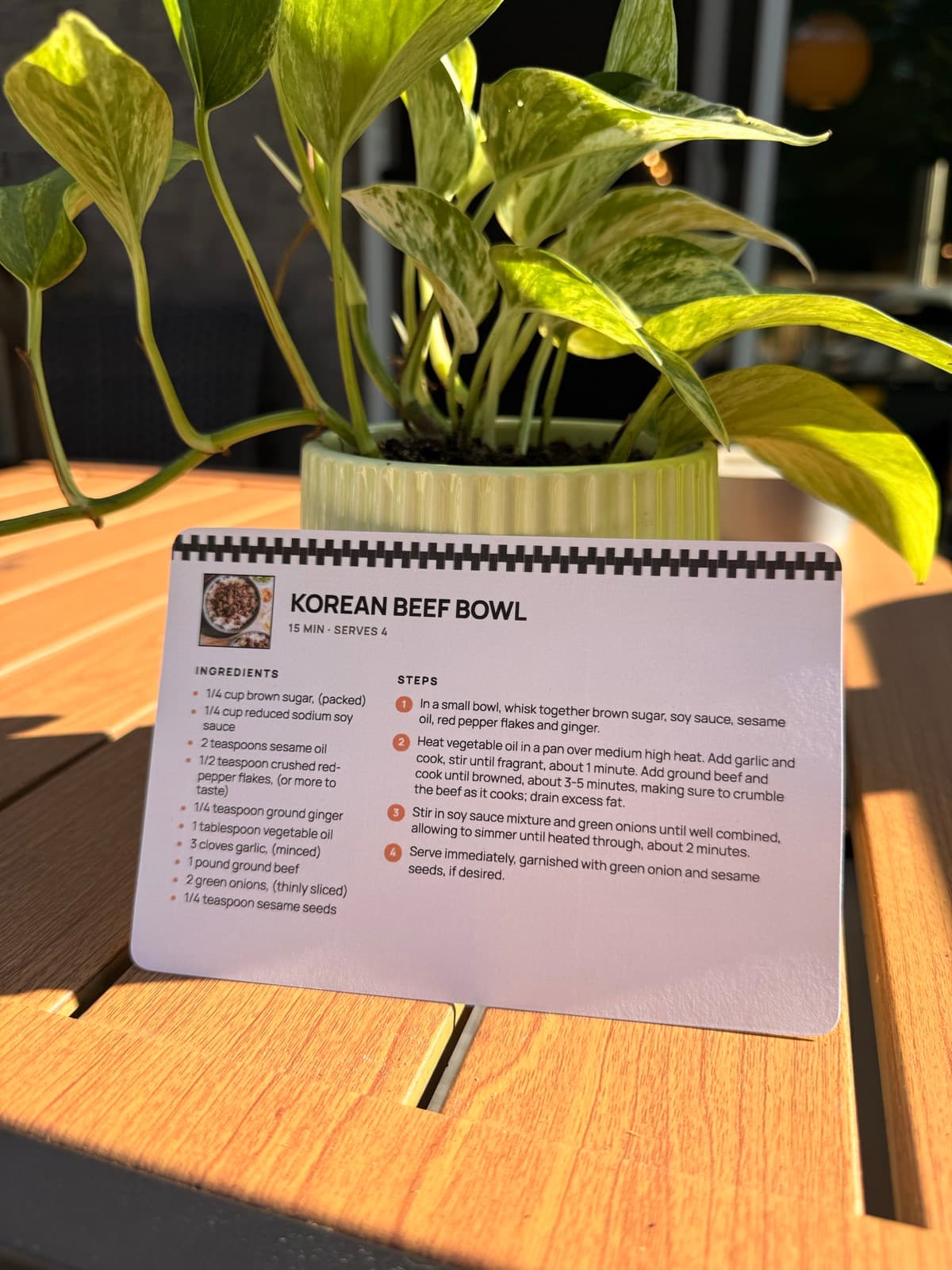
Paste a link, drop in a screenshot, or paste the text. A blog, Pinterest, a Paprika library and a handwritten card all go in the same way.
- 2
Print the ones that stuck
A recipe earns a sheet of paper by being one you make, so the stack builds up as a short list on its own.
- 3
Pick one size and stay with it
4 by 6 cards for a recipe box, or letter pages for a binder. One size across the collection is what lets it file together.
- 4
Put it away the day it prints
Straight into the box or the binder, behind a divider: by course, by season, or by who it came from. Put away today, findable in a year.
One place for recipes that live in ten places
A recipe collection is hardly ever in one app. There's usually a bookmark folder, a camera roll of screenshots, a Pinterest board, a few links in a group chat, and a recipe app or two. RecipePrinter reads all of them, so there's no migrating between apps and no picking a winner. A link and a screenshot print at the same size, in the same layout, ready to go in the same box.
Cards for a box, pages for a binder
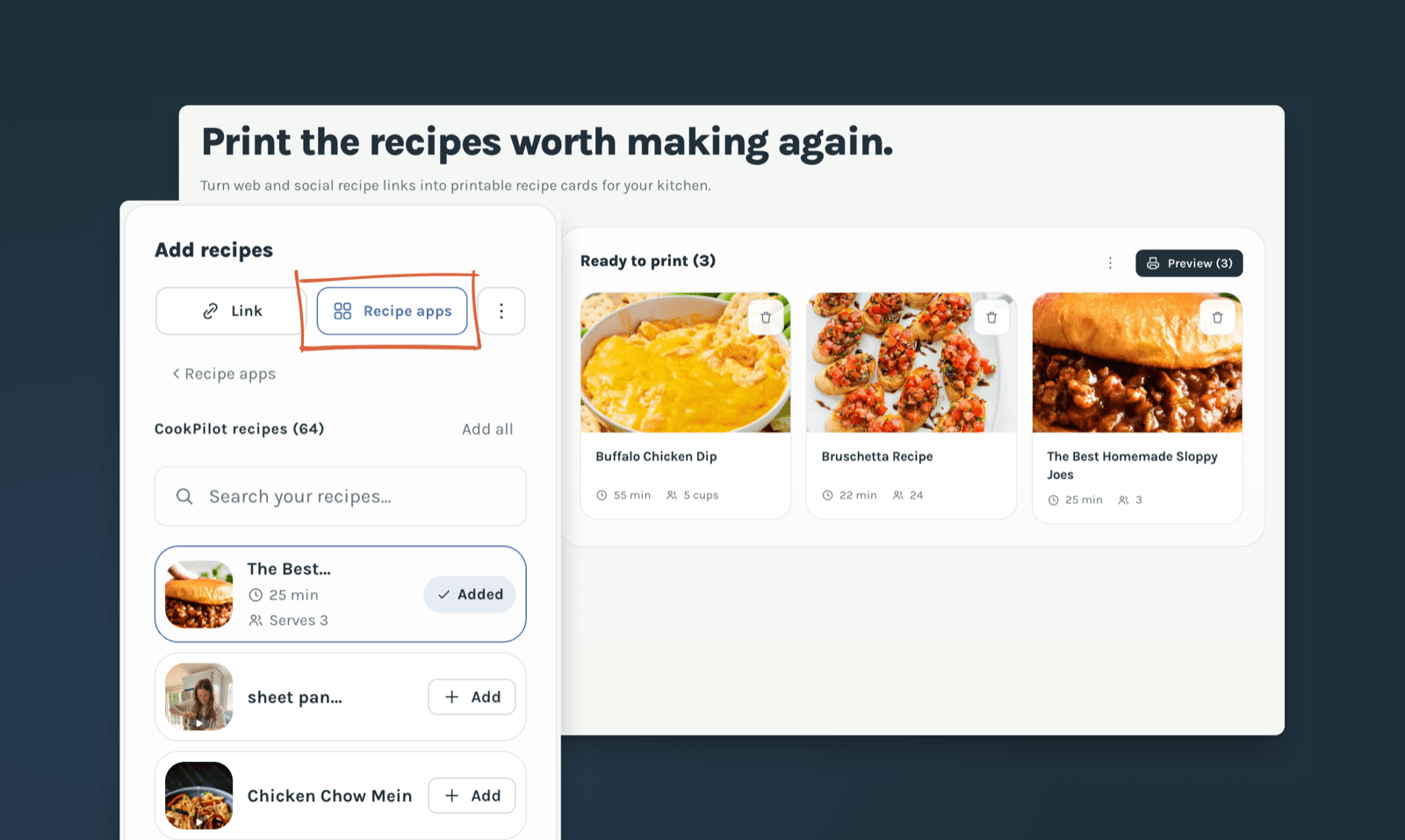
A 4 by 6 card drops straight into a recipe box behind tabbed dividers. A letter page goes into a three ring binder, and into a sheet protector if it's something you make often. Both print at home on paper you already have, and both come out the same size every time, so a set built up over months still stacks together.
Keep a searchable copy as well
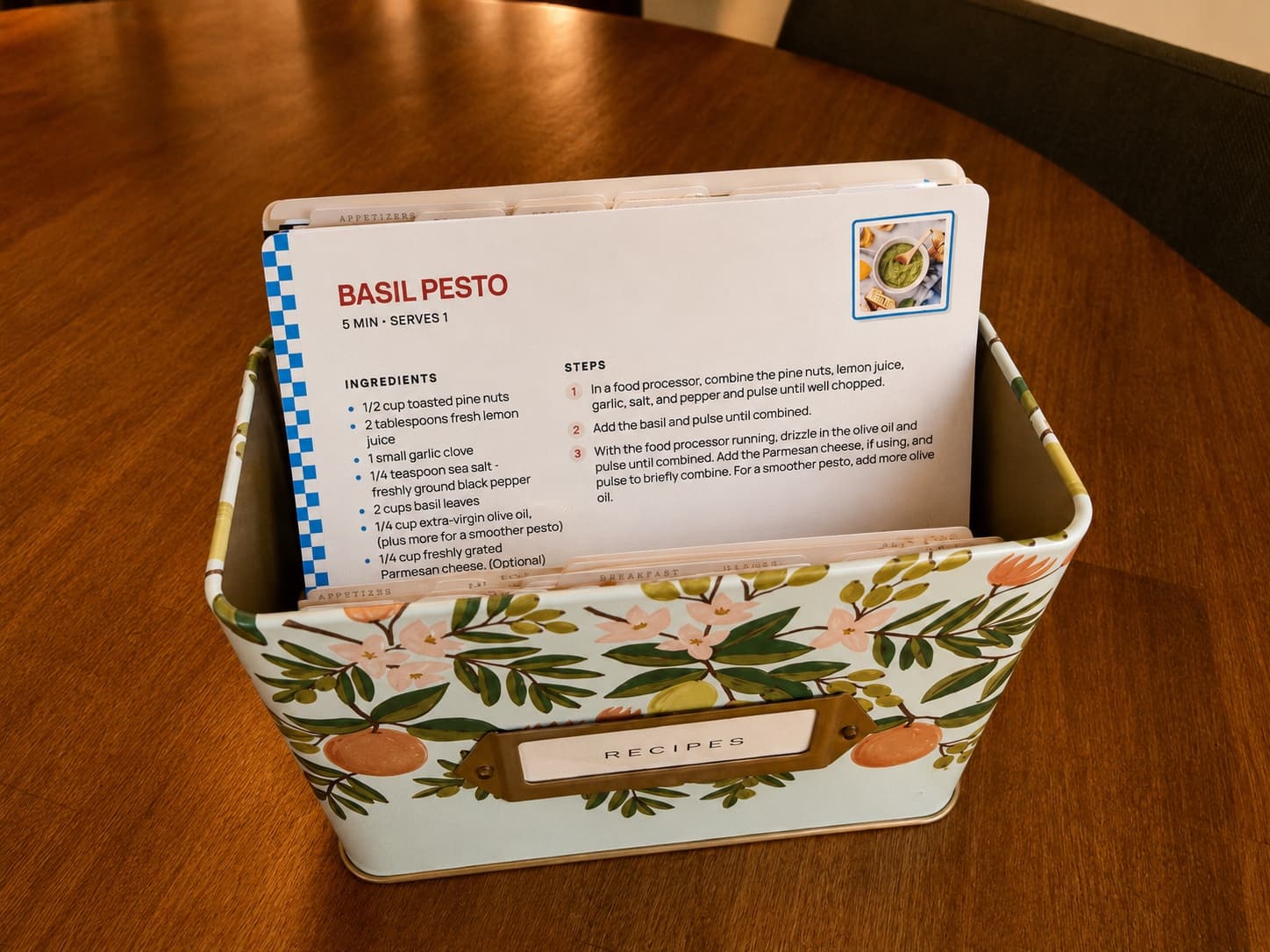
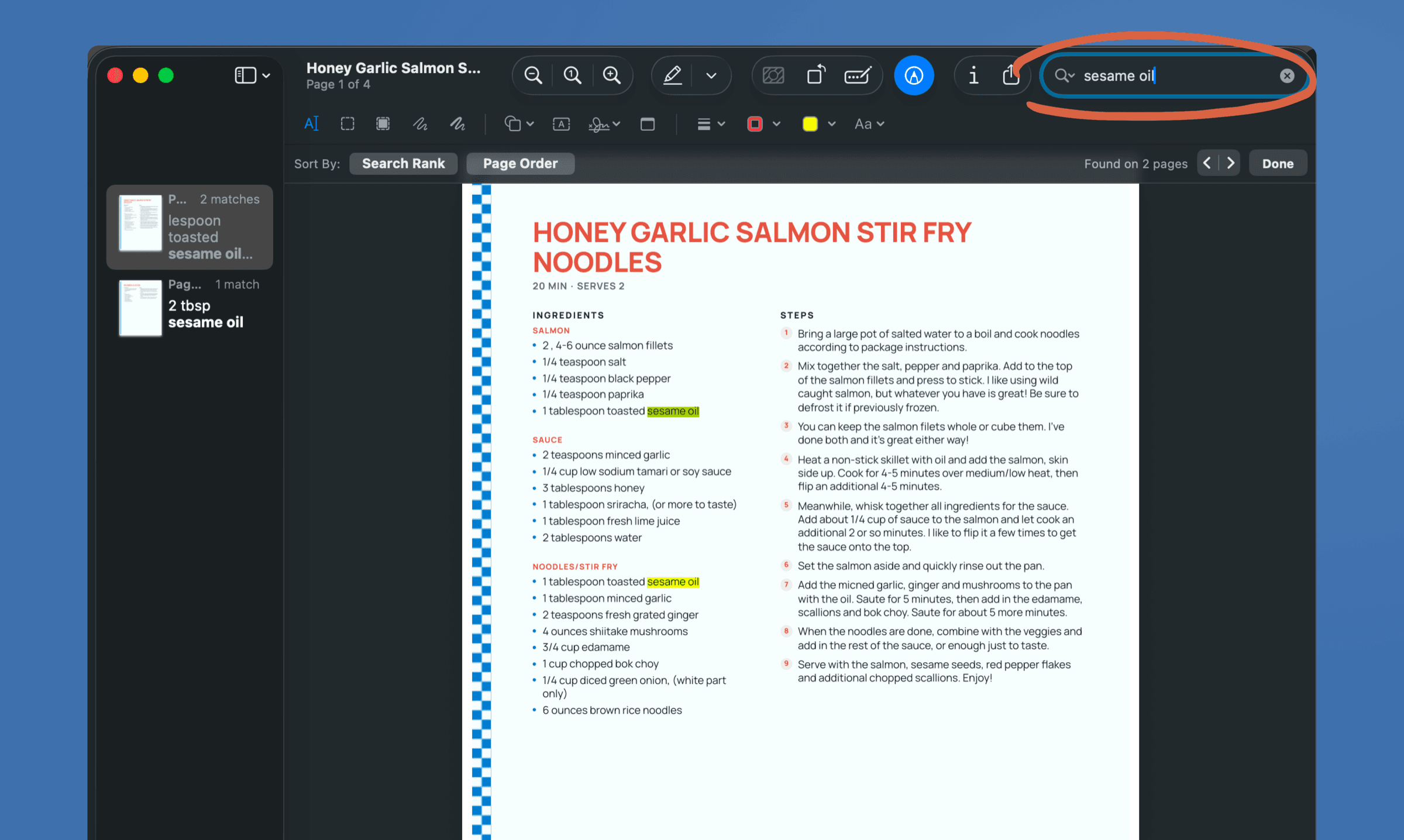
Paper or digital isn't a choice you have to make. Save the same recipe as a PDF and it's on your phone, searchable, and easy to send to whoever asks for it. The printed card stays on the counter where your hands are, and if it gets covered in butter, another one costs a sheet of paper.
When the stack becomes a book
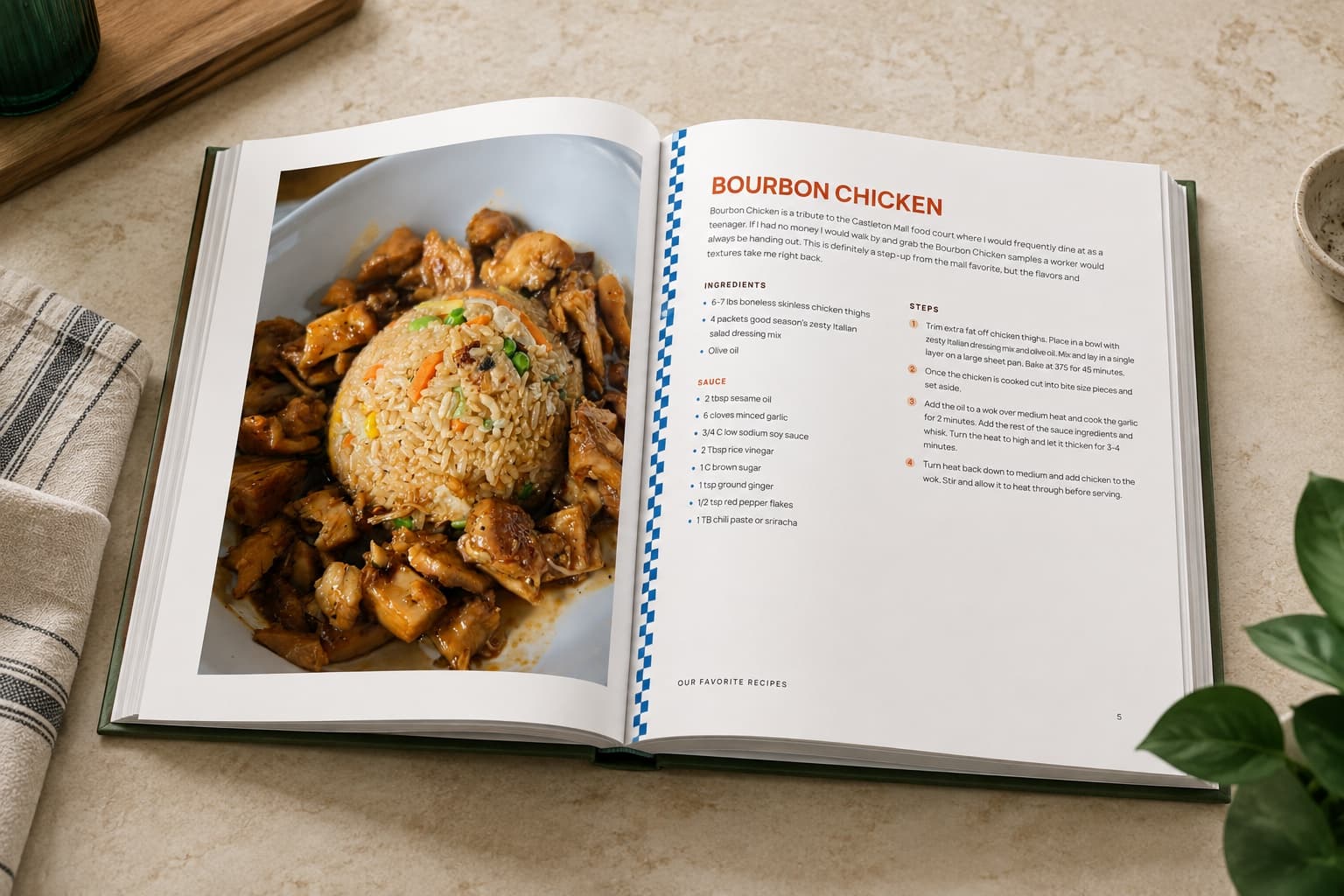
Once enough recipes have earned a place, RecipePrinter sorts them into chapters, generates the cover, and builds the table of contents. Rearrange anything you want moved, then print it at home on US Letter or send the file to Lulu or Blurb for a hardcover or spiral bound cookbook. Each cookbook is its own one-off purchase. Family recipe book ideas walks through what goes in one and how people put them together.
Questions people ask
- What is the easiest way to organize online recipes?
- Print the ones you cook, at one size, and file them the day they come out. Course, season, and who a recipe came from are the groupings most people settle on. Printing helps with the deciding as well, since a recipe tends to get printed when it's one you're going to make.
- What categories should I use for a recipe binder?
- Course is the usual starting point: breakfast, mains, sides, baking, desserts. Season works well if you cook to whatever is around, and plenty of people sort by who a recipe came from instead, so Nana's tab sits next to the weeknight tab. Start with five or six and add one when a tab gets too full.Recipe binder ideas(opens in a new tab)
- Is it better to keep recipes digitally or on paper?
- Both, for different jobs. Digital is better for finding a recipe and sending it to someone. Paper is better once you're cooking, when your hands are busy and the phone has locked itself again. The same recipe gives you a printed card and a PDF, so it isn't a decision you have to make.
- Can RecipePrinter help with recipe binders?
- Yes. Print letter pages for a three ring binder or 4 by 6 cards for a box, and every recipe comes out at the same size with the same layout, so a collection built over months still looks like one collection.Recipe binder ideas(opens in a new tab)Printable recipe cards(opens in a new tab)
- How do I keep printed recipes clean while I cook?
- A sheet protector is the usual answer for a binder, and a card in a recipe box survives more than you'd expect. If one does get ruined, printing it again costs a sheet of paper.
- Do I need an account to keep a collection together?
- Not to print one at a time. Without an account your recipes stay in the browser for that session, which is all you need to print single recipes and file them. Printing several in one job needs RecipePrinter Pro. Sign in and the project is saved, so you can come back later and add to the same collection instead of starting again.