
Print recipes from Paprika
Export your Paprika recipe library, open the file in RecipePrinter, and choose the recipes you want to print as pages or 4×6 cards.
How to print recipes from Paprika
- 1
Export from Paprika
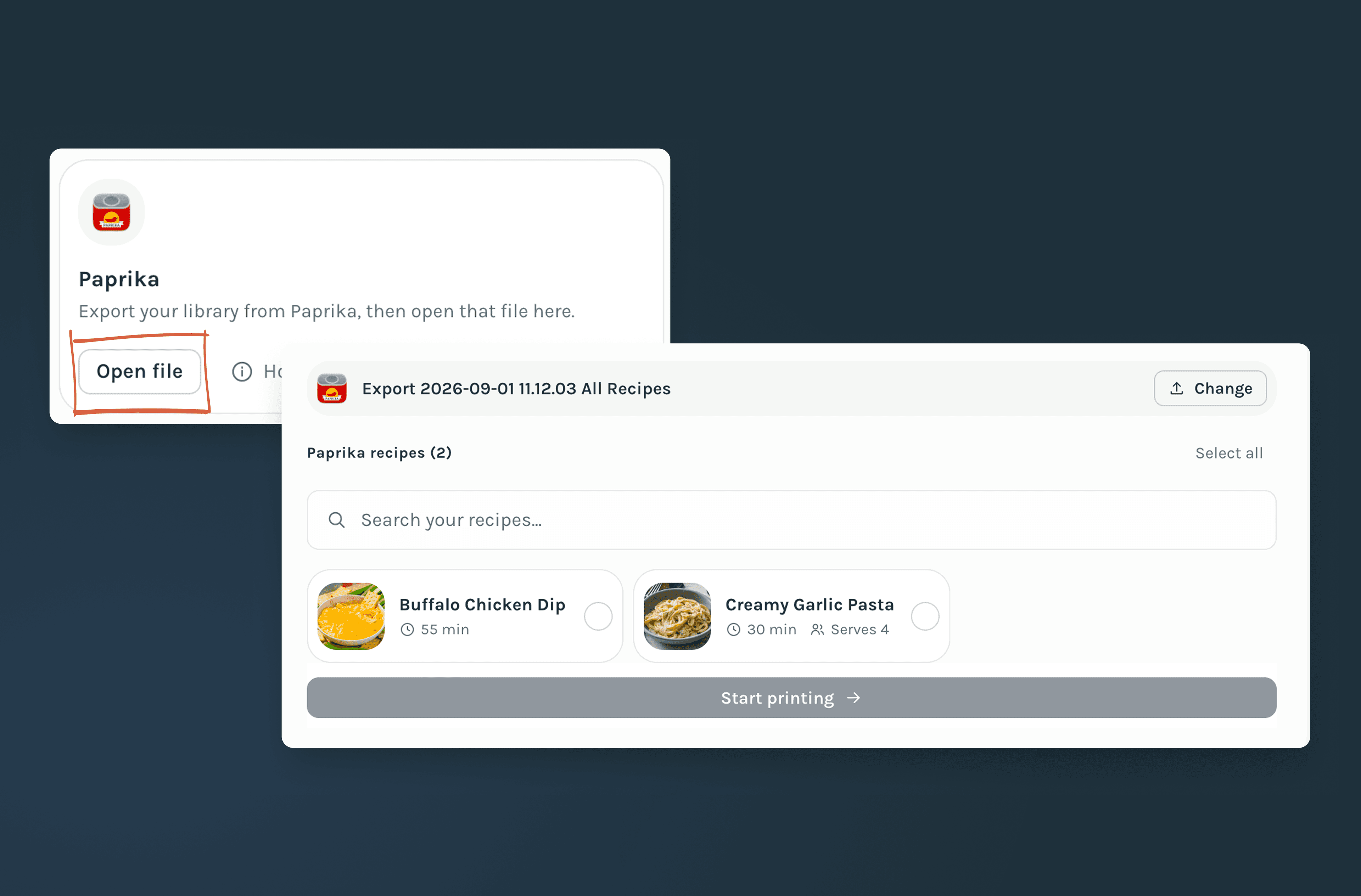
In Paprika, open Settings → Export Recipes and export your library as a .paprikarecipes file.
- 2
Open the Paprika export
Drop the file into RecipePrinter. It is read in your browser, so the library does not need to be uploaded.
- 3
Choose the recipes you want
Browse the imported library and add the recipes you actually want to print to the queue.
- 4
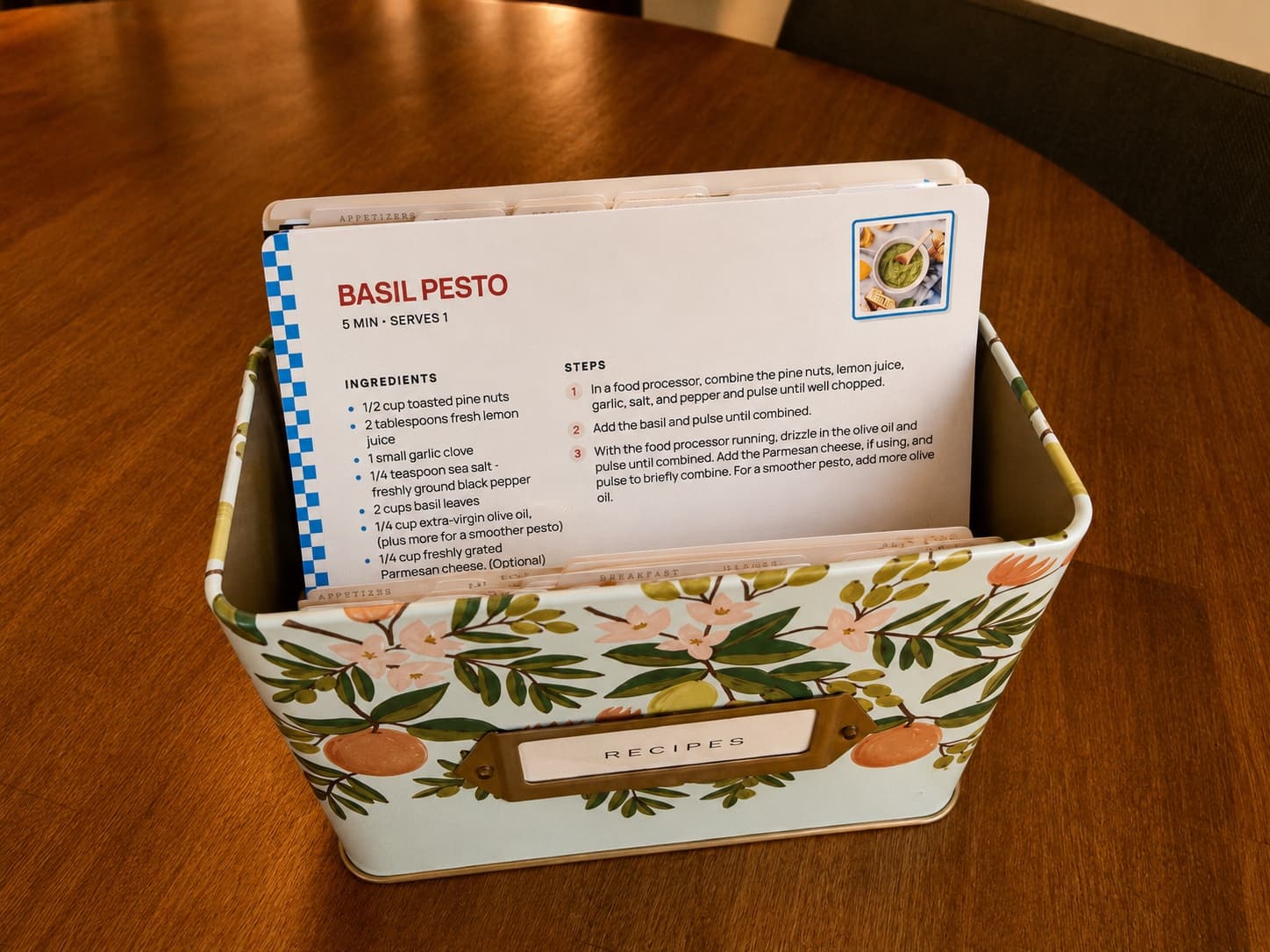
Print as cards or pages
Choose a 4×6 recipe card or full letter page. Batch printing is included with RecipePrinter Pro, while individual full-page recipes can still be printed or saved as PDF for free.
Your Paprika recipes come with their details
Ingredients, directions, prep and cook time, servings, source, and categories all come across with the recipe. Notes appear only in a cookbook, not on recipe cards or single pages. Ratings and difficulty do not appear on the printed version.
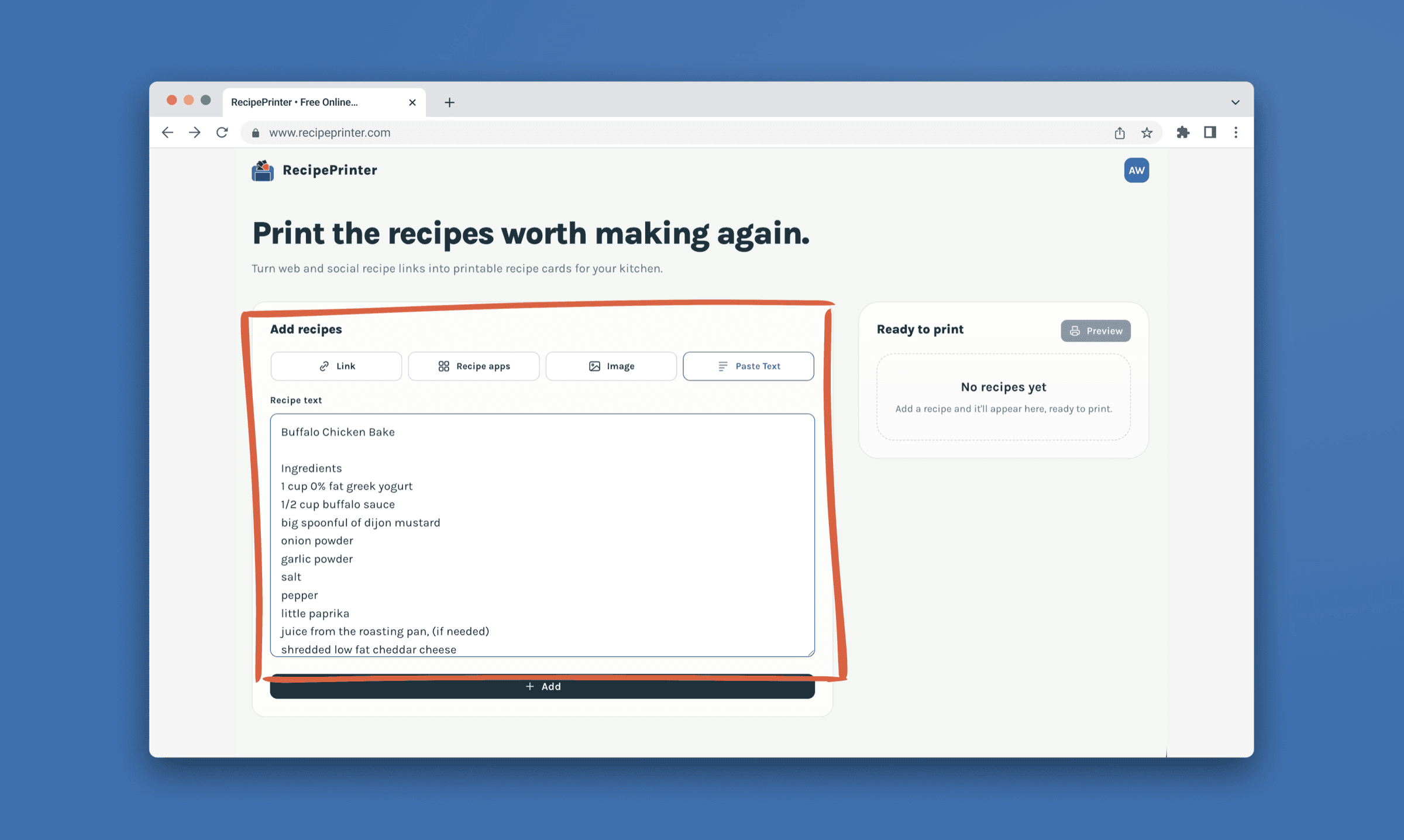
Turn your Paprika favorites into something you can keep
Browse the recipes you’ve already saved in Paprika and choose the ones you actually want to bring into RecipePrinter. From there, turn those favorites into 4×6 cards, binder pages, or a cookbook you can pull off the shelf.
Paprika printing questions
- What file does Paprika export?
- Paprika exports your library as a single .paprikarecipes file containing your recipes and their saved details.
- Does my Paprika library get uploaded?
- No. RecipePrinter reads the file in your browser on your device. Nothing is uploaded to a server.
- Can I print my whole Paprika library at once?
- Yes, with RecipePrinter Pro. You can also choose only the recipes you actually want and add those to the print queue.
- Do my categories and cooking times come across?
- Yes. Prep and cook time, servings, source, and categories are preserved when the export has them. Ratings and difficulty are not printed. Notes appear in a cookbook, not on recipe cards or single pages.