
A CreateMyCookbook alternative that reads your recipes
CreateMyCookbook helps you build and order a printed cookbook. RecipePrinter starts one step earlier: paste a recipe link, upload a handwritten card or photo, or add recipe text, then organize everything into a cookbook and export the finished file to print wherever you want.
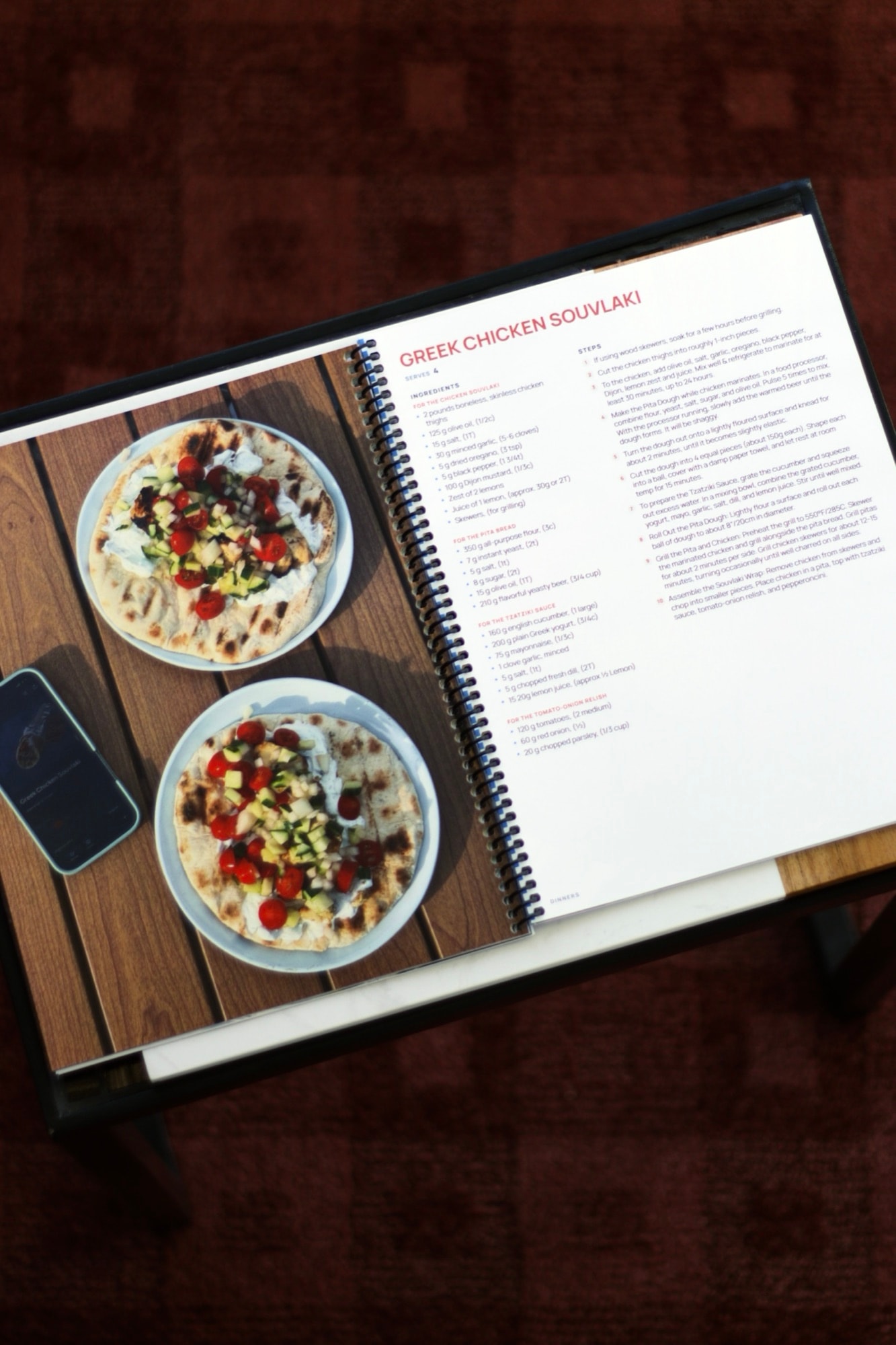
RecipePrinter and CreateMyCookbook, side by side
| RecipePrinter | CreateMyCookbook | |
|---|---|---|
| Getting recipes in | ||
| Pasted recipe text | RecipePrinter: YesFormats the recipe for you | CreateMyCookbook: YesFormats it in the recipe form |
| From a recipe link | RecipePrinter: YesReads the recipe from the link | CreateMyCookbook: YesCopy the text from the page and paste it |
| From a photo of a handwritten card | RecipePrinter: YesReads it into editable text | CreateMyCookbook: YesWeTypeIt: their team types it, sold as credits |
| Contributors adding recipes | RecipePrinter: YesThey send recipes to you to add | CreateMyCookbook: YesInvite contributors to add recipes and photos |
| The book | ||
| Cover, chapters, and contents | RecipePrinter: YesBuilt from your recipes, all editable | CreateMyCookbook: YesBuilt in its online designer |
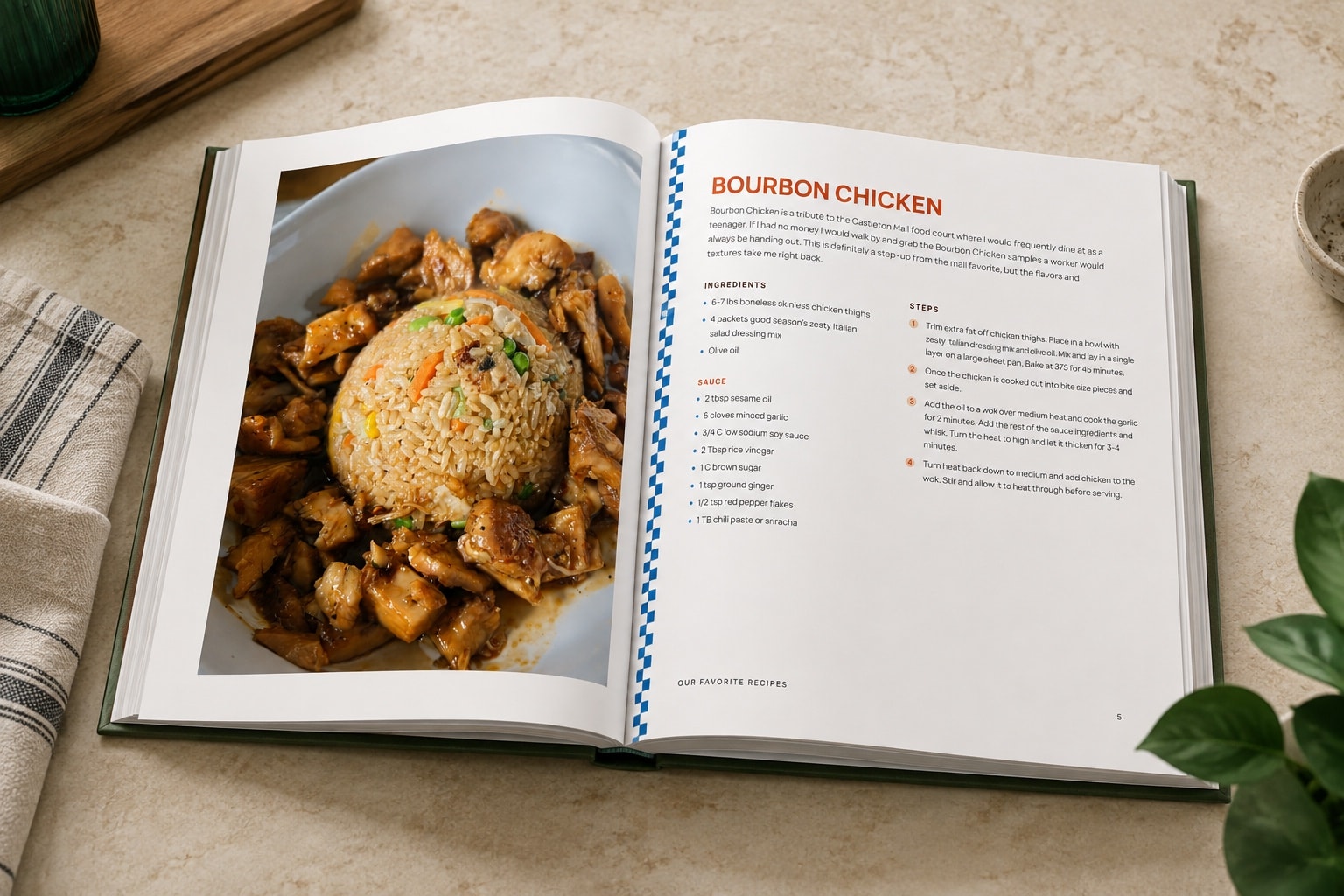
| Binding | RecipePrinter: YesPrint-ready file for spiral or hardcover; your printer binds it | CreateMyCookbook: YesSoftcover, wire-o, hardback, and binder options |
| Printing and price | ||
| Printed and shipped to you | RecipePrinter: No | CreateMyCookbook: YesOrdered through CreateMyCookbook |
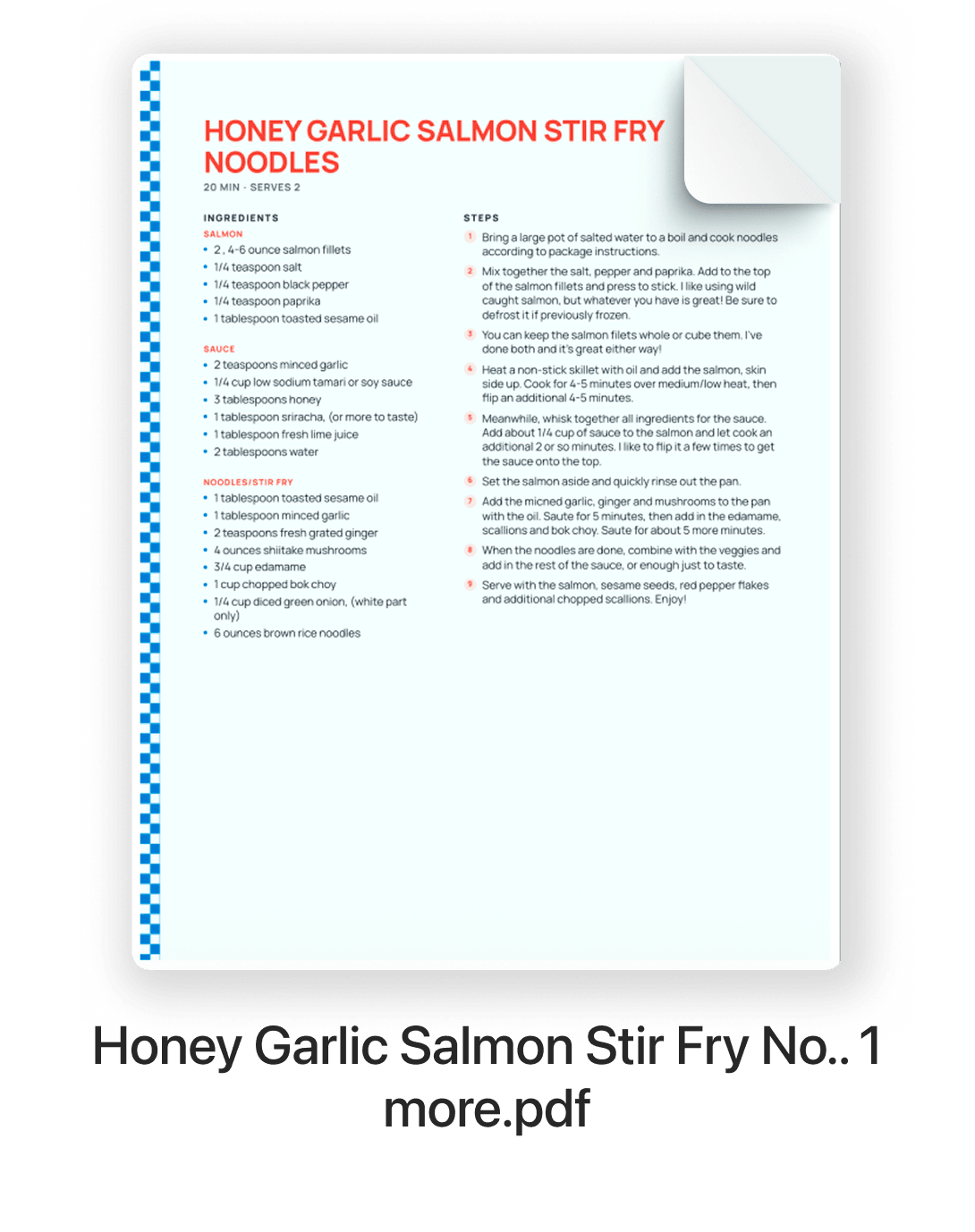
| Print-ready PDF | RecipePrinter: YesIncluded with cookbook export | CreateMyCookbook: YeseCookbook PDF, sold separately |
| What you pay | RecipePrinter: Yes$19.99 per cookbook, plus your printer | CreateMyCookbook: YesDepends on format, page count, and quantity |
Turn recipe cards into editable recipes
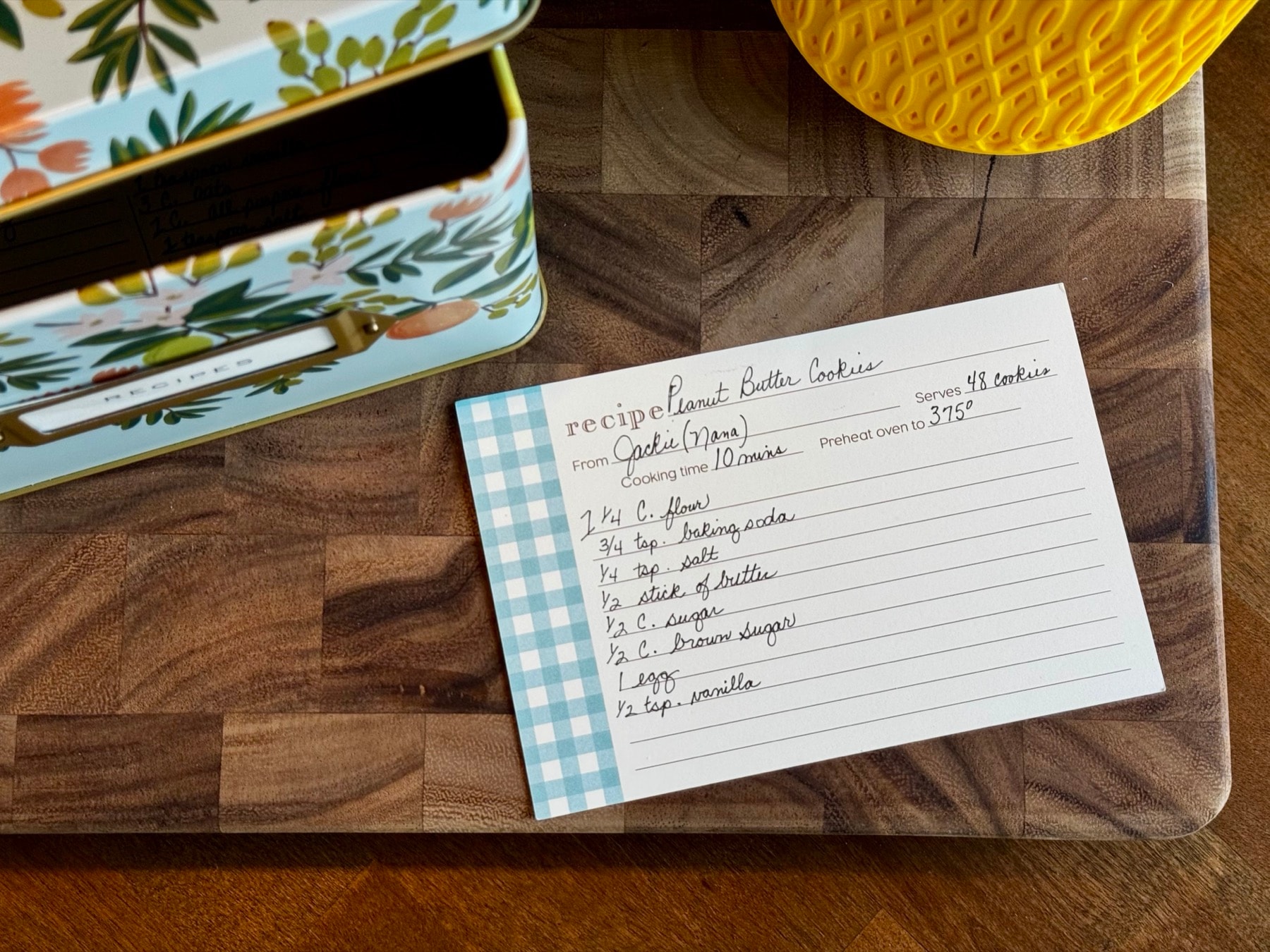
Recipe cards are often the slowest part of making a family cookbook, because someone has to type them in. With RecipePrinter, you upload a photo of a handwritten card and get editable ingredients and instructions.
Check it against the card and change anything you want before the recipe goes in the book.
One price for the book, not for every copy
RecipePrinter charges once for the cookbook and gives you a print-ready PDF. From there, you decide how many copies to print and where to print them.
That can make more sense if you want to print at home, use a local copy shop, compare online printing services, or make more copies later.
You can keep editing the cookbook after you buy it and export an updated version whenever you need one.
Where CreateMyCookbook is the better choice
If you want one company to handle both the cookbook software and the printing, CreateMyCookbook may be the better fit. You build the book, choose a print option, and finished copies are shipped to you.
It may also suit you better if you want contributors to enter their own recipes directly.
RecipePrinter gives you more control over where the book gets printed, but that also means arranging the printing yourself.
“I’ve been working on making a cookbook in Canva for 10 months, and was able to do it on RecipePrinter in less than a week!”
Questions about RecipePrinter and CreateMyCookbook
- How do I choose between them?
- Choose CreateMyCookbook if you want the same service to help you build the book and print the finished copies. Choose RecipePrinter if your bigger problem is getting recipes from websites, photos, and handwritten cards into one cookbook, and you want to choose where the final PDF is printed.
- What does each one cost?
- RecipePrinter charges $19.99 once per cookbook, which includes the print-ready PDF. Printing is separate and depends on the printer you choose. CreateMyCookbook's pricing depends on the book format, page count, quantity, and printing options, so check its current pricing before ordering.
- What about Heritage Cookbook?
- Heritage Cookbook is a separate company that works in a similar way: you build the book in its online designer, can invite contributors, and order printed copies. RecipePrinter is the better fit when your main job is bringing in recipes from links, photos, or handwritten cards before you build the cookbook.
- Can RecipePrinter print and ship my cookbook?
- No. RecipePrinter builds the cookbook and exports the finished print-ready file, and you choose where to print it. When you export, it suggests options for each format, such as Lulu for a spiral-bound book or Blurb for a hardcover, as well as your own printer or a local copy shop.How to print a cookbook