
How to print a cookbook
Once your cookbook is finished, you can print it at home, take the PDF to a copy shop, or upload it to an online book printer like Lulu or Blurb. RecipePrinter gives you the files for each option; it doesn't print or ship books itself.
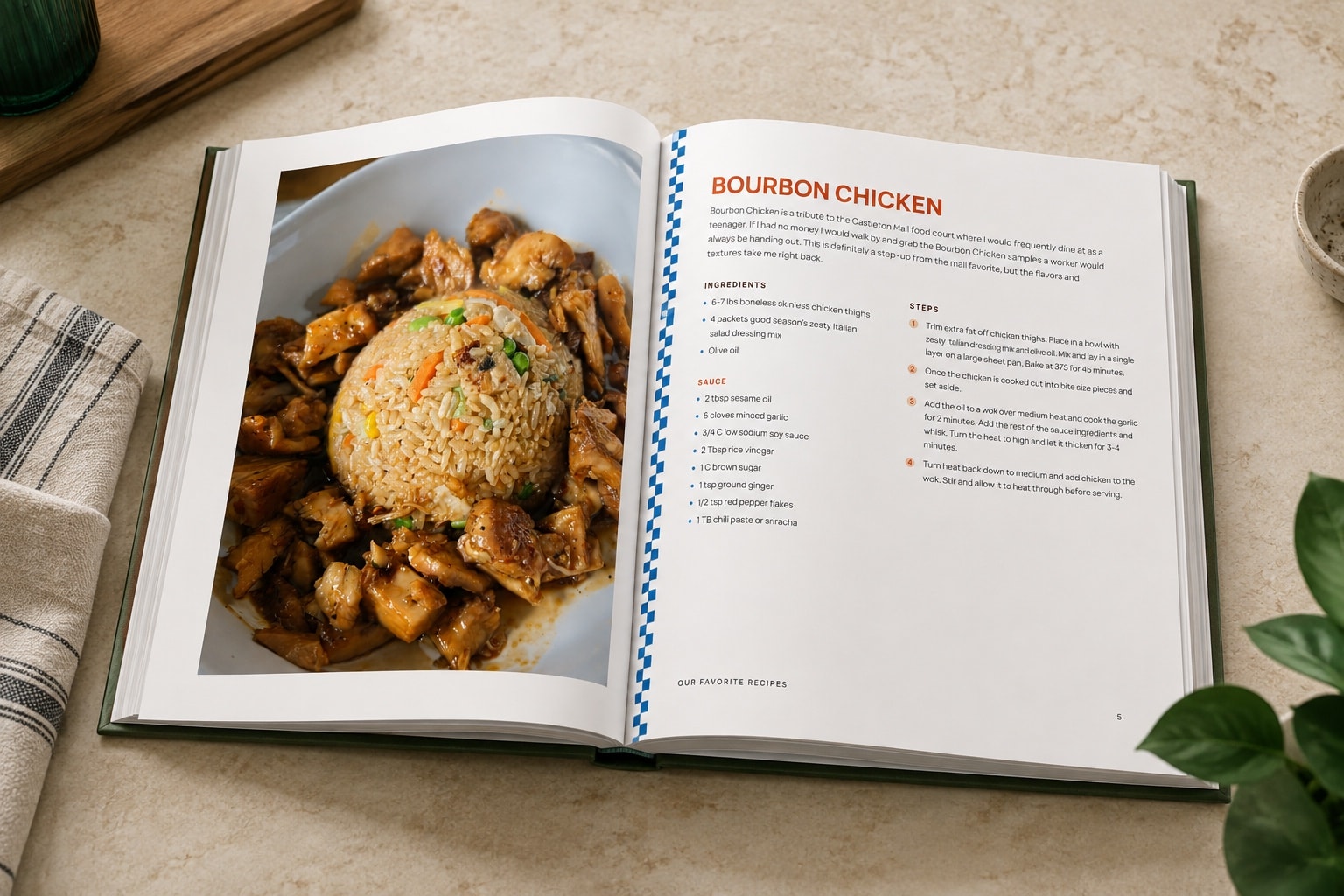
From finished cookbook to printed book
- 1
Finish the cookbook
Build the book in RecipePrinter: organize recipes into chapters, add a cover, and review everything before exporting. The table of contents is built for you.
- 2
Choose where it will be printed
Print it yourself, take the file to a copy shop, or use an online book printer such as Lulu or Blurb. The right choice depends on the binding and finish you want.
- 3
Download the files
RecipePrinter prepares a print-ready PDF for the option you choose. Home and copy-shop printing use one file; Lulu and Blurb also take a separate cover file.
- 4
Print, or upload and order
Print the PDF at home, send it to a local printer, or upload the files to the printing service and order your copies.
On your own printer
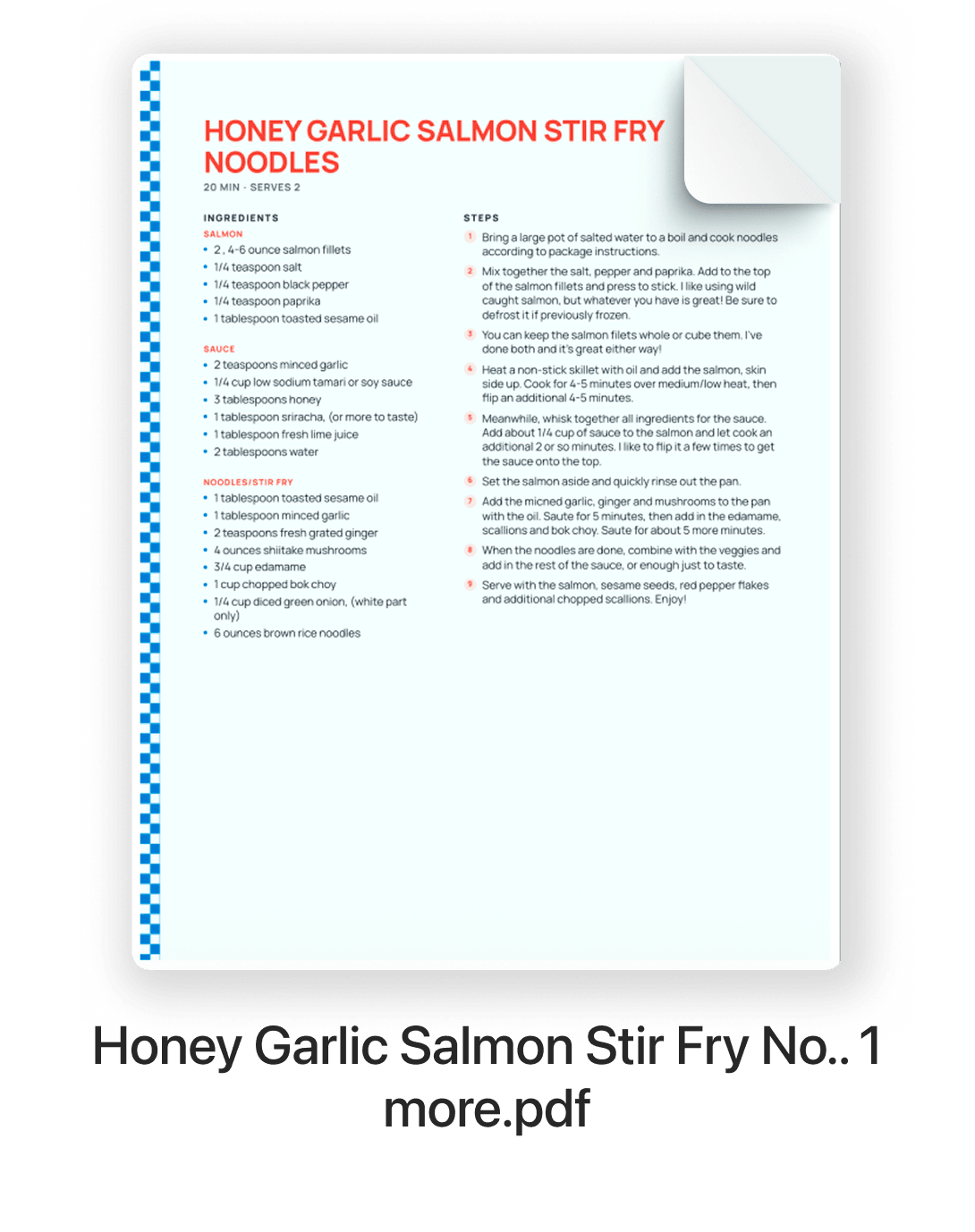
Printing at home is the simplest way to print your own cookbook as a binder or loose pages. RecipePrinter exports one US Letter PDF, with the cover as its first page.
Put the pages in a three-ring binder or sheet protectors, or take the stack to a copy shop later if you decide you want it bound.
At a copy shop
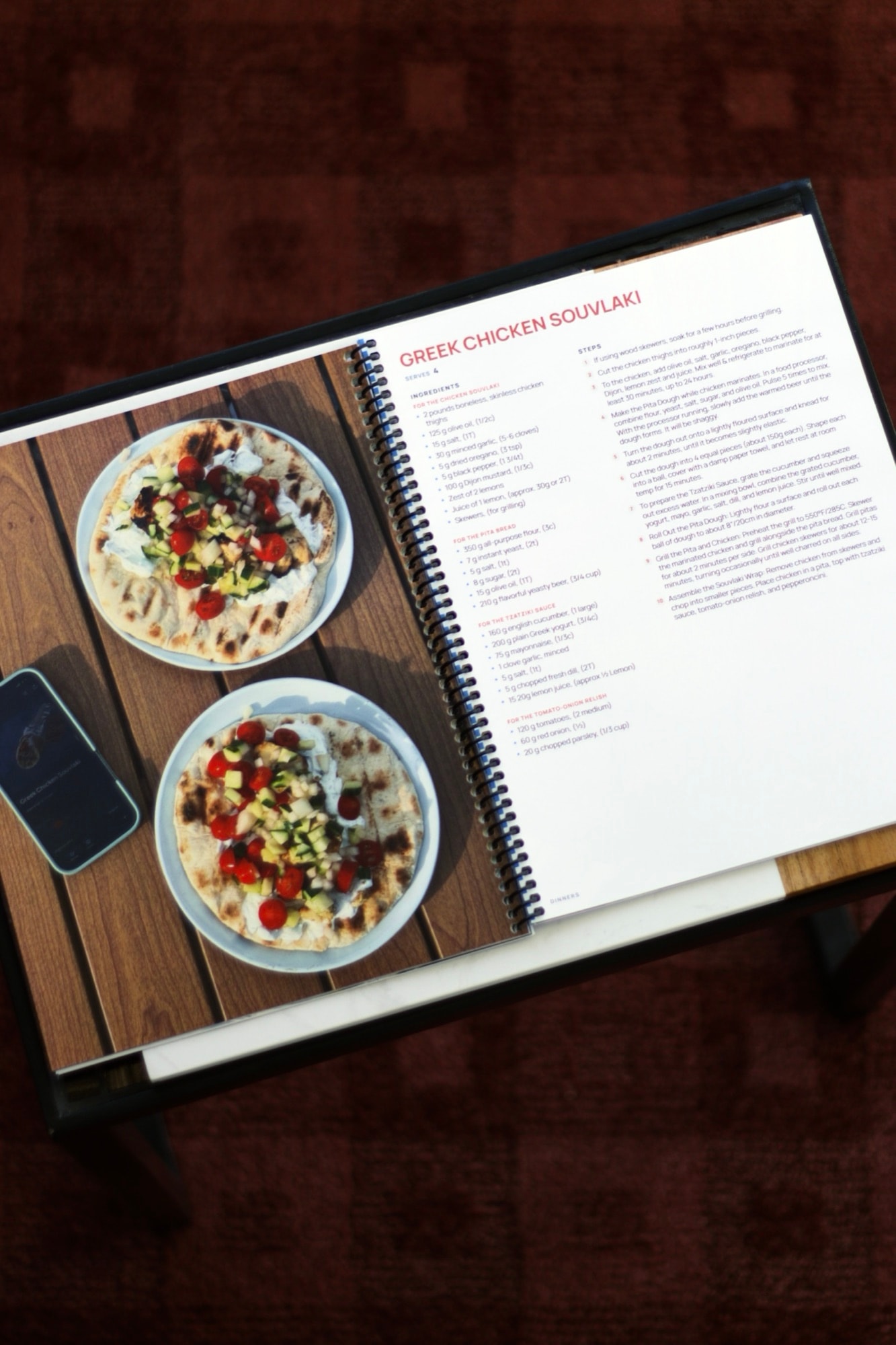
A copy shop can print the same US Letter PDF and bind it for you. It's an easy way to get a spiral or coil-bound cookbook that lies flat on the counter.
At a copy shop such as Staples, upload the PDF through the shop's website or bring the file in, then choose the paper and binding. Copy shops bind documents, so ask about the bindings yours offers; hardcovers come from a book printer.
With Lulu
Lulu prints books to order, including coil-bound and hardcover cookbooks. Choose Lulu when you export, and RecipePrinter sizes the pages for the Lulu format you pick.
Lulu takes the cover as its own file. Upload the pages to Lulu first, copy the cover dimensions and spine width it shows you into RecipePrinter, and download a cover made to those numbers. Then finish the order with Lulu, which prints and ships it.
With Blurb
Blurb is another printer for professionally made books. RecipePrinter can prepare an 8 × 10 hardcover export for Blurb's PDF upload.
The cover is a separate file so it can match the dimensions Blurb gives you for that specific book. Enter them in RecipePrinter, download the cover, and finish the order with Blurb.
“I’ve been working on making a cookbook in Canva for 10 months, and was able to do it on RecipePrinter in less than a week!”