
Make a family recipe book for Christmas
Gather family recipes, handwritten cards, and holiday favorites into a personalized Christmas recipe book you can edit, print at home, or send to a professional printer.
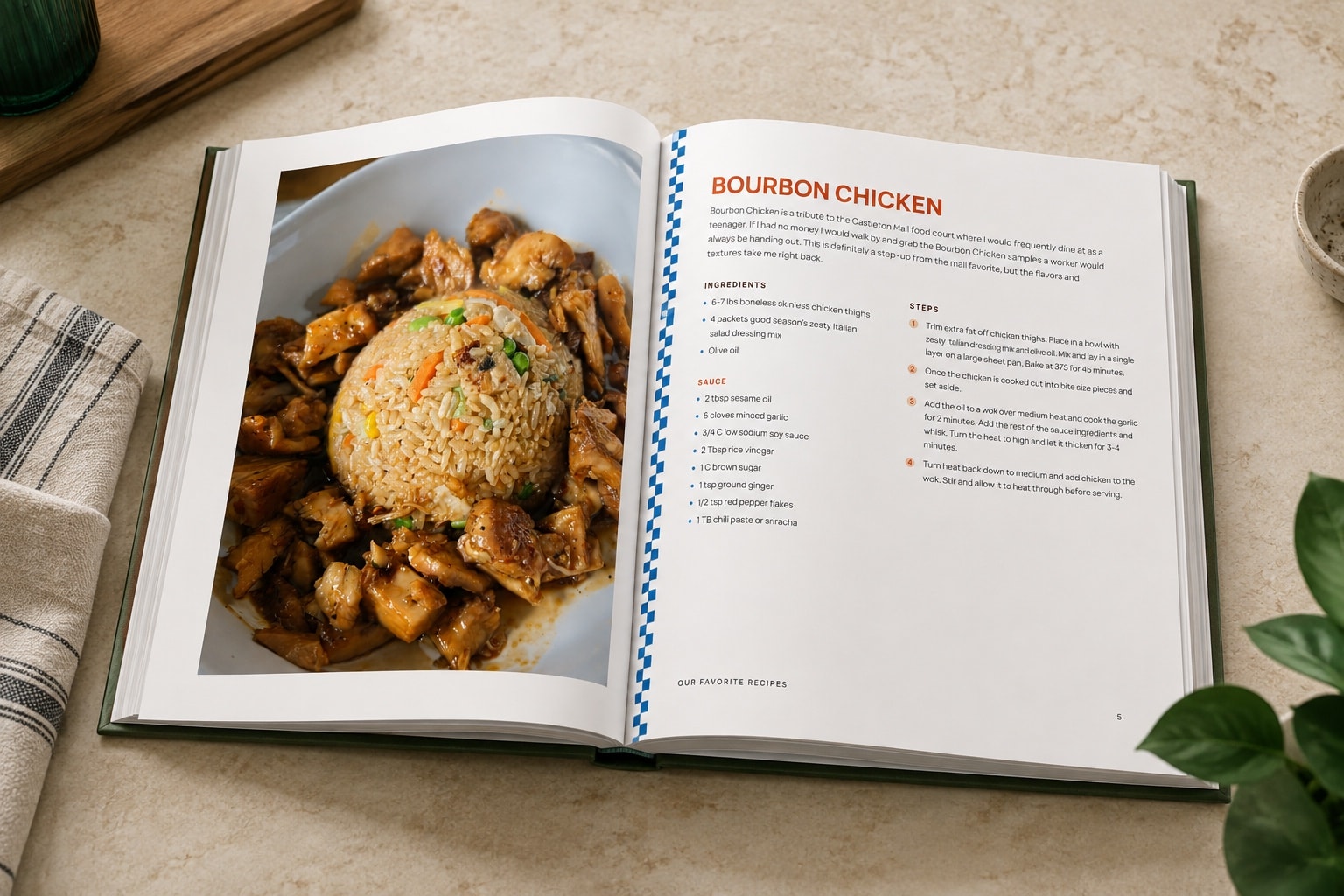
How to make a family recipe book for Christmas
- 1
Choose the family recipes to include
Start with the dishes your family makes every year, then add everyday favorites, inherited recipes, and recipes connected to people or traditions that matter.
- 2
Collect recipes from family
Ask relatives for handwritten cards, recipe photos, screenshots, links, or typed recipes. Import each one into RecipePrinter and review the text before adding it to the book.
- 3
Build the Christmas cookbook over time
Organize recipes into chapters, add a cover and dedication, and keep adding recipes as family members send them in. Page numbers and the table of contents can update as the book changes.
- 4
Print or export the finished Christmas gift
Download the finished PDF and print it at home or send it to a professional printer. RecipePrinter creates the file but doesn't physically print or ship the book.
Collect family recipes before Christmas
Old recipe cards often raise questions: a missing oven temperature, a shorthand note, or an ingredient amount only one relative remembers. Starting early gives you time to ask family members for missing details and review difficult handwriting before the cookbook is finished.
You can also keep adding recipes as relatives send them in instead of waiting until you have the whole collection at once.
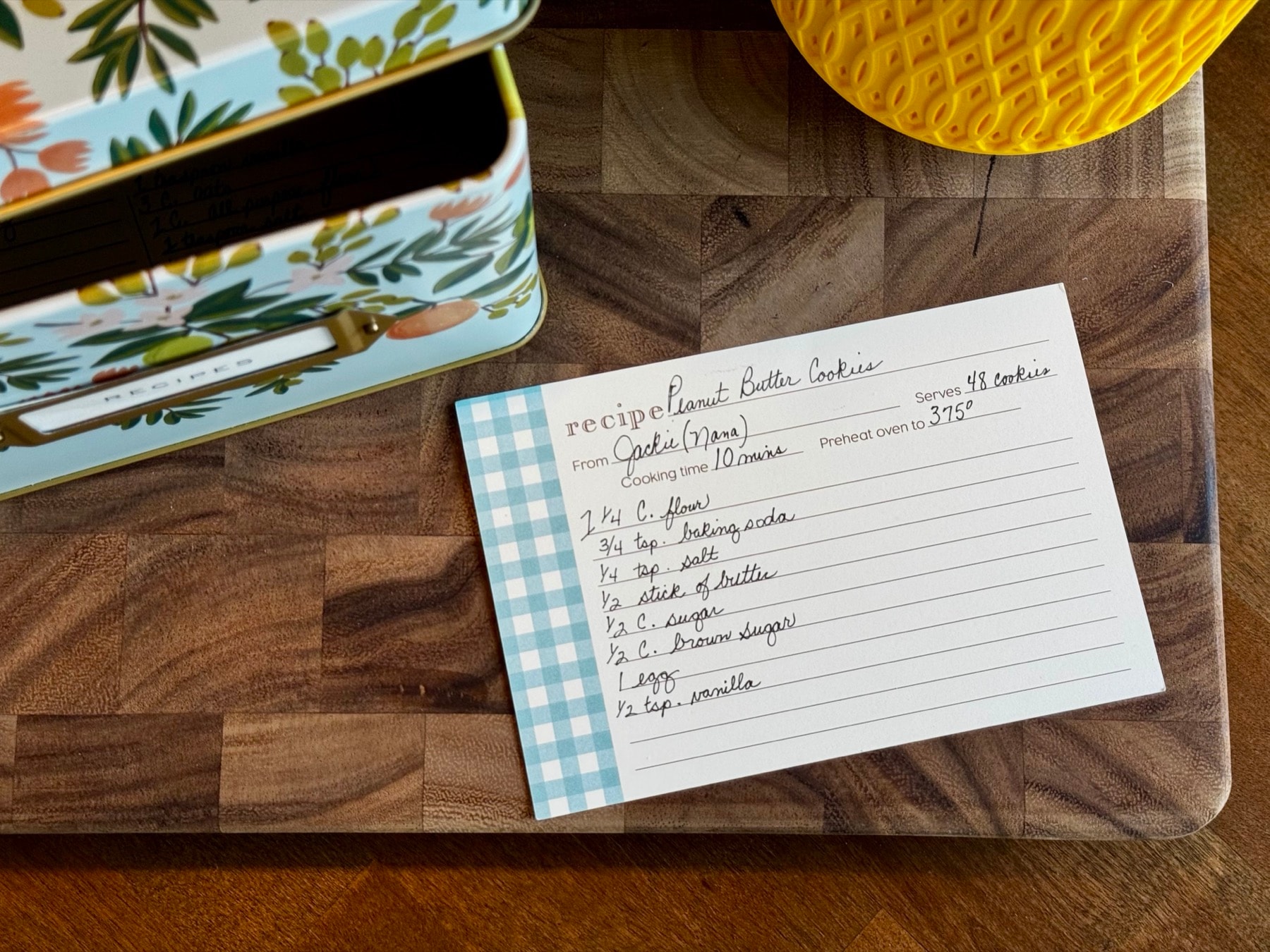
Make the Christmas recipe book feel personal
Organize the book around your own family instead of using a generic cookbook structure. Group recipes by holiday, family member, meal, tradition, or any categories that make sense for the person receiving the gift.
Use a custom cover, dedication, family notes, photos, and recipe names where supported to make the book feel like it belongs to your family.
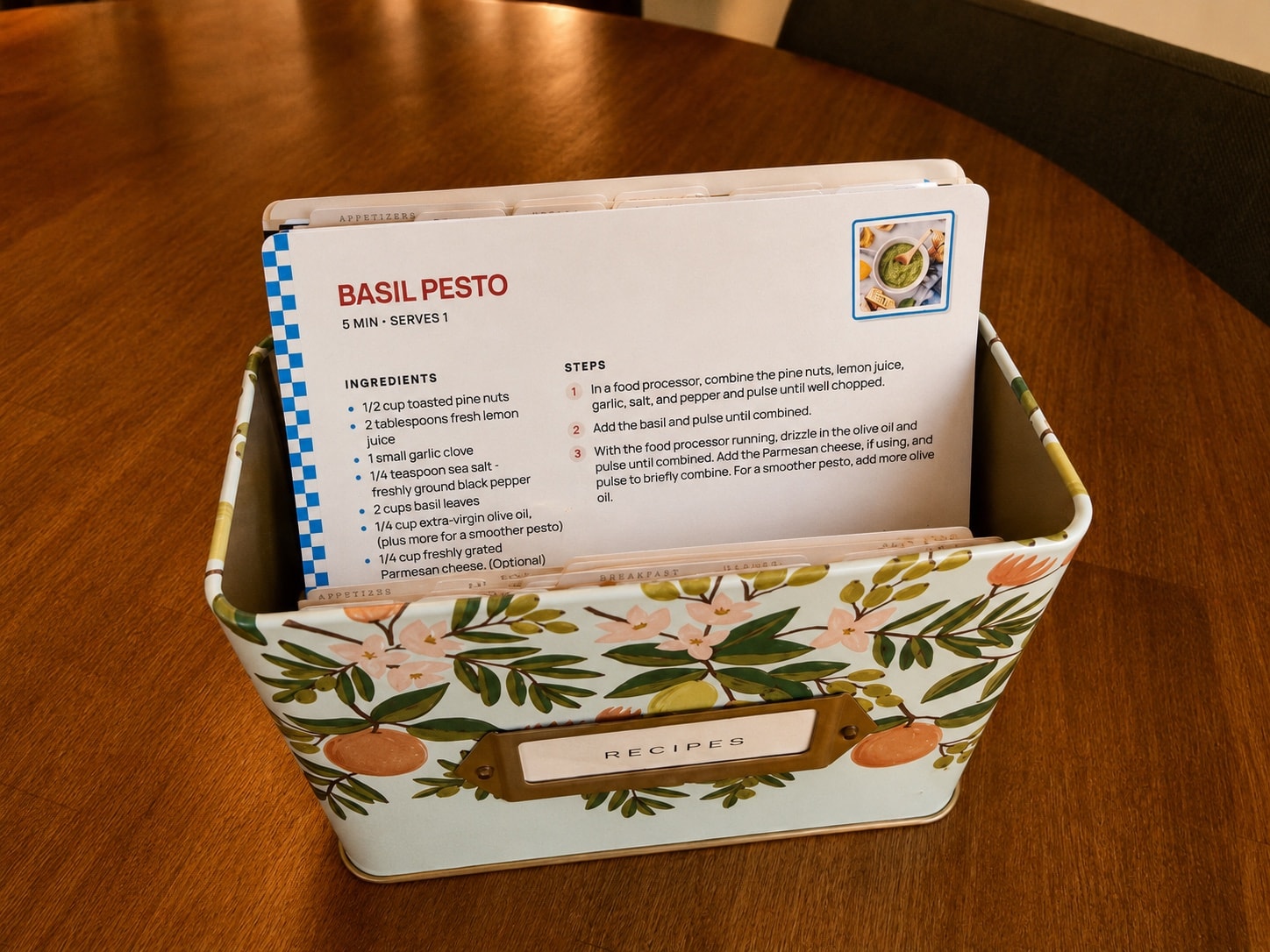
Finish the cookbook without waiting for RecipePrinter shipping
RecipePrinter creates the finished cookbook PDF instead of manufacturing or shipping a physical book. That means there's no RecipePrinter production queue or shipping cutoff.
You can print the PDF at home or send it to a professional printing service. If you plan to use an outside printer, check that company's current holiday production and delivery schedule.
Cookbook export costs $19.99 per cookbook as a one-time purchase. After purchasing that cookbook, you can keep editing it and export updated PDFs later.
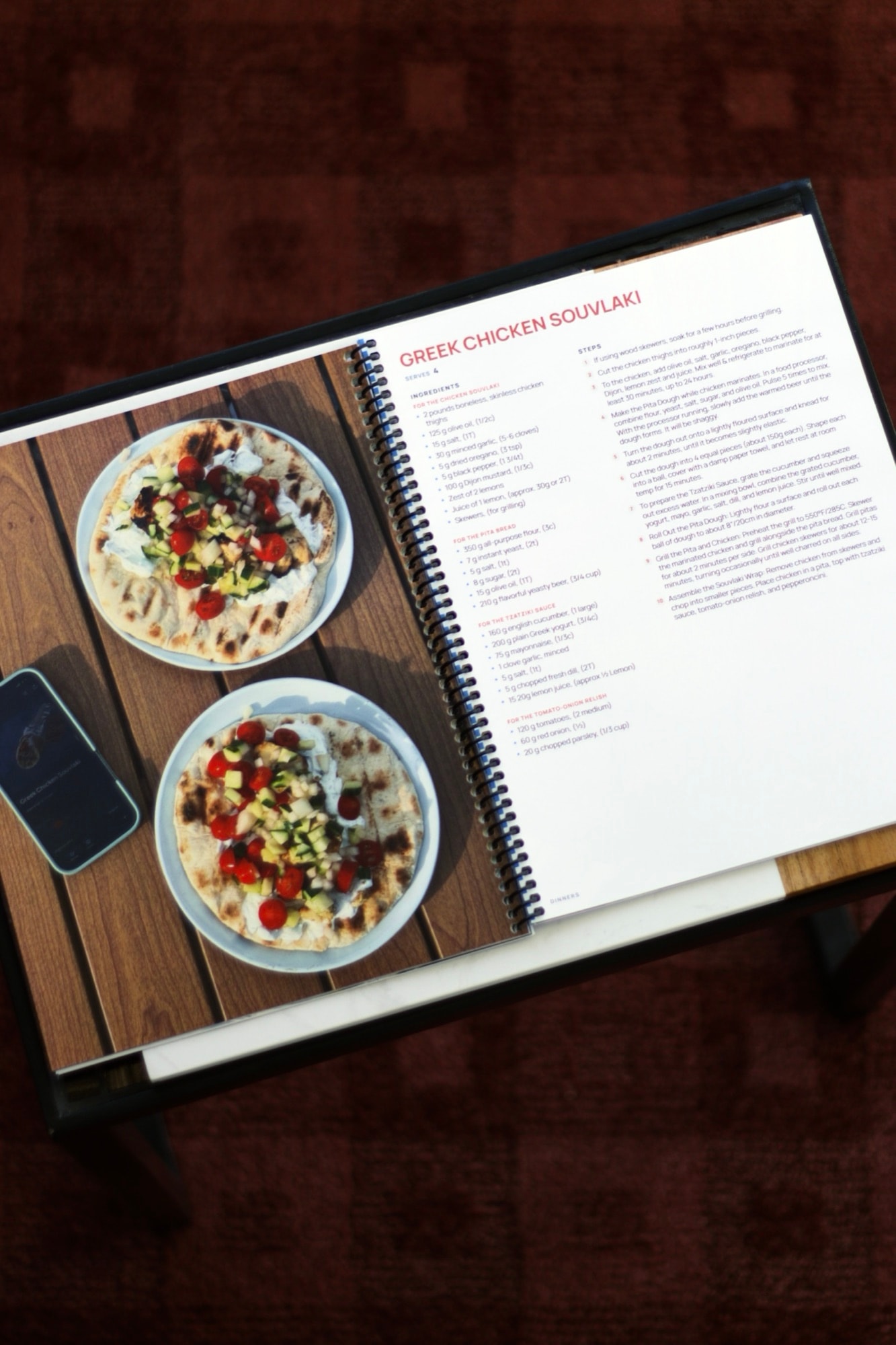
What to put in a Christmas family recipe book
Include the recipes people expect at Christmas, but don't limit the book to holiday food. Everyday family favorites, handwritten recipes from relatives, birthday dishes, baking recipes, and meals connected to family memories can make the gift more useful all year.
A smaller collection of meaningful recipes can feel more personal than trying to fill the book with every recipe the family has ever made.
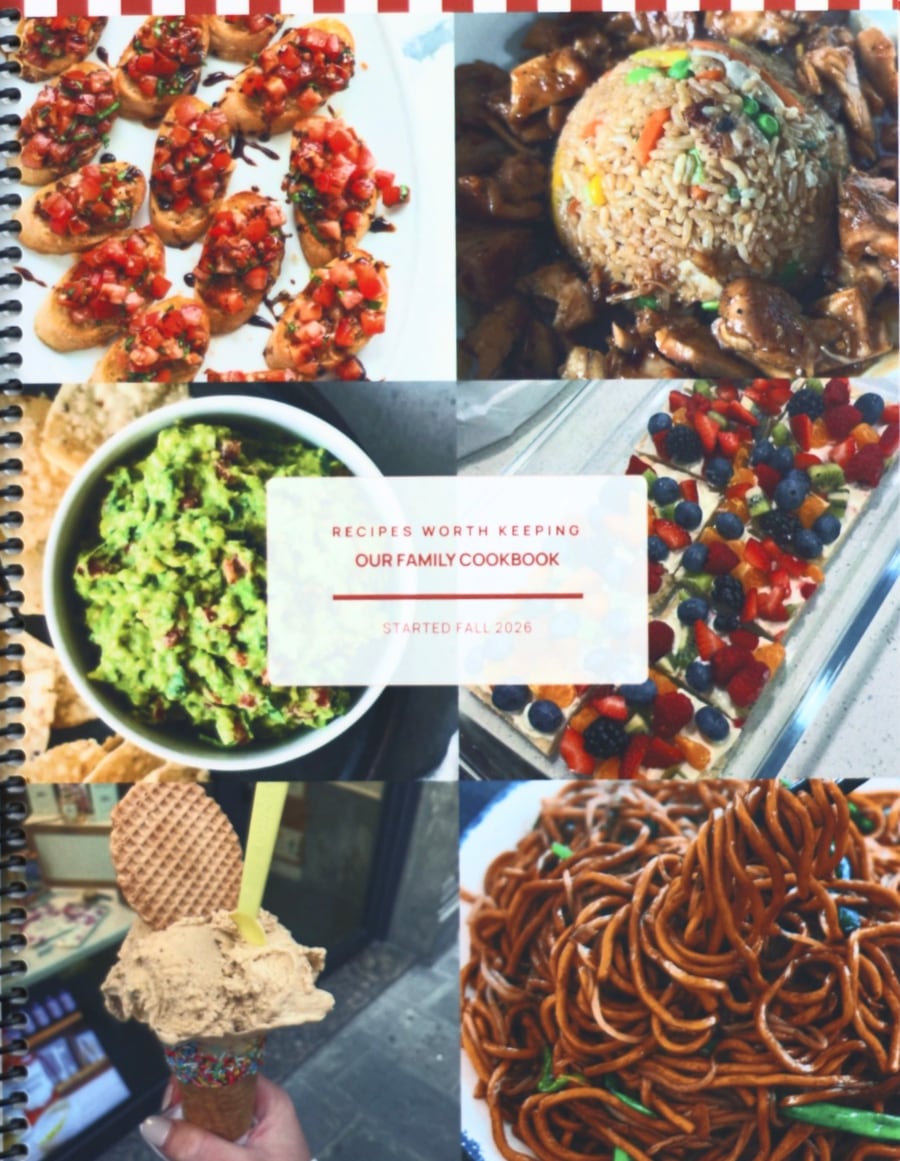
“I’ve been working on making a cookbook in Canva for 10 months, and was able to do it on RecipePrinter in less than a week!”