
A Canva alternative for recipe cards
Canva gives you a blank design and lets you build the recipe card yourself. RecipePrinter starts with the recipe. Paste a link, upload a photo, or add the text, and it turns the recipe into a card that's ready to review and print.
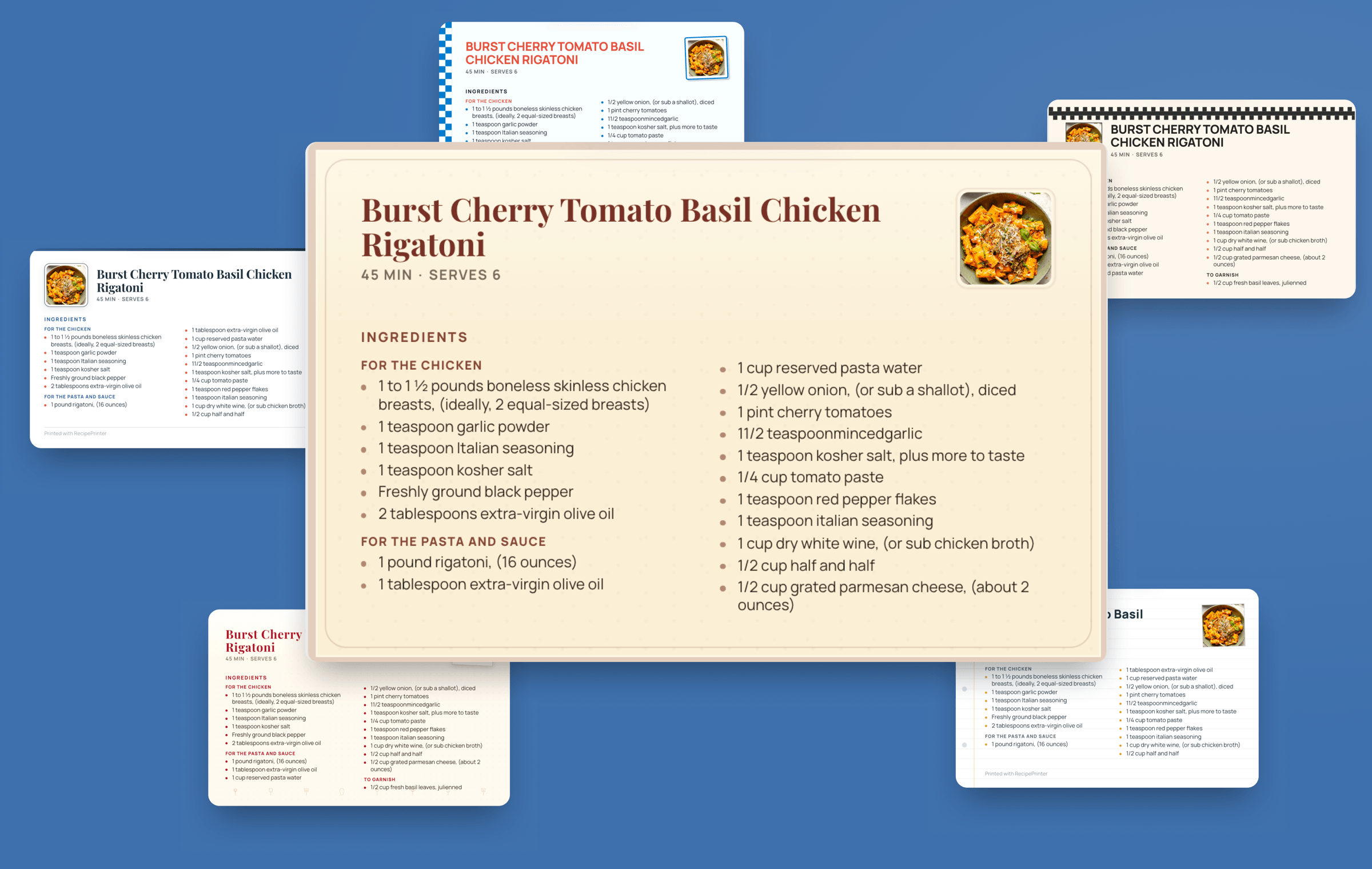
RecipePrinter and Canva, side by side
| RecipePrinter | Canva | |
|---|---|---|
| Getting recipes in | ||
| From a recipe link | RecipePrinter: YesReads the recipe for you | Canva: YesYou add the recipe yourself |
| From a photo of a handwritten card | RecipePrinter: YesReads it into editable text | Canva: YesYou place the photo or the text in your layout |
| From text you paste in | RecipePrinter: YesFormats the recipe for you | Canva: YesPaste it into your layout |
| Designing | ||
| Ready-made recipe card designs | RecipePrinter: YesRecipe-specific themes | Canva: YesLarge template library |
| Free-form design with your own elements | RecipePrinter: No | Canva: YesFull layout and design control |
| A long recipe that doesn't fit | RecipePrinter: YesContinues on the back of the card | Canva: YesResize or rearrange the layout |
| Printing | ||
| Printing at home | RecipePrinter: YesFull pages free; 4×6 cards with Pro | Canva: Yes |
| Printed and delivered to you | RecipePrinter: No | Canva: YesCanva Print, where available |
| Cookbooks | ||
| Cookbook with a cover, chapters, and contents | RecipePrinter: YesBuilt from your recipes | Canva: YesCreate and arrange each page yourself |
No typing, no copying box by box
In a design tool, a recipe card is a layout you fill in yourself: the title in one box, the ingredients in another, the instructions somewhere else.
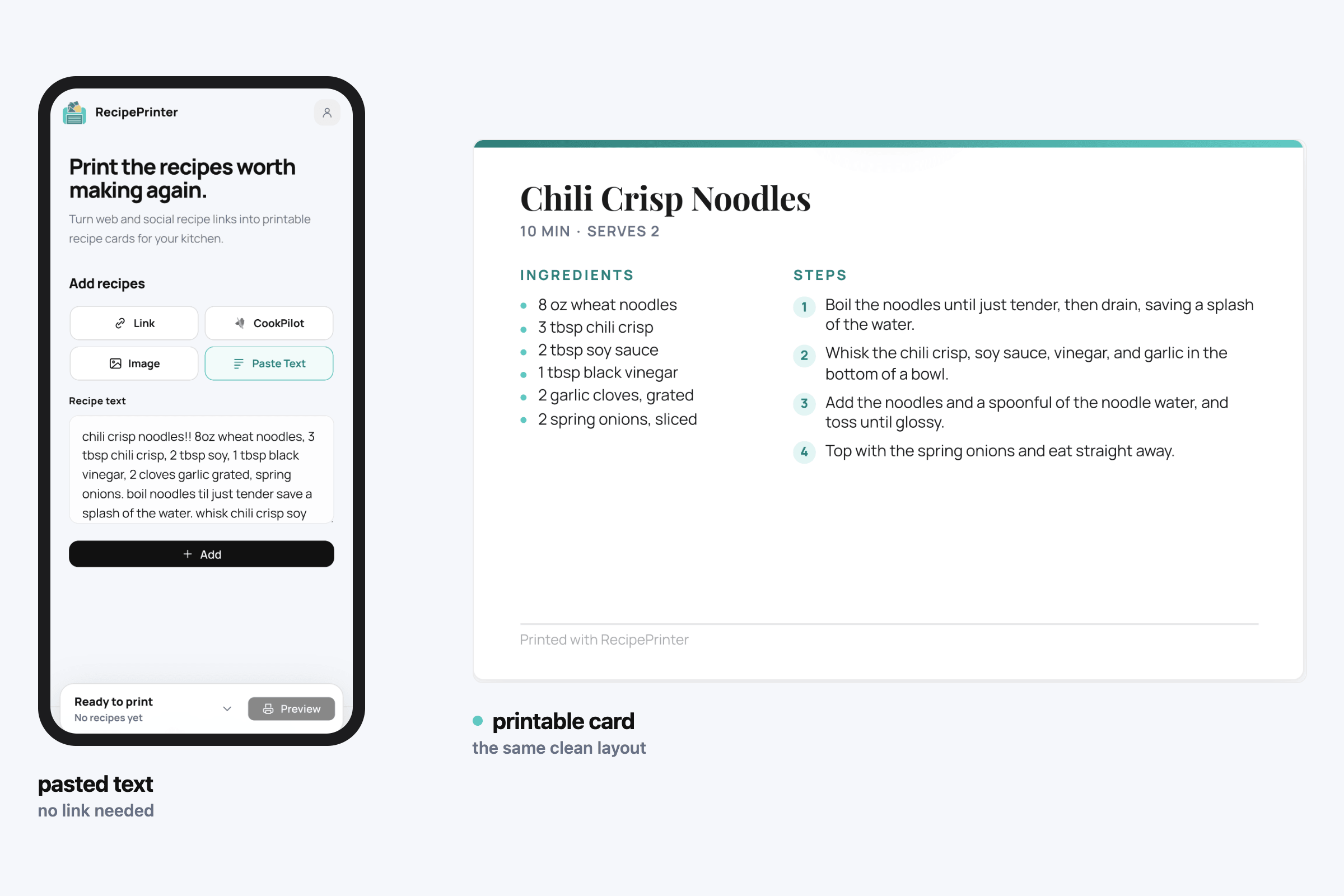
RecipePrinter is a recipe card maker that starts with the recipe instead. Paste a website link, upload a photo of a handwritten card, or paste the text, and it becomes an editable recipe you can print.
Long recipes fit without fiddling
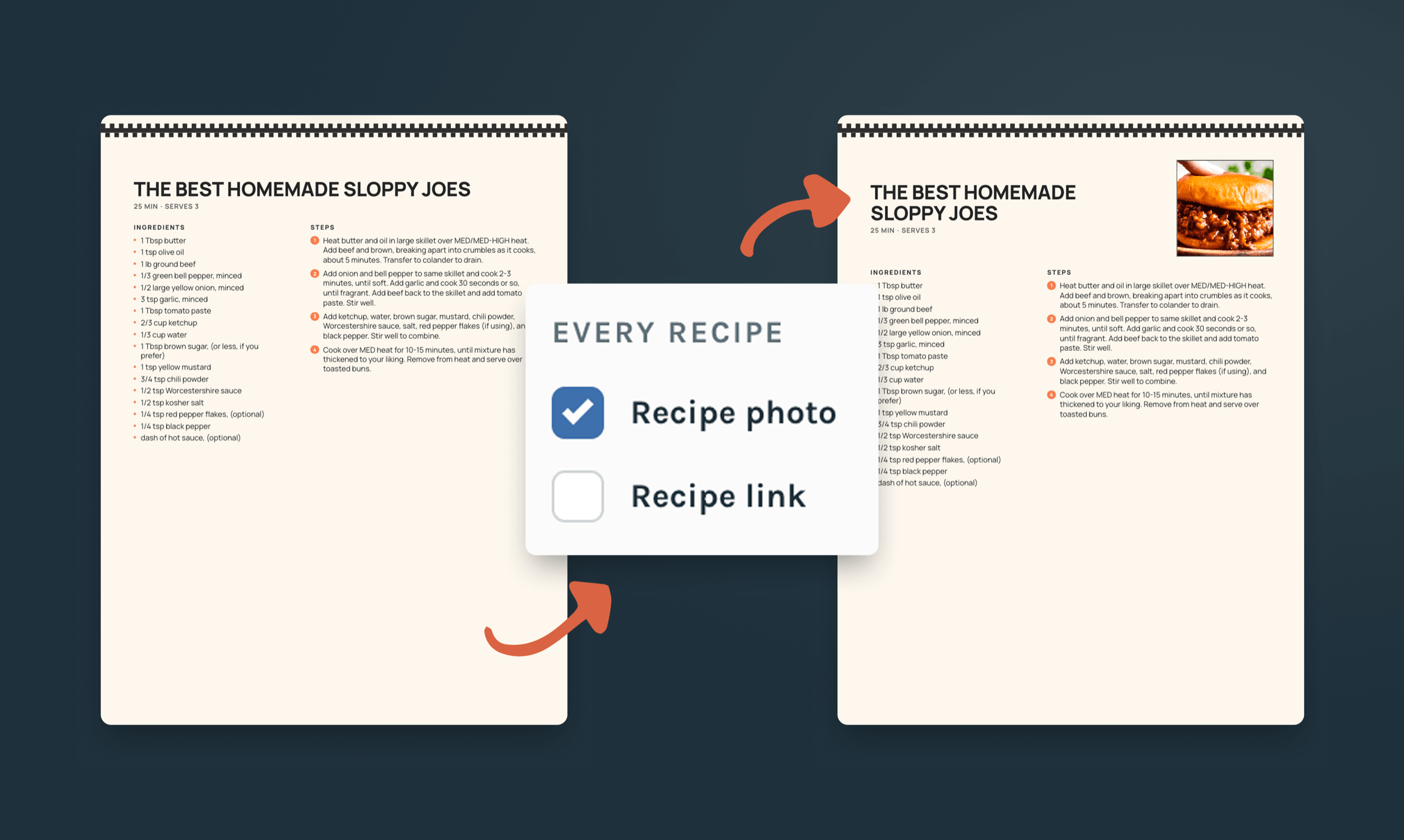
Some recipes don't fit on one side of a 4×6 card. Instead of shrinking the type or rearranging everything by hand, RecipePrinter continues the recipe onto the back of the card.
Two-sided printing is on by default. Set your printer to flip on the long edge and the front and back line up.
Where Canva is the better choice
If you want full control over every element, Canva is the better tool. You can design from a blank canvas, move elements anywhere, use a huge template library, and make something that doesn't need to behave like a recipe.
RecipePrinter is narrower on purpose. It's built for recipes, so you give up some design freedom in exchange for less setup.
Questions about RecipePrinter and Canva
- How do I choose between them?
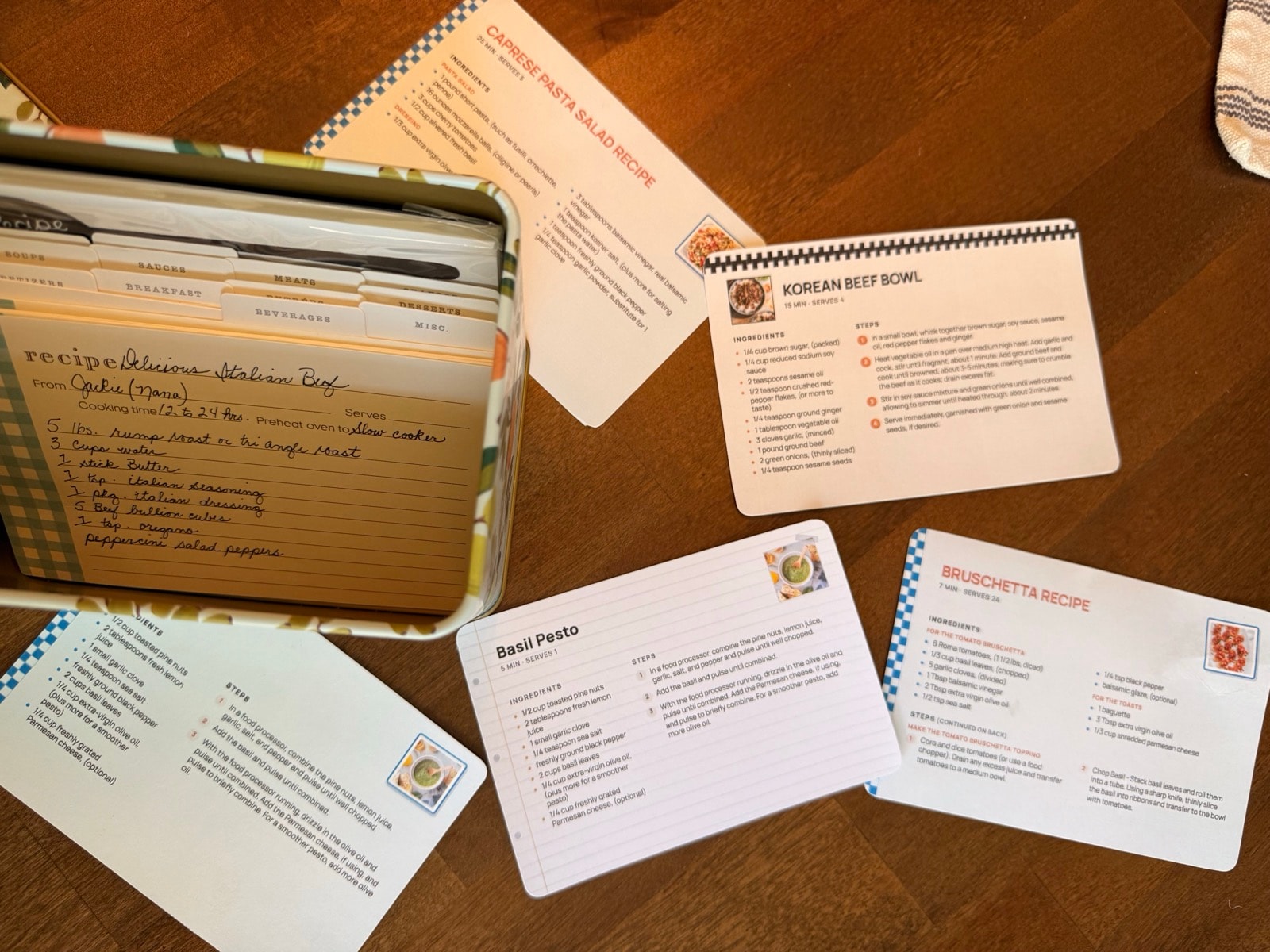
- If you want to design every detail yourself, Canva gives you more freedom. If you already have the recipe and want a clean printable recipe card or cookbook without laying it out by hand, RecipePrinter is built for that.
- What does each one cost?
- Canva has a free plan and paid Canva Pro plans; current pricing is on Canva's site. RecipePrinter prints full-page recipes free, with no account. 4×6 cards, premium themes, and printing several recipes at once are RecipePrinter Pro, $4.99/mo or $39.99/yr. A cookbook is $19.99, paid once per cookbook.
- Can I make a whole cookbook instead of single cards?
- Yes. RecipePrinter turns your recipes into a cookbook with a cover, chapters, section pages, and a table of contents. Export the finished cookbook as a PDF to print at home or with a printing service.Cookbook maker
- Can I print several recipe cards at once?
- Yes, with RecipePrinter Pro. Add the recipes you want, then print them in one job with the same card size and theme, so the stack matches.Print multiple recipes at once